
Hot search terms: 360 Security Guard Office365 360 browser WPS Office iQiyi Huawei Cloud Market Tencent Cloud Store
Hot search terms: 360 Security Guard Office365 360 browser WPS Office iQiyi Huawei Cloud Market Tencent Cloud Store

image processing Storage size: 2.6 MB Time: 2021-03-02
Software introduction: Adobe Illustrator CC 2017, referred to as "AI CC2017", is a software developed by Adobe that is used in publishing, multimedia and online...
Recently, some friends have consulted the editor on how to draw three-dimensional graphics in Adobe Illustrator CC 2017? Here we bring you Adobe Illustrator CC Friends who need it can learn more about the method of drawing three-dimensional graphics in 2017.
The first step: Open the Adobe Illustrator CC 2017 software and create a new canvas (as shown in the picture).
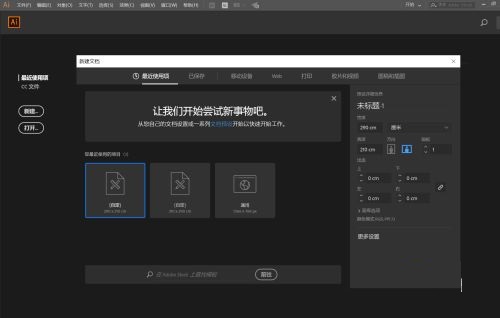
Step 2: Select the polygon tool and draw a triangle at will (as shown in the picture).
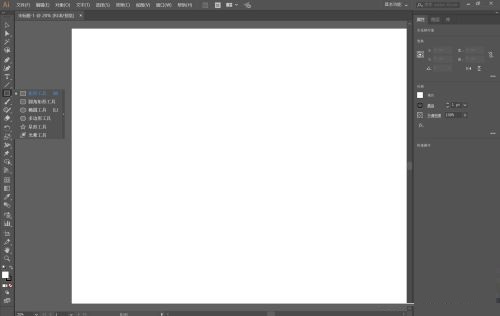
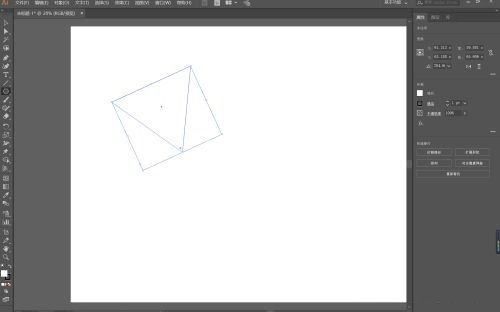
Step 3: Drag with the anchor point to change the triangle to an obtuse angle (as shown in the picture).
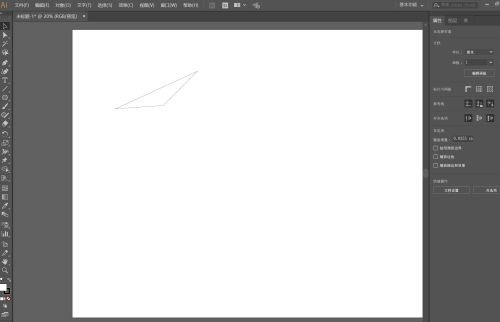
Step 4: Click on the triangle and select Effect-3D-Rotate (as shown in the picture).
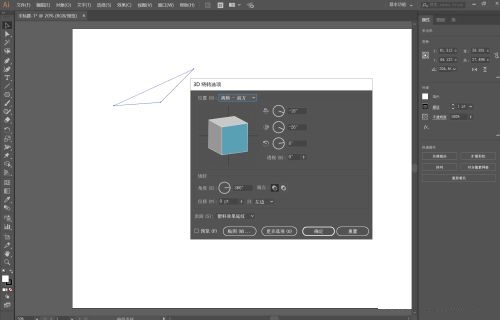
Step 5: Check the preview box and adjust until you achieve your ideal three-dimensional image.
The above is the entire content of how to draw three-dimensional graphics in Adobe Illustrator CC 2017 brought to you by the editor. I hope it can help you.

 How to upgrade software in 360 Software Manager? -How to upgrade software in 360 Software Manager
 Microsoft Edge browser
 Steam
Steam
 Tencent Video
 WPS Office
 iQiyi
iQiyi
 Sohu video player
 Lightning simulator
 MuMu emulator
 Eggman Party
 What to do if there is no sound after reinstalling the computer system - Driver Wizard Tutorial
 How to switch accounts in WPS Office 2019-How to switch accounts in WPS Office 2019
 How to clear the cache of Google Chrome - How to clear the cache of Google Chrome
 How to fire bullets in scratch-How to fire bullets in scratch


