





 You may like




Wallpaper worry-free highlights
Intelligent recommendation function:
Based on users' browsing and selection habits, similar or popular wallpapers are recommended to improve user experience.
Provide popular wallpaper recommendations to allow users to keep up with fashion trends.
HD quality:
All wallpapers are of high-definition quality, providing users with clear and delicate visual enjoyment.
Supports adaptive screen, automatically matches device parameters, no need for manual cropping, each wallpaper can be perfectly presented.
Social interaction:
Support sharing your favorite wallpapers to social platforms to enjoy them with friends.
Provide comment and like functions to enhance social interaction between users.
Main functions
Massive wallpaper resources:
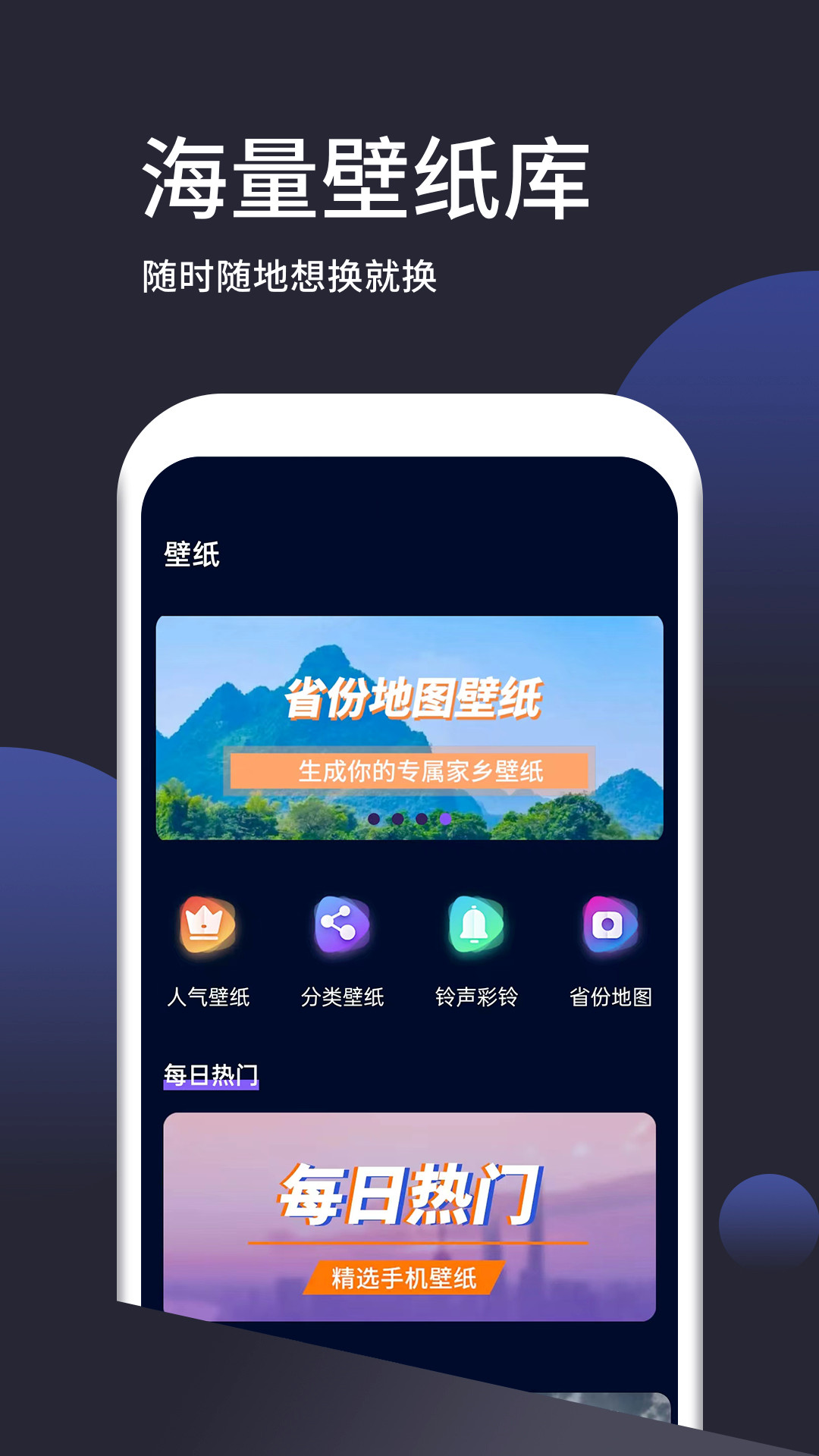
It provides hundreds of thousands of high-definition wallpapers, covering more than ten categories such as scenery, people, plants, food, architecture, and cute things.
More than 200 high-definition wallpapers are updated every day, and exquisite wallpapers of different themes are pushed to ensure that users can always get the latest content.
Provides a popular wallpaper section, which collects wallpaper resources with high download volume, making it easier for users to discover high-quality content.
Personalized customization functions:
Supports wallpaper DIY function, users can freely create exclusive wallpapers through built-in tools, such as cropping, resizing, adding filters, etc.
Provides intelligent search function, users can quickly locate their favorite wallpapers through keywords, or get intimate recommendations through personalized tags.
Supports perfect preview of lock screen and desktop to ensure wallpaper adaptation effect.
Convenient operating experience:
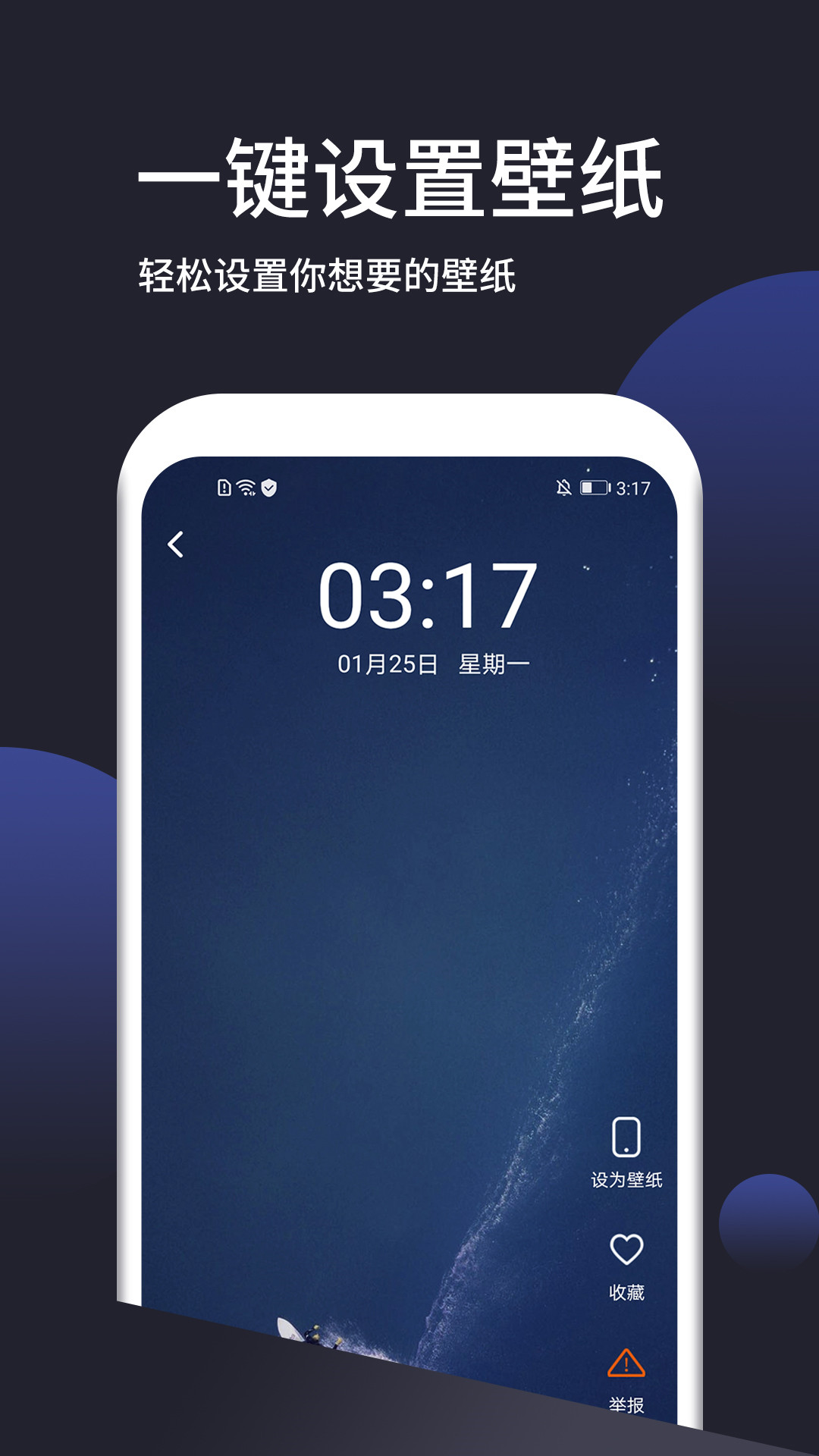
Set wallpaper to desktop or lock screen with one click, easy and fast operation.
Supports swiping the screen left and right to quickly switch previews and enjoy a full-screen visual feast without blind spots.
Automatically caches browsed wallpapers to reduce traffic waste, and supports one-click clearing of the cache to save device space.
FAQ
How to set wallpaper?
After finding a wallpaper you like in Wallpaper Free, click on the wallpaper to enter the preview interface.
Below or on the right side of the preview interface, there is usually a "Set Wallpaper" or similar button. Click to apply the wallpaper to the phone's desktop or lock screen.
How to delete or manage downloaded wallpapers?
Users can view downloaded wallpapers in "My Wallpapers" or similar functional modules of Wallpaper.
Long press or click the delete button next to the wallpaper to delete unwanted wallpapers.
Users can also categorize and manage wallpapers to facilitate future search and use.
Wallpaper worry-free update log:
1. Sweep the bug out and carry it out to the end
2. The most stable version ever
Huajun editor recommends:
This software is powerful and easy to operate. I hope you will like it. In addition, this site also hascall show,3D wallpaper,Live wallpaper,tuling,Xiaomi desktopWaiting for software, welcome to Huajun Software Park to download!













Your comment needs to be reviewed before it can be displayed