





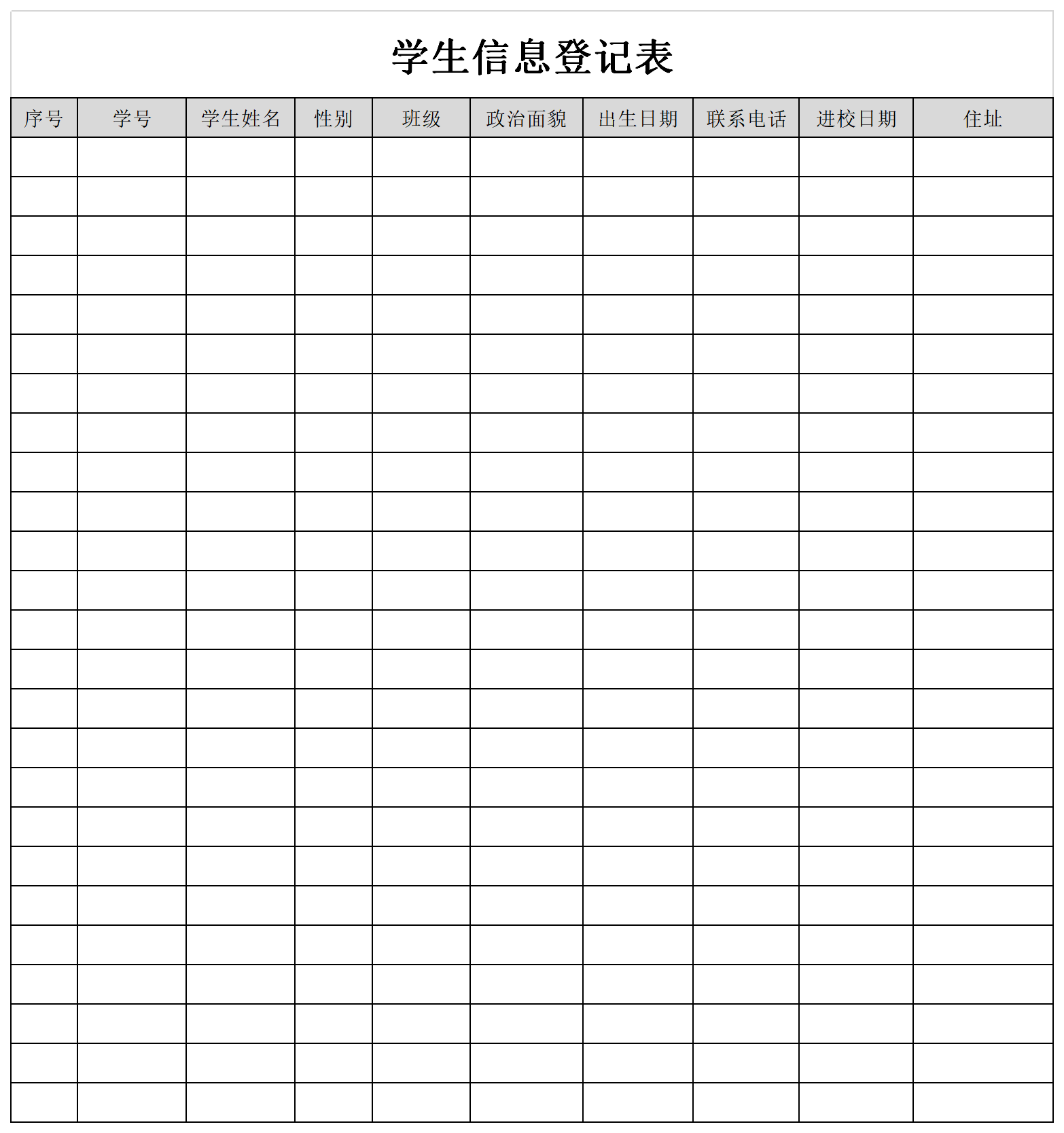
Whether it is a public school or a private education and training institution, it is necessary to manage student information. After the school uses the student information management system, how does the teacher register the student information so that later management can more easily query it? Download the student information registration form template from this site and try it out. I hope it can help you!
General Tips for Student Information Registration Form
1: Forced line breaks within cells
By pressing alt+Enter after a certain character in a cell, you can force the cursor to the next line.
2: Automatic line wrapping
After typing the text in the cell, find the "Automatically wrap" button on the toolbar and you can freely switch the text between wrapping and not wrapping.
3: Hide the chapter list
Select the first line, hold down [shift+F] to open the "Find and Replace" dialog box, "Remarks to find all, hold down shift+A to select all, then close the dialog box, hold down [ctri+0] to hide
4: Quickly select specific columns
Select the table area, click the "Create from selected content" dialog box under the [Formula] tab, select "First Row", after the settings are completed, open the name box in the upper left corner, click the corresponding list to jump to the specified column.




Useful
Useful
Useful