
-
Network Toolbox
- Size: 31.14M
- Language: Simplified Chinese
- Category: Network detection
- System: win7 and above






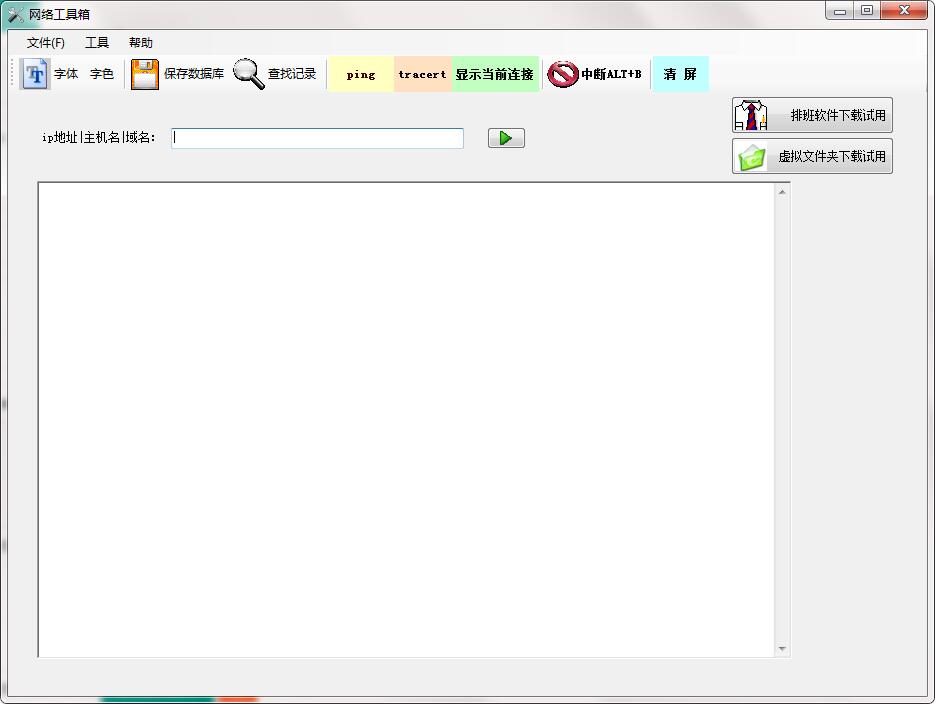
The official version of Network Toolbox is a network-assisted detection tool created by Tao Software. The latest version of the network toolbox has a simple network command running interface, which can help users quickly check the running status of network connection commands. The network toolbox is simple to operate and supports multiple command types for query, providing an effective solution for troubleshooting network faults.

Introduction to Network Toolbox Software
Network Toolbox can help you run some common network running commands in the tool. It includes IP ping value, tracert route tracking, etc. It can record the data value you query into the software database, thus saving your historical query record.
Network toolbox software features
1. Provides a network command execution interface
2. Supports ping, tracert and other network connection commands to run easily
3. The results can be recorded in the database, and the database can be restored when necessary
4. Query can be performed based on time, domain name or command type, providing convenient conditions for network troubleshooting
Network toolbox installation steps
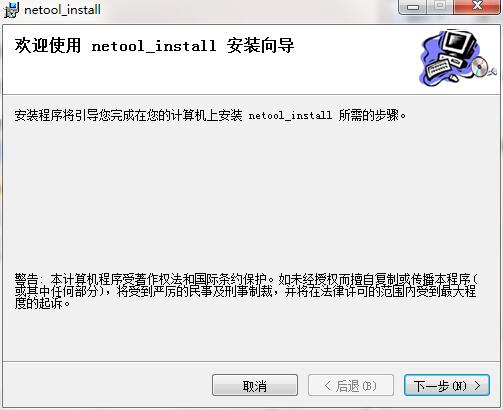
1. Download the official version of the network toolbox installation package from Huajun Software Park. After unzipping, double-click the exe program to enter the installation wizard and click Next
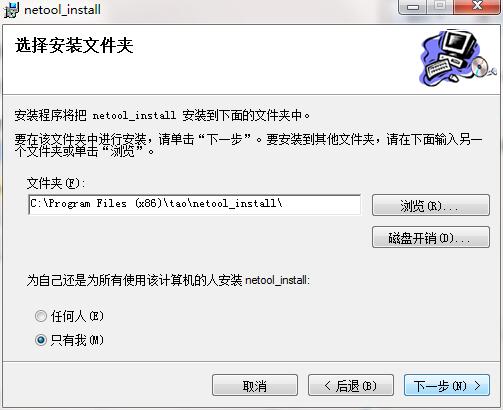
2. Click "Browse" to select the installation folder. Generally, it is installed on the C drive of the computer by default. It is recommended to install on the D drive. Click Next.
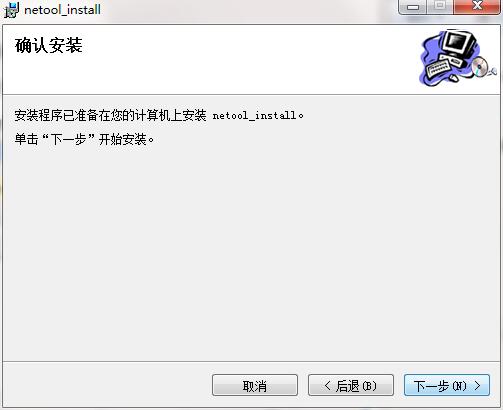
3. The installation program is ready, click Next to install
4. The network toolbox installation is complete, click Close to exit the installation wizard

Network Toolbox Update Log
1. Added executable IP types
2. Added some database management functions
3. Solved some known issues in the format
4. Fixed some bugs and optimized the software interface
Huajun editor recommends:
After so many years of updates and optimizations, the Network Toolbox has become more humane and more technological. It is highly recommended to everyone and you are welcome to download it. If you are interested, you can also download the network traffic statistics tool, Firefox Enterprise Edition, and Batch Butler.
Version: 1.0 official version | Update time: 2024-12-23
Similar recommendations






Latest updates




Network Toolbox Review
-
1st floor Huajun netizen 2015-03-09 00:16:46The network toolbox is very useful, thank you! !
-
2nd floor Huajun netizen 2019-02-12 08:54:32The network toolbox interface design is easy to use and has rich functions. I highly recommend it!
-
3rd floor Huajun netizen 2021-07-21 12:25:55The network toolbox software is very easy to use, the download speed is very fast, and it is very convenient!
Recommended products










- Diablo game tool collection
- Group purchasing software collection area
- p2p seed search artifact download-P2P seed search artifact special topic
- adobe software encyclopedia - adobe full range of software downloads - adobe software downloads
- Safe Internet Encyclopedia
- Browser PC version download-browser download collection
- Diablo 3 game collection
- Anxin Quote Software
- Which Key Wizard software is better? Key Wizard software collection




