
-
Office Assistant
- Size: 32.4M
- Language: Simplified Chinese
- Category: Office software
- System: WinAll







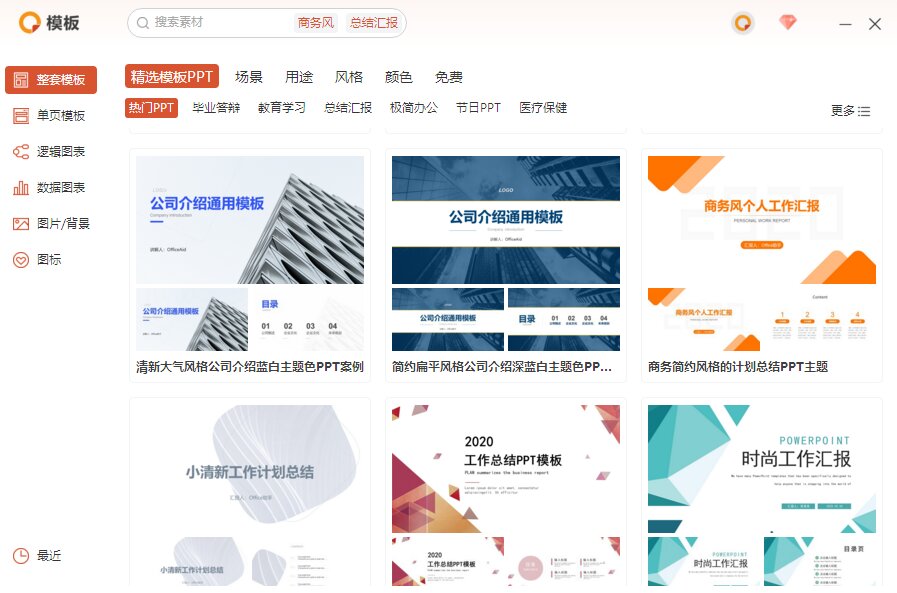
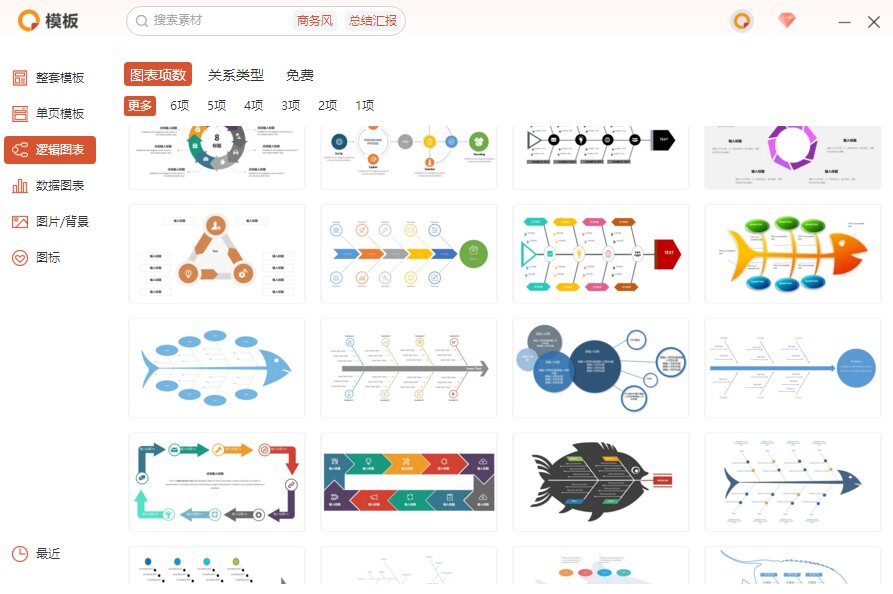
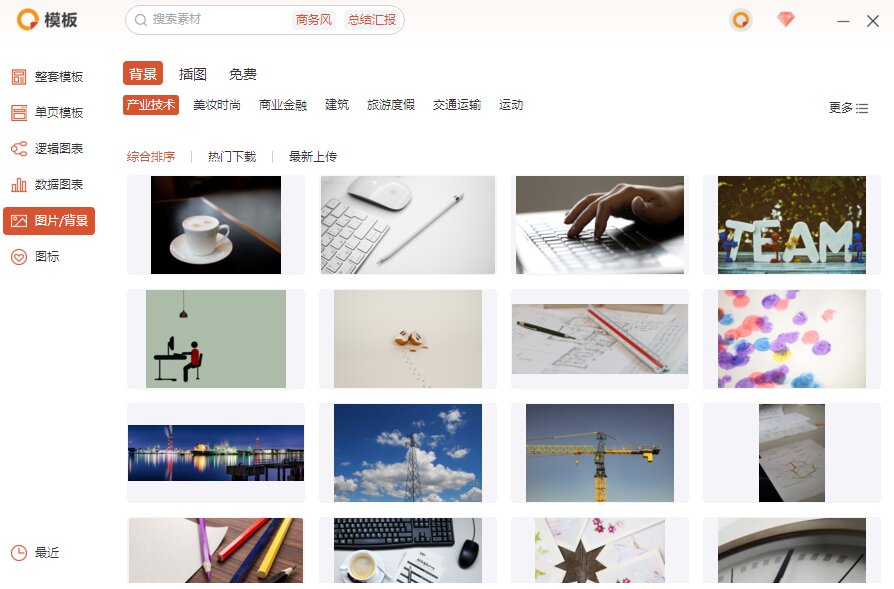
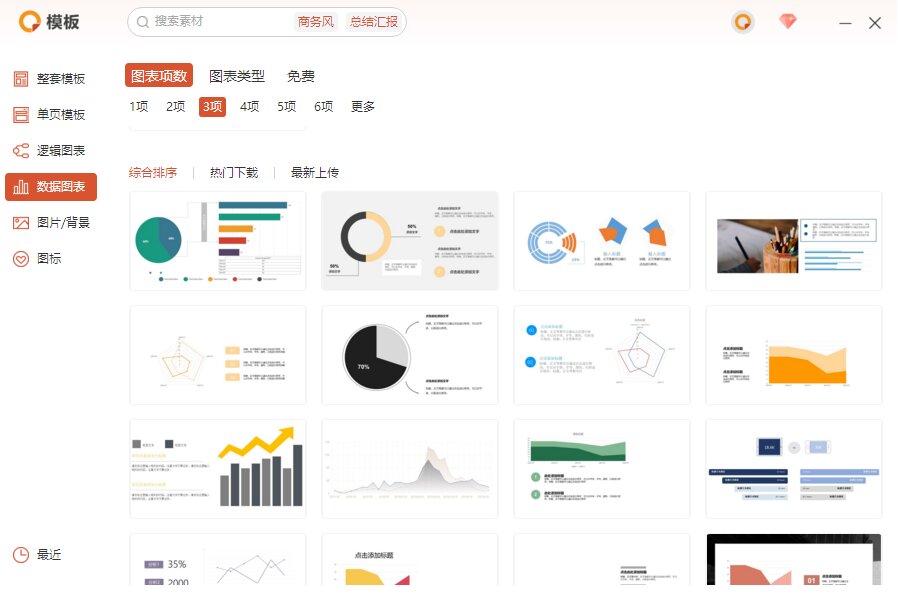
Office AssistantIt is a design plug-in based on the Office ecosystem, which provides a large number of internalPPT,Word,ExcelOffice templates comprehensively cover most common office scenarios, saving you a lot of timeofficetime. Office Assistant also provides office document processing functions. The font unification, paragraph unification, and color unification functions can quickly adjust basic text. Office Assistant has a large number of built-in AI document processing tools, and you can optimize and score documents with one click. Everyone is welcome to download and continue to pay attention!

Office assistant software software features
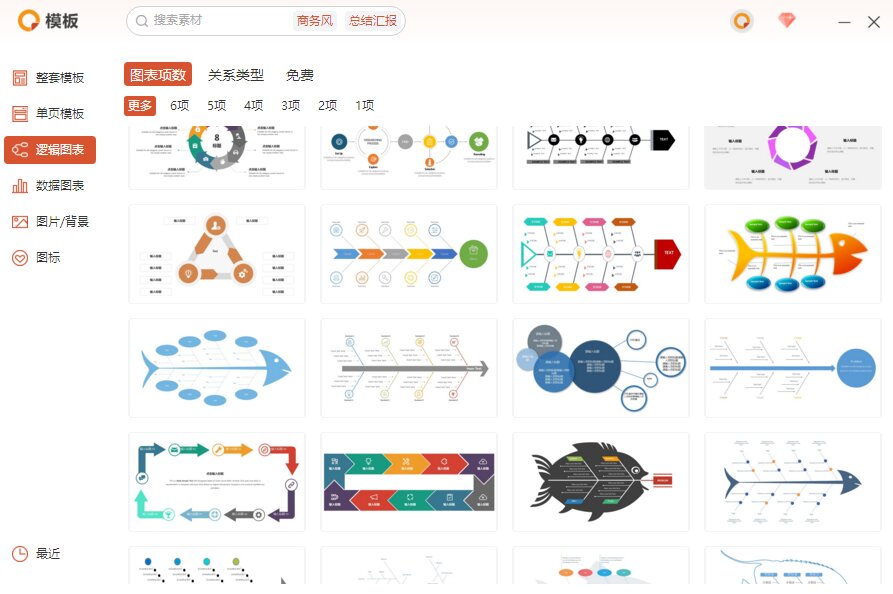
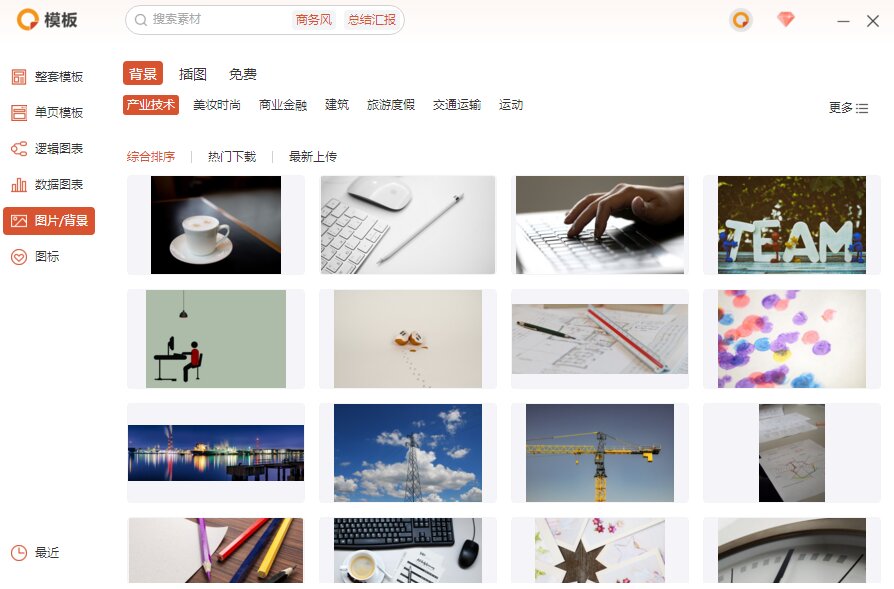
Office Assistant LibraryOffice Assistant has built-in three types of templates: PPT, Word, and Excel, with the participation of top domestic designersdesign, covering most office scenarios. Currently, the material library contains 30,000+ materials, including PPT template materials, Word template materials, Excel template materials, pictures, charts, icons and other high-quality content.
PPT fonts, paragraphs, and colors can be unified with one click
Provide users with this function in the Office Assistant, just clickmenuThe functions in the column can quickly change the Chinese and English fonts and paragraph alignment in PPT.

Office Assistant 3D folding can quickly makepicturesPresent a three-dimensional sense
One-click document optimization
Office Assistant Document Optimization can directly score and repair the current document
PDF conversion function
Office Assistant has a built-in PDF document processing function, which can convert PDF to Word, Excel, PPT, pictures, etc. It can also realize PDF splitting, encryption, decryption, merging, compression and other functions.
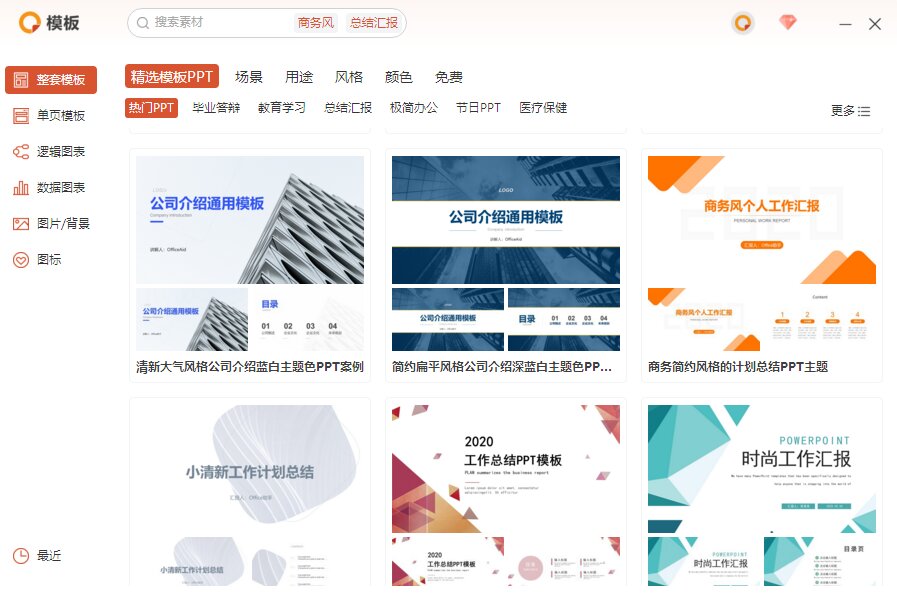
Office Assistant Installation Wizard
Before installing Office Assistant, please make sure you have installed Office and the version is 2007 or above, and the Windows operating system is XP or above.1. Download and install Office Assistant,
2. Restart Office,
3. After opening Office, you can find the Office Assistant in the upper menu bar and start using it.
Editor's message
Office Assistant has a large number of high-quality office templates, covering a variety of office scenarios. It has a strong sense of design, rich content, and the design team is all top names in the industry. All templates are constantly being updated!
FAQ
VSTO error prompted during installation
Reason:
The Visual Studio Tools for Office (VSTO) component is not installed or is corrupted.
Solution:
Reinstall the VSTO support library components.
Make sure the system meets the minimum requirements for Office Assistant.
Office Assistant menu not showing
Reason:
It was intercepted by anti-virus software during the installation process.
The software version is incompatible (for example, WPS and Office Assistant do not match).
Solution:
Add trust in antivirus software.
Make sure that the Office/WPS version meets the requirements (such as Office 2013 and above, WPS 2019 and above).
Office Assistant update log
1. Fixed BUG, and the new version has a better experience
2. Changed some pages
Huajun editor recommends:
Office Assistant is a very good office software. I secretly tell you that I also use this software, and I don’t tell others about it! Powerful, green and safe. Huajun Software Park also provides you with current goals, batch small butlers, cloud machine butlers, etc. for you to download.
Version: Official version | Update time: 2025-06-16
Similar recommendations





Latest updates





Can Office Assistant be uninstalled? How to uninstall Office Assistant?
How to create a folder on Thunder Cloud Disk - How to create a folder on Thunder Cloud Disk
How to take screenshots in Video Pioneer? -How to take screenshots in Video Pioneer
Stickman War Legacy web version entrance-Stickman War Legacy online play
How does kimi generate PPT? -Kimi’s operation process for generating PPT
Peace Elite instant play entrance-Peace Elite web version online play entrance without login
Office Assistant Review
-
1st floor Huajun netizen 2021-06-24 09:05:31Office Assistant is very useful, thank you! !
-
2nd floor Huajun netizen 2020-12-03 08:13:01Office Assistant is awesome! 100 million likes! ! !
-
3rd floor Huajun netizen 2021-03-26 16:07:06The overall feeling of Office Assistant is good, I am quite satisfied, the installation and operation are very smooth! Followed the installation step-by-step instructions and it went very smoothly!
Recommended products






- Diablo game tool collection
- Group purchasing software collection area
- p2p seed search artifact download-P2P seed search artifact special topic
- adobe software encyclopedia - adobe full range of software downloads - adobe software downloads
- Safe Internet Encyclopedia
- Browser PC version download-browser download collection
- Diablo 3 game collection
- Anxin Quote Software
- Which Key Wizard software is better? Key Wizard software collection




