
-
OfficeAI assistant
- Size: 37M
- Language: Simplified Chinese
- Category: Office software
- System: Win






+ Typesetting supports template manual editing function
+ All scenarios such as proofreading, polishing, and typesetting support switching to other documents during the conversation
+ Added proofreading option configuration in the proofreading scene (can configure whether punctuation marks, formulas, line breaks, etc. need to be modified)
+ The permanent entrance displays the current version update log (in the help menu, a scroll bar is added)
* Fixed the problem that when checking for upgrade, the data directory does not have permissions and cannot be updated.
* Adjust the timing of background detection for upgrades (upgrades will be detected a few minutes after opening the document)
* Translated into an independent intelligent agent
* Fixed the problem that the user cannot continue to interact with subsequent operations after the last operation in proofreading, polishing, translation, and typesetting has not been confirmed.
* When the translation function replaces the original text, the paragraph symbols in the original line will also be deleted.
* Fixed an issue where soft line breaks caused translation and other functional abnormalities when exporting to the left
* Sharding processing scenarios support displaying the current progress (interaction optimization, involved in all agents)
* Optimize the interaction during new conversations in proofreading, polishing, and translation scenarios (click ‘New Conversation’ to bring up the navigation menu)
+ Added typesetting template import function
* During the process of removing multiple shards, the prompt ‘No content that needs to be “proofed” was found’
* When the user refuses to obtain the document on the left, a user cancellation prompt pops up
* Fixed the problem that template editing page number cannot be saved
* Solve the problem of thinking process showing many line breaks
* Optimize the custom prompt word interactive interface
* Fixed the problem of abnormal paste on some customer machines
* Fixed an issue that caused an error when chatting in the input box of other panels while an agent was working
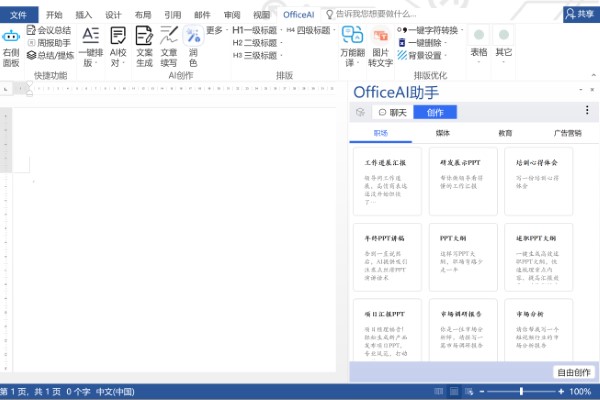
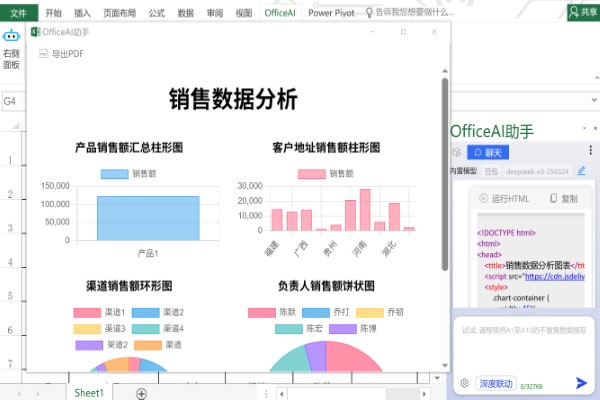
Office AI assistantIt is a smart phone specially designed for the office environment.plug-in, integrated into Microsoft Office andWPSIn Office, it aims to provide users with efficient and convenientofficeexperience. It uses powerful AI technology to automatically handle tedious tasks, such as weekly report compilation, meeting minutes, etc., and also provides copywriting generation,ArticleDiverse functions such as polishing, intelligent translation and AI painting meet the different needs of users. Users can easily solve office problems with simple operations or conversations, without the need for complex searches or memorization of steps, thus greatly improving office efficiency.
OfficeAI assistantSoftware features
SimplifyOfficeOperationEnter the function you want, and AI will automatically help you execute it without having to look for it everywhere:
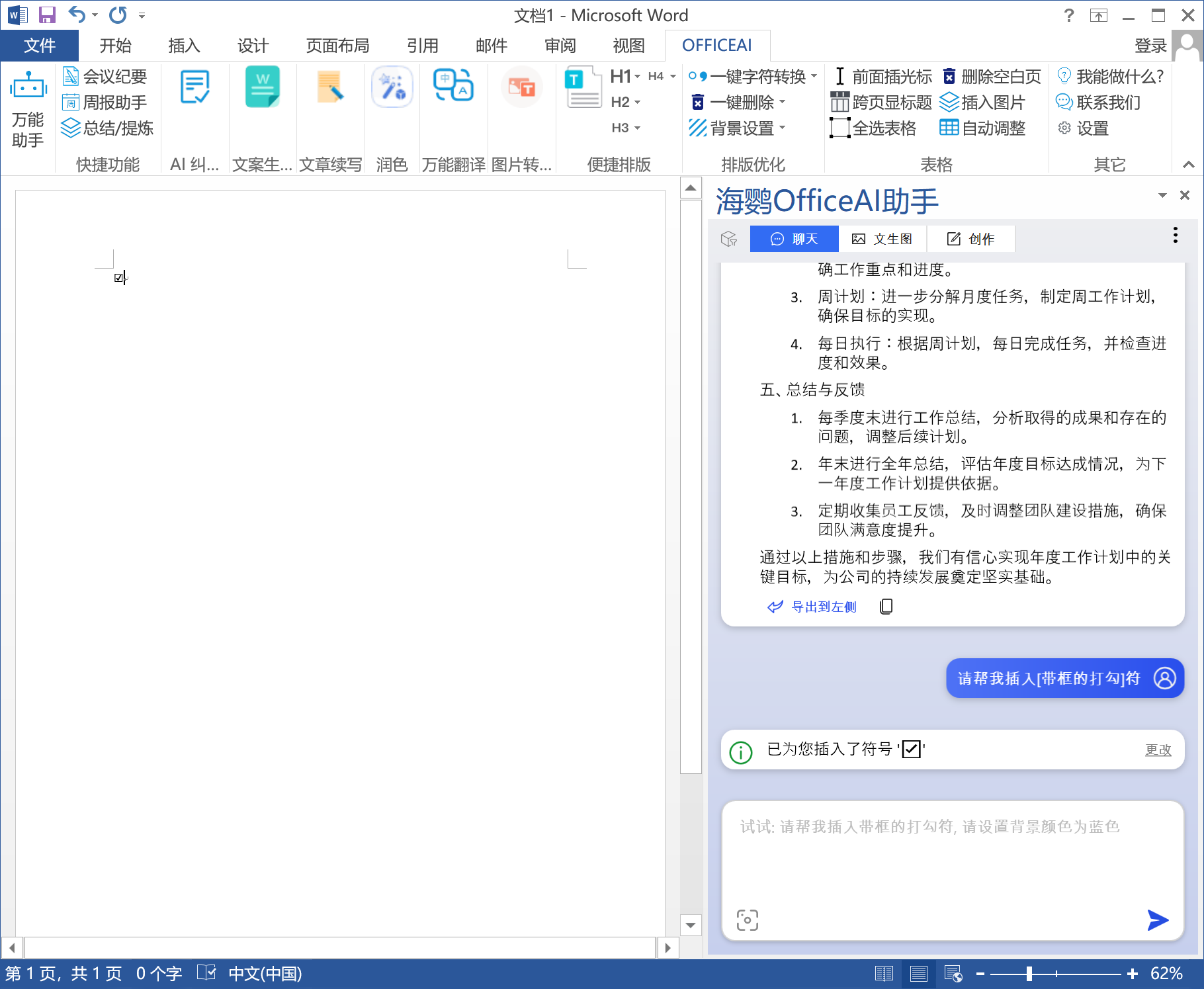
Complete work summary quickly
provide currentTemplate, work summary or work progress report is quickly generated:
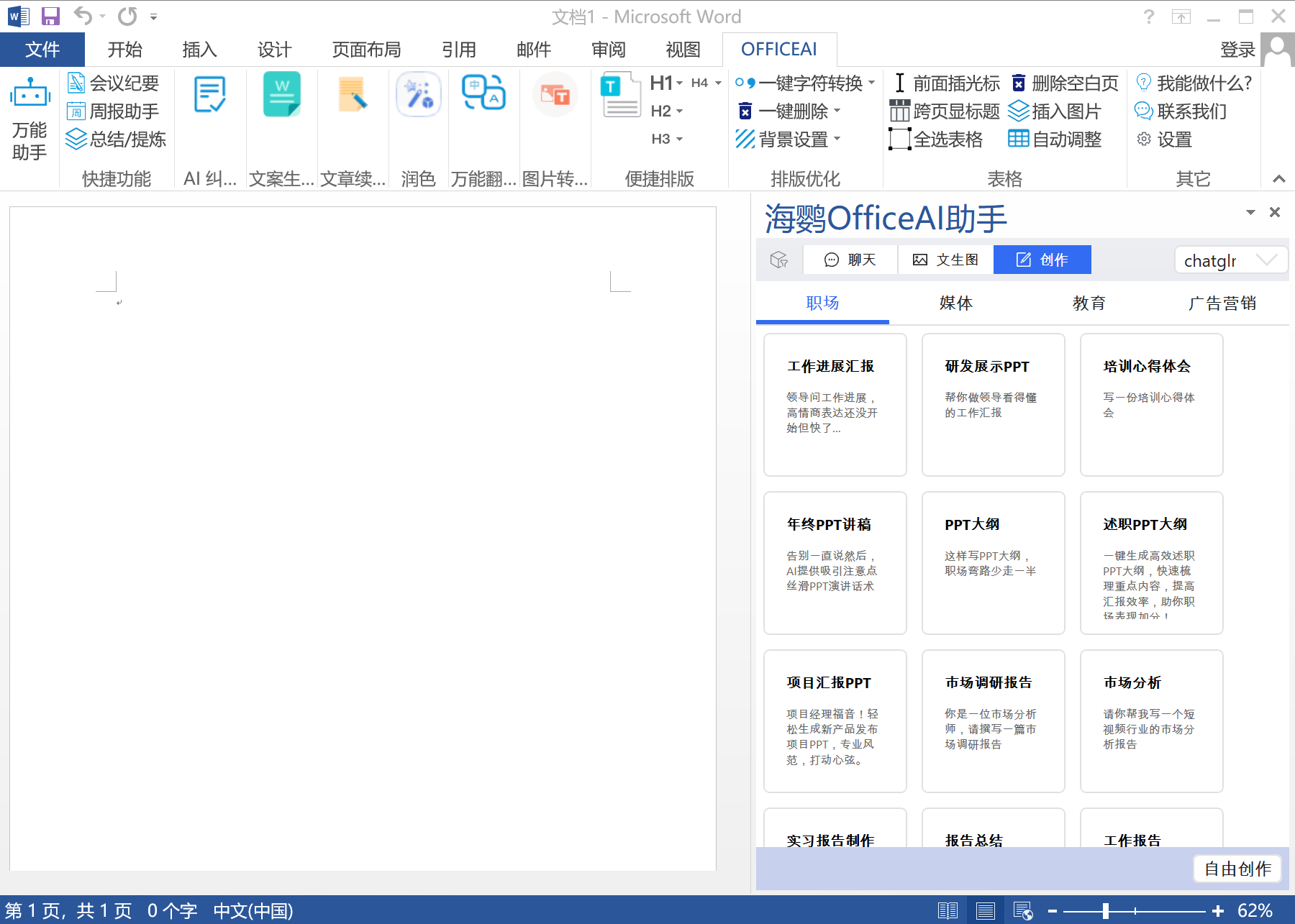
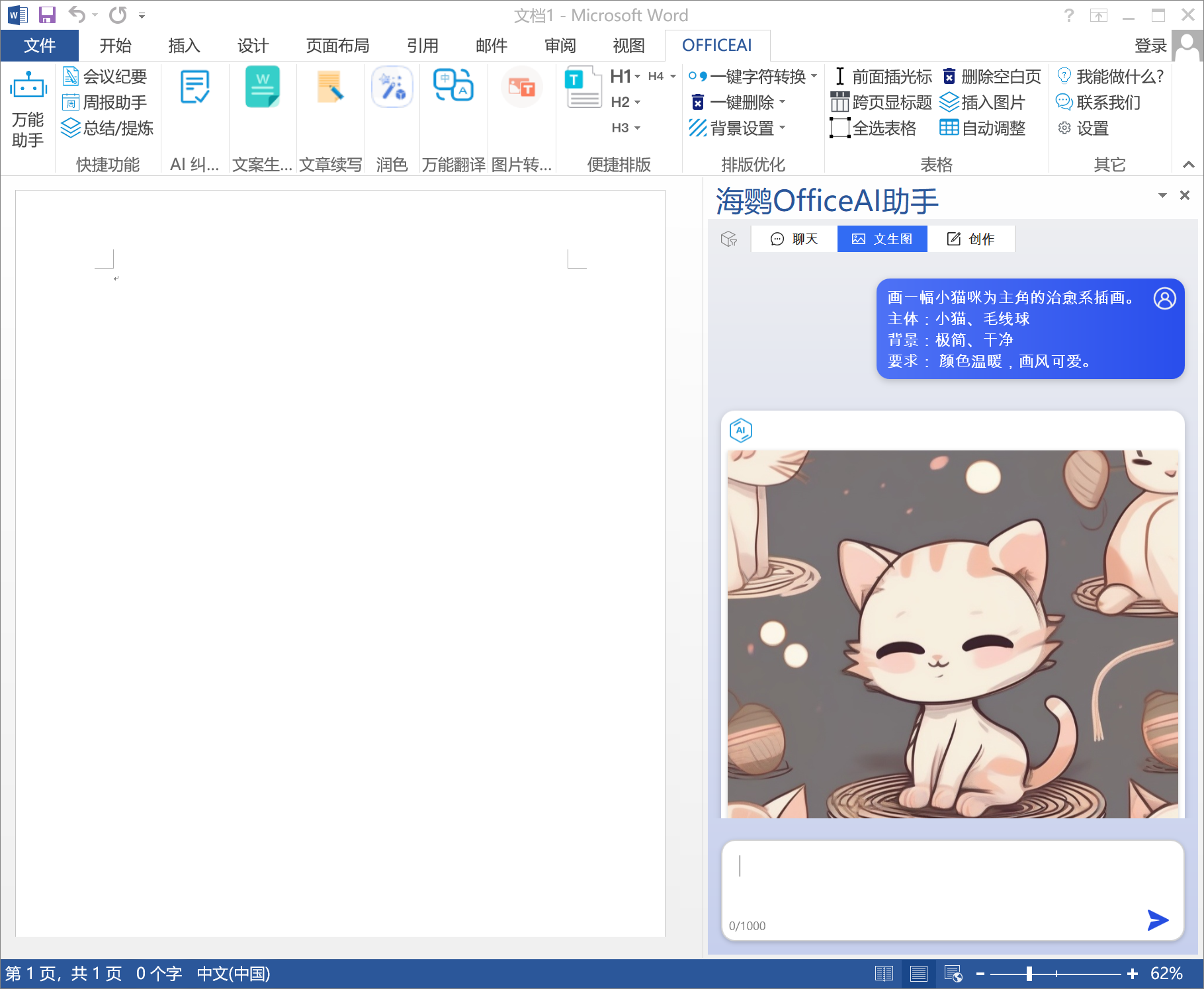
AI illustration
You can generate the illustrations you want in Word without having to search for them on the Internet.
OfficeAI Assistant update log:
+ The writing agent natively supports the addition, modification and deletion of custom templates
* Optimize the reply performance in red and green modes, the speed is basically the same as revision
* The translation function supports retaining the original text (i.e. comparative translation)
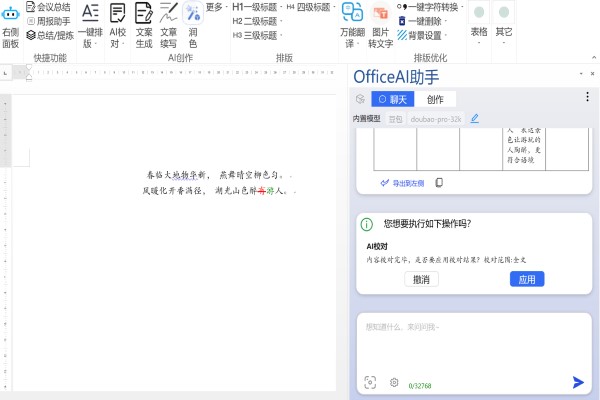
* * Proofreading and polishing functions support the function of retaining traces of revisions
* Optimize performance during multiple rounds of sharding
* Fixed the problem of converting Chinese and English punctuation marks
Huajun editor recommends:
OfficeAI Assistant is so easy to use. It is one of the best software among system assistants. I believe that friends who have used it will say it is easy to use. If you don’t like it, we also have Jin Target, Batch Butler, and Cloud Machine Butler.
Version: 0.5.9 | Update time: 2025-11-03
Similar recommendations





Latest updates





OfficeAI Assistant Review
-
1st floor Huajun netizen 2023-10-18 03:38:38OfficeAI assistant is very useful, thank you! !
-
2nd floor Huajun netizen 2023-09-30 10:17:10The interface design of OfficeAI Assistant is easy to use and has rich functions. I highly recommend it!
-
3rd floor Huajun netizen 2023-09-29 20:30:48The overall feeling of OfficeAI Assistant is good, I am quite satisfied, the installation and operation are very smooth! It went very smoothly following the installation step-by-step guide!
Recommended products









- Diablo game tool collection
- Group purchasing software collection area
- p2p seed search artifact download-P2P seed search artifact special topic
- adobe software encyclopedia - adobe full range of software downloads - adobe software downloads
- Safe Internet Encyclopedia
- Browser PC version download-browser download collection
- Diablo 3 game collection
- Anxin Quote Software
- Which Key Wizard software is better? Key Wizard software collection




