
-
SSDT essential components
- Size: 1.53M
- Language: Simplified Chinese
- Category: Installation and production
- System: win7 and above






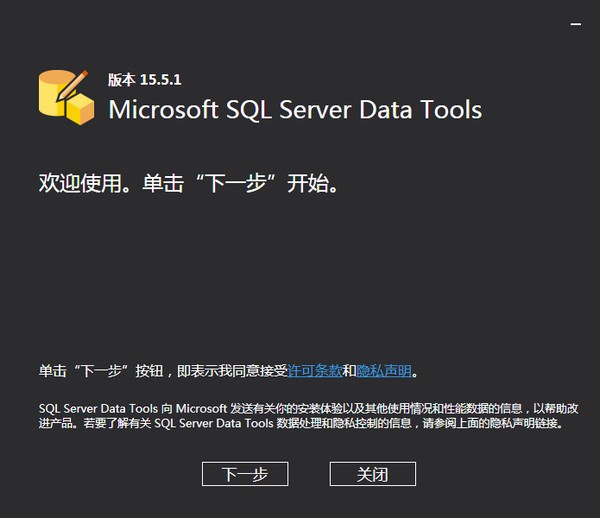
The official version of SSDT essential component is a modern development tool. The latest version of SSDT essential components is used to build SQL Server relational database, Azure SQL Databases, Analysis Services (AS) data models, Integration Services (IS) packages, and Reporting in Services (RS) Report. SSDT prerequisites install this tool to your Visual Studio instance.

Introduction to SSDT essential component software
The essential component of SSDT is the core tool for users to create database projects. This software can quickly generate SQL-related database functions. The software has very rich functions. Users can install this tool into Visual In the Studio 2017 instance, you can then perform database development operations. It provides a visual design interface for SSIS, SSAS, and SSRS business intelligence projects and can be used to generate SQL. Server relational database, Azure SQL Database, Integration Services packages, Analysis Services data models, and Reporting Services reports that help developers process any type of SQL Server content type
SSDT essential component installation instructions
1. Start the visual studio installation program. In the Windows Start menu, you can search for "Installer."
2. In the installer, select the version of Visual Studio to which you want to add SSDT and select Modify.
3. Select "SQL Server Data Tools" under "Data Storage and Processing" in the workload list.
Things to note about SSDT essential components
Removing the SQL Server Data Tools component
When you uninstall SSDT or Visual Studio, some SQL Server Data Tools (SSDT) components are not removed.
When you uninstall SSDT or Visual Studio, the following Windows Installer packages (.msi) are not removed from your computer. Removing these components causes the Visual Other versions of Studio are unsupported. If you choose to remove these components, use Windows Add or Remove Programs:
MicrosoftSQL Server Data Tools (SSDT.msi)
MicrosoftSQL Server Data Tool Build Utilities (SSDTBuildUtilities.msi)
Required components of SSDT (SSDTDBSvcExternals.msi)
After uninstalling SSDT, the following shared components may be used by other products and will remain on the computer.
SQL Server Data Tier Application Framework (DACFramework.msi)
SQL Server Management Objects (SharedManagementObjects.msi)
SQL ServerTransact-SQL Language Service (TSqlLanguageService.msi)
MicrosoftSQL Server System CLR Types for SQL Server
SQL ServerTransact-SQL ScriptDom (SQLDom.msi)
SQL ServerTransact-SQL Compiler Service (SQLLs.msi)
SSDT essential component update log
The developer of GG said that there are really no bugs this time~
Huajun editor recommends:
Don't miss it when you pass by. If you miss the essential components of SSDT, you will never experience such a good service again. This site also recommends appmaker, Tarma QuickInstall, and cloud machine manager to you
Version: 15.5.1 Official version | Update time: 2025-02-14
Similar recommendations






Latest updates



SSDT Essential Components Review
Recommended products






- Diablo game tool collection
- Group purchasing software collection area
- p2p seed search artifact download-P2P seed search artifact special topic
- adobe software encyclopedia - adobe full range of software downloads - adobe software downloads
- Safe Internet Encyclopedia
- Browser PC version download-browser download collection
- Diablo 3 game collection
- Anxin Quote Software
- Which Key Wizard software is better? Key Wizard software collection




