
-
Soft media virtual optical drive
- Size: 0.41M
- Language: Simplified Chinese
- Category: virtual optical drive
- System: win7 and above






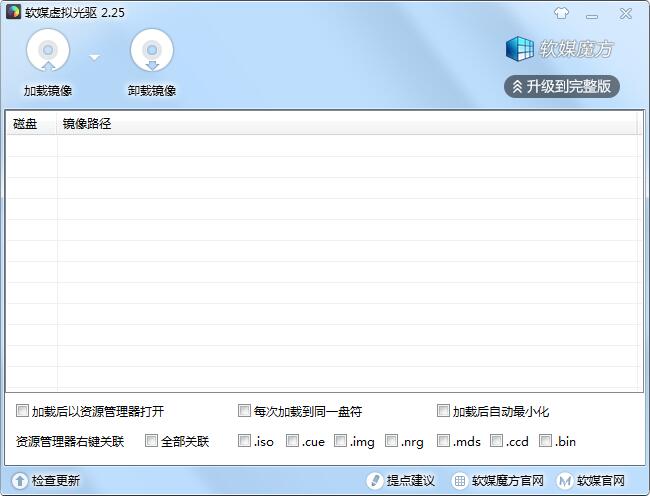
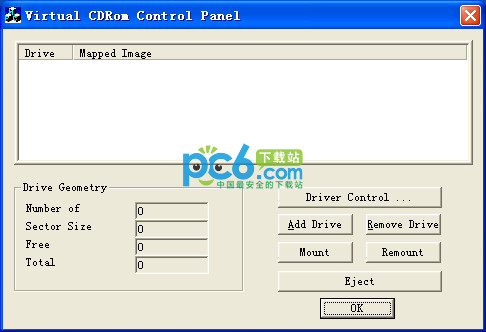
The official version of Soft Media Virtual Optical Drive is a professional and compact virtual optical drive tool. The latest version of soft media virtual optical drive supports iso, cue and img , nrg and other common image formats, users can also right-click to associate. The soft media virtual optical drive can help users load images to create virtual optical drives. It has fast disk reading speed, stable operation, simple interface, and no junk advertisements.
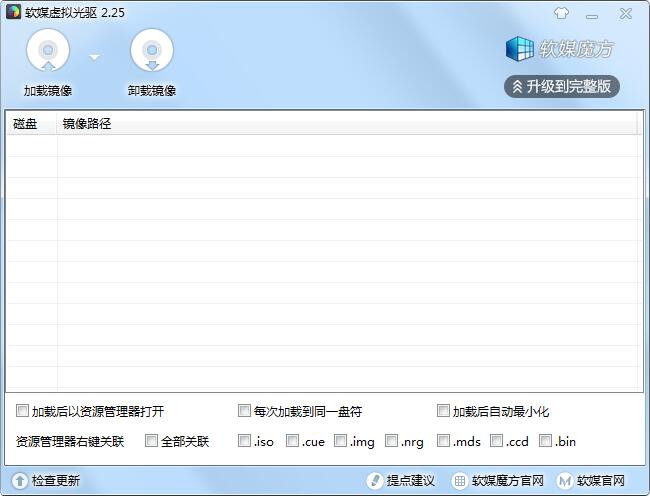
Introduction to soft media virtual optical drive software
Soft media virtual optical drive is a virtual optical drive software extracted from the latest version of Rubik's Cube Computer Master 6.0. The size is only more than 400 KB. Compared with some other virtual optical drive software that can easily reach tens of MB, this software is very small. The soft media virtual optical drive supports multiple mainstream image formats and is extremely fast, portable and easy to use!
Software media virtual optical drive installation steps
1. Download the installation package of the official version of the soft media virtual optical drive in Huajun Software Park
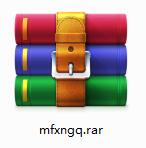
2. After downloading, unzip the compressed package into a folder named after this software
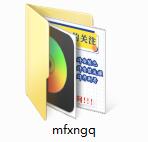
3. Open the folder and double-click the "exe" program
4. The soft media virtual optical drive is green software and can be used without installation.
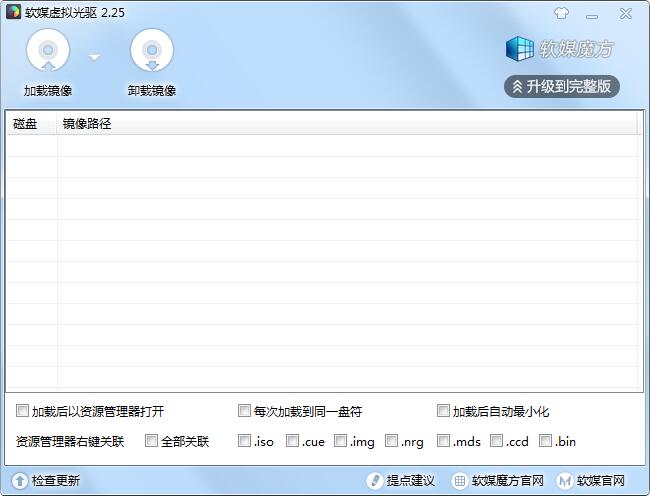
Instructions for use of soft media virtual optical drive
Click [Load Image] to select an image file to be virtualized
After loading, right-click on the virtual optical drive to open it in the resource manager
Check the right-click menu association to add a soft media virtual optical drive directly in the right-click menu
Soft media virtual optical drive update log
Fix: When only one image is loaded and the image check box is selected, clicking Uninstall Image prompts that the element cannot be found.
Huajun editor recommends:
The soft media virtual optical drive software takes up little memory, has stable performance, is free of any bundles, is green and safe, and is truly a conscientious software! This site also has DAEMON Tools Ultra 5, .NET, and Cloud Manager for you to download!
Version: 2.25 official version | Update time: 2024-12-30
Similar recommendations







Latest updates



Soft Media Virtual Optical Drive Review
-
1st floor Huajun netizen 2022-01-28 03:19:14Soft media virtual optical drive is awesome! 100 million likes! ! !
-
2nd floor Huajun netizen 2022-03-09 10:27:34The overall soft media virtual optical drive feels good and I am quite satisfied with it. The installation and operation are very smooth! Followed the installation step-by-step instructions and it went very smoothly!
-
3rd floor Huajun netizen 2021-12-24 23:00:51The soft media virtual optical drive is not bad, and the download is very fast. I give you a good review!
Recommended products








- Diablo game tool collection
- Group purchasing software collection area
- p2p seed search artifact download-P2P seed search artifact special topic
- adobe software encyclopedia - adobe full range of software downloads - adobe software downloads
- Safe Internet Encyclopedia
- Browser PC version download-browser download collection
- Diablo 3 game collection
- Anxin Quote Software
- Which Key Wizard software is better? Key Wizard software collection




