Don’t you know how to use the Stellarium virtual planetarium to observe the solar eclipse? If you don’t know how, come and learn with me how to use the Stellarium virtual planetarium to observe the solar eclipse. I hope that through this tutorial, you can better understand the Stellarium virtual planetarium.
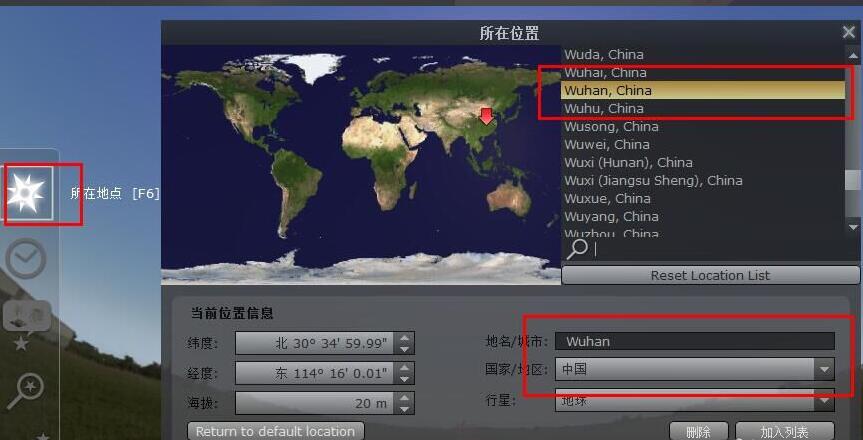
First, open the Stellarium virtual planetarium and set the location. According to the best observation location, the editor here sets it in Wuhan.
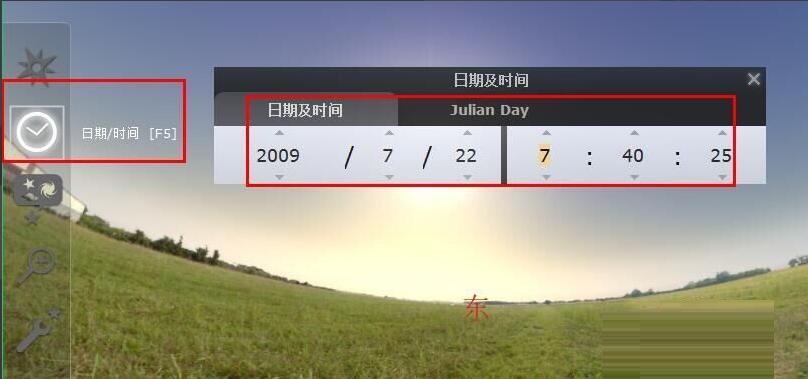
Set the time, according to the solar eclipse time of July 22, 2009, 8:00-11:00, set the start time around 8 o'clock
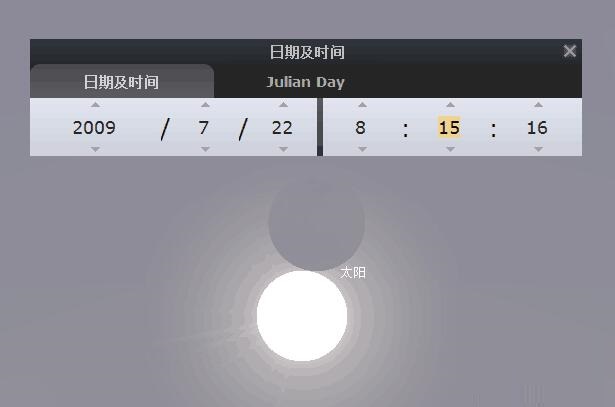
Click the triangle on the time and add the time. Slowly around 8:15, the solar eclipse will begin. Zoom in to observe the distance between the sun and the moon.
Continue to add time, reaching total solar eclipse around 9:25, lasting 5 or 6 minutes.
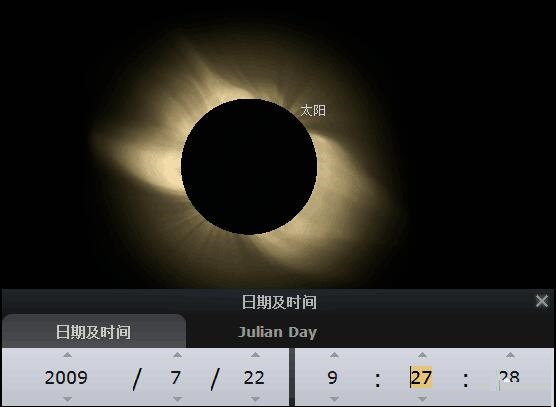
At the same time, there is a total solar eclipse on the ground
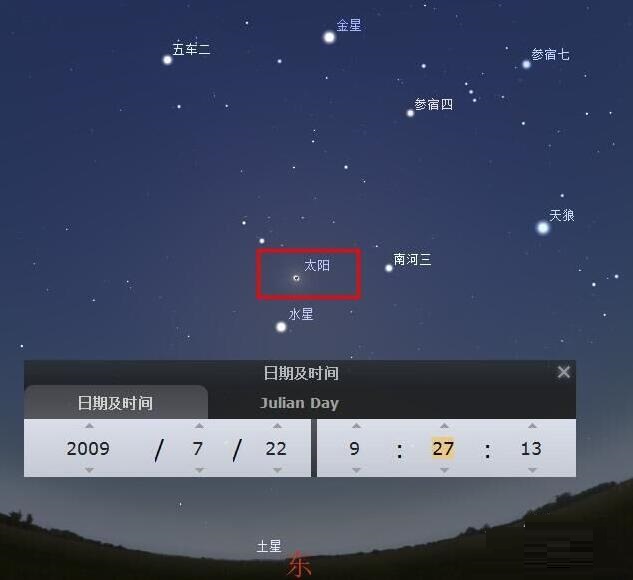
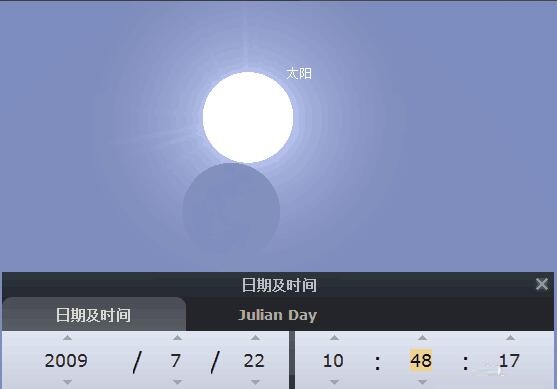
Continue to add time, and at around 10:48, the solar eclipse ends.
The above is the method shared by the editor to observe the solar eclipse in the Stellarium virtual planetarium. Interested friends can come and take a look.