How to use Stellarium virtual planetarium - How to find the Big Dipper with Stellarium
Time: 2021-08-30Source: Huajun Software TutorialAuthor: Rocket
How to use the Stellarium virtual planetarium to find the Big Dipper? So today I will bring you how to use the Stellarium virtual planetarium to find the Big Dipper. Friends in need can read this article.
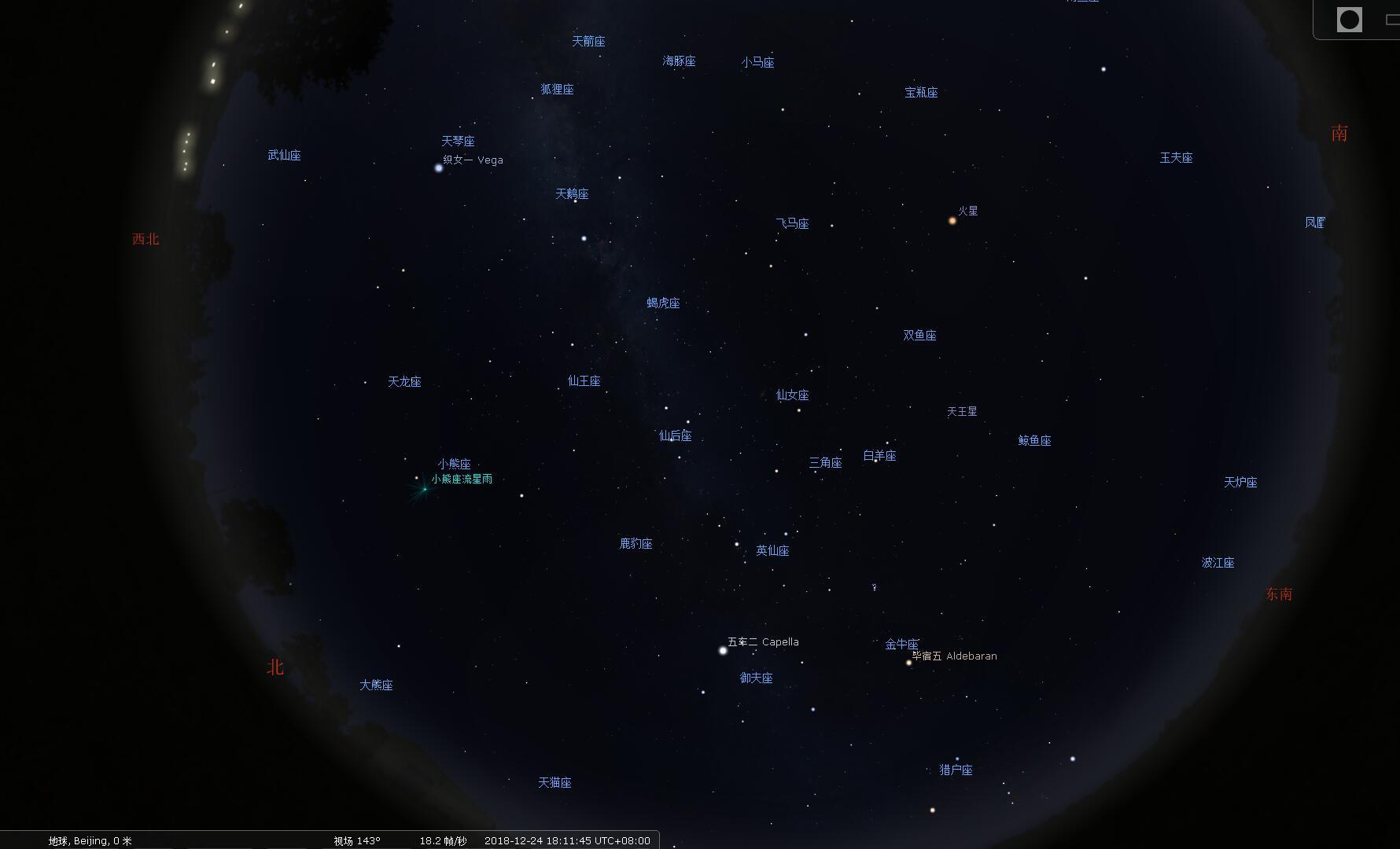
1. First, open the installed Stellarium on your computer. You can see a lot of named stars in the software interface.
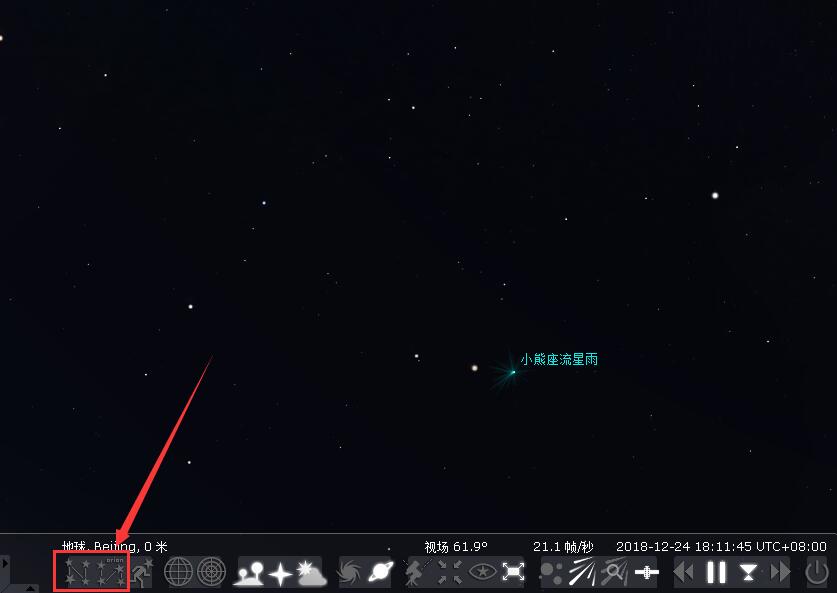
2. Place the mouse cursor against the lower left edge of the screen. An additional toolbar will appear. Click the "Constellation Connection" and "Constellation Label" buttons as shown in the picture.
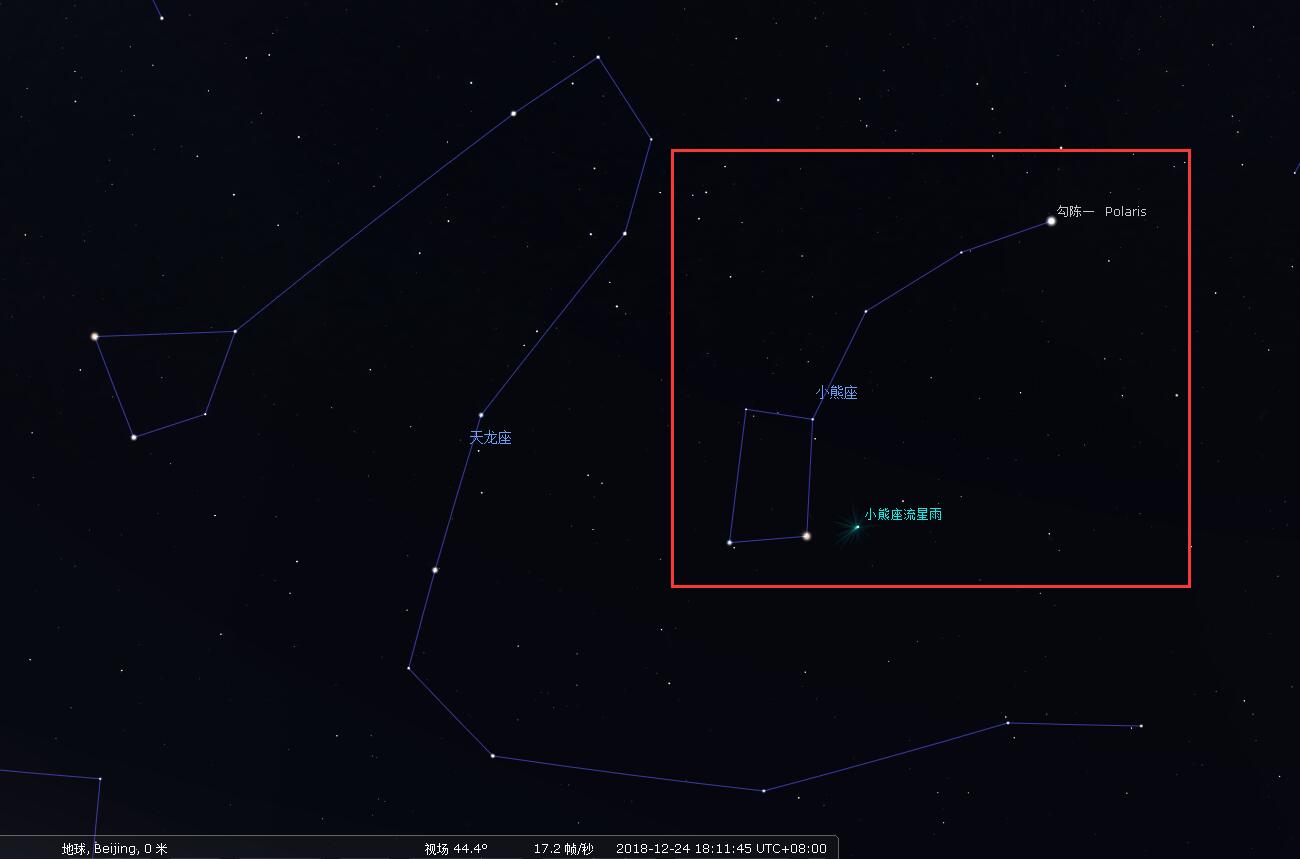
3. After finding the Ursa Minor constellation, you can easily see the shape of the Big Dipper.
The above is the method of finding the Big Dipper brought by the author. I hope it can help everyone.
Popular recommendations
-
Google Earth Pro
Version: 7.3.6.10201Size: 121.85 MB
Google EarthPro is a software that uses 3D map positioning technology to push the latest satellite images on Google Map to a new level. Use...
-
Google Earth
Version: 7.1.8.3036Size: 29.17 MB
Google Earth is a mapping software developed by Google. Google Earth uses Google's satellite technology to cover anywhere in the world...
-
Google Earth Chinese version
Version: v7.3.6.10201Size: 121.85 MB
Google Earth is a three-dimensional virtual earth developed by Google based on satellite remote sensing, aerial photography and geographic information system (GIS) technology...
-
-
Picture new earth
Version: latest versionSize: 231.40MB
Tuxin Earth official version is a very popular, professional and practical 3D digital earth software. Tuxin Earth official version software is powerful and provides online map browsing...