
Hot search terms: 360 Security Guard Office365 360 browser WPS Office iQiyi Huawei Cloud Market Tencent Cloud Store
Hot search terms: 360 Security Guard Office365 360 browser WPS Office iQiyi Huawei Cloud Market Tencent Cloud Store

audio playback Storage size: 6.47 MB Time: 2022-10-17
Software introduction: Foobar2000 Chinese version is an advanced audio player under the Windows platform. Foobar2000 Chinese version contains some playback gains...
Foobar2000 is an advanced audio player under the Windows platform. It includes full support for unicode and advanced tag functions that support playback gain. It only occupies 1.9M memory and about 5% of CPU resources when running. The resource consumption is very small, the interface is simple, there is no Skin and other superfluous things, simplicity is a kind of beauty.
| Software name: |
Foobar2000 1.3.5 official version |
| Software size: | 3.63MB |
| Download address: |
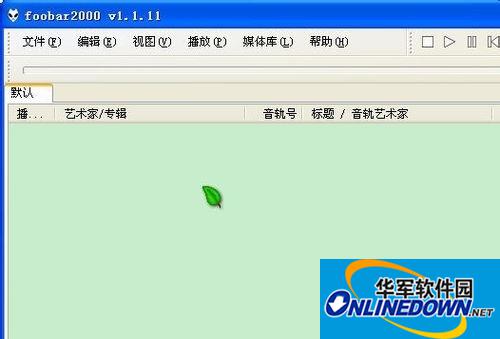
Download, install and double-click the Foobar2000 icon to open it.
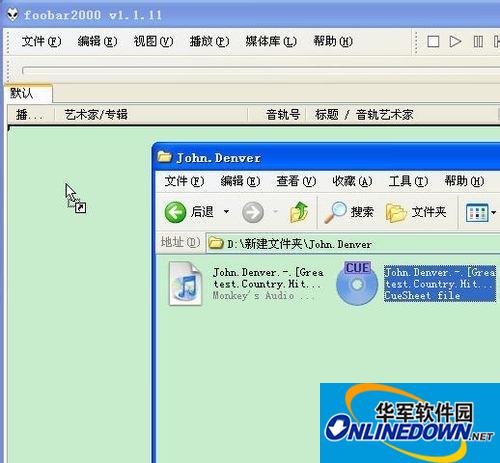
Drag the index file with the extension cue into Foobar2000.
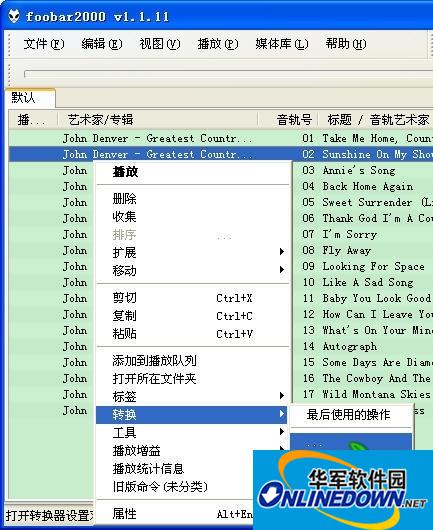
After loading successfully. Just click on an audio file. Right-click "Convert" and the output format is arbitrary (but the plug-in used must be in the Foobar2000components folder)
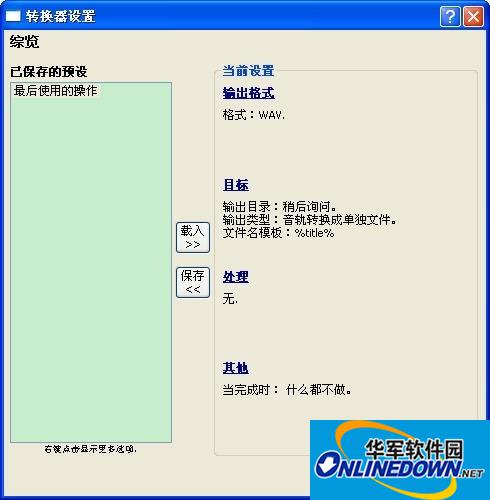
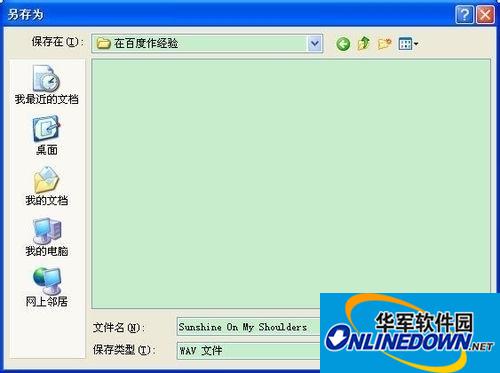
Just save it to a suitable location.

Software tutorial editor recommends:
How to use foobar2000 to distinguish true from false without loss
How to play music with foobar2000 equalizer

 How to upgrade software in 360 Software Manager? -How to upgrade software in 360 Software Manager
 Microsoft Edge browser
 Steam
Steam
 Tencent Video
 WPS Office
 iQiyi
iQiyi
 Sohu video player
 Lightning simulator
 MuMu emulator
 Eggman Party
 What to do if there is no sound after reinstalling the computer system - Driver Wizard Tutorial
 How to switch accounts in WPS Office 2019-How to switch accounts in WPS Office 2019
 How to clear the cache of Google Chrome - How to clear the cache of Google Chrome
 How to fire bullets in scratch-How to fire bullets in scratch


