





 You may like




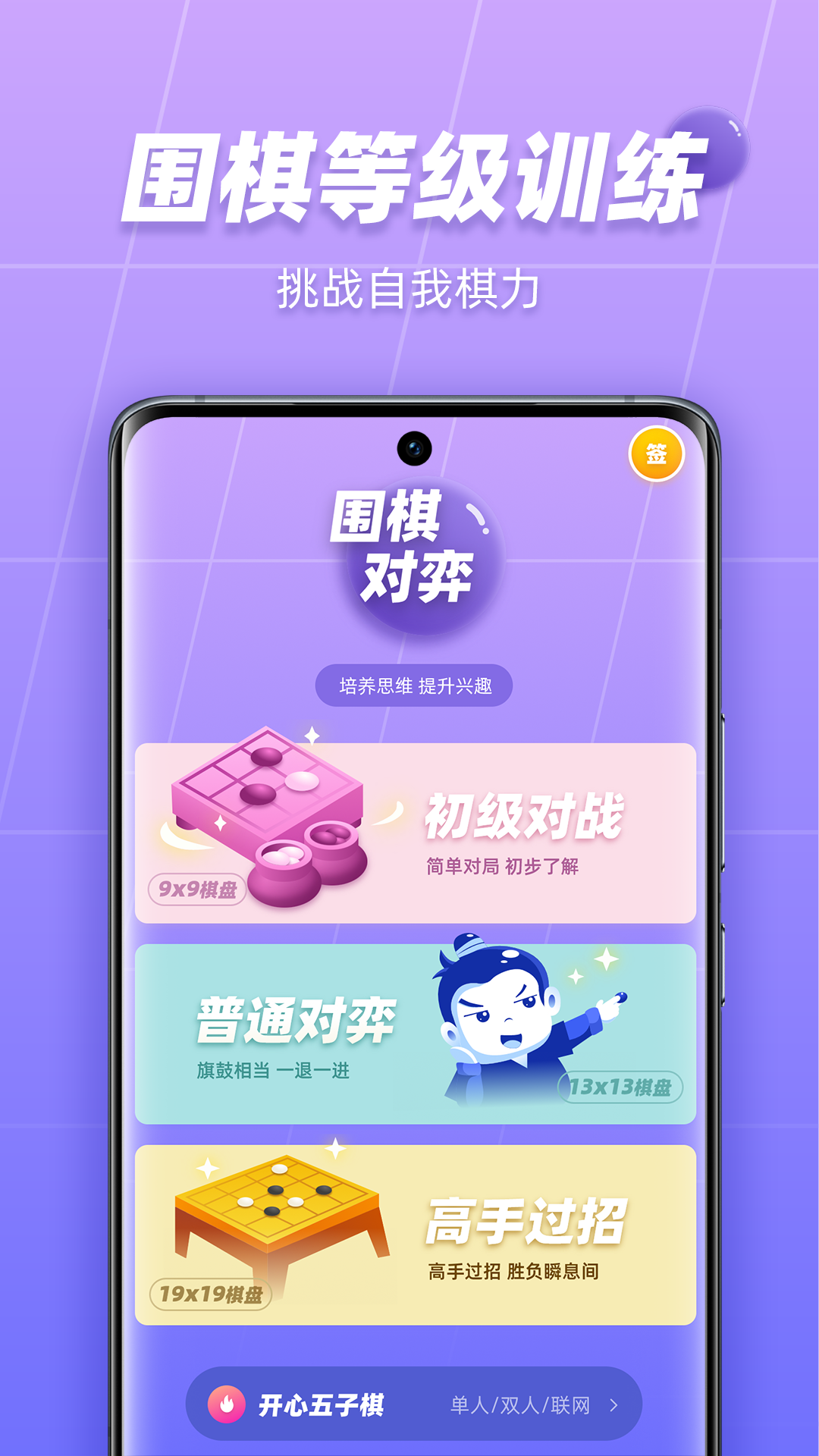
99 Go software functions
AI chess game and review:
Integrated with the Star Array Go AI, users can play Go with the AI anytime and anywhere, analyze game mistakes in real time, and generate winning rate curves and key point tips to help users improve their Go skills faster.
Supports game viewing and review functions to facilitate users to review the game process and summarize experiences and lessons.
Online chess and matching:
Provides a Go two-player online game function. Users can match opponents according to their chess skill levels (such as level and rank), and supports real-time games and asynchronous challenges.
The intelligent system ensures fair competition and efficiently improves chess skills.
Video teaching and courses:
Staged Go tutorials, from beginners to masters, all kinds of Go courses are complete to meet the needs of learning Go at different stages.
Vivid and professional Go tutorial videos make Go learning no longer boring. By splitting and refining Go knowledge points and using video explanations, Go learning is easy and interesting.
Special exercises and question banks:
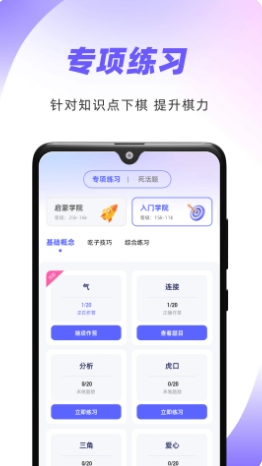
Provide colleges of different levels for special exercises. Each college has special exercises of different difficulty. Play chess based on its knowledge points and improve your chess skills.
It contains tens of thousands of life-or-death questions, arranged according to difficulty levels. Users can improve their computing power through repeated practice.
Grade exam simulation and assessment:
It provides various levels of simulation test papers for the Go exam, including online practice questions and AI games, and features such as setting test time limits and answer sheets to improve users’ practical experience in Go exams.
Fun learning design:
Pet incentive system (unique to Apple version): Obtain virtual pet rewards by completing tasks to enhance children's learning motivation.
Medals and rankings: record learning achievements and stimulate a sense of competition.
Teaching management and homework assignment:
The teacher terminal supports online teaching, homework assignments and competition organization, and the student terminal provides functions such as game practice and life-or-death problem training.
The Growth Hall module records the user's learning trajectory and changes in chess skills, and forms a visual data report, which is convenient for teachers and parents to check and understand the learning situation at any time.
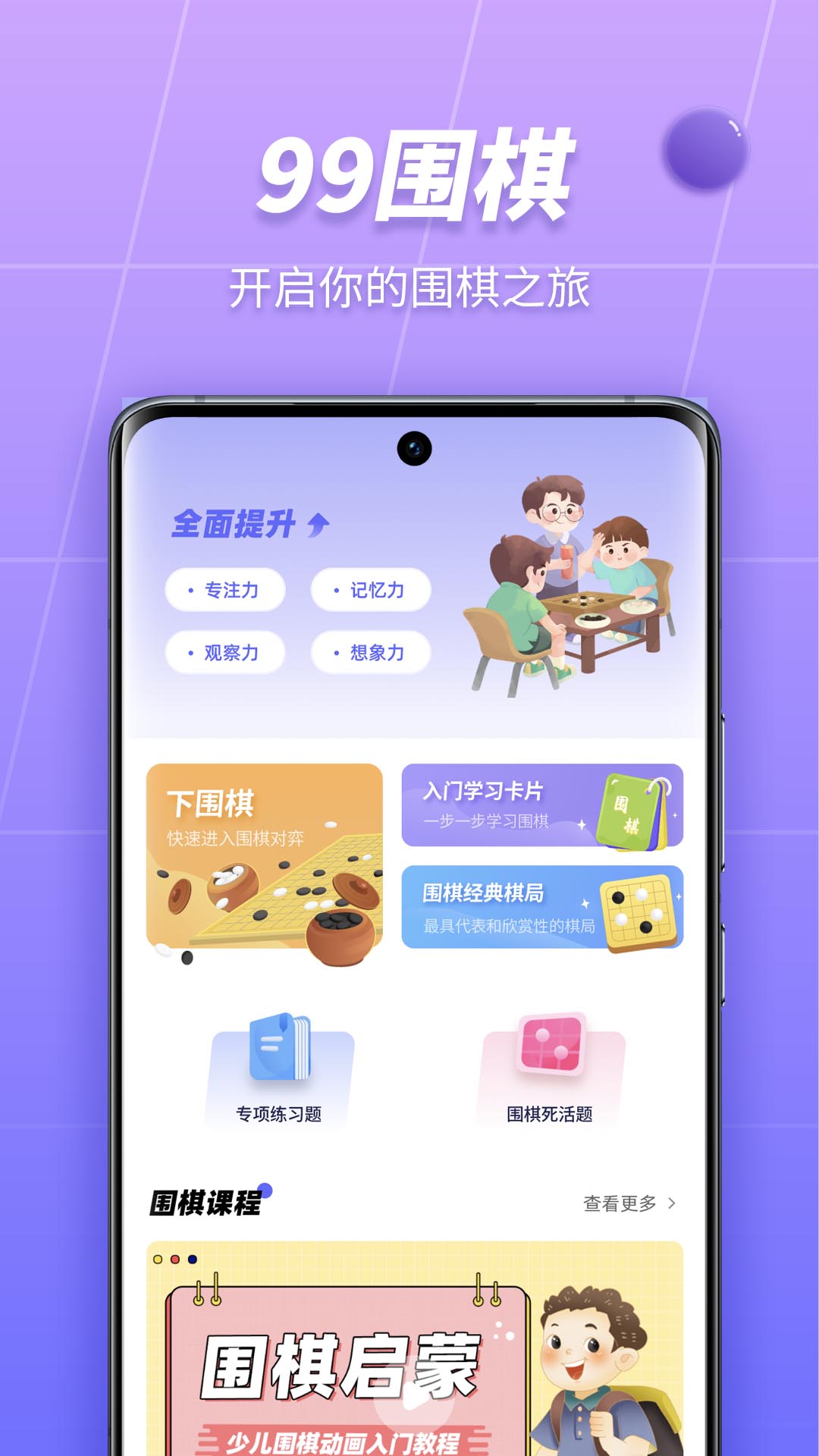
Game Highlights
Equipped with a new 3D engine, it has higher compatibility, stronger security and better stability.
Comprehensively upgraded picture quality, using HD high-definition picture quality interface, and new special effects, it has a good visual presentation no matter what device it is on.
More convenient operation, the redesign and layout of the function keys on the main interface bring more convenient user operations, and there is no need to go deep into the interface to find the corresponding functions.
With more powerful scalability, 2.0 is just the beginning. It is the beginning of 3D, intelligence, institutional personalization, user experience, and management separation.
Software features
It is a Go educational software created for Go enthusiasts. It is also a highly playable Go game. Here you can not only learn and watch the video teachings of Go masters, wonderful game explanations, and understand various news and information about Go, but you can also play against humans and machines by yourself, combining theory and practice, so as to easily improve your Go level.
99 Go FAQ
Black screen and crash:
Question: What should I do if a black screen or crash occurs while using the software?
Solution: Clean up background running programs to free up memory; if it doesn’t clean up, try shutting down and restarting the device. If the problem persists, it is recommended to uninstall the software and reinstall the latest version.
Compatibility issues:
Question: Some devices have compatibility issues when running the software?
Solution: Make sure the device system version meets the software running requirements. If the problem persists, you can contact software customer service or check the official forum for solutions.
99Go update log:
1.Fix some bugs
2. Optimized some functions
Huajun editor recommends:
As a leisure and entertainment software that is continuously updated and iterated, 99 Go has been transformed in version updates again and again to better meet user needs and bring users a very high user experience. The editor of Huajun Software Park recommends everyone to download and use it. In addition, there areDumpling cloud game,TFun games,Unbounded community,A signature design,Youyoubao merchant versionRelated software is also pretty good and can be downloaded and used.















Your comment needs to be reviewed before it can be displayed