
Hot search terms: 360 Security Guard Office365 360 browser WPS Office iQiyi Huawei Cloud Market Tencent Cloud Store
Hot search terms: 360 Security Guard Office365 360 browser WPS Office iQiyi Huawei Cloud Market Tencent Cloud Store
Recently, some friends have asked the editor how to turn off the night mode in Zhongguancun Online? The following will bring you the method of turning off the night mode in Zhongguancun Online. Friends in need can come and learn more.
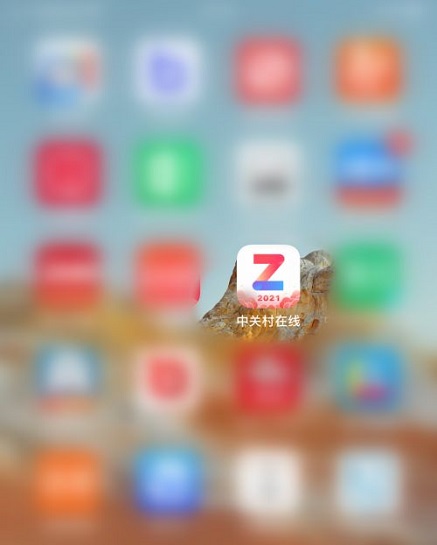
Step 1: Open the "Zhongguancun Online" App (as shown in the picture).
Step 2: Click "I" in the lower right corner of the Zhongguancun Online main interface to open the personal information interface (as shown in the picture).

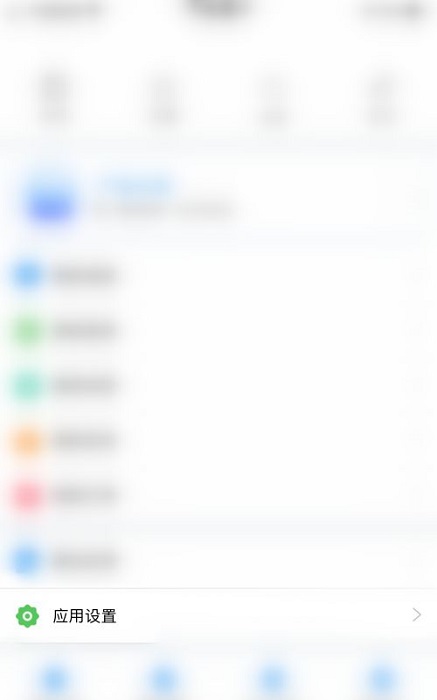
Step 3: Click "App Settings" on the personal information interface to open the settings interface (as shown in the picture).
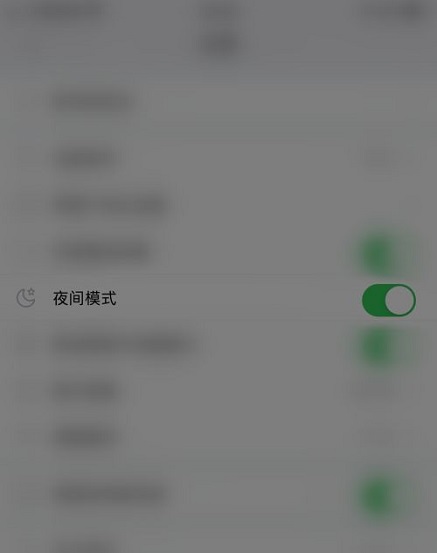
Step 4: Click the dot behind "Night Mode" in the settings interface (as shown in the picture).
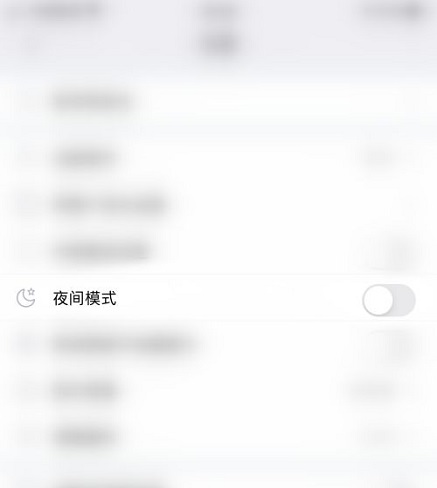
Step 5: When the dot behind "Night Mode" turns gray, it means the Zhongguancun Online night mode is successfully turned off (as shown in the picture).
The above is the entire content of how to turn off the night mode in Zhongguancun Online brought to you by the editor. I hope it can help you.

 How to add background music in python-How to add background music in python
 How to configure environment variables in python - How to configure environment variables in python
 How to run python - How to run python
 How to create a project in python - How to create a project in python
 How to make a blue sky background with scratch-How to make a blue sky background with scratch
 Steam
Steam
 Tencent Video
 WPS Office
 iQiyi
iQiyi
 Sohu video player
 Lightning simulator
 MuMu emulator
 Eggman Party
 WPS Office 2023
 What to do if there is no sound after reinstalling the computer system - Driver Wizard Tutorial
 How to switch accounts in WPS Office 2019-How to switch accounts in WPS Office 2019
 How to clear the cache of Google Chrome - How to clear the cache of Google Chrome
 How to fire bullets in scratch-How to fire bullets in scratch
