
-
Huawei Mobile Application Engine
- Size: 0.34M
- Language: Simplified Chinese
- Category: Network assistance
- System: winall






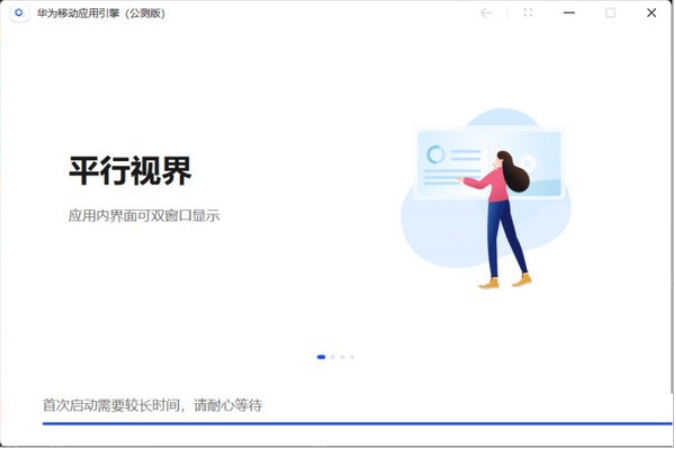
Huawei Mobile Application Engine is a tool software officially launched by Huawei, aiming to achieve the integration of PC and mobile application ecology. The engine is based on Android 9.0 system and uses emulator technology (based on QEMU underlying virtualization) to run Android applications on Windows systems, supporting multi-window, keyboard and mouse operations, and parallel view functions.
Software features
1. Core advantages
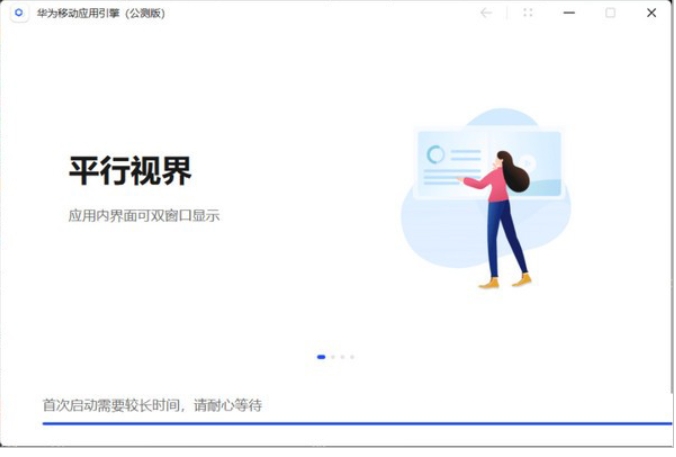
Multiple windows and parallel horizons
It supports running multiple Android applications at the same time and displays them in columns, adapting to PC horizontal screen experience and similar to the vertical screen operation logic of tablets.
Virtual button and position simulation
Virtual keys can be customized (such as combos, smart spellcasting, crosshair assist), and virtual positions can be set to enhance the game or application operating experience.
Security and compatibility
It adopts data encryption, access control and security audit mechanisms to ensure the security of application data; it is compatible with Windows 10/11 system and does not need to rely on the Android subsystem of Win11.
Lightweight design
Compared with traditional simulators, it is more concise, has no advertising promotion, is officially maintained by Huawei, has a clean interface and focused functions.
2. Unique features
Application running optimization
Install Android apps through the Huawei App Store, generate desktop shortcuts, and run them directly without starting the emulator main interface.
Supports automatic identification of device types (such as identifying a PC as a tablet) and adopts horizontal screen running mode.
Performance optimization technology
Using ARM architecture (CPU, Mali GPU, NPU), combined with distributed scheduling, dynamic frequency modulation and intelligent power consumption management, it balances performance and energy efficiency.
The bottom layer is based on the EMUI 9.1 system, which optimizes resource usage (low memory requirements, but high CPU usage).
Development tool integration
Integrate DevEco Studio to provide AI-assisted programming, UI preview, performance tuning and other functions to support Hongmeng application development.
Supports cross-device collaboration, such as seamless transfer between Hongmeng devices (content found on the phone can be continued on the tablet).
3. User interaction design
Quick installation and management
The default path of the installation package cannot be changed, but the app store supports automatically generating desktop and start menu shortcuts.
Supports adjustment of application download location and direct opening of quick applications.
Scenario function
Provides auxiliary functions such as virtual location, shake, screenshot, and screen recording to enhance application compatibility.
Support the parallel world function and optimize the application column display effect.
Software function
1. Basic functions
Application running
Content type: Supports mainstream Android applications such as Douyin, WeChat, and Dianping, mainly non-GMS service applications.
Operation experience: Adaptable keyboard and mouse operations, support adaptive window size, some applications (such as WeChat) need to wait for the official version to optimize login issues.
Performance monitoring
You can check the CPU and memory usage through the task manager. Intel processors have a smoother experience, but AMD processors may have lags.
2. Advanced functions
virtualization technology
Based on QEMU underlying virtualization, it simulates the Android 9.0 system environment and may be upgraded to higher versions in the future.
Supports independent application running mode, eliminating the need to start the emulator main interface and improving startup speed.
development support
Provide rich API interfaces and development tool chains to shorten the development cycle.
Combined with Hongmeng system features, it supports meta-service development and multi-device adaptation.
3. Ecological integration
Huawei App Store
Integrated application download, update and management functions, the page is simple and similar to a PC software store.
Supports "click-and-run" quick applications without installing packages, saving storage space.
Cross-platform collaboration
Seamlessly connects with Hongmeng devices to support content flow and relay operations, improving the efficiency of multi-device usage.
FAQ
Performance issues
Phenomenon: AMD processor freezes and CPU usage is too high.
Solution:
Upgrade the hardware to an Intel processor, or adjust the emulator settings (such as lowering the resolution).
Close background irrelevant processes and release system resources.
Huawei Mobile App Engine update log:
1. Modify user-submitted bugs
2.Add new features
Huajun editor recommends:
Huawei Mobile Application Engine is free software, download it if you need it! This site also has Number Cube, Google Chrome, and .NET for you to download!
Version: 1.2.1.1 | Update time: 2025-10-23
Similar recommendations






Latest updates





Huawei Mobile App Engine Review
Recommended products
-

Tianyifei young campus client
-

P2P terminator
-

Baidu Shangqiao
-

578010wifi password viewer
-

Yiyiyun mobile phone verification software
-

Agricultural Bank of China Online Banking Assistant
-
Agricultural Bank of China Online Banking Assistant
-
Agricultural Bank of China Online Banking Assistant
-

inSSIDer
-

Cheetah free WIFI
- Diablo game tool collection
- Group purchasing software collection area
- p2p seed search artifact download-P2P seed search artifact special topic
- adobe software encyclopedia - adobe full range of software downloads - adobe software downloads
- Safe Internet Encyclopedia
- Browser PC version download-browser download collection
- Diablo 3 game collection
- Anxin Quote Software
- Which Key Wizard software is better? Key Wizard software collection




