
-
Magical picture segmentation software
- Size: 8.95M
- Language: Simplified Chinese
- Category: System assistance
- System: Win






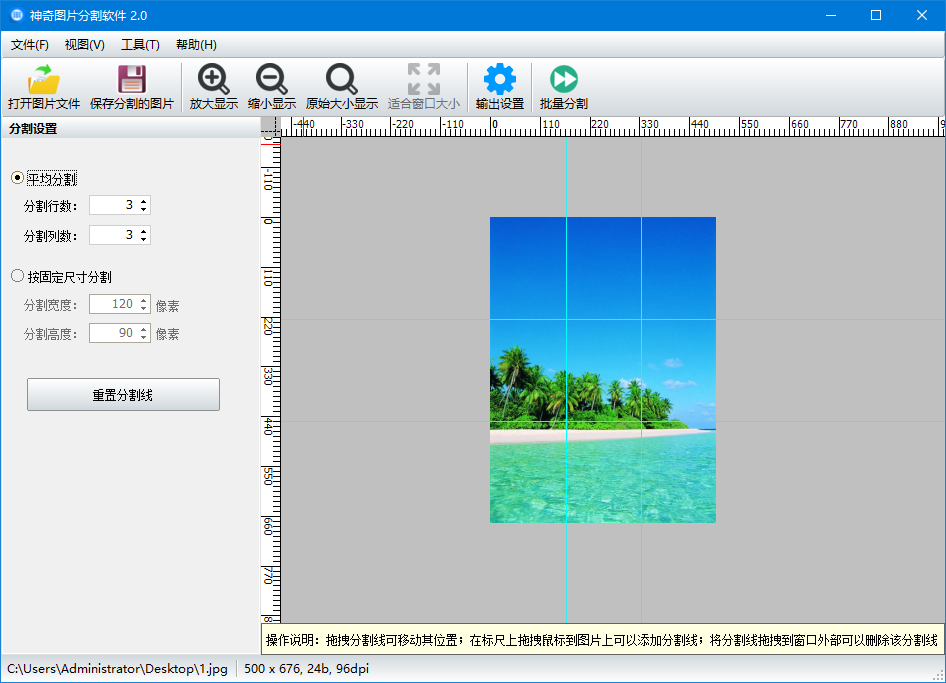
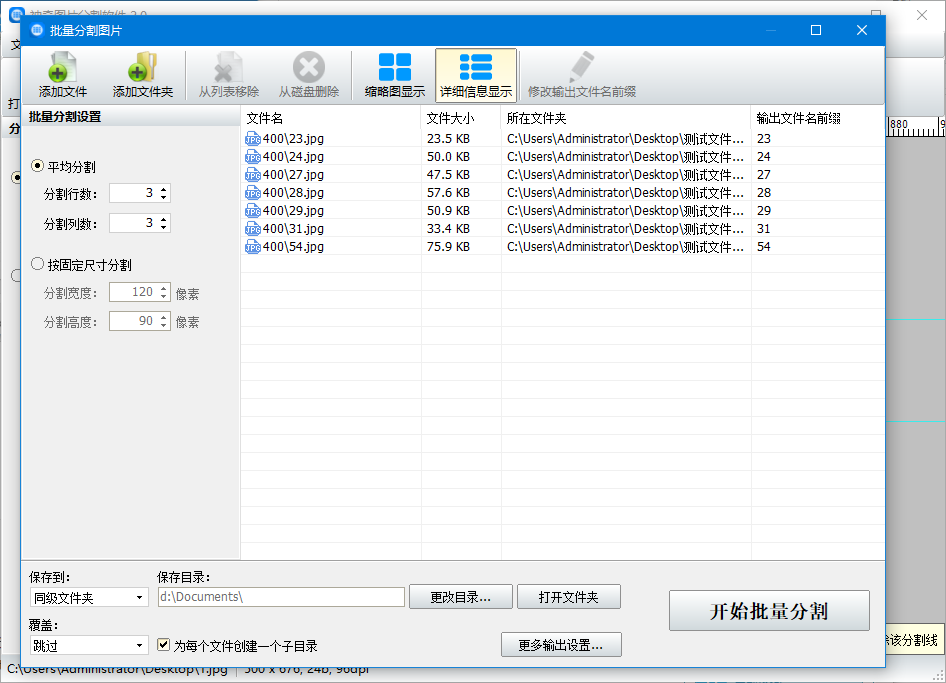
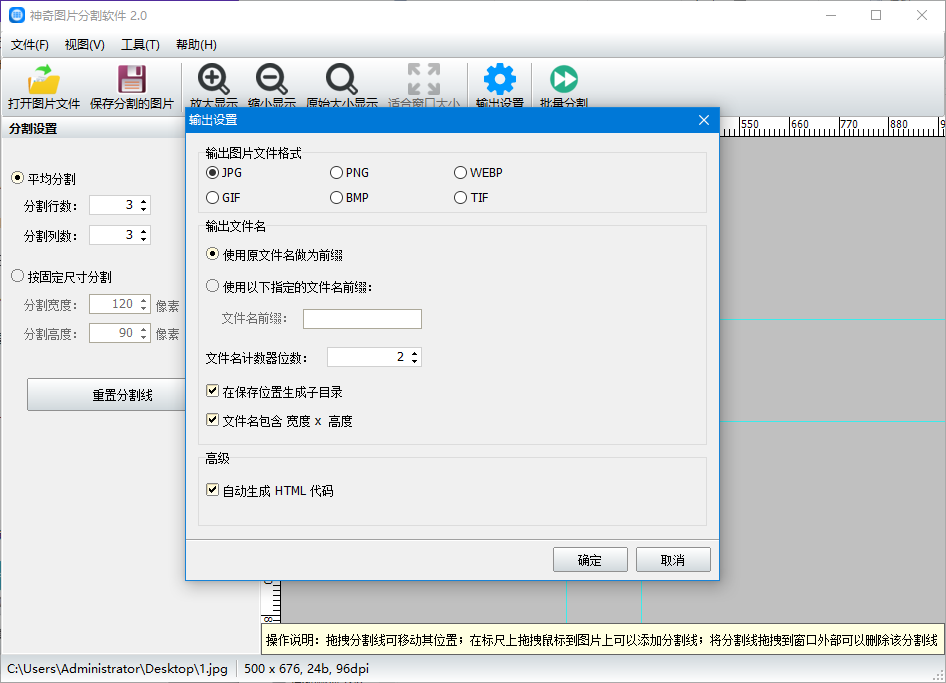
The official version of Magic Image Segmentation Software is a professional and practical image segmentation software with clear interface, powerful functions, simple operation. The official version of Magic Picture Splitting Software supports splitting pictures into any number of parts, and supports all mainstream file formats on the market. It supports two splitting methods: split equally by the number of rows and columns or split according to specified sizes.
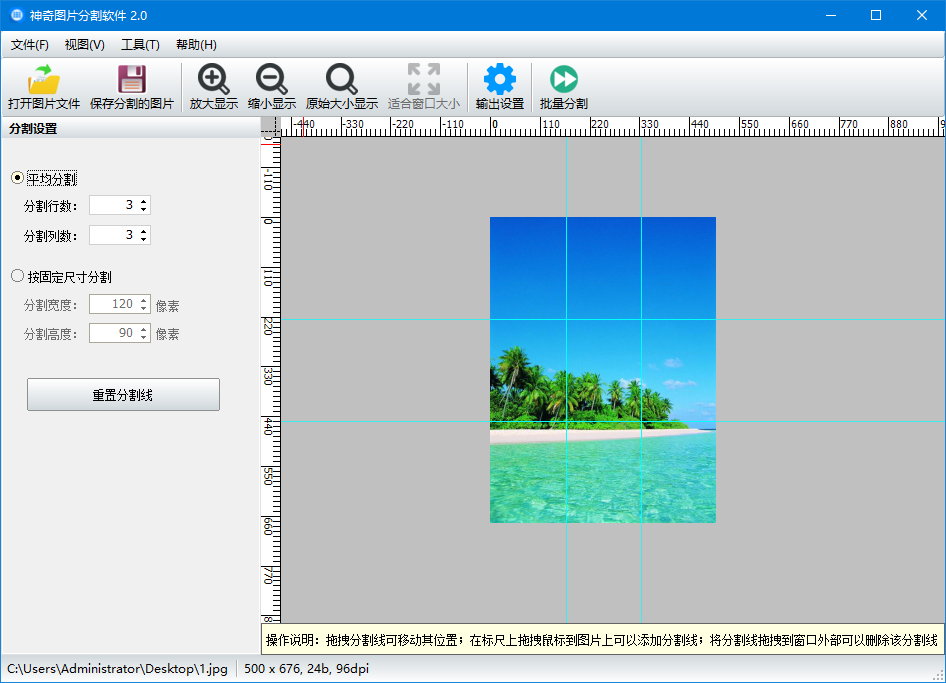
Features of Magic Image Segmentation Software
1. Supports two splitting methods: even splitting according to the number of rows and columns or splitting according to the specified size.
2. The input image format supports all mainstream image formats on the market;
3. The output image format supports four image formats: JPG/PNG/GIF/BMP;
4. You can set the number of counting digits for each image block file name; align and sort the file names;
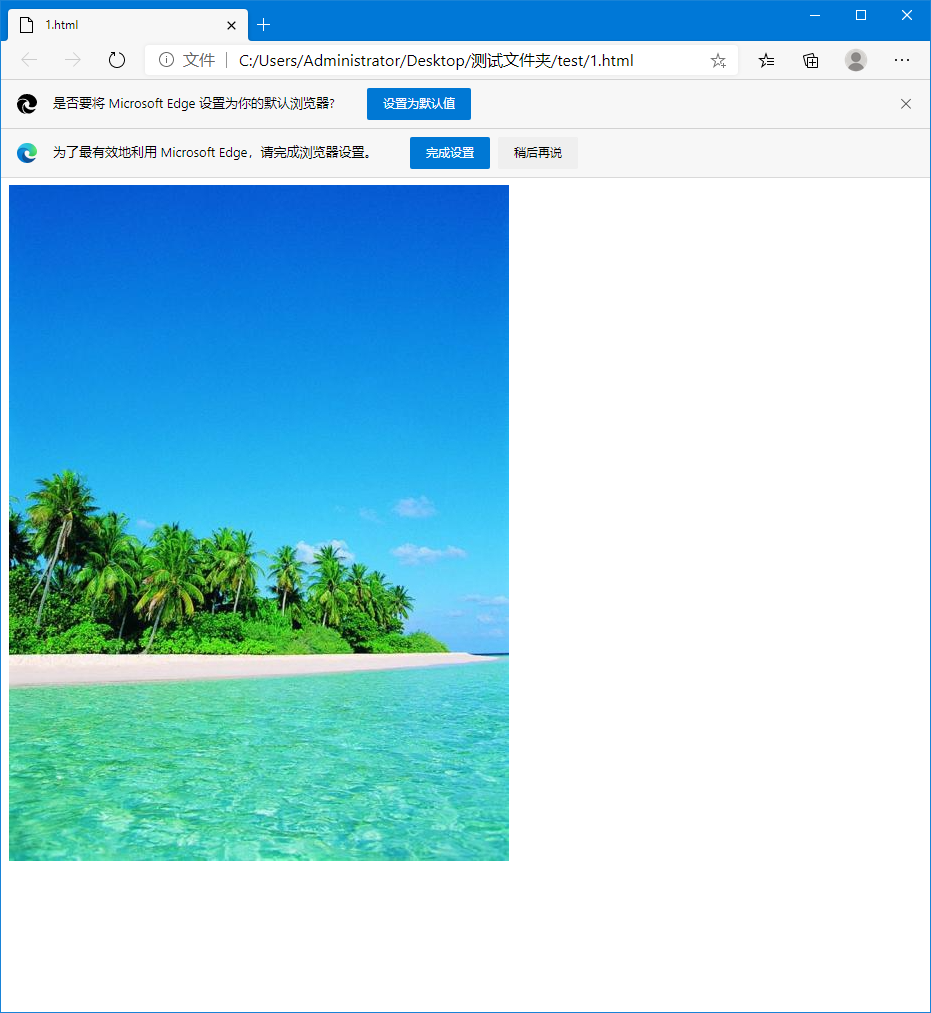
5. Supports automatic generation of HTML code. Viewing the HTML code in a browser will reveal that the image splicing is seamless;
6. You can preview the effect of segmentation in real time;
7. This software also supports batch splitting mode, which can split multiple pictures into multiple image blocks according to specified options with one click.
Magic picture segmentation software installation steps
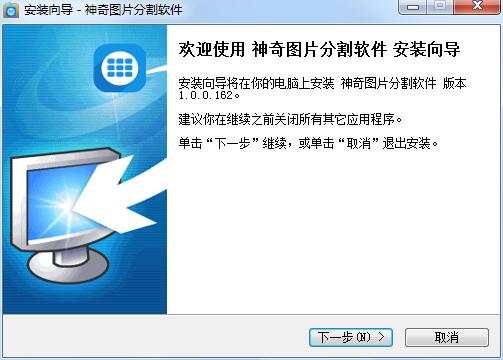
1. After downloading this software from Huajun Software Park, unzip it, double-click the exe file, enter the installation wizard, and click Next
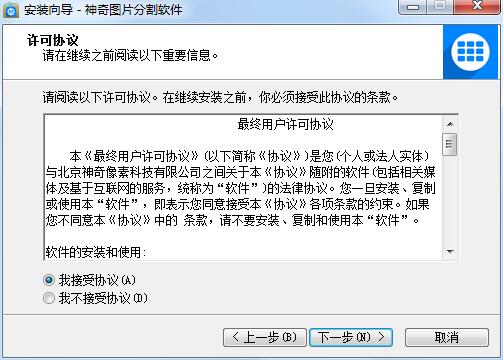
2. View the license agreement, click I accept, and click Next
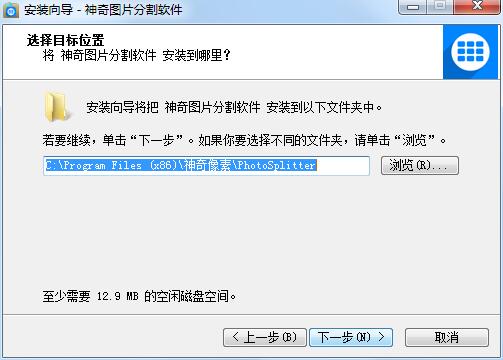
3. Set the installation target location. The default location is C drive. If you want to change it, click Browse and then click Next.
4. Select the Start menu folder and click Next

5. The software is being installed, we are waiting patiently

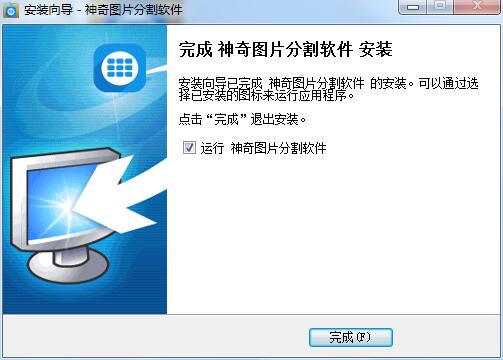
6. Software installation completed
How to use magical image segmentation software
1. Use Magic Picture Splitting Software to open a picture file to be split, as shown below:
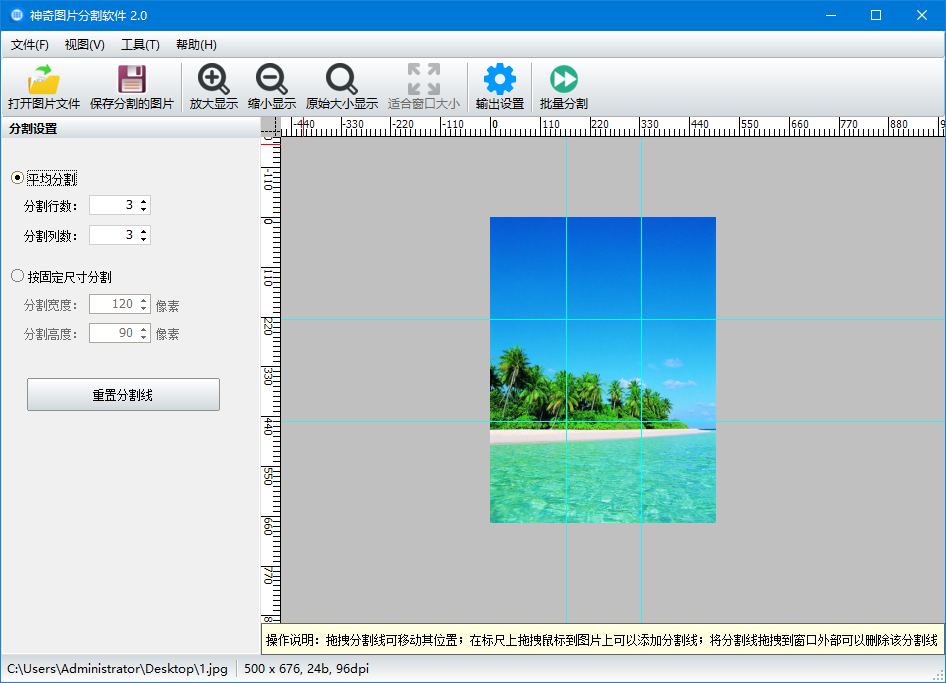
2. In the settings sidebar on the left, select the split mode. The average split mode can divide the picture into equal parts according to the number of rows and columns; the split by size mode can split the picture according to the specified picture block pixel size. In the output image file format setting area, select the file format of the output image blocks. In the advanced settings area, you can set the number of counter digits in the image file name, and also set whether to automatically generate HTML code. During the setting process, you can preview the size of the divided image blocks in real time on the right side (the thin red line in the picture represents the dividing line).
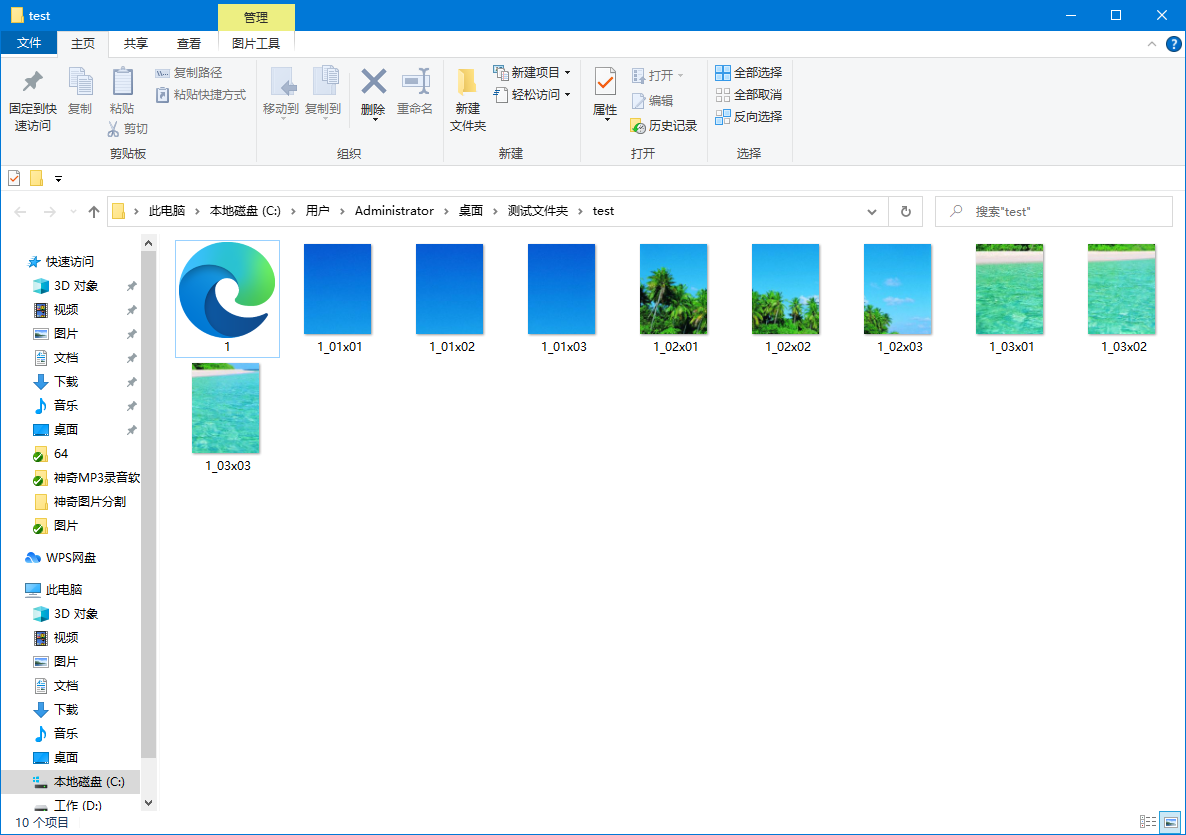
3. After adjustment, click the "Save Split Photo" button on the toolbar to save the split image blocks to the output directory, as shown in the following figure:
4. If the "Automatically generate HTML code" option was checked before, an index.html file will be automatically generated in the output directory. When you open the file with a browser, you will find that the image splicing is seamless, as shown in the following figure:
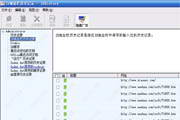
4. If you want to split multiple pictures at one time, you can use the "Batch Split" function. Click the "Batch Split" button on the toolbar to open the batch split interface, as shown in the figure below:
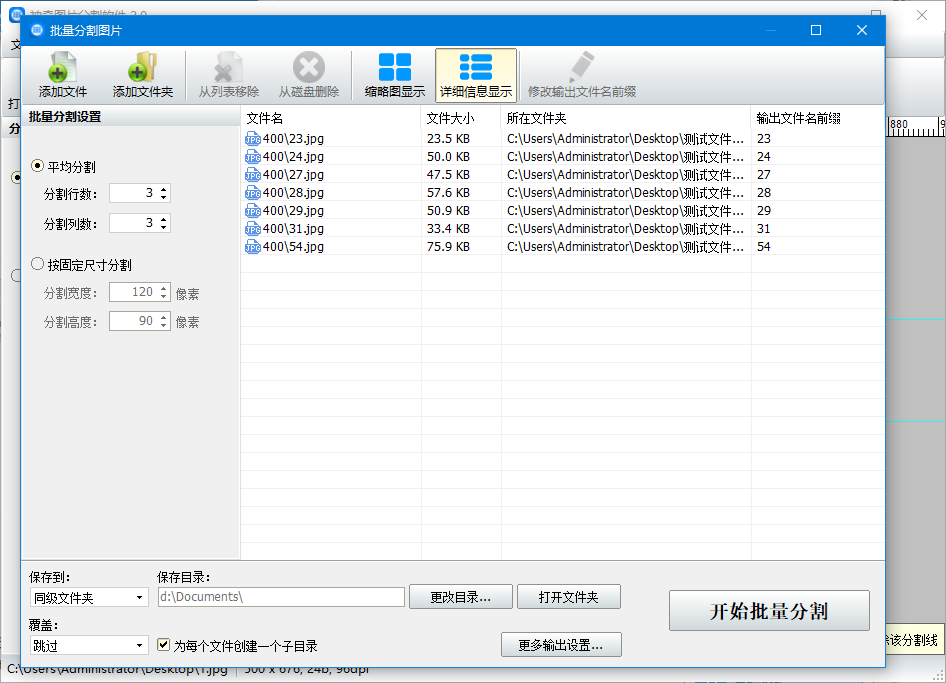
In this batch splitting window, you can add multiple image files. After setting the storage location and other related options, click the "Start Splitting" button in the lower right corner to split all the pictures into multiple image blocks with one click.
Magic picture segmentation software update log
1. Add settings for whether to generate subdirectories
2. Add the function of customizing new file name rules
Huajun editor recommends:
It is one of the best among them. With its comprehensive functions and simple operation, it has won unanimous praise from users. Come and download it and give it a try. The editor has also prepared .NET, .NET, and Cloud Machine Manager for you
Version: 2.0.0.225 official version | Update time: 2024-12-30
Similar recommendations


Latest updates





Pixel Naruto online play entrance-Pixel Naruto web version online play-Huajun Software Park
How to add background music in python-How to add background music in python
How to configure environment variables in python - How to configure environment variables in python
How to run python - How to run python
How to create a project in python - How to create a project in python
How to make a blue sky background with scratch-How to make a blue sky background with scratch
How to create a linked list in scratch-How to create a linked list in scratch
How to add local programs to scratch-How to add local programs to scratch
How to input Chinese in scratch-How to input Chinese in scratch
Magic Picture Splitting Software Review
-
1st floor Huajun netizen 2021-06-01 08:36:31Magical picture segmentation software is very useful, thank you! !
-
2nd floor Huajun netizen 2021-07-08 23:21:24The interface design of Magic Image Segmentation Software is easy to use and has rich functions. I highly recommend it!
-
3rd floor Huajun netizen 2021-03-04 10:10:05Magical picture segmentation software is not bad, downloads very quickly, I give you a good review!
Recommended products









- Diablo game tool collection
- Group purchasing software collection area
- p2p seed search artifact download-P2P seed search artifact special topic
- adobe software encyclopedia - adobe full range of software downloads - adobe software downloads
- Safe Internet Encyclopedia
- Browser PC version download-browser download collection
- Diablo 3 game collection
- Anxin Quote Software
- Which Key Wizard software is better? Key Wizard software collection




