
-
Avatary facial capture
- Size: 782.14M
- Language: Simplified Chinese
- Category: animation production
- System: Win






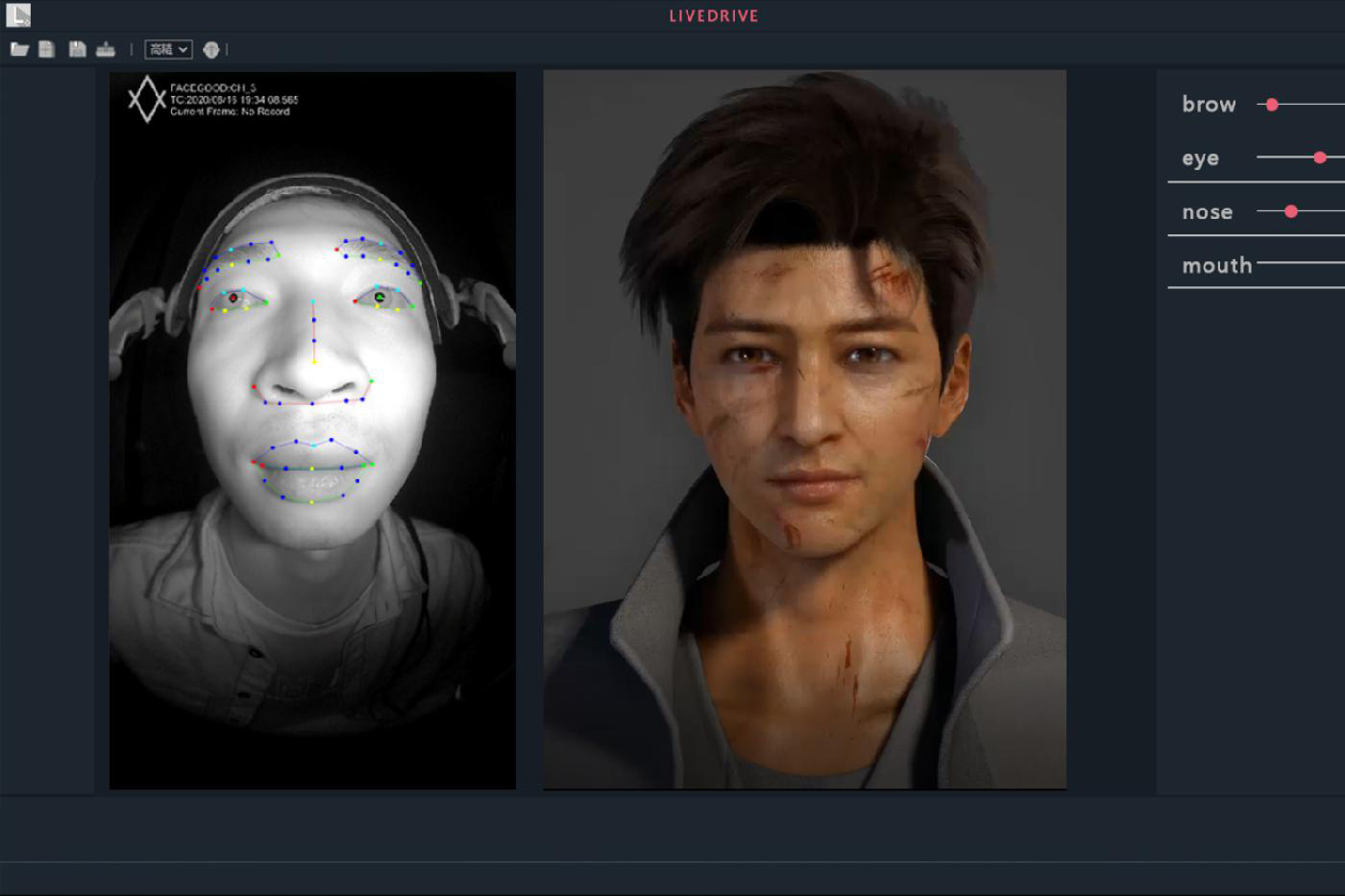
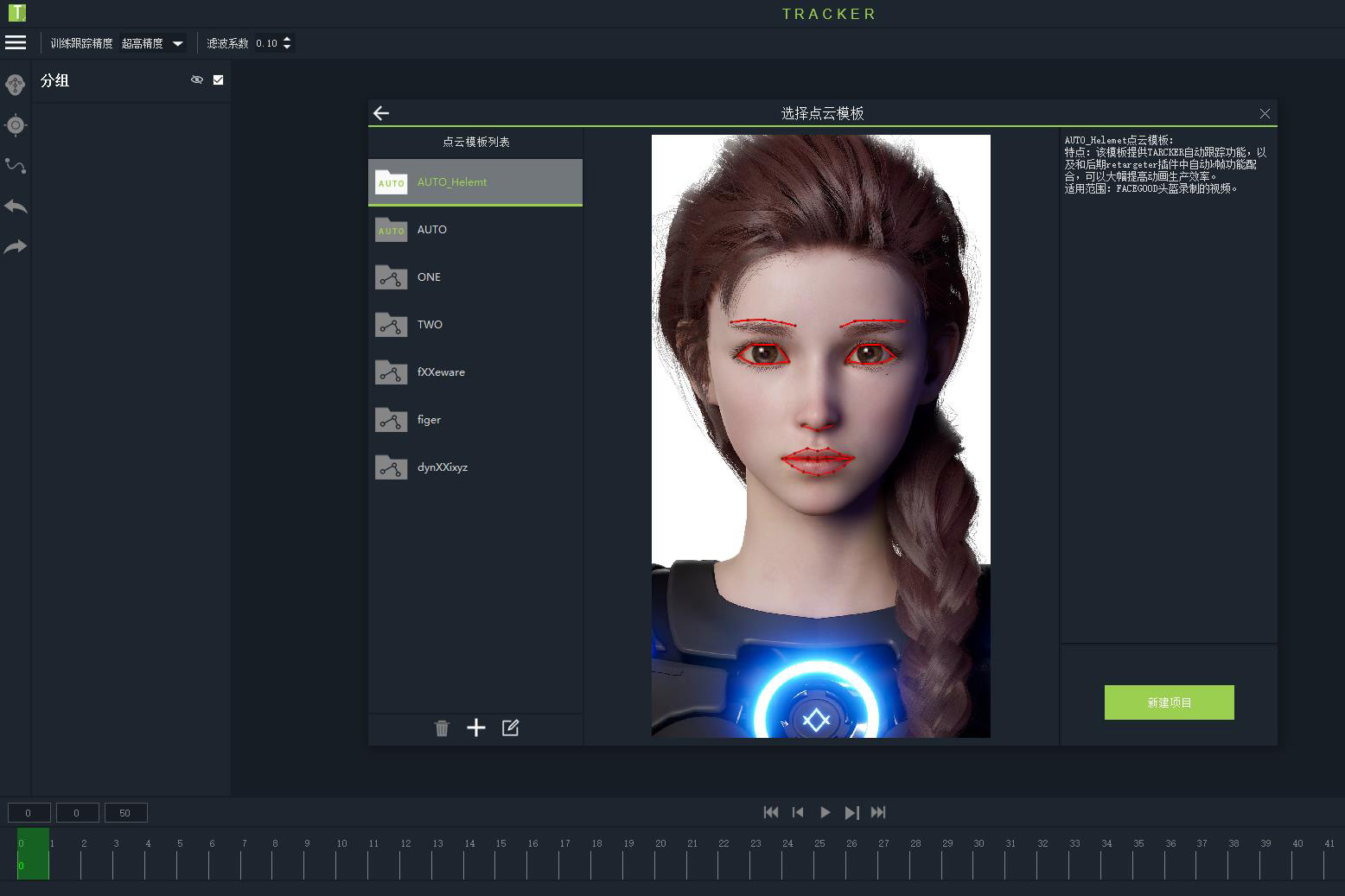
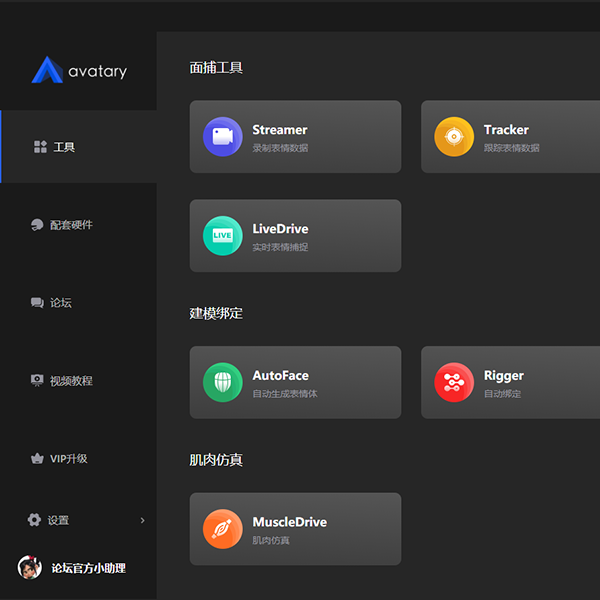
AVATARY (formerly Avatar Studio) is a full-process software launched by FACEGOOD that integrates expression modeling, binding, facial capture and driving. It can help users efficiently solve the problems of facial expression collection, analysis, driving and fast binding. It greatly improves the efficiency and quality of CG facial animation production in animation, movies and games. It can also be applied to emerging fields, such as virtual idols and virtual live broadcasts. AVATARY facial capture technology has reached the internationally advanced level in the industry. The solution is comparable to or even surpasses similar foreign software in terms of animation production efficiency, quality, and cost-effectiveness, and is recognized by the industry.
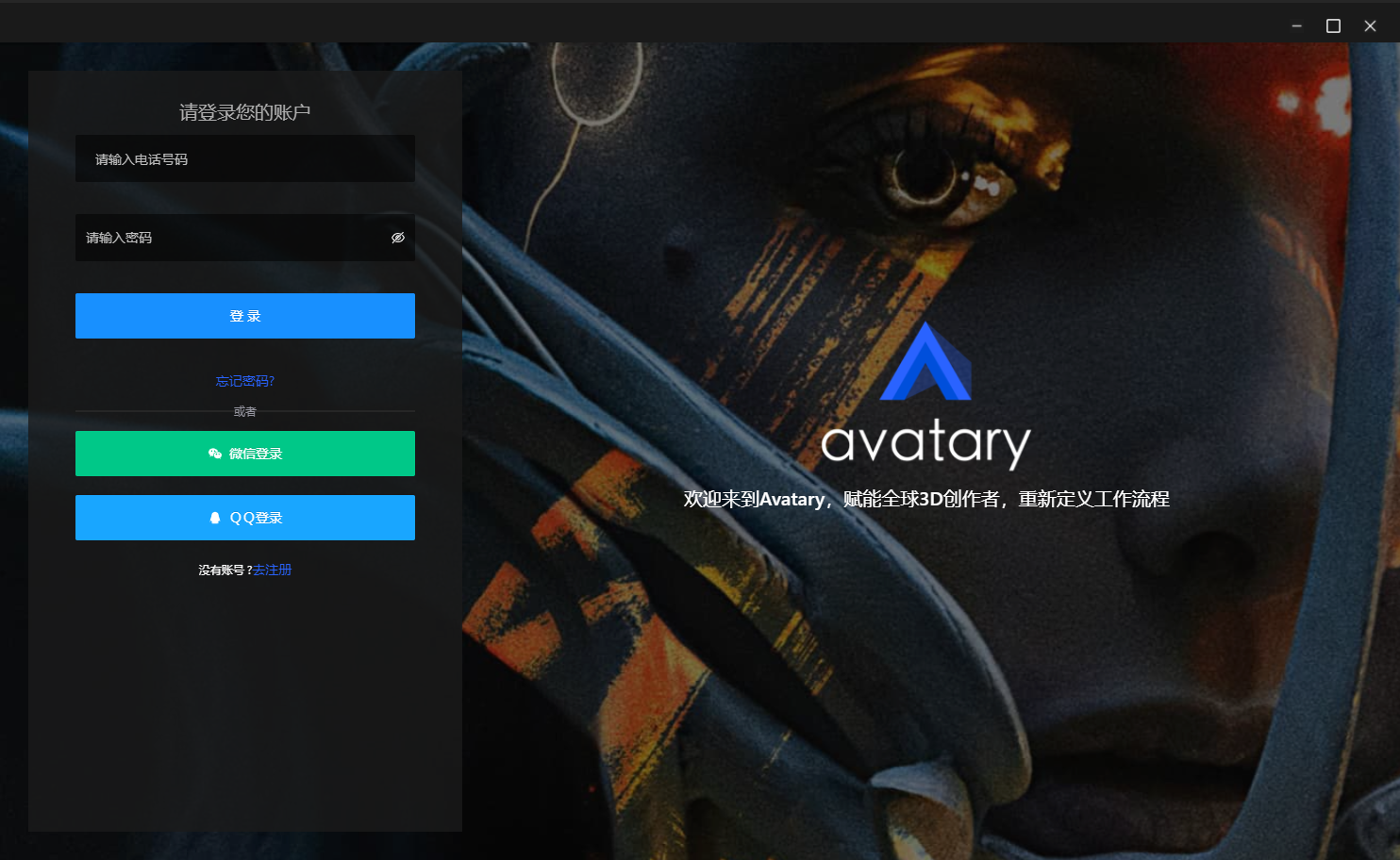
Avatar Studio function introduction
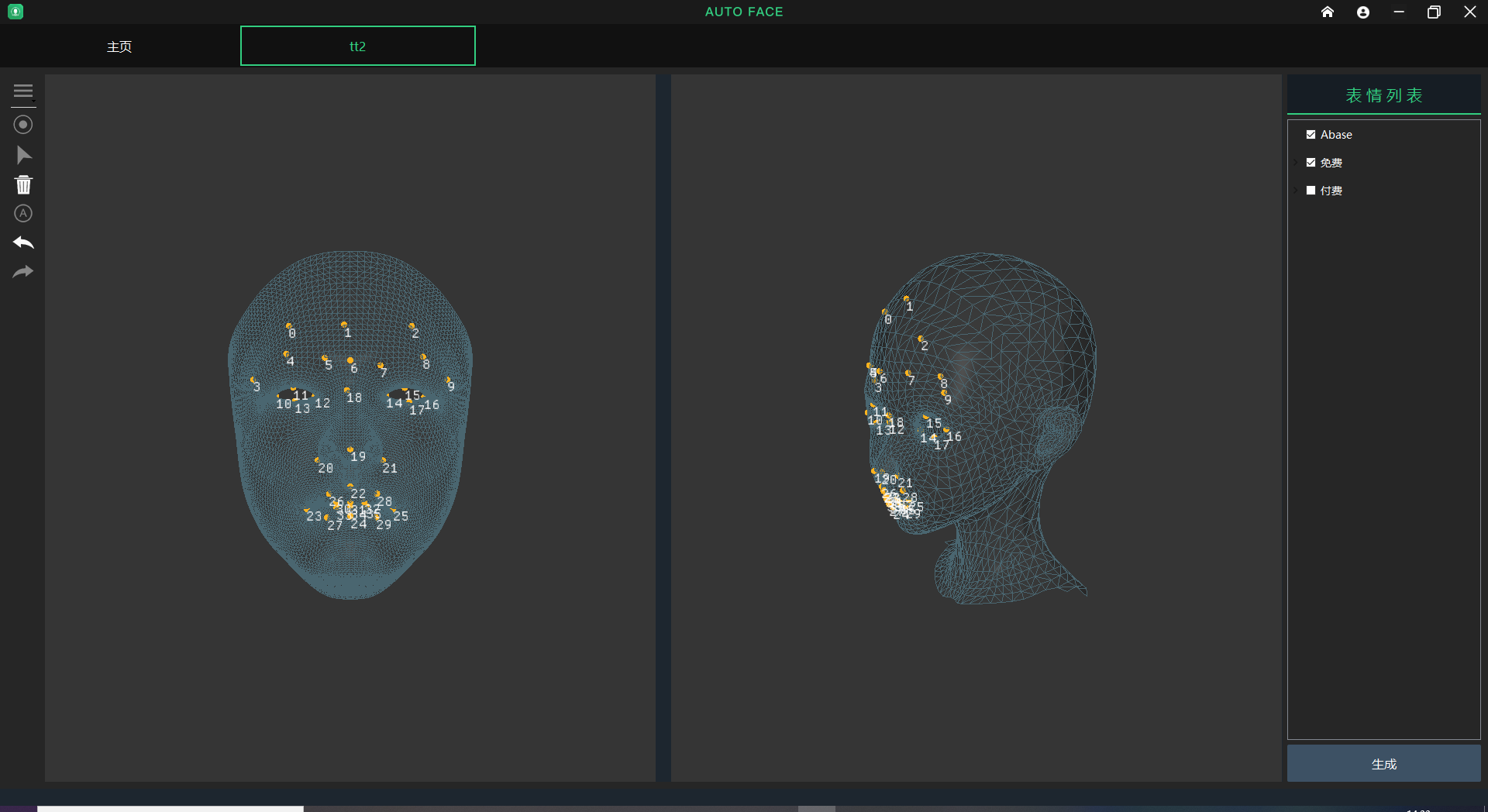
Function 1: Facial expression modeling (Blendshape)—AutoFace!
Users only need to import a basic model and punctuate according to the template to generate 51 Blendshapes with one click, which is amazingly efficient. This function is still being continuously optimized and upgraded, and will become more and more perfect in terms of accuracy, number of BS, and model compatibility support.
High-precision modeling of character facial expressions consumes a lot of manpower. It usually takes one to three months to manually create an image. AutoFace provides an automatic generation function that can generate high-precision BS in just a few minutes. The image types include humanoids, humanoids, animals, monsters, etc. The art effects are fully controllable, which greatly improves user work efficiency.
Function 2: Face capture process
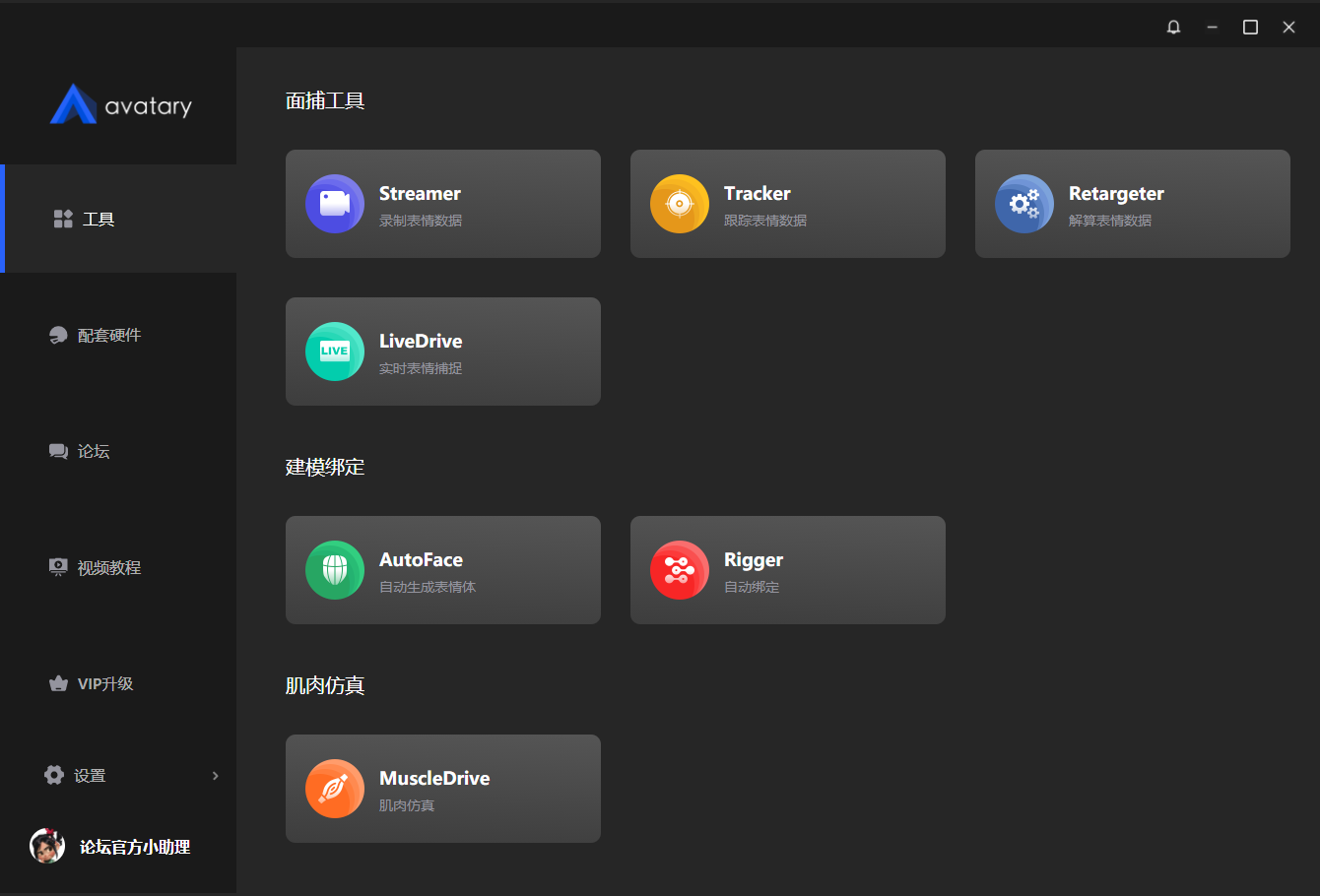
AVATARY(formerly Avatar Studio)'s facial capture process is divided into offline process (Tracker/Retargeter) and real-time drive process (LiveDrive).
The offline process starts from high-definition video recording (Streamer), to facial expression tracking and analysis (Tracker), and then synchronizes the data to the model through Retargeter to drive the model to complete animation production. The process is highly automated, and the efficiency is more than 60 times higher than the traditional K-frame method - an actor can produce an animation in a few minutes in a few minutes. Subsequent optimization and adjustments only need to be made according to art needs. Real-time driver - LiveDrive is a real-time driver function developed for virtual live broadcast users and some corporate customers with higher real-time requirements. By linking to UE4 through simple settings, you can directly drive UE4 characters.
Function 3: Muscle simulation function——MuscleDrive
MuscleDrive is an expression muscle simulation tool that uses a muscle simulation engine to generate the most natural expression animation for users. The simulation engine can simulate real physical movements such as software deformation and tearing, and completely solve the problem of high-precision digital human expression simulation based on underlying mechanics.
Avatar Studio software features
1. The software is free
The open version is free to use, and high-precision expression modeling, capture, and animation production are within reach.
2. Quick modeling and one-click binding
The modeling work of expression body (Blendshape) consumes a lot of manpower. It usually takes a day to manually create a BS. Avatar Studio provides BS automatic generation function, which can generate high-precision expression bodies in just a few minutes, increasing productivity by 600%.
3. Real-time capture
Expression animation in the traditional animation process mainly relies on animators to manually produce it, which is time-consuming and laborious. Usually, it can only be produced for 1-10 seconds a day. Using Avatary, you only need a computer camera to record a video of a real-life expression to quickly generate an expression animation.
4. Muscle simulation
Traditional expression binding has high production costs and poor effects, and cannot achieve natural effects. Avatary provides users with a muscle simulation engine to generate the most natural expression animation for users.
Avatar Studio installation steps
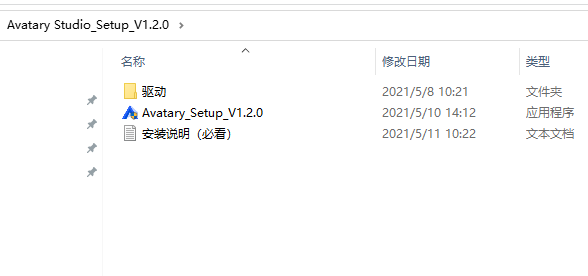
1. It is recommended to turn off protective software (such as 360) before installation to avoid accidental killing.
2. Install driver 1: CODECS 1.1.0.181.1.0.exe
3. Install driver 2: DRIVER.QP0203_YS 1.1.0.187.0.exe, restart the computer
4. Install the main program Avatary1.2.0.exe
Avatar Studio Notes
1. If some tools cannot be started, it may be caused by a missing runtime library. Please install the latest runtime library.
2. Please install the latest version of Quicktime
3. Software operation requires high CPU (i5 or above is recommended)
4. Users who have installed an older version of the driver do not need to install it again.
Avatar Studio update log
This new version brings many new features to users, including:
(1) Brand-new UI/UE, the product has made bold innovations in visual and interactive aspects, greatly improving the user experience;
(2) Streamer is optimized to support USB cameras with more resolutions and improve performance.
(3) Tracker algorithm optimization, USB camera tracking is more accurate.
(4) Added support for Maya2019/Maya2020
(5) Fix known bugs and make the software more stable
Huajun editor recommends:
Avatar Studio can help you solve many problems. I believe that as long as you dare to use it, you will definitely not put it down. It is also recommended to you Animation Master, AutoCad 2020, and Batch Butler
Version: 1.9.1 Personal Edition | Update time: 2024-12-30
Similar recommendations





Latest updates



Avatary Face Capture Review
-
1st floor Huajun netizen 2022-03-11 22:22:43Avatary facial capture works great, thank you! !
-
2nd floor Huajun netizen 2022-03-10 16:19:57Avatary's facial capture interface design is easy to use and has rich functions. I highly recommend it!
-
3rd floor Huajun netizen 2022-03-01 19:18:08Avatary facial capture software is very easy to use, downloads quickly and is very convenient!
Recommended products








- Diablo game tool collection
- Group purchasing software collection area
- p2p seed search artifact download-P2P seed search artifact special topic
- adobe software encyclopedia - adobe full range of software downloads - adobe software downloads
- Safe Internet Encyclopedia
- Browser PC version download-browser download collection
- Diablo 3 game collection
- Anxin Quote Software
- Which Key Wizard software is better? Key Wizard software collection




