
-
campus today
- Size: 149.4M
- Language: Simplified Chinese
- Category: study education
- System: Android
- Manufacturer:Jiangsu Jinzhi Education Information Co., Ltd.
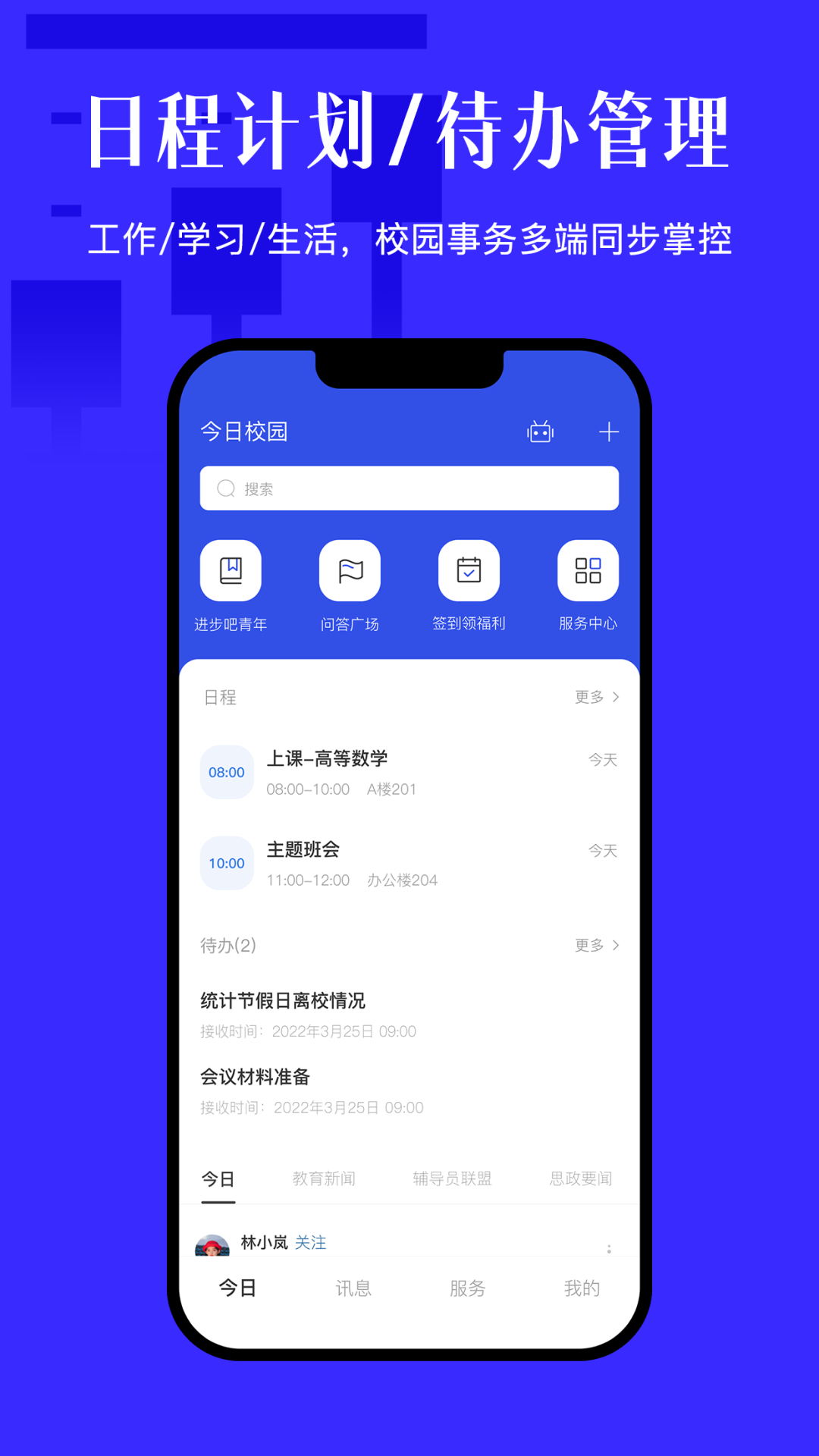
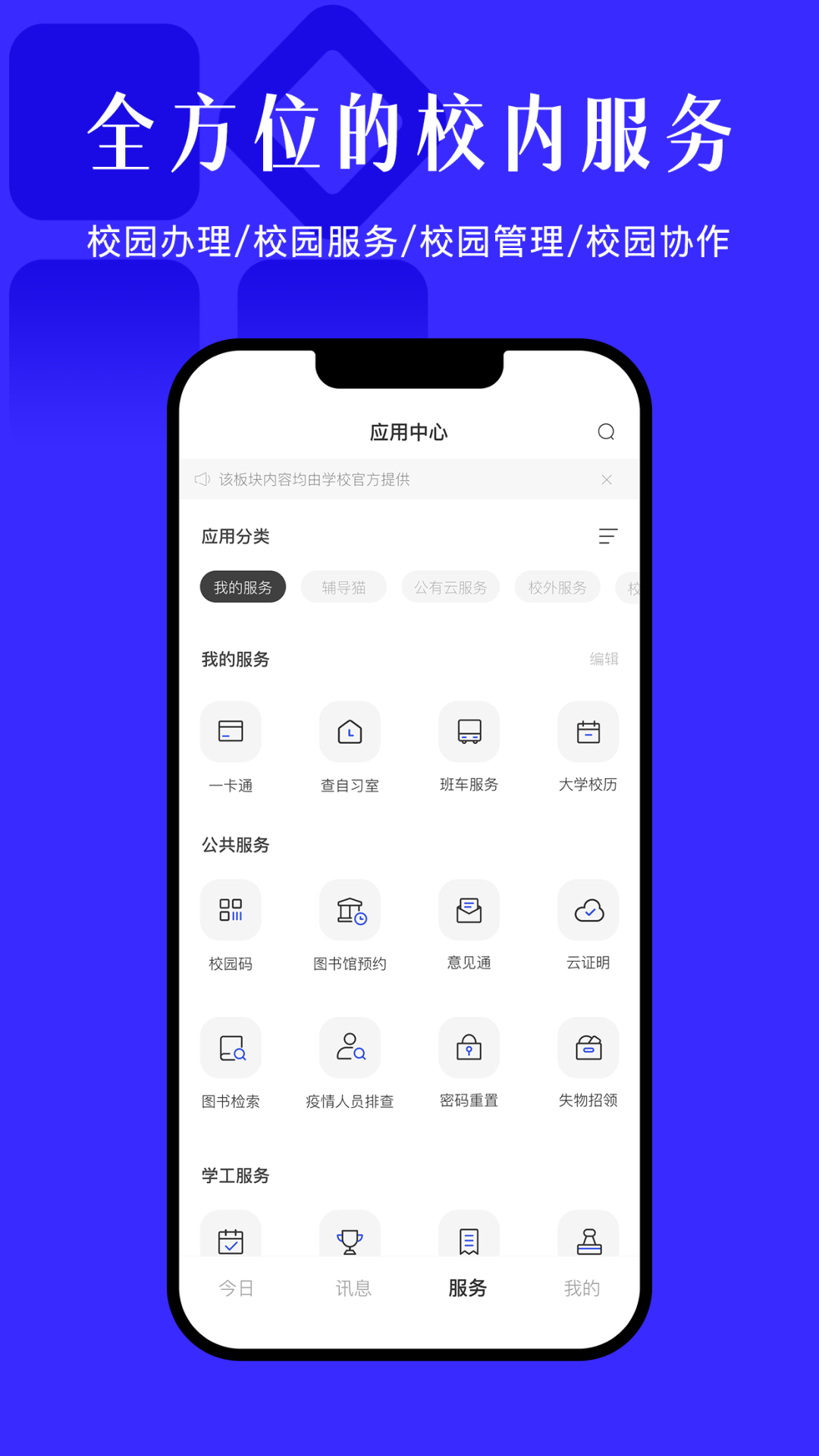
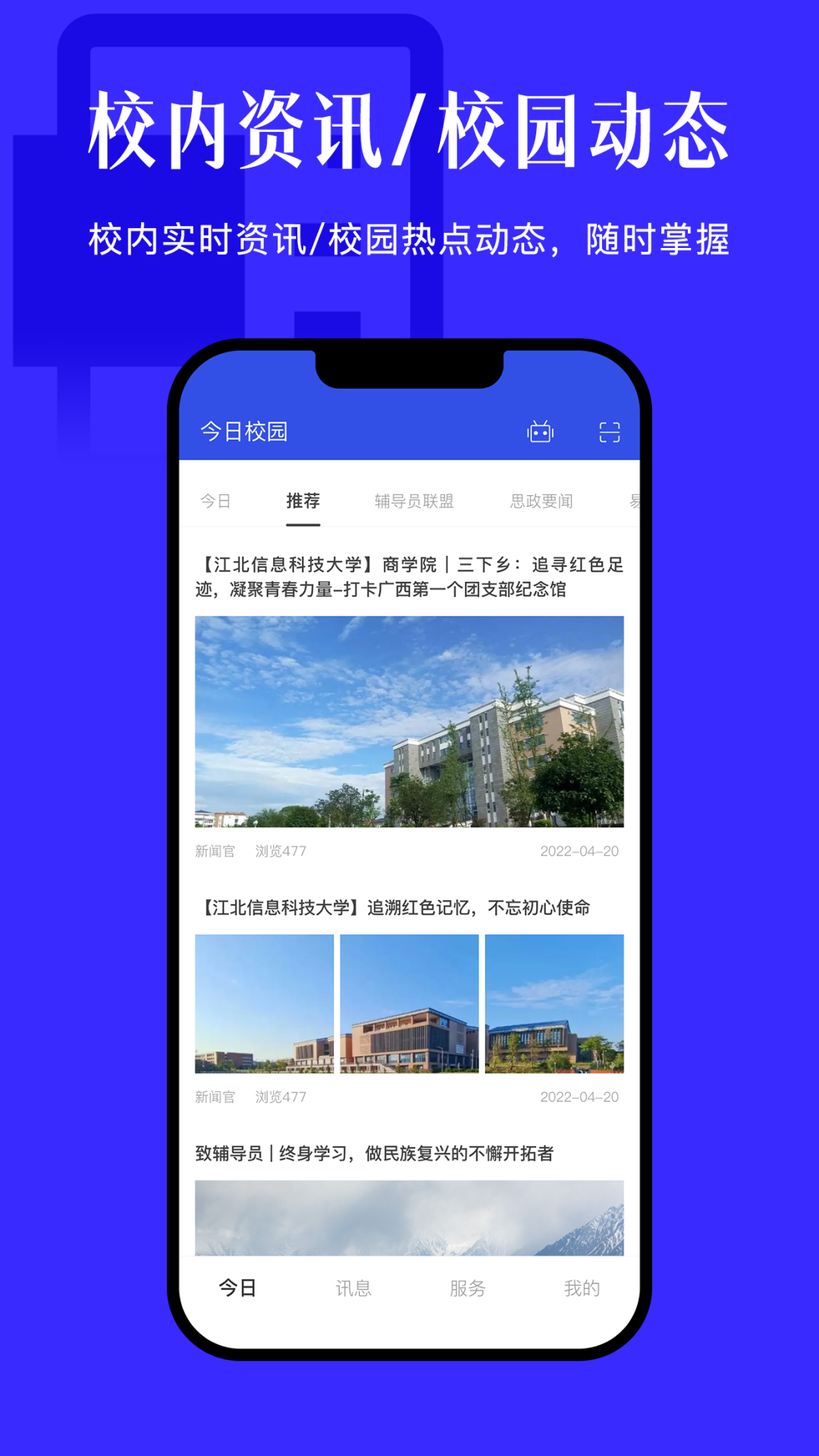

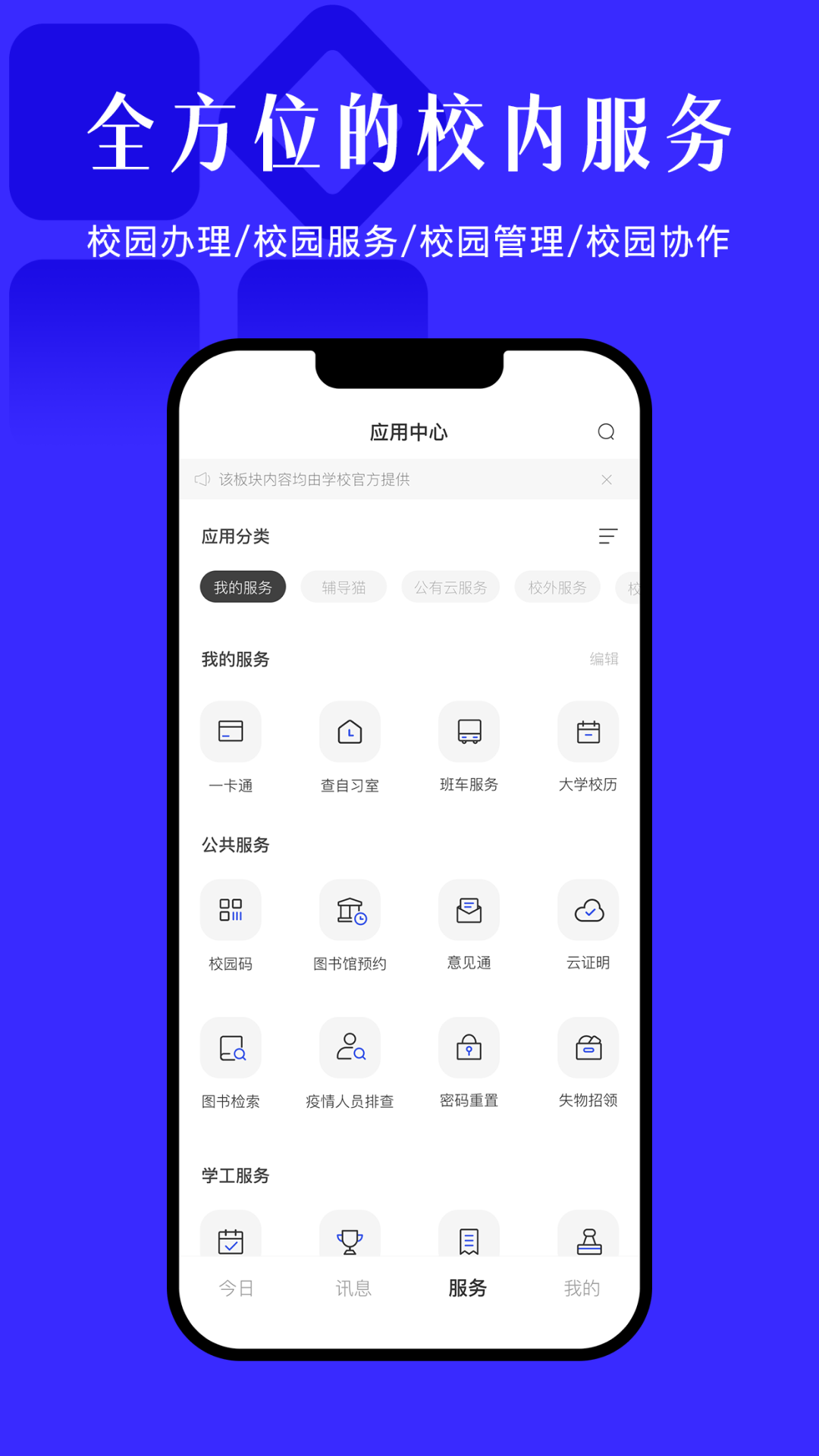
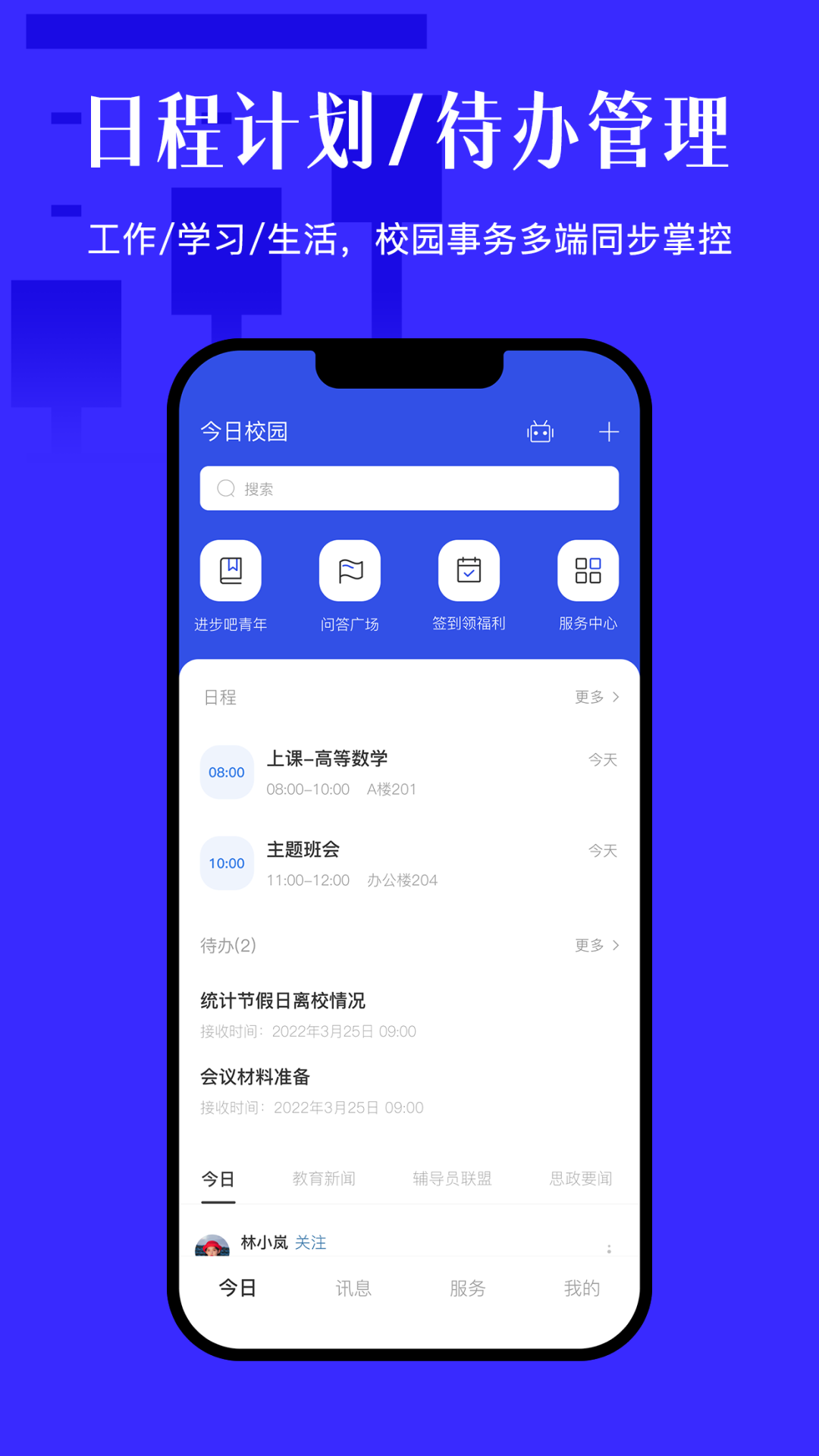
Today’s Campus Android versionIt is a high-quality service platform specially created for college students. The official version of Today’s Campus app has school hot chat list, top student self-study room,campusWith second-hand, lost and found and other service functions, Today’s Campus app adopts the selected information + campus services + on-campus interaction model to provide student users with one-stop services for study, work, life, entertainment, etc. Friends who like it, come to Huajun Software Park to download and experience it!

Today’s Campus Software Highlights
Orientation system
The entire process from the issuance of admission notices to the registration process (information collection, sign-in, item collection, etc.) has been made online to enhance the freshman admission experience.
Real name community
The real-name interactive community of teachers and students on campus supports the sharing of pictures, texts, and videos, and can be used for second-hand transactions, help for problems, and promotion of club activities, etc.
Schedule management
Create schedules for courses, lectures, activities, etc., support time and location reminders, and attach attachments such as video conferencing and courseware.
Column management
Flexibly configure the column display center, such as "one-stop student community" and "party building activity area" to meet diverse needs.
Poster management
Provide personalized poster customization services, support multi-module design such as startup page and homepage banner, and adapt to scenes such as welcome and school celebrations.
Features of Today’s Campus Software
Notification function: The school can send activity arrangements, holiday notices, etc. to ensure that parents get information as soon as possible.
Score query: Parents can check their children's scores in real time and learn about their learning progress.
Homework management: Teachers assign homework and provide feedback on the correction results, forming a closed-loop management.
Instant messaging: supports real-time communication between teachers and parents, breaking time and space constraints.
Hongmeng system in-depth adaptation (updated in 2025)
Near-field service push: Actively recommend services based on user scenarios (such as recommending all-in-one cards in canteen scenarios).
Automatic identification of incoming calls: Combined with the campus address book to display the identity of the caller (such as "Teacher Li from XX College").
Quick photo positioning: Integrate camera and location services to optimize the efficiency of attendance, bed checks and other scenarios.
Security upgrade: Protect key assets through the Hongmeng system, and improve the security of QR code consumption and identity verification.
Today’s campus software features
Exclusive collaboration group for universities
Instant messaging: Supports private chats and group chats within the school. You can turn on the group message checking function with one click and quickly confirm the message reading status.
Message classification: Distinguish between ordinary messages and application messages to prevent important notifications from being overwhelmed by massive chats.
Various group types: Provide administrative class groups, office groups, course groups, etc. to meet the collaboration needs of universities in special scenarios.
Group suite: Integrate group files, group questionnaires, group video conferencing and other functions, covering collaborative editing, data collection, remote conferencing and other scenarios.
On-campus cultural and ideological platform
Public domain traffic position: Create an exclusive campus cultural square and build a manageable and controllable one-stop student community.
Organizational Matrix: Automatically recommend campus accounts and aggregate content to form a campus culture and organizational matrix.
Resource access: Connect with high-quality external resources (such as provincial departments, ideological and political content) to achieve unified aggregation and display.
Online and offline integration: Make up for the lack of school investment and enhance the richness and participation of activities.
Intelligent service platform
Personalized service recommendation: By combining user tags (grade, major, etc.) with service tags (schedule, grades, etc.), on-demand push is achieved.
Sorting out the responsibility list: sorting out the service responsibilities at the school and college levels in reverse, and continuously tracking the construction and optimization status.
Terminal organization service platform
Quick activation: Departments, departments, societies, etc. can open and use dedicated accounts immediately.
Mandatory attention: Teachers and students within the organization's jurisdiction will automatically follow and simplify the promotion process.
Security and controllability: real-name access, supports multi-role permission management, and ensures data security.
Personalized configuration: Supports organizations to customize interfaces and functions to create unique campus accounts.
Today’s Campus Software FAQ
How to change the campus todayPassword?
Enter the Today’s Campus app on your mobile phone.
Click on the Student ID option below.
Click Forgot Password below.
Finally, click the link above to change the login password.
What should I do if freshmen on campus cannot log in today?
1. Log in to Today’s Campus: Open the “Today’s Campus” APP, select [Student ID] to log in, and in the upper right corner of the pop-up page,
2. Click [Switch] in the upper right corner to select the corresponding school name, enter the correct account/password (user accounts that have not used Today’s Campus are ID numbers, and the password defaults to 6 1s), and click to log in. When you log in for the first time, you will be prompted to bind your mobile phone number. Enter your mobile phone number according to the prompts and receive the SMS verification code to complete the login.
How to publish works on Today’s Campus app?
1. Unlock your phone, click [Today’s Campus] App, and enter the main page of the app;
2. Click [Classmate Circle] at the bottom of the screen to view student updates in this school;
3. Click [Recommend] to view the updates of other outstanding students;
4. Click the [+] symbol at the bottom of the screen to post updates;
5. Follow the prompts to choose to post updates or postvideo;
6. Take posting as an example, edit the dynamic content according to personal preferences, click the [Send] button in the upper right corner, and the operation is completed!
How to check in healthily on campus today?
Click the [Today Campus] icon, enter your student ID or mobile phone number to log in, and enter the main page of Today’s Campus;
Click [Message] at the bottom of the screen to see the health check-in messages pushed by the school every day;
Click to enter [Body Temperature Detection] and select the appropriate check-in period;
Open mobile phone positioning and clickSign in, and the sign-in operation is completed!
Today’s campus update log
1. Modify user-submitted bugs
2.Add new features
Huajun editor recommends:
After so many years of updating and optimization, today’s campus has become more humane and more technological. I highly recommend it to everyone and welcome to download. Those who are interested can also download Homework Help live classes, .NET, and Batch Butler.
Version: 9.8.8 | Update time: 2025-11-20
Similar recommendations




Latest updates





What are the top ten campus apps? Recommended useful campus software
How to cancel the account in Kuai Technology? -How to cancel your account in Kuai Technology
How to submit feedback on Kuai Technology? -How to submit feedback on Kuai Technology
How to send a private message to Toutiao today? -How to send private messages to Toutiao today
How to change Toutiao password? -How to change password in Toutiao
How to set the font for Toutiao today? -How to set font in Toutiao
How to register for Toutiao? -How to register for Toutiao
How does Toutiao publish news? -How to publish news in Toutiao today
Campus Review Today
-
1st floor Huajun netizen 2021-08-07 07:06:46The downloading process of Today's Campus is very smooth, not bad, and you can use it on your Android tablet as usual after downloading!
-
2nd floor Huajun netizen 2021-05-06 11:14:53After downloading Campus Today, you can also use it on Android tablets, which is very good!
-
3rd floor Huajun netizen 2020-11-07 06:52:07The Today’s Campus downloaded here can be used by my friends and I on different Android phones, and it’s a great review!
Recommended products










- Diablo game tool collection
- Group purchasing software collection area
- p2p seed search artifact download-P2P seed search artifact special topic
- adobe software encyclopedia - adobe full range of software downloads - adobe software downloads
- Safe Internet Encyclopedia
- Browser PC version download-browser download collection
- Diablo 3 game collection
- Anxin Quote Software
- Which Key Wizard software is better? Key Wizard software collection




