Hot search terms: 360 Security Guard Office365 360 browser WPS Office iQiyi Huawei Cloud Market Tencent Cloud Store
Hot search terms: 360 Security Guard Office365 360 browser WPS Office iQiyi Huawei Cloud Market Tencent Cloud Store

IP tools Storage size: 20.08MB Time: 2022-06-09
Software introduction: The latest version is a relatively practical device scanning software. IP scanning tool (Advanced IP Scanner) official version not only can quickly...
When you use your mobile phone to connect to Wi-Fi to watch videos or your computer to connect to the Internet to send files, there is an "invisible link" operating behind it - the IP address. This seemingly complex technical term is actually the same as our ID card, a "passport" to the online world. This article is specially designed for readers with no basic knowledge. It uses daily life language to break down the core knowledge of IP addresses, covering high-frequency questions such as "What is an IP address?" "What types are there?" and "How to check your own IP" to help you quickly establish a complete understanding of IP addresses.
The full name of IP address is "Internet Protocol Address", which is essentially a unique digital identification assigned to every device on the Internet (computers, mobile phones, routers, smart TVs, etc.). Just like you need the precise address of "province + city + street + house number" to receive express delivery, the transmission of data on the network also requires IP addresses to locate the "sender" and "receiver".
Core metaphor: If the Internet is compared to the express delivery network across the country, then the device is the "recipient/sender", the IP address is the "detailed receiving address", and the data is the "express package" - without an IP address, the data will be lost in the network and cannot be delivered accurately.
To give a specific example: when you use your mobile phone to place an order on an e-commerce platform, the IP address of your mobile phone will tell the platform "where your device is", and the IP address of the platform server will let your order data know "where to send it." The two parties complete data interaction through the IP address, and the whole process can be completed in less than 1 second.
The IP address is not only a "network ID card", but also the basis for the operation of the Internet. Its core role is reflected in three aspects, covering every scenario where we go online:
1. Device identification: Let the network “recognize” each device
There are tens of billions of devices connected to the Internet, and IP addresses ensure that each device has a unique identity. For example, the router at home will assign different "intranet IPs" to mobile phones and tablets, so that the router can distinguish between "video data of the mobile phone" and "game data of the tablet" without causing transmission confusion.
2. Accurate data transmission: Let information “find” its destination
When you send a WeChat message, the message will first be attached with your IP address and the IP address of the recipient, and will be forwarded layer by layer through the network operator's server, and finally located to the recipient's device based on the IP address. Without an IP address, the message would be like an "unaddressed letter" and cannot be delivered to the designated person.
3. Network access control: ensuring device and data security
In a business or home network, administrators can set access permissions by IP address. For example, if a company prohibits employees from using work computers to access undesirable websites, it can do so by restricting access to specific IP addresses; home routers can also blacklist devices using IP addresses to protect network bandwidth security.
IP addresses are not "one size fits all". They are divided into multiple types according to different usage scenarios. The most common of them are the following 4 types. Mastering them can solve 90% of daily questions:
1. IPv4 and IPv6: “old and new iterations” of address formats
This is the core classification, equivalent to the "two versions" of IP addresses:
IPv4 address: consists of 4 groups of numbers, each group is 0-255, separated by decimal points, such as "192.168.1.1". This is currently the most commonly used version, but since there are only about 4.3 billion addresses, with the explosive growth of smart devices, it is already facing the problem of "address exhaustion".
IPv6 address: It consists of 8 groups of letters and numbers, each group is separated by a colon, such as "2001:0db8:85a3:0000:0000:8a2e:0370:7334". Its number of addresses is as high as 2^128, which is equivalent to assigning an address to every grain of sand on the earth. It can completely solve the problem of insufficient addresses and is currently gradually replacing IPv4.
2. Public IP and private IP: the difference between “public” and “private”
This is a type divided according to the scope of use, which is directly related to whether the device can be accessed by the external network:
Public IP: The "public address" assigned by the operator is unique in the entire Internet. Others can access your device through this IP address (for example, the server requires a public IP to be accessed by users). The public IP of ordinary home users is usually dynamic (changes regularly).
Private IP: An "internal address" used only within the LAN, such as "192.168.1.2" assigned to the mobile phone by the router at home, and "10.0.0.5" on the company's intranet. Private network IP cannot be directly accessed by the Internet and is more secure. Private network IPs in different LANs can be repeated.
3. Dynamic IP and static IP: whether the address is "fixed"
This is divided into types according to whether the address changes, corresponding to different usage requirements:
Dynamic IP: An IP address randomly assigned by the router or operator every time the device is connected to the Internet. It may change the next time the device is connected to the Internet. Ordinary users use dynamic IPs on their mobile phones and computers, which is enough to meet their daily Internet needs and save IP address resources.
Static IP: A fixed IP address that needs to be applied to the operator or set manually (only available within the LAN). Servers, monitoring equipment, smart home gateways and other devices that require long-term stable access usually use static IPs.
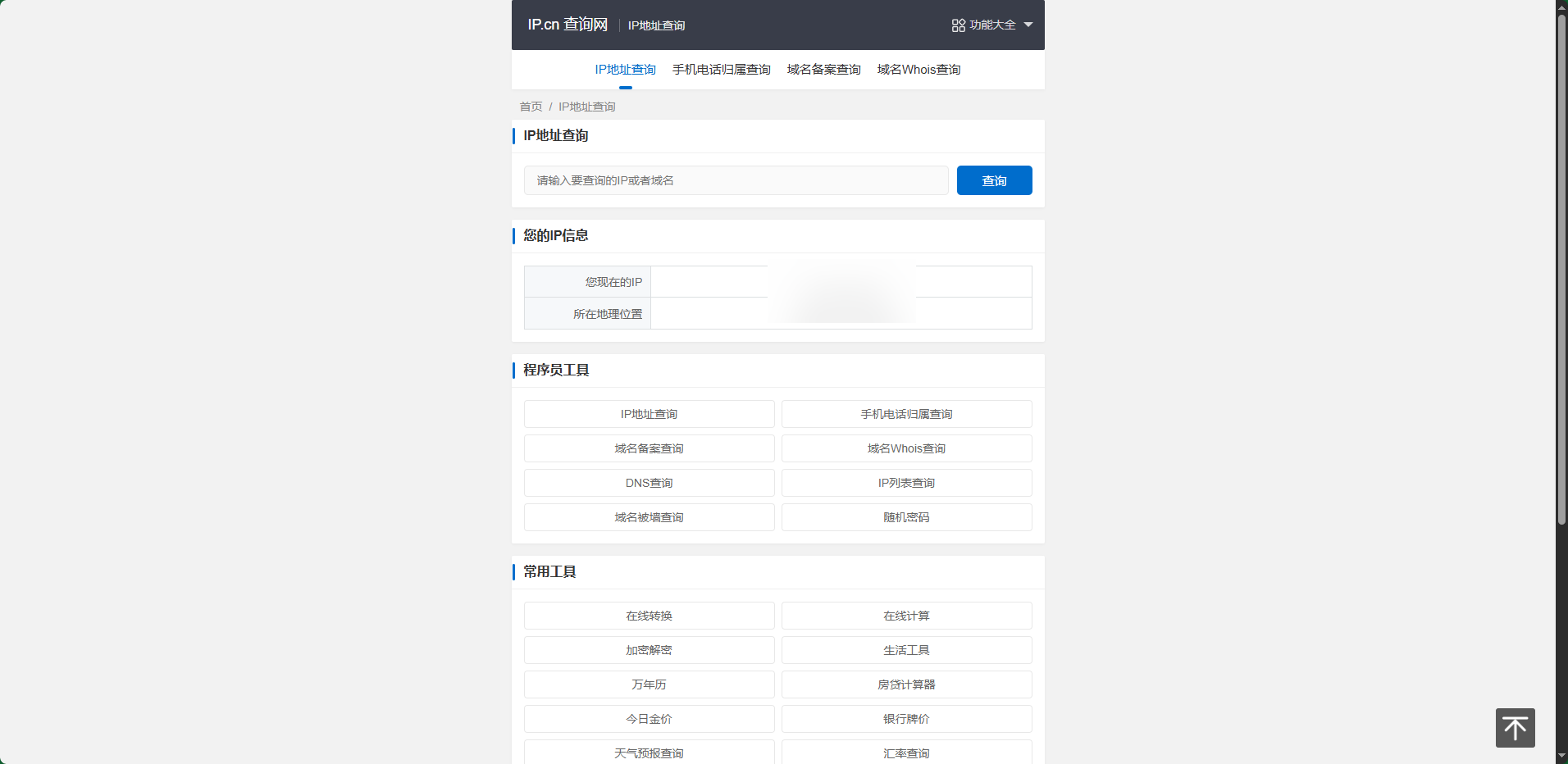
In daily use, we often need to know our own IP address (such as troubleshooting network faults and setting up routers). The following is a quick query method for mobile phones and computers, which can be easily operated with zero knowledge:
1. Computer query (common to Windows/macOS)
Windows system: Press "Win+R" to open the run window, enter "cmd" and press Enter, enter "ipconfig" in the command prompt, and find the "IPv4 address" under "Wireless LAN Adapter WLAN" or "Ethernet Adapter", which is your private network IP; if you want to check the public network IP, just open the browser and search for "My IP".
macOS system: Open "System Settings - Network", select the currently connected network (Wi-Fi or Ethernet), click "Details", and view the private IP under the "TCP/IP" option; the public IP can also be obtained by searching "My IP" in the browser.
2. Mobile phone query (common to Android/iOS)
Android phone: Open "Settings-WLAN", long press the name of the currently connected Wi-Fi, select "Modify Network-Advanced Options", check "Static" in "IP Settings", you can see the private network IP; the public network IP can be directly searched for "My IP" in the browser.
iOS mobile phone: Open "Settings-Wi-Fi", click the "i" icon after currently connected to Wi-Fi, and view the private IP in the "IP Address" column; the public IP query method is the same as Android.
1. Will IP address reveal privacy?
Some information will be revealed, but no personal identity will be directly revealed. You can locate your general area (usually at the city level) through public network IP, but it cannot be accurate to your specific address; however, if you combine it with other information (such as account login records), there are privacy risks, and it is recommended to avoid logging in to sensitive accounts on unsecured networks.
2. Can I bypass the firewall by changing my IP address?
No, and "jumping over the wall" to access overseas websites is a violation of my country's cybersecurity law. Legitimate IP changing needs (such as solving regional restrictions on some websites) can be achieved through regular VPNs (which need to be registered with the Ministry of Industry and Information Technology), but they can only be used for legitimate businesses.
3. Do devices under the same Wi-Fi have the same IP address?
The private network IP is different and the public network IP is the same. All devices under the same Wi-Fi will be assigned different private IPs (such as 192.168.1.2, 192.168.1.3) by the router, but they will share the router's public IP when accessing external devices.
This information comes from the Internet. If there is any infringement, please contact us to delete it!

 OBS Quick Start Basic Usage Tutorial
 WeChat File Transfer Assistant web version entrance and how to use it
 Recommendation and in-depth evaluation of the top ten project management software in 2025
 3 minutes will give you a true understanding of what artificial intelligence AI is!
 Steam
Steam
 Tencent Video
 WPS Office
 iQiyi
iQiyi
 Sohu video player
 Lightning simulator
 MuMu emulator
 Eggman Party
 WPS Office 2023