
Hot search terms: 360 Security Guard Office365 360 browser WPS Office iQiyi Huawei Cloud Market Tencent Cloud Store
Hot search terms: 360 Security Guard Office365 360 browser WPS Office iQiyi Huawei Cloud Market Tencent Cloud Store
Microsoft has currently stopped supporting the Win8 system. In addition, Win8 users cannot upgrade the Win10 system. They must first update to Win8.1 before they can upgrade the Win10 system for free. Therefore, many users want to update the Win8 system to the Win8.1 system, but some users encounter the problem of being unable to update. What is going on? Today, the editor of Huajun brings you a simple and easy-to-understand solution. I hope you will support and share the carefully selected content. If you like it, hurry up and get it!
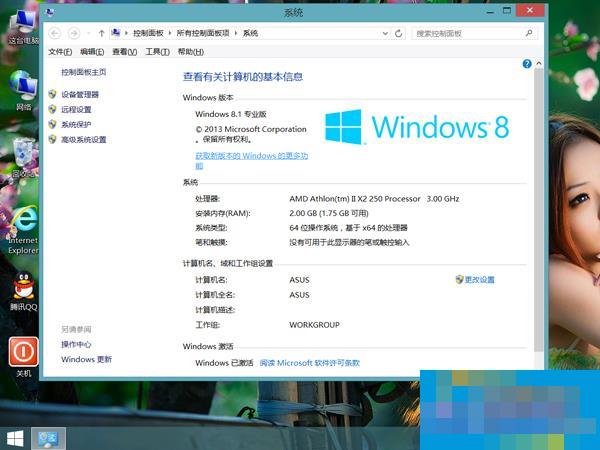
Possible causes:
1. Anti-virus software (it is recommended to turn it off or uninstall it first);
2. Problematic driver;
3. Some external devices are not compatible with Win8.1.
Solution:
1. First, please confirm whether your model supports upgrading to Win8.1.
2. It is recommended that you temporarily remove all external devices that are not pre-installed by Lenovo, such as mice, keyboards, printers, cameras, etc.
3. It is recommended that you back up important personal files and use the one-click recovery function to restore the computer to factory condition. Please refer to the operation method.
4. Uninstall software and drivers that may affect updates, such as anti-virus software, power management, graphics card drivers, etc.
5. Install all Windows update patches before trying to update Win8.1 in the App Store.
The above is an introduction to the reasons and solutions for why Win8 cannot be updated to Win8.1. As long as you resolve the conflicts in anti-virus software, drivers, and devices, you should be able to successfully upgrade to Win8.1.

 How to draw a lottery in 360 Software Butler - How to draw a lottery in 360 Software Butler
 How to collect software in 360 Software Manager - How to collect software in 360 Software Manager
 Microsoft Edge browser
 Steam
Steam
 Tencent Video
 WPS Office
 iQiyi
iQiyi
 Sohu video player
 Lightning simulator
 MuMu emulator
 Eggman Party
 What to do if there is no sound after reinstalling the computer system - Driver Wizard Tutorial
 How to switch accounts in WPS Office 2019-How to switch accounts in WPS Office 2019
 How to clear the cache of Google Chrome - How to clear the cache of Google Chrome
 How to fire bullets in scratch-How to fire bullets in scratch


