
-
Zhiyun
- Size: 152M
- Language: Simplified Chinese
- Category: Liberal Arts Tools
- System: winall






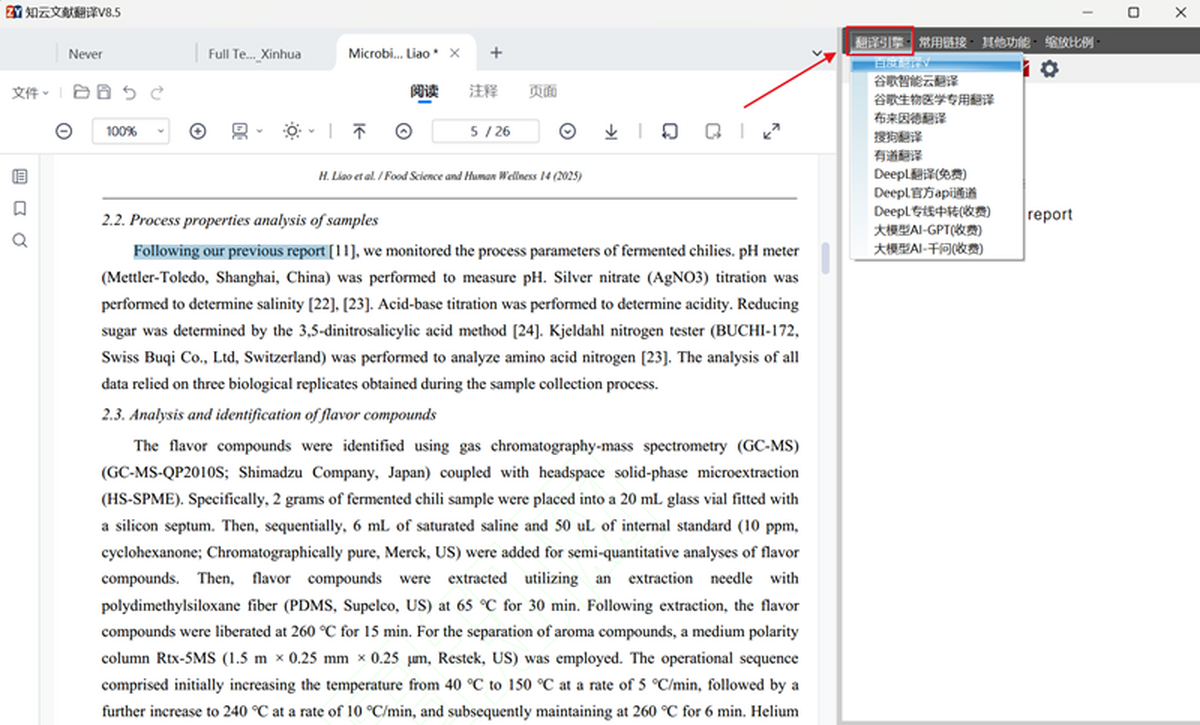
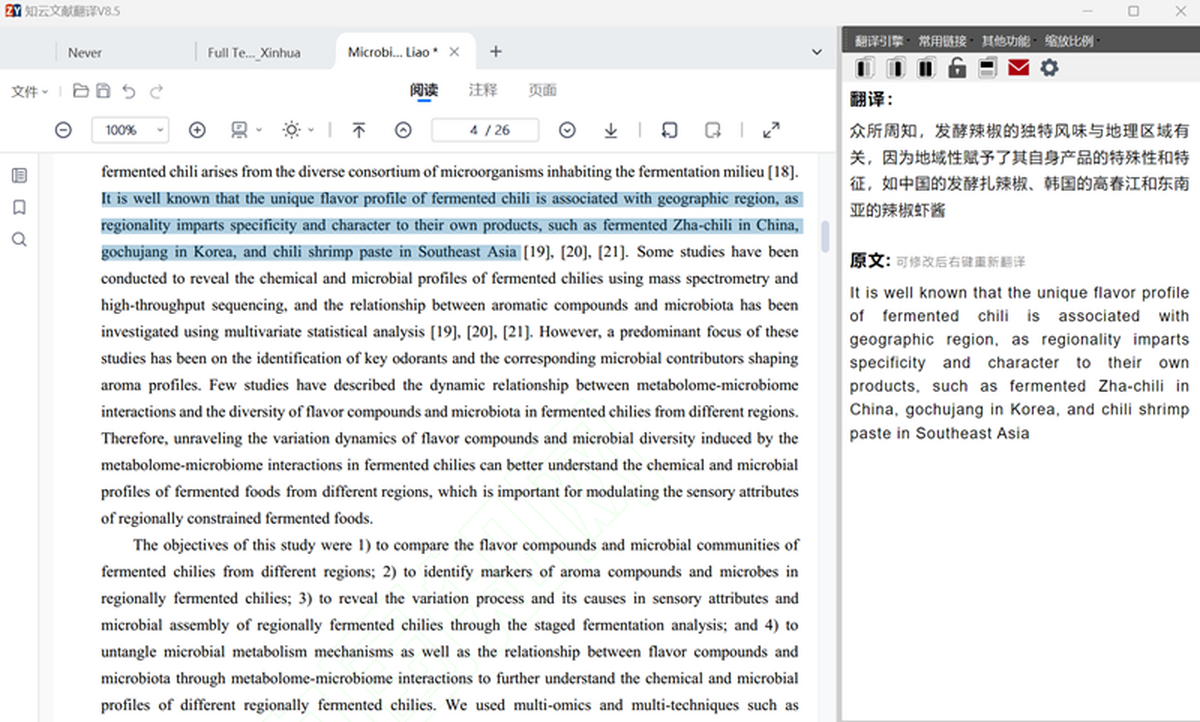
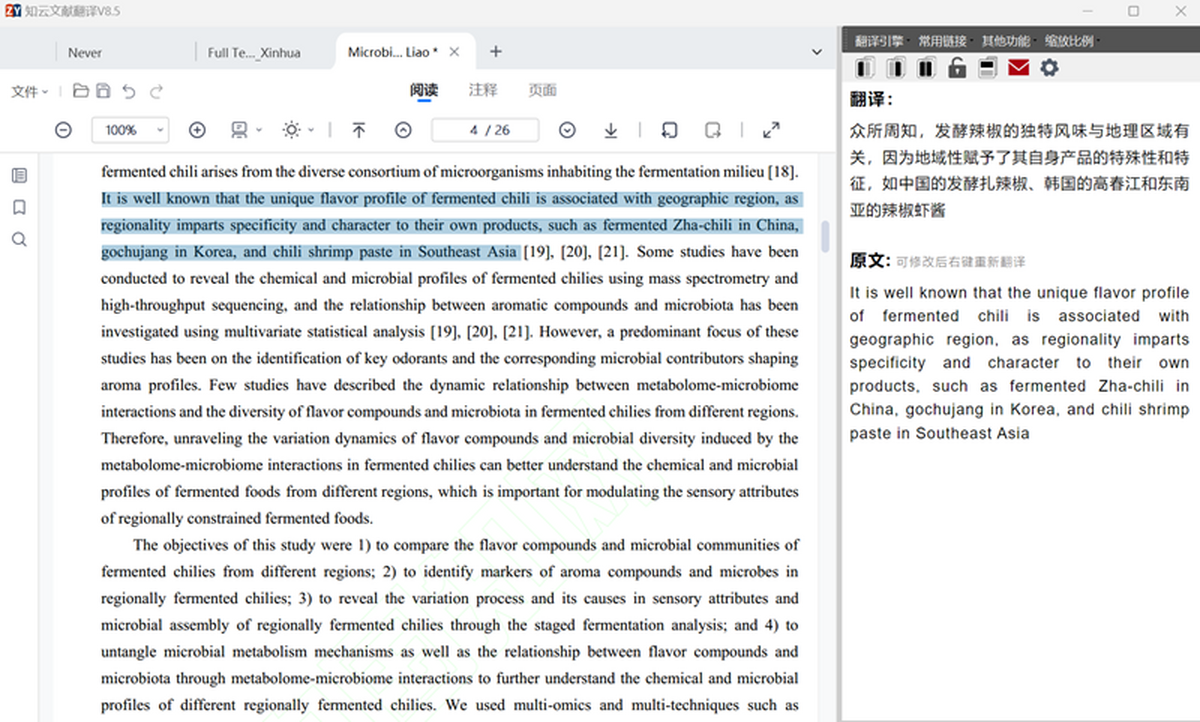
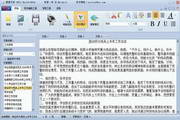
Zhiyun Document Translation is a completely free document translation tool, specially designed for scientific research scenarios, integrating PDF reading, multi-engine translation, and intelligent annotation. It supports Windows systems and has more than 20 built-in translation engines such as Baidu, Google, DeepL, and biomedical special engines. It can accurately handle complex terms in academic documents, and is especially suitable for researchers in medicine, science and engineering and other fields.
Main functions
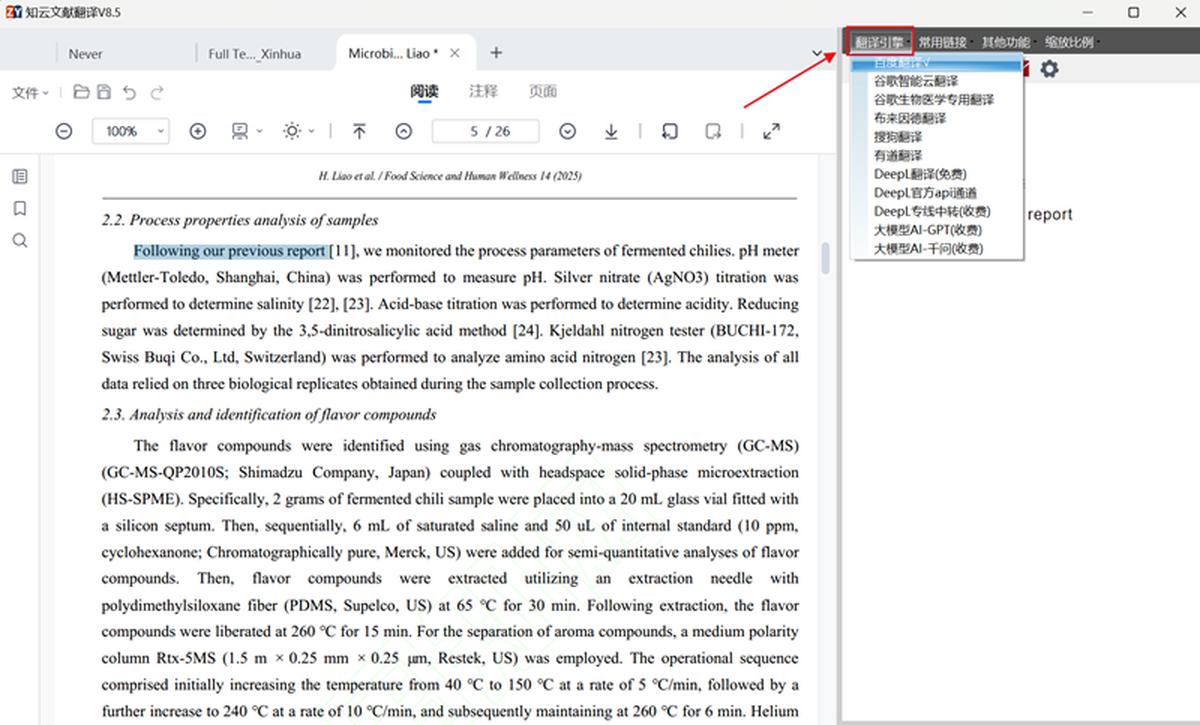
Multi-engine translation: Supports Baidu, Google, DeepL, biomedical special engines, etc. Users can freely switch according to needs to ensure translation quality.
Cross-page translation: It can identify cross-page paragraphs, realize continuous translation, and automatically maintain the original format of typesetting.
Annotation tools: Provides a variety of annotation tools such as highlighting, annotations, and text annotations to facilitate users to highlight key content and facilitate subsequent review.
Page management: Supports extracting and splitting pages for easy reading and sharing; supports extracting pages from other documents, replacing or inserting them into the current document, and easily integrating the content of multiple documents.
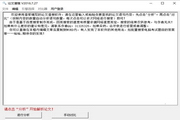
Input translation mode: For image PDFs or text that cannot be selected, users can translate it by manual input or screenshot OCR.
FAQ
1. Login and registration issues
Login failure: It may be caused by poor network, Internet Explorer failure, blocked network IP address, incorrect operating system time and date, etc. Users can try to check the network connection, modify the system time, cancel Internet Explorer proxy settings or refresh the QR code to log in again.
The QR code does not display: If the QR code displays a cross or is completely blank, you can try the above solutions to login failure.
2. Translation issues
Unable to translate when selected: This may be due to the fact that the PDF file has permission restrictions set for images and documents, non-text objects affect the selection range, or the software version is out of date. Users can try to use OCR tools to convert images to PDF, remove document security settings, adjust selection policies or update the software version.
Translation display is garbled: This may be caused by copyright-protected PDF encryption or restricted text copying capabilities. Users can try to take a screenshot of the encrypted PDF and use the OCR tool to extract the text translation, or contact the original author or publisher of the document to apply for an editable version.
Translation engine failure: If the current translation engine cannot work properly, users can try to switch to other translation engines.
Zhiyun update log:
1: Brand new interface, refreshing, simple and efficient
2: Performance is getting better and better
Huajun editor recommends:
Zhiyun is a conscientious product with guaranteed performance. I personally tested it and I believe you can try it on my children’s shoes! Our Huajun Software Park also has more useful software such as the electronic version of the Chinese Idiom Dictionary, Batch Butler, and Cloud Machine Manager!
Version: 8.7.04 | Update time: 2025-06-13
Similar recommendations





Latest updates




How to install Zhiyun Literature Translation? Installation steps of Zhiyun Literature Translation
How to log in and use Zhiyun Literature Translation - How to use Zhiyun Literature Translation
How to use Zhiyun Document Translation - Explanation of how to use Zhiyun Document Translation
How to draw a lottery in 360 Software Butler - How to draw a lottery in 360 Software Butler
Zhiyun comments
Recommended products
-

PEP version of primary school Chinese language teaching courseware for the first grade of the first volume of the complete text
-

Complete collection of rhymes
-

Master of Calligraphy Practice Methods
-

Three Hundred Tang Poems
-

pen god
-

Electronic Xinhua Dictionary
-

Yixuetang fast reading training system
-

Ancient poems and essays from past dynasties
-

Lighthouse online answer questions
-
Paper latent search
- Diablo game tool collection
- Group purchasing software collection area
- p2p seed search artifact download-P2P seed search artifact special topic
- adobe software encyclopedia - adobe full range of software downloads - adobe software downloads
- Safe Internet Encyclopedia
- Browser PC version download-browser download collection
- Diablo 3 game collection
- Anxin Quote Software
- Which Key Wizard software is better? Key Wizard software collection




