
-
UU remote
- Size: 53.6M
- Language: Simplified Chinese
- Category: network acceleration
- System: Win All






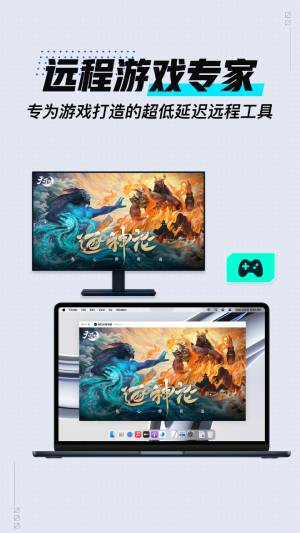
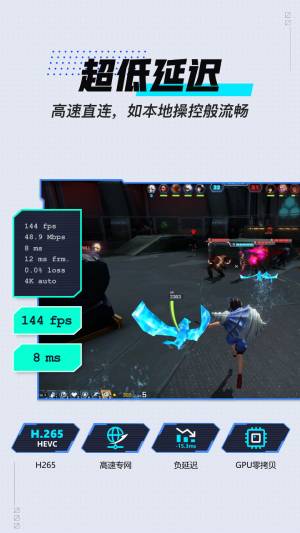
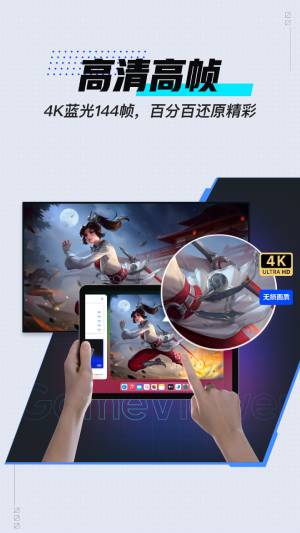
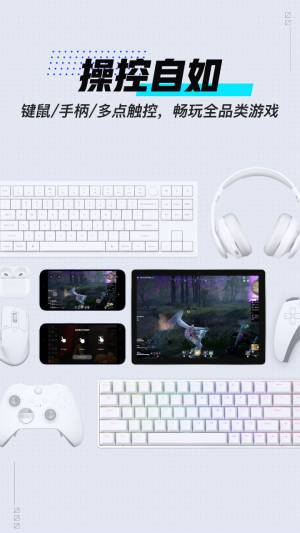
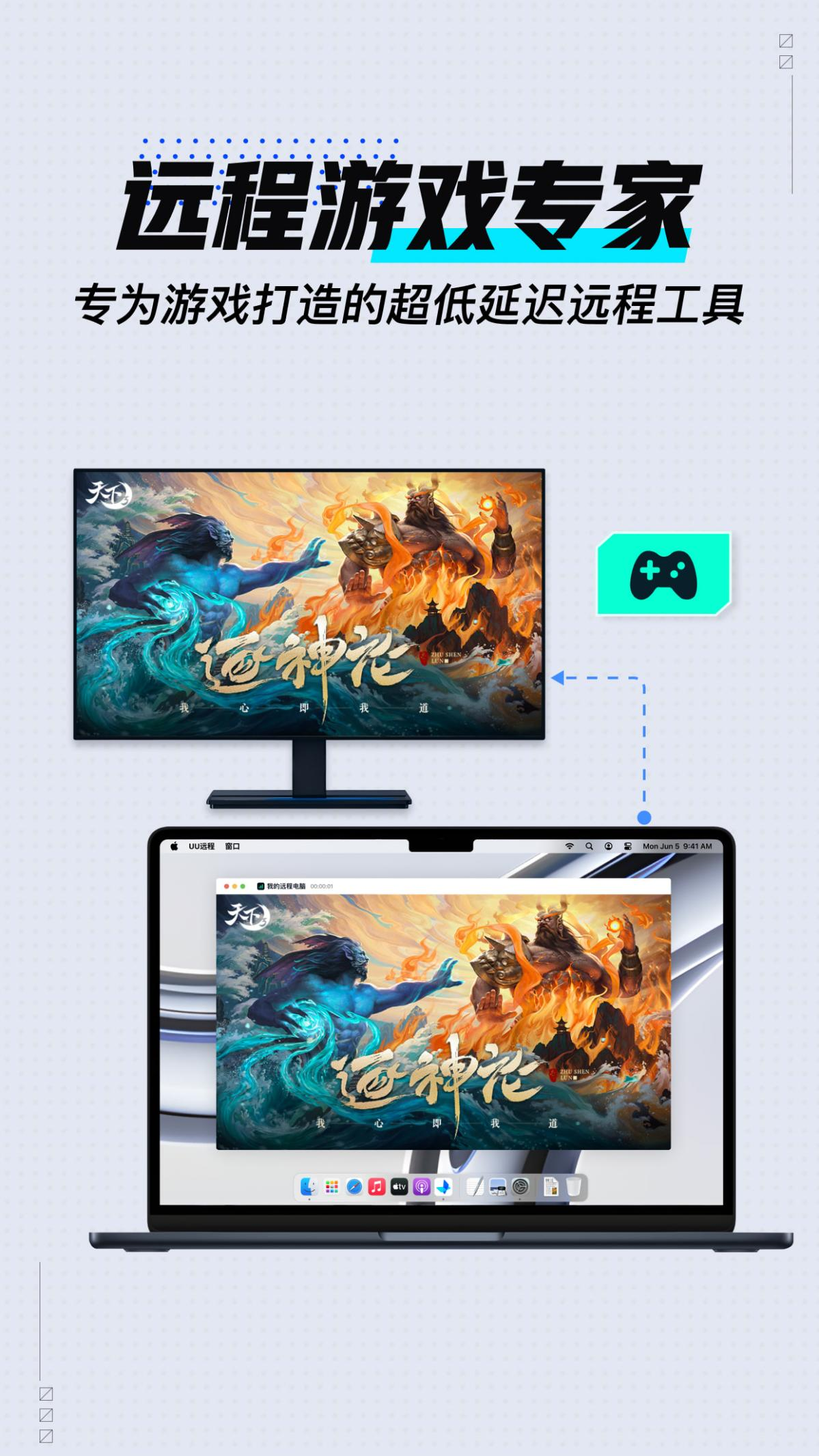
UU Remote (formerly GameViewer Remote) is a professional remote control software that can support remote control of mobile phones and tablets to computers and computers to computers, meeting the needs of remote gaming, remote office, remote assistance and other scenarios. High-speed direct connection and ultra-low latency allow you to experience smooth local control, high definition and high frames, 100% restoration of the excitement. It also supports keyboard, mouse, handle, and multi-touch, allowing you to control freely and play all types of games anytime and anywhere. Huajun Software Park provides you with UU remote download, come and experience it!
Product features
[Remote control, ultra-low latency]
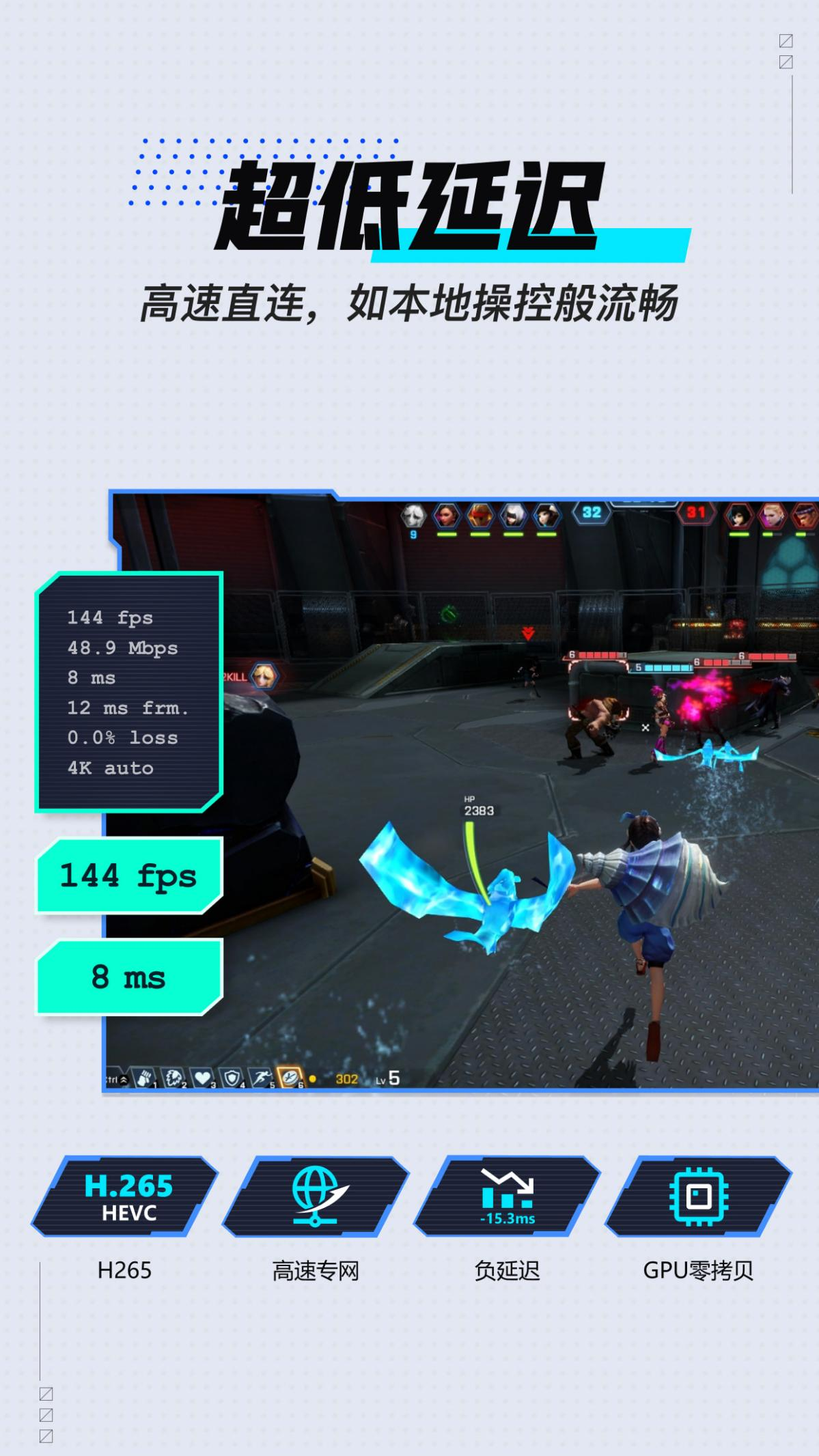
Supports mobile phones, tablets, Mac game consoles, and remote control of computers and PCs. With technology upgrades and high-speed private network direct connections, ultra-low latency remote experience is achieved, as smooth as local operation. Remote game play, remote control of MuMu emulators, remote mobile office, remote assistance, and computer management are no longer restricted.
[HD high frame, wonderful restoration]
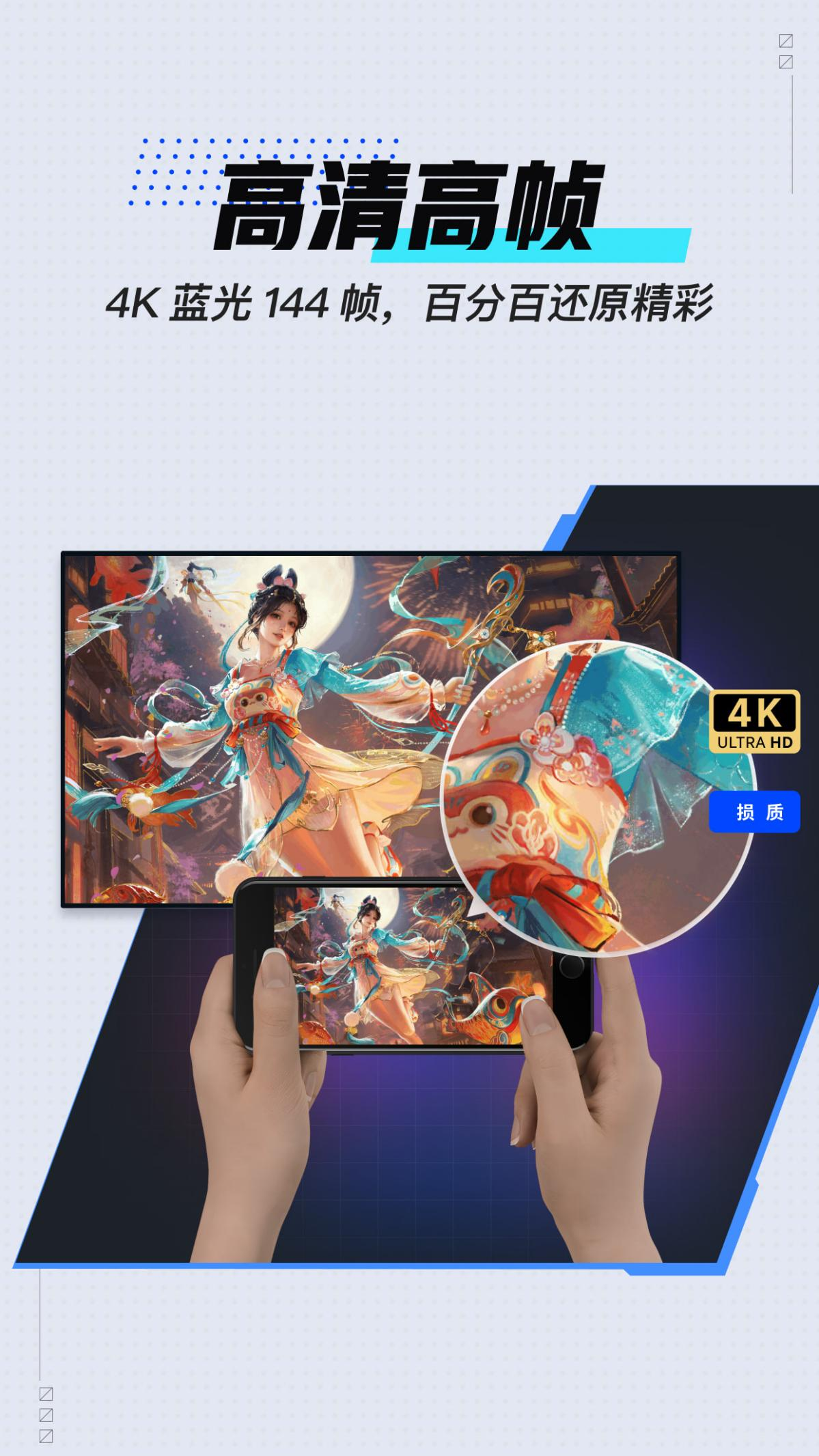
It has leading image processing technology and supports 4K Blu-ray 144 frames, allowing remote control to restore high-quality images and bring you a more immersive experience.
[Control freely, support peripherals]
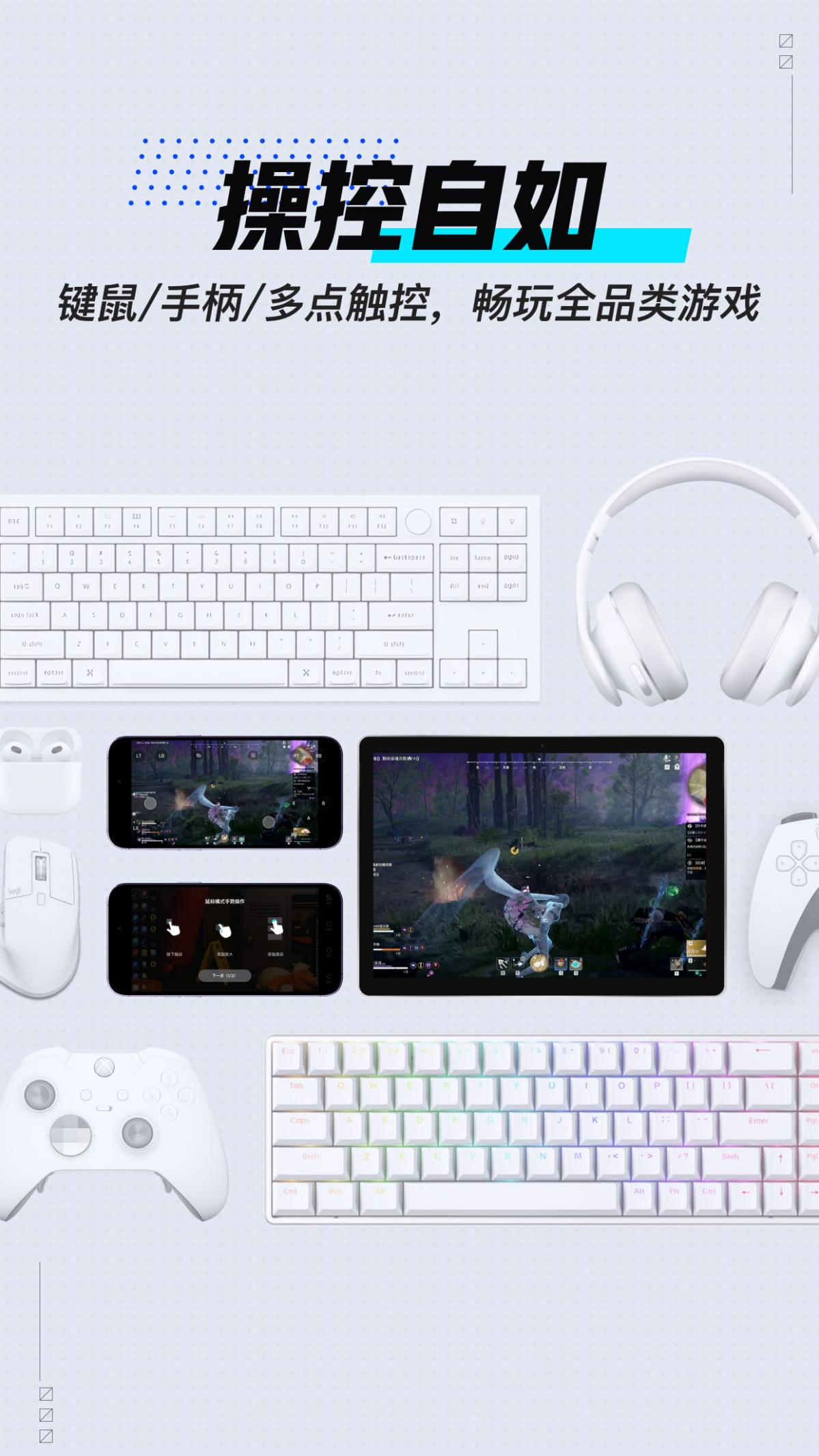
It supports keyboard and mouse simulation, multi-touch, external keyboard and mouse, and handles. It also provides in-depth gaming scenarios and provides customized keyboard and mouse control solutions for different games, with zero configuration threshold and one-click connection. Remote control experience 3A masterpieces, PC games, and mobile game computer version simulators, UU Remote can help you achieve it.
[Produced by NetEase, quality guaranteed]
Relying on NetEase’s more than 27 years of technology accumulation, UU Remote has advanced R&D technology support and is committed to providing users with a smooth, stable and convenient remote control experience.
[Supports all types of games]
UU remotely supports all types of games, including mobile computer version simulators, PC games, 3A masterpieces and other types, such as: World of Warcraft, Eternal Calamity, Westward Journey, Fantasy Westward Journey, Egg Boy Party, Against the Water, Firefly Assault, The Coast of the Land, Light·Encounter, The Condor Shooting, Seven Days World World, Diablo: Immortal, Onmyoji, Identity V, Broken Land, Arknights, Blue Files, Hearthstone, Nikke, Black Myth Wukong, Honkai Impact: Star Railroad, Genshin Impact, Zone Zero, Ming Tide, Infinity Warmth, Yanyun Sixteen Voices and other popular games.
UU Remote FAQ
Unable to connect to remote device
Problem description: When trying to connect to a remote device, the connection fails or cannot be established.
Possible reasons:
The network is unstable or interrupted.
The remote device is not turned on or the remote control function is not set correctly.
A firewall or security software is blocking the connection.
Solution:
Check the network connection, make sure the network is stable and try to reconnect.
Confirm that the remote device is turned on and the remote control function is set up correctly.
Check the settings of your firewall or security software and add UU Remote to the allowed list.
UU remote update log
1. Sweep the bug out and carry it out to the end
2. The most stable version ever
Huajun editor recommends:
UU Remote, produced with conscience, guaranteed performance, personally tested by the editor, I believe you can try it on my children's shoes! Our Huajun Software Park also has more useful software such as Google Chrome, .NET, and Cloud Machine Manager!
Version: 4.3.4 | Update time: 2025-10-23
Similar recommendations







Latest updates





How to add background music in python-How to add background music in python
How to configure environment variables in python - How to configure environment variables in python
How to run python - How to run python
How to create a project in python - How to create a project in python
How to make a blue sky background with scratch-How to make a blue sky background with scratch
How to create a linked list in scratch-How to create a linked list in scratch
How to add local programs to scratch-How to add local programs to scratch
How to input Chinese in scratch-How to input Chinese in scratch
How to fire bullets in scratch-How to fire bullets in scratch
UU Remote Review
-
1st floor Huajun netizen 2024-09-11 14:55:32The GameViewer remote interface design is easy to use and has rich functions. I highly recommend it!
-
2nd floor Huajun netizen 2024-09-01 10:21:31GameViewer remote software is very easy to use, downloads quickly and is very convenient!
-
3rd floor Huajun netizen 2024-09-19 16:52:36The overall feeling of GameViewer remote is good, I am quite satisfied, the installation and operation are very smooth! Followed the installation step-by-step instructions and it went very smoothly!
Recommended products









- Diablo game tool collection
- Group purchasing software collection area
- p2p seed search artifact download-P2P seed search artifact special topic
- adobe software encyclopedia - adobe full range of software downloads - adobe software downloads
- Safe Internet Encyclopedia
- Browser PC version download-browser download collection
- Diablo 3 game collection
- Anxin Quote Software
- Which Key Wizard software is better? Key Wizard software collection




