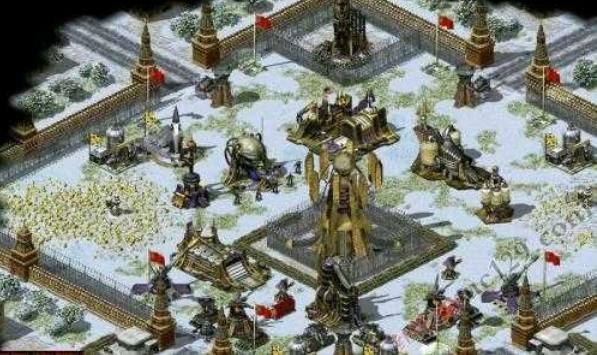
Red Alert 2 All-in-one Modifier is a game modification tool specially created for the Red Alert 2 game. It has the functions of fully opening the map, building anywhere, all technologies, technology enhancement, full map detection, instant construction, unlimited super weapons, instant victory, selected unit modification, power and money modification, etc., to provide players with help when playing the game. So why doesn’t the modifier of Red Alert 2 respond? How to use Red Alert 2 modifier? Let the editor give you the answer below!

Reasons why Red Alert 2 modifier does not respond:
1.red alert 2The main reason why the modifier cannot be used may be version or compatibility issues. Game modifiers usually need to be compatible with a specific version of the game. If the game is updated or the modifier version you use is too old, it may not work.
2. There may be other factors that limit the use of the modifier, such as errors during installation or operation, or improper operation that prevents the modifier from starting.
3. To solve this problem, you can confirm whether the modifier you are using matches the game version; then, check whether the installation and running process of the modifier is correct.

How to use Red Alert 2 modifier:
1. First, we open the game, open the interface tab, and in the interface tab interface
2. Then click a gear to enter the level selection interface and click "Hero Upgrade"

3. Click the gold coin box on the left to view data such as the amount of money and experience points;
4. Click the modifier next to it
5. Then on the right side of the screen, we see the numeric key 1 and the numeric key 2. We can click the numeric key 1 to make changes.