Many people don’t know how to reinstall the system with one click of ghost? The article brought to you today is about the method of reinstalling the system with one click of ghost. If you still don’t know, let’s learn about it with the editor!
1. Download the encapsulated system ISO image produced by the GHSOT tool on the Windows system, use WinRAR or other decompression tools or virtual optical drive tools to extract ISO files and GHO files, such as WinXP.GHO, Win7.GHO and other files, to the root directory of a partition other than the C drive, such as the root directory of the E drive for later use.
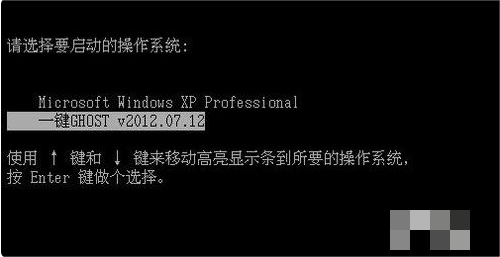
2. Restart the computer and press the down arrow key on the system selection interface to let the system start from the "GHOST hard disk version".
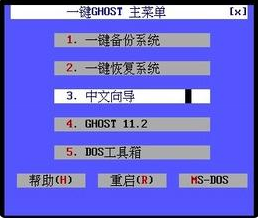
3.After booting to the GHOST interface, select "4 GHOST 11.2".
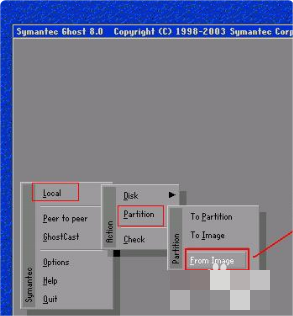
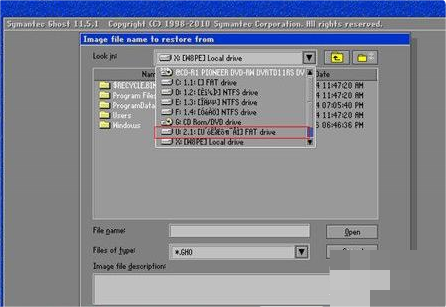
4.Use the arrow keys to control the gray GHOST interface that appears, and the order is Local—>Partition—>From Image.
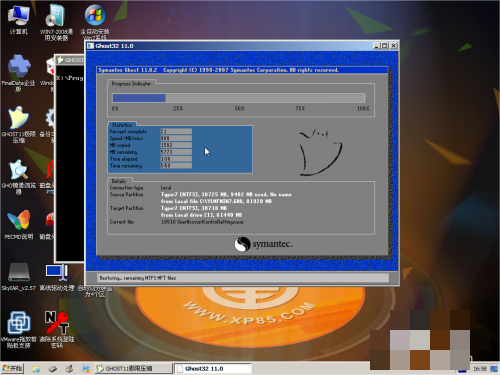
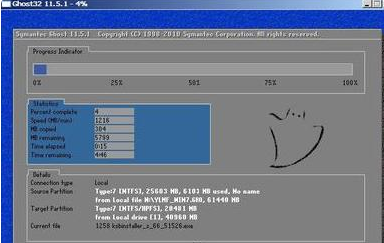
5.Specify the path to the directory where your GHO file is located. After selecting the files, the system restoration and installation process begins.
The above is the entire content of the one-click ghost reinstallation method shared with you. Friends who are interested, please come and watch!