Don’t you know how to split the display window in EditPlus? Today I will introduce the method of splitting the display window in EditPlus. I believe that by studying this tutorial, everyone will have a better understanding of the EditPlus software.
First, open the EditPlus main page on your computer
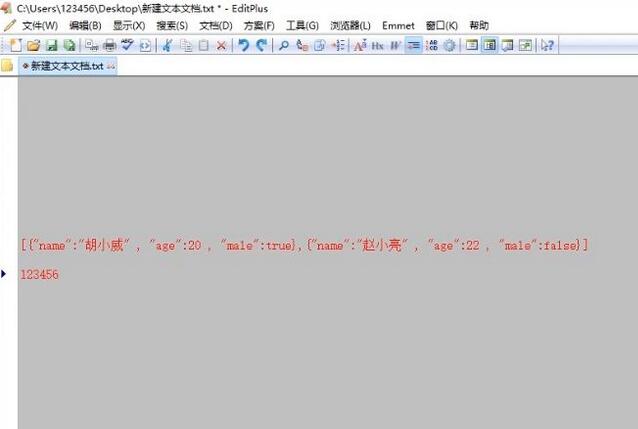
Then, click Window on the upper menu bar

Then, click Split in the drop-down menu
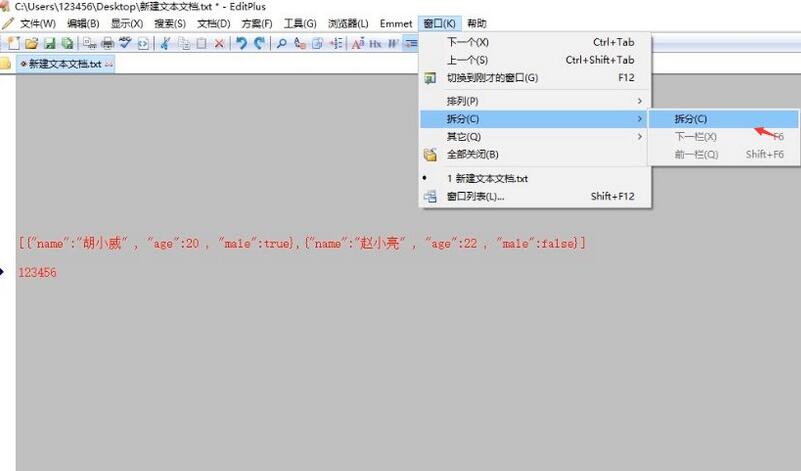
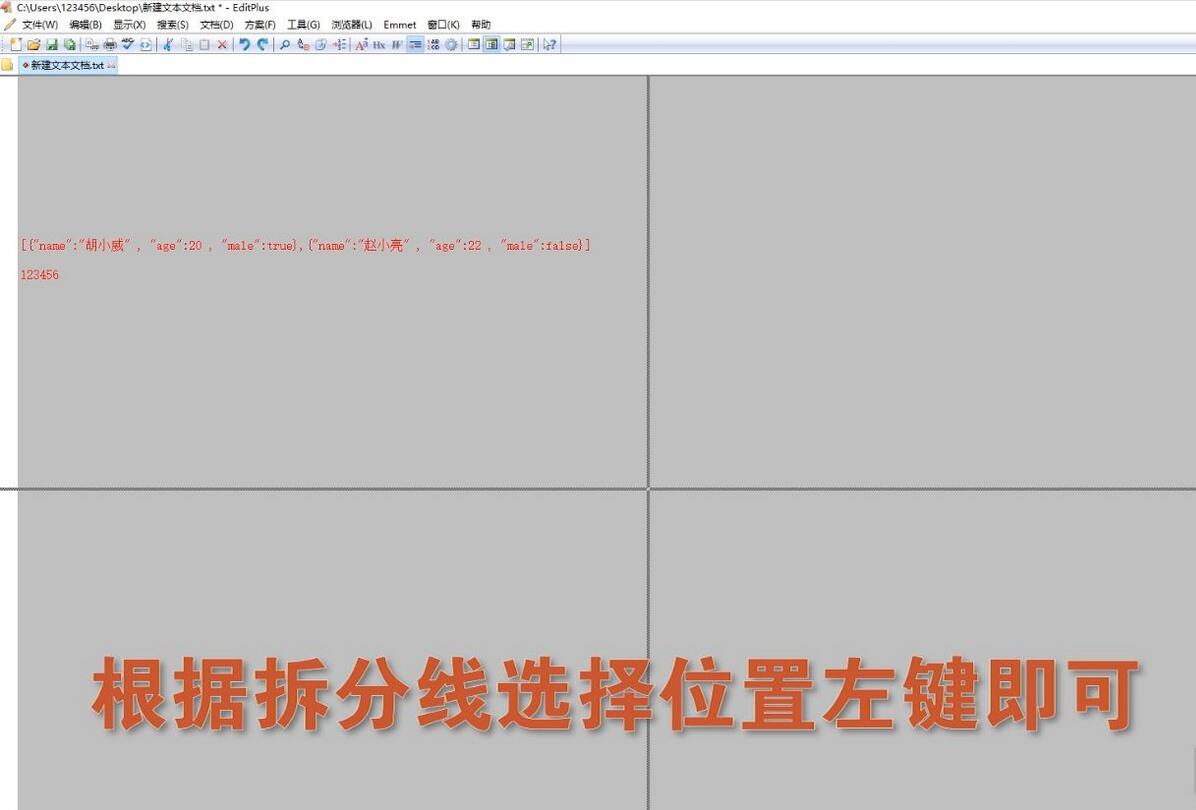
Then, you can choose the split location as needed
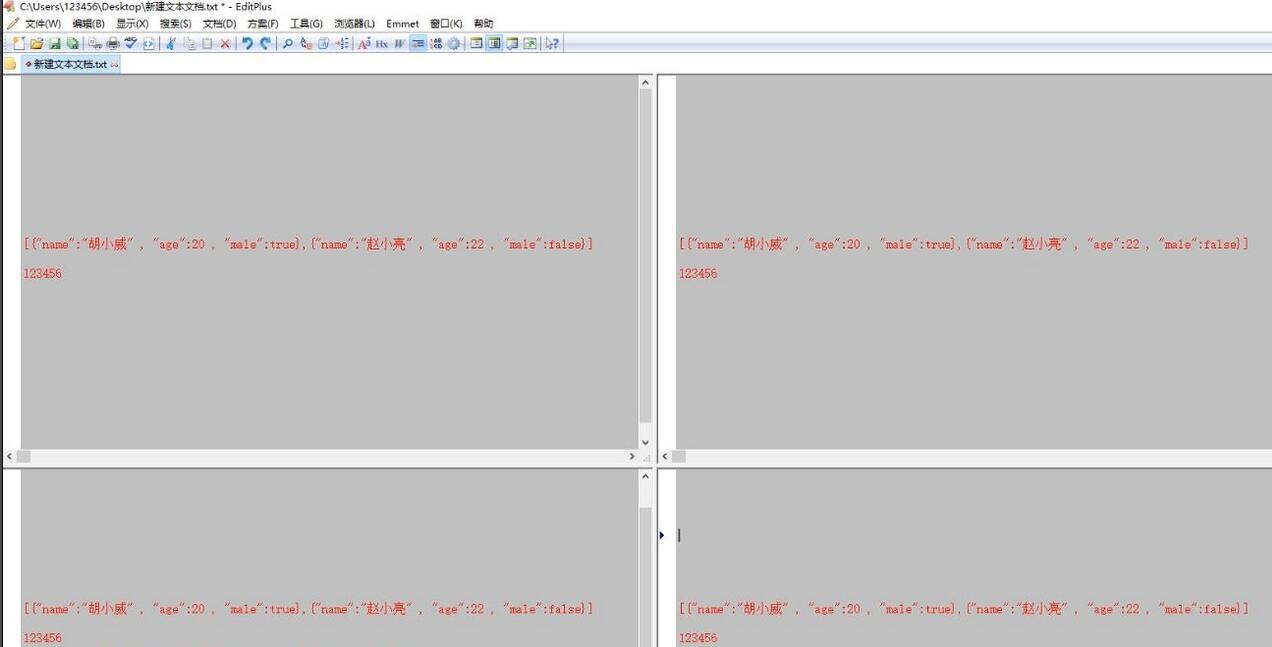
Finally, you can view the effect after splitting
For those who still don’t know how to split the display window in EditPlus, don’t miss this article brought by the editor.