How to open and log in the 360 Voting King browser software? Many users are asking this question? Let's come to the editor to see how to log in and use the 360 Voting King browser software. Friends who need it can refer to it.
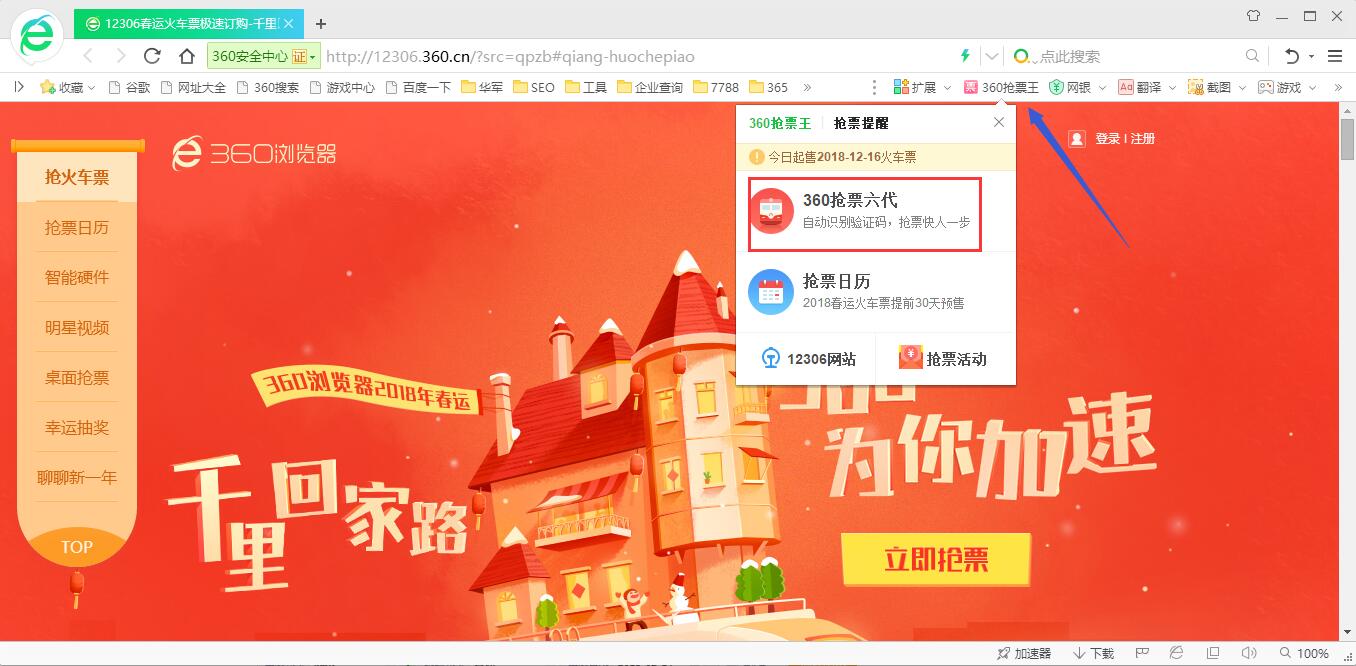
1. Open the 360 ticket grabbing browser. On the right side of the bookmark bar, you can see the "360 ticket grabbing king" function. Click the left button of the mouse on this option, click and select "360 ticket grabbing six generations" in the drop-down menu to open the 360 ticket grabbing king.
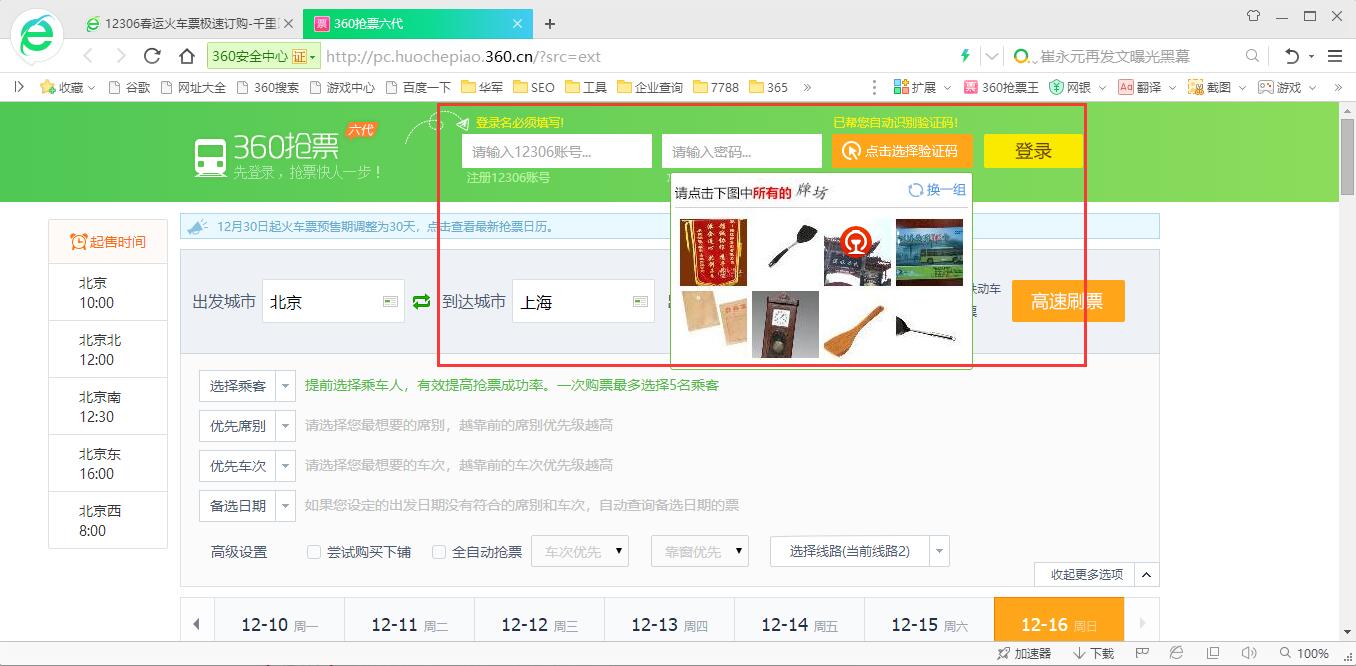
2. At the top of the 360 Ticket Grabber interface, enter the user's own 12306 account and password, and then use the left button of the mouse to click "Click to select verification code". 360 Ticket Grabber can automatically select the correct option, and then click "Log in."
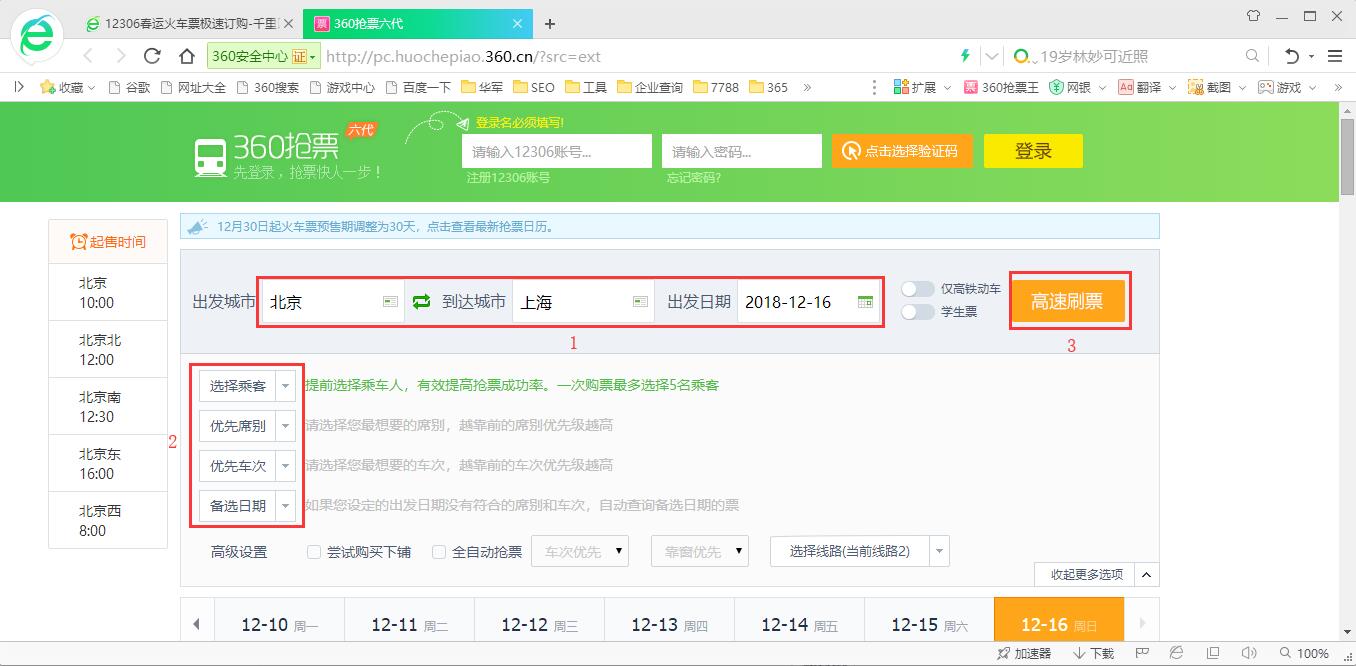
3. Then select the origin, destination, and departure date respectively. After selecting, select passengers below (passengers need to be added in advance), select seats (hard seats, sleepers, etc.), select trains (priority to grab tickets from the selected trains), and alternative dates (if there are no tickets for the selected date, tickets for the alternative dates will be grabbed). After all selections are completed, click the "High-Speed Brush Ticket" button at the back.
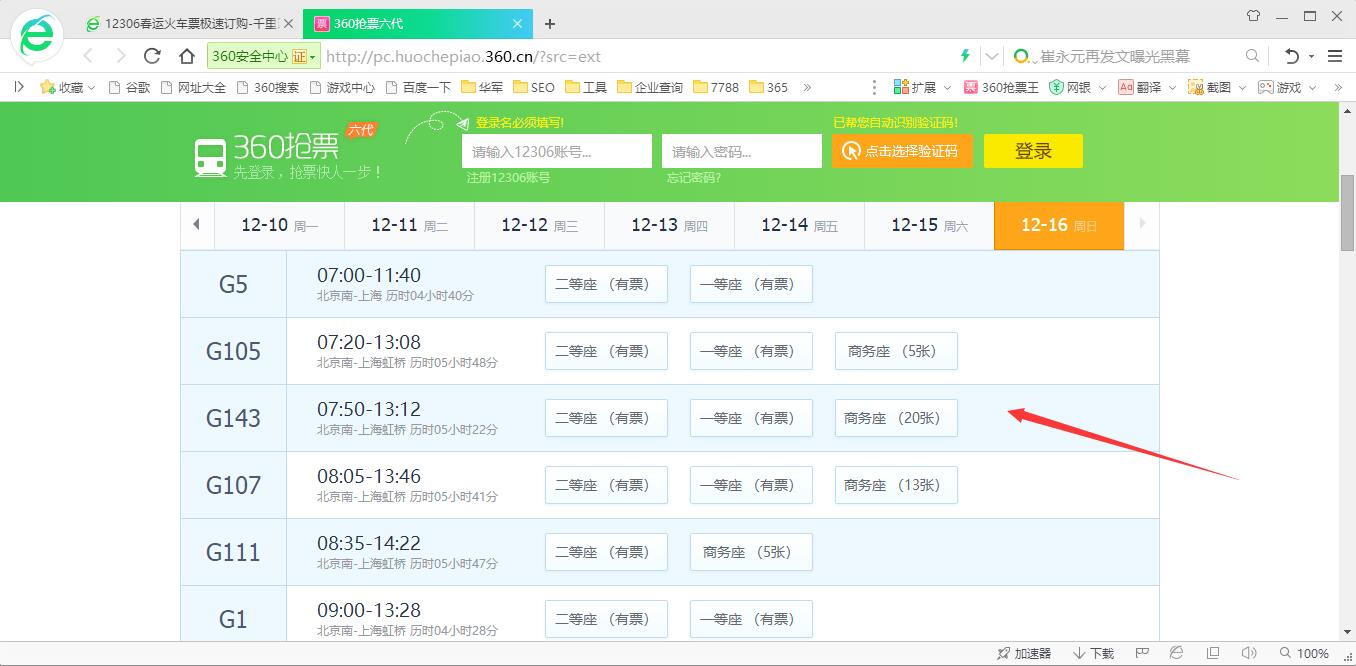
4. After that, all the tickets that can be purchased will appear below. Users can choose the train and seat they want most to purchase.
以上这里为各位分享了360抢票王浏览器软件登录打开使用方法。 Friends in need, please come and read this article!