Many netizens said that they cannot burn DVD video discs when operating the Nero9 burning software. For this reason, in the following article, the author introduces the method of burning DVD video discs using the Nero9 burning software. If you need to learn, hurry up and learn with the editor.
Open the Nero9 burning software and the burning software interface will pop up.
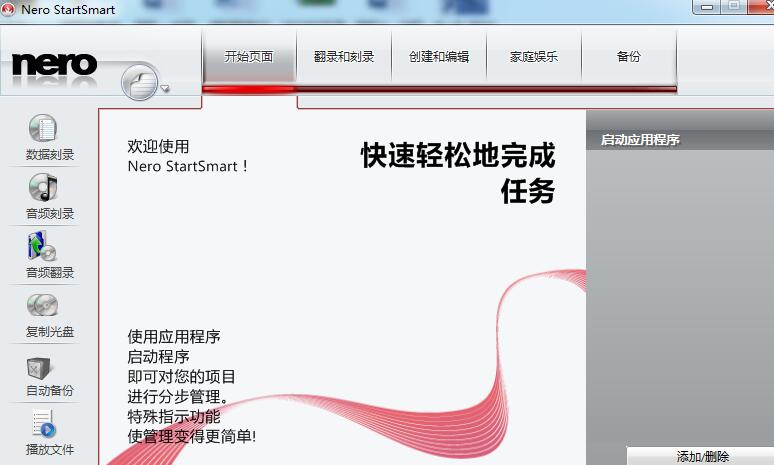
Select the "Rip and Burn" option
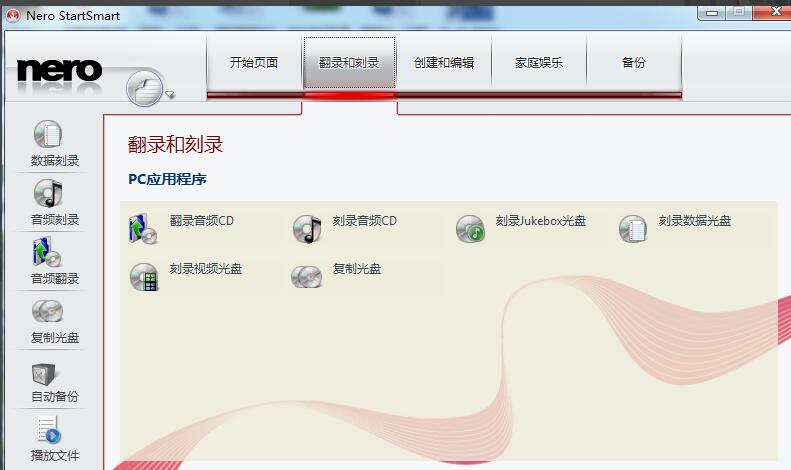
Double-click to open the video burning interface
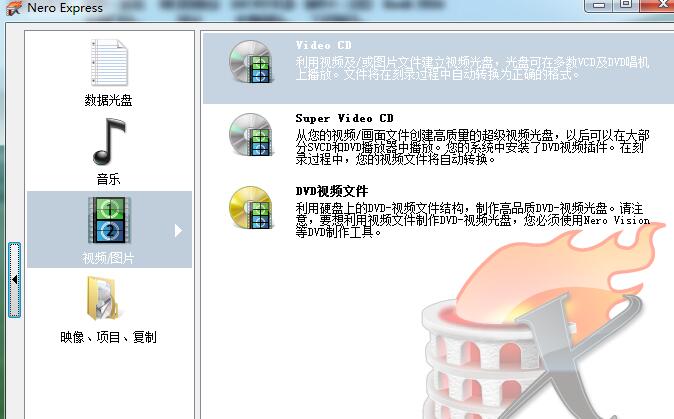
The add video interface pops up
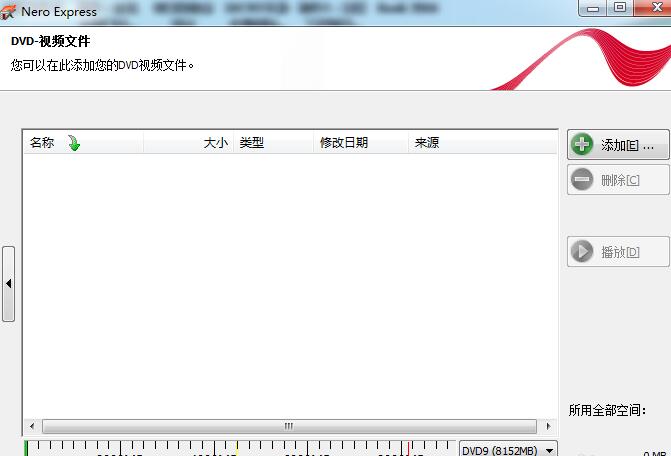
If we use the format MP4, opening it directly will show that the format does not match.
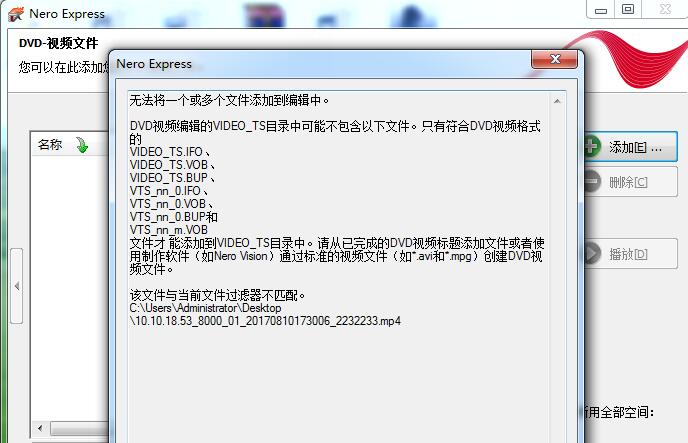
The supported formats for DVD burning are .vob.bup, etc.

Burning software can also automatically convert some video formats
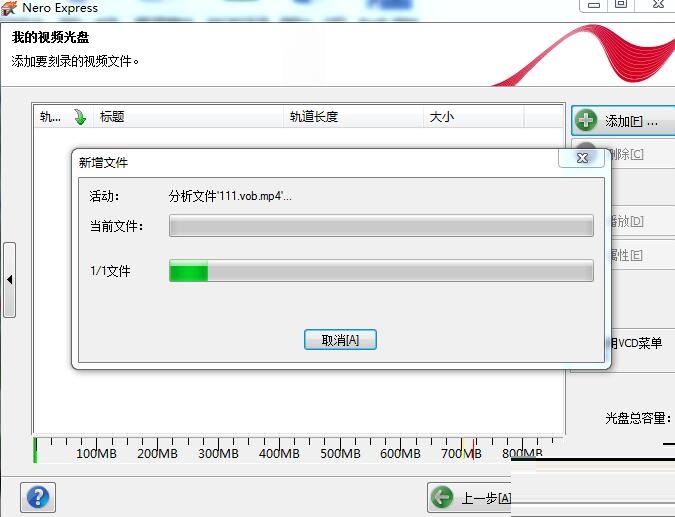
Add the video and check the recorder configuration
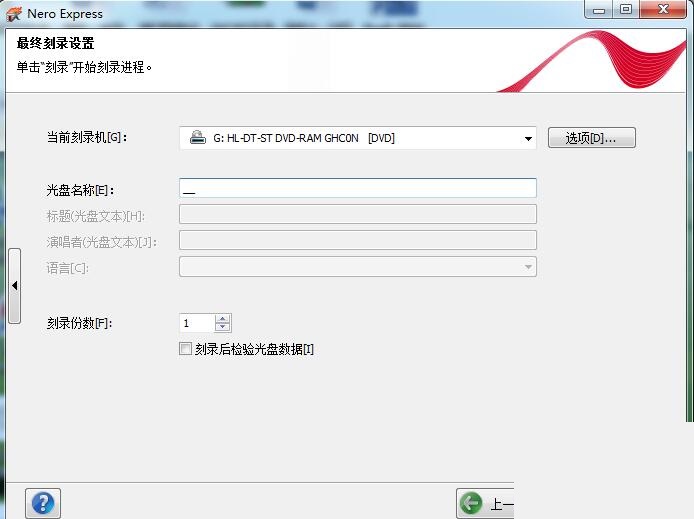
Select recorder burning speed
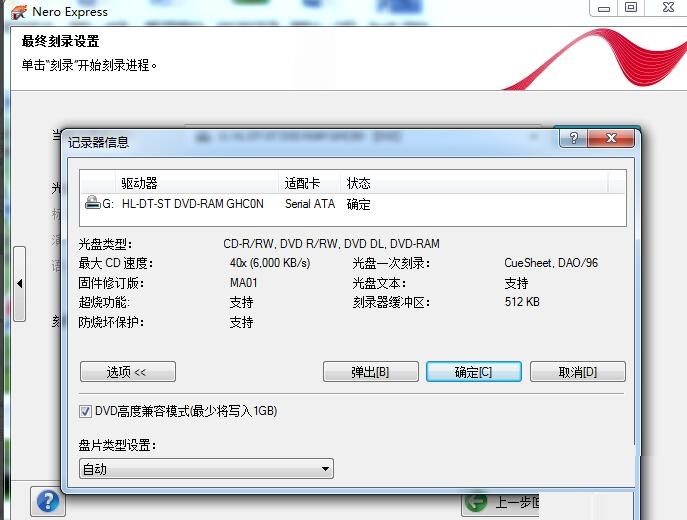
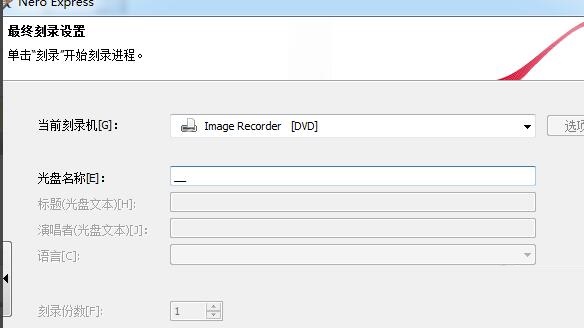
Fill in the name of the disc to be burned, select Burn, and wait for the burning to complete.
The above is the method that the editor explains to you how to use Nero9 burning software to burn DVD video discs. Let’s learn together. I believe it can help some new users.