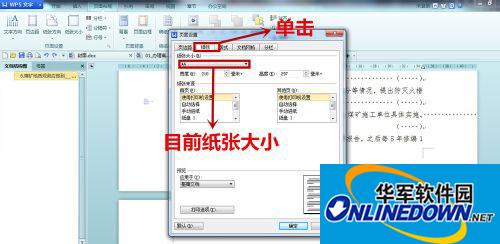
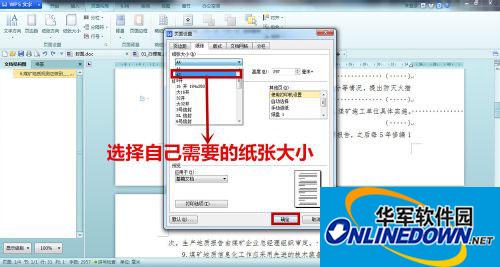
This example is to change it to A3, that is, adjust the paper size from A4 to A3, and the text content will also adjust itself. Call up the paper size option in the page layout, switch to the paper option, and you can see the current paper size. In this example, change A4 to A3. Just confirm when you are done. Then go back to the document and you will see an A3-sized page. Let’s take a look at the tutorial with the editor now.
steps
1. Open the file, click Page Layout, and select the Paper Size option.
2. Click the paper to see the paper size of the current file.
3. Select the paper size you need from the drop-down menu. In this example, change A4 to A3, and click OK.
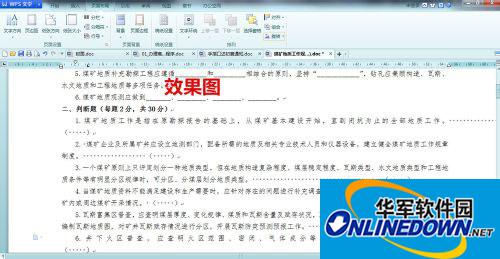
4. The effect diagram is as follows
The above is the editor’s content on the method of adjusting the paper size from A4 to A3 for WPS text. I hope it will be helpful to everyone. For more exciting tutorials, please pay attention to Huajun Software Park.