Hot search terms: 360 Security Guard Office365 360 browser WPS Office iQiyi Huawei Cloud Market Tencent Cloud Store
Hot search terms: 360 Security Guard Office365 360 browser WPS Office iQiyi Huawei Cloud Market Tencent Cloud Store
Many friends are recently concerned about how to play the Midnight Arena in the Archer Wars game? So interested friends can come and take a look at the Archer Wars Midnight Arena gameplay guide with the editor. I hope it can help you.
The so-called midnight arena is actually a "night" battle. The area we are in is completely dark. Except for a part of the area in front of our character that can be seen, other places are completely invisible.
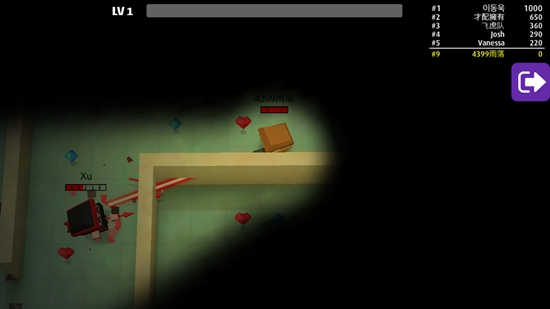
In such a situation, we will be attacked by enemies from behind or on both sides at any time, so when moving forward, if we have not encountered an opponent yet, we can press and hold the right side of the screen with our finger to rotate, so that the direction our character is facing will also rotate, and we can see the surrounding situation.
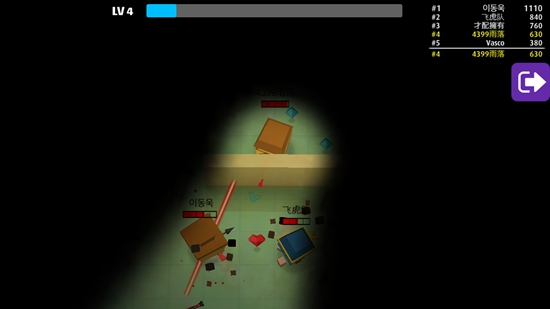
When facing an enemy in a head-on confrontation, try to fight against a wall. This will greatly reduce the chance of being attacked by enemies behind or beside you.
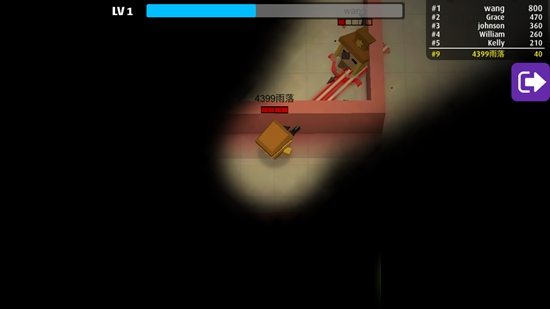
At the same time, qualified players can choose skills that can penetrate walls. For example, the laser-eyed character chosen by the editor has its own laser, which can carry out crazy attacks on the opposite side of the wall without basically being harmed.
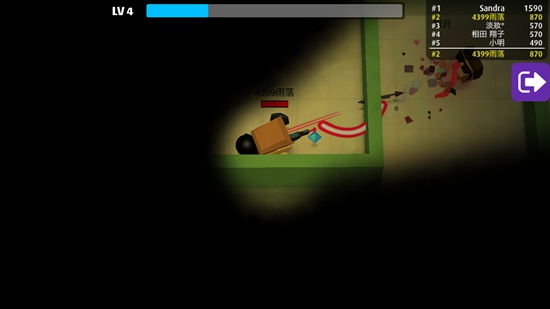
Finally, the editor recommends that you try to choose the skills of the minion. In normal battles, the editor recommends that you choose skills that are helpful for your main attack. However, the Midnight Arena is different. Due to the limitation of sight, there will always be a certain deviation in our attack on the enemy. However, the minion is not restricted by the player's sight. They can automatically attack the enemy, even behind them, so if you lead a group of minion in battle, it will be very powerful.
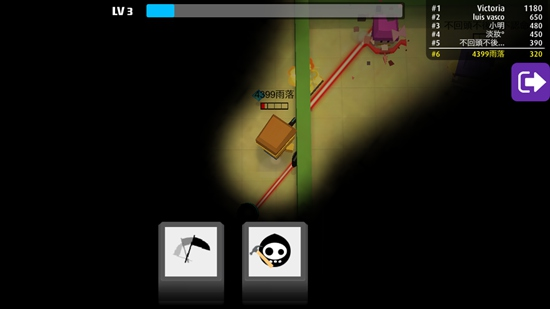
The above is the gameplay guide for Archers Battle Midnight Arena shared by the editor. Don’t miss it.

 How to get 15 days of free QQ reading - How to get 15 days of free QQ reading
 How to read novels for free on qqreading-How to read novels for free on qqreading
 How to set the listening mode in qq reading-How to set the listening mode in qq reading
 How to get free membership in qq reading-How to get free membership in qq reading
 Super star learning pass
 WeChat iPad version
 Red Alert 2: Glory of the Republic
 TV home
 easyconnect
 Apple Store
 AVPlayer
 Sogou input method
 101 Education PPT
How to read novels for free on qqreading-How to read novels for free on qqreading
How to set the listening mode in qq reading-How to set the listening mode in qq reading
How to get 15 days of free QQ reading - How to get 15 days of free QQ reading
How to get free membership in qq reading-How to get free membership in qq reading