Hot search terms: 360 Security Guard Office365 360 browser WPS Office iQiyi Huawei Cloud Market Tencent Cloud Store
Hot search terms: 360 Security Guard Office365 360 browser WPS Office iQiyi Huawei Cloud Market Tencent Cloud Store

media management Storage size: 171.81 MB Time: 2022-12-19
Software introduction: iTunes is a free digital media playback application officially launched by Apple. The official version of iTunes is powerful and can...
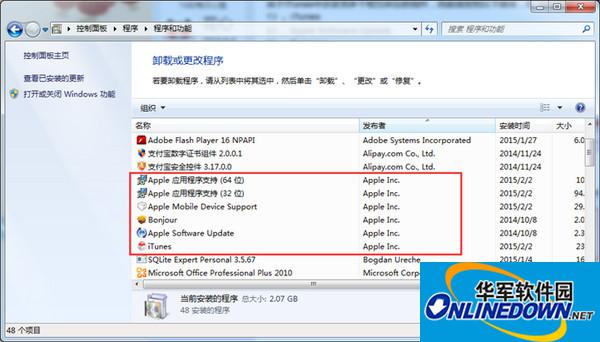
1. Correctly uninstall iTunes and its components in the order:
Since iTunes involves multiple interdependent components, please uninstall iTunes and related components in "Control Panel" -> "Add or Remove Programs" in the following order:
1)iTunes
2)Apple Software Update
3)Bonjour
4)Apple Mobile Device Support
5)Apple Application Support(32-bit)
6)Apple Application Support(64-bit)
(It is recommended to restart the computer after uninstalling iTunes and its components)
iTunes
2. Install an older version of iTunes
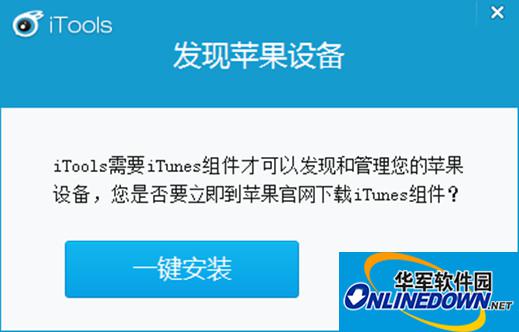
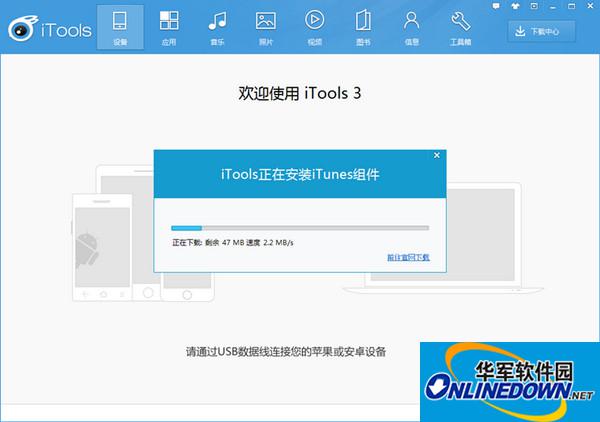
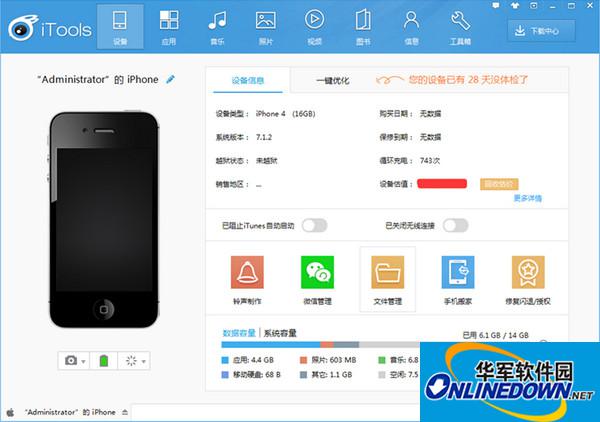
1) After completely uninstalling the new version of iTunes, open the iTools PC. When you connect the device to the iTools PC, you will be prompted to install the iTunes component. Click [One-click Install] and it will automatically download and install. (If there is no pop-up window prompting "Download iTunes component" after uninstalling the iTunes component, it is recommended that you re-download the latest version and install it)
iTunes
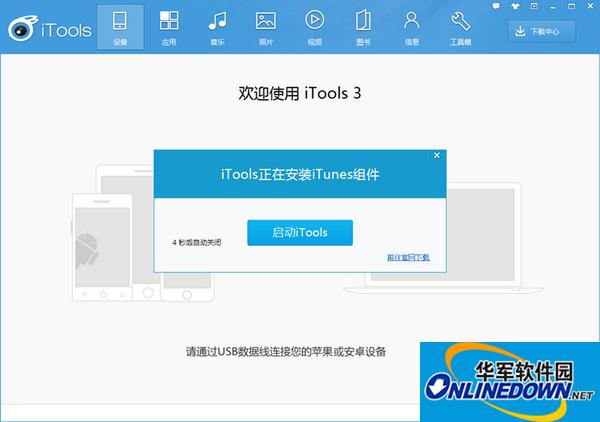
2) After the iTunes component is installed, click to start iTunes to connect normally.

 How to change the password of Taobao app-How to change the password of Taobao app
 How to scan QR code on Taobao app-How to scan QR code on Taobao app
 How to set Taobao nickname on Taobao app - How to set Taobao nickname on Taobao app
 How to pay with WeChat on Taobao - How to pay with WeChat on Taobao
 Super Star Learning Pass
 WeChat iPad version
 Red Alert 2: Glory of the Republic
 TV home
 easyconnect
 Apple Store
 AVPlayer
 Sogou input method
 101 Education PPT