
-
Taskbar beautification assistant
- Size: 1.98M
- Language: Simplified Chinese
- Category: System assistance
- System: Win






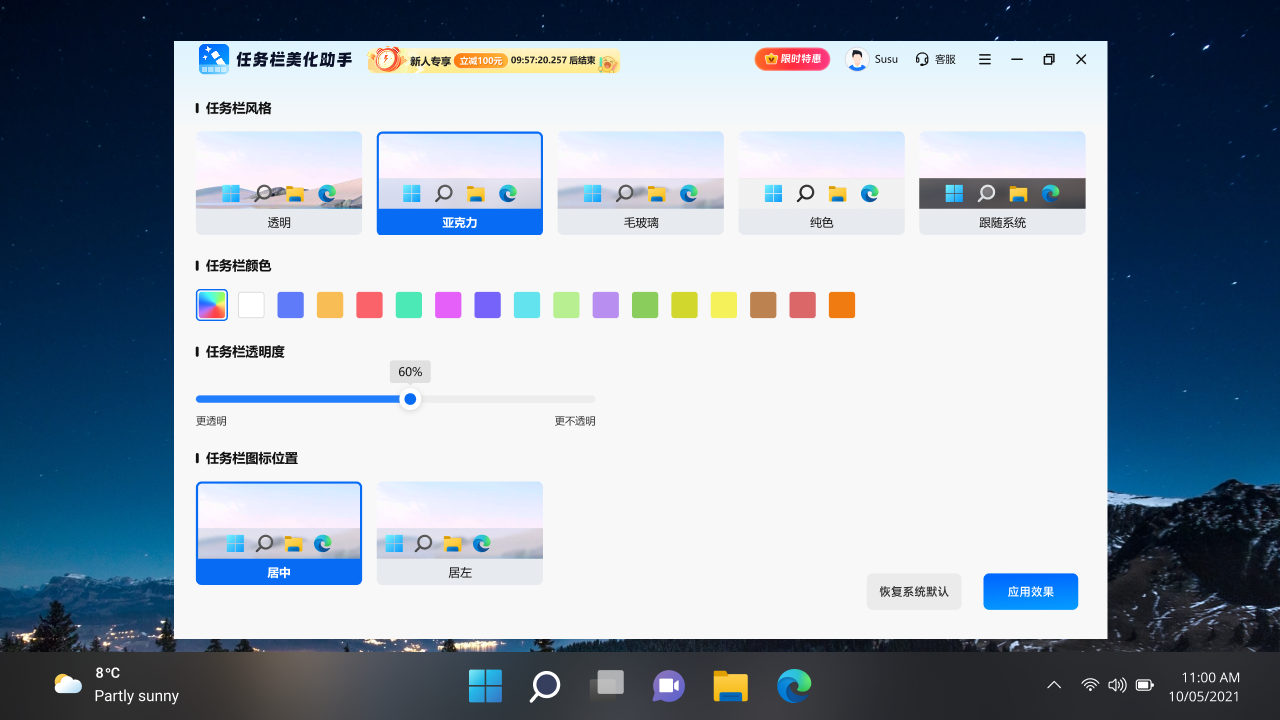
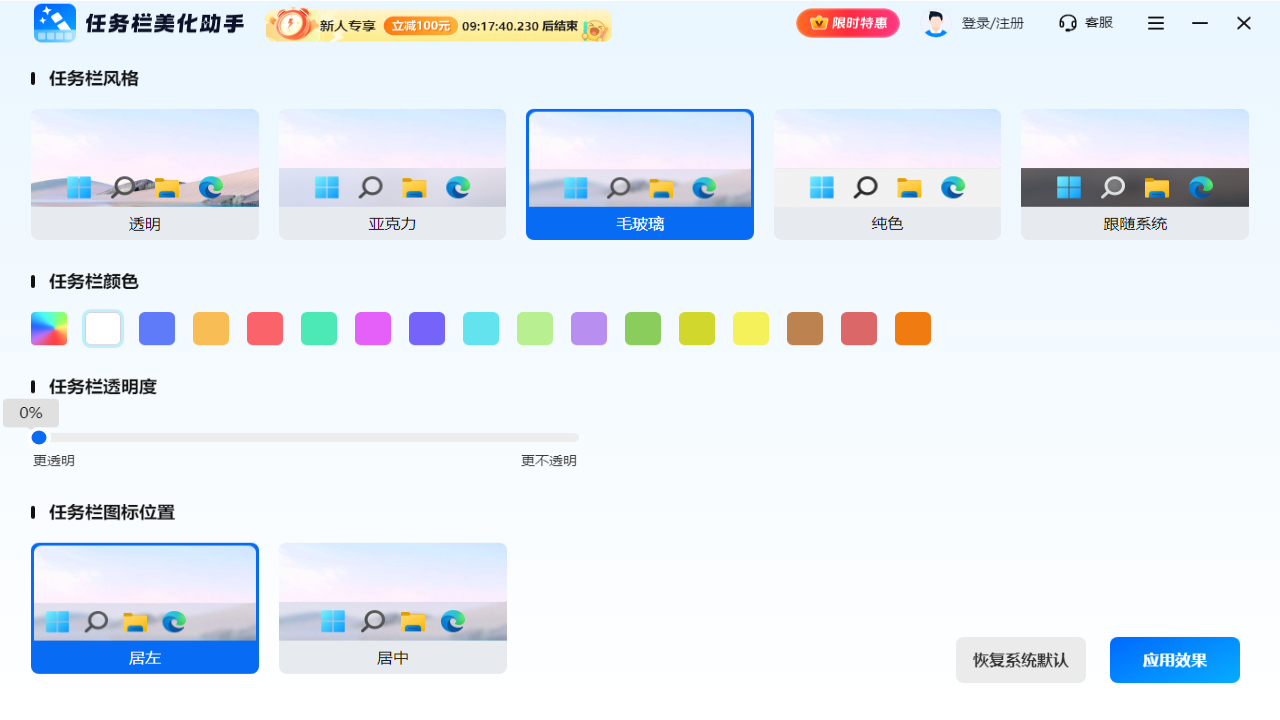
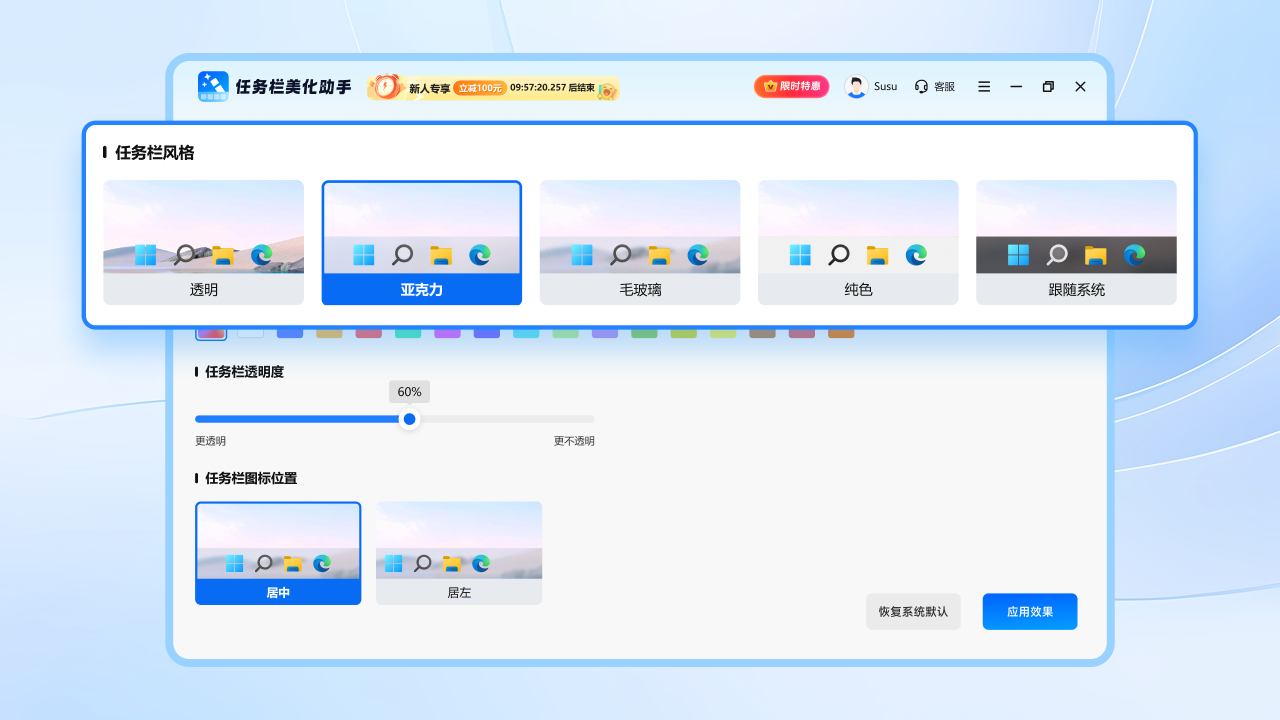

As a taskbar beautification tool suitable for Windows systems, Taskbar Beautification Assistant can easily adjust the style, transparency and color of the taskbar, adjust the icon alignment, etc. with its flexible customization function, so that it can blend naturally with the desktop background and help users customize their computer desktop.
Taskbar beautification assistant software features
1. One-click switching of styles
The software has built-in various style templates such as transparent, acrylic, frosted glass, solid color and following system. Users can change the visual style of the taskbar with one click to adapt to different aesthetics and scenarios.
2. Transparent and free to adjust
Supports full range transparency adjustment. When focusing on the full screen, adjust to high transparency to reduce interference; during daily operations, maintain moderate transparency to take into account functionality and aesthetics.
3. Define colors as you wish
Users can freely choose the color of the taskbar based on desktop themes, personal preferences or work scenarios. Calm business style or lively creative colors can be easily achieved to highlight their personality.
4. Flexible icon layout
Supports multiple icon alignment modes such as left and center. Users can layout icons according to their operating habits, making frequently used programs within easy reach and improving usage efficiency.
5. Dynamic intelligent adaptation
The software supports customizing the taskbar styles in different modes. When playing full-screen games or watching movies, the taskbar is automatically transparent or hidden; when multitasking, active windows are intelligently highlighted to optimize operation smoothness.
As a taskbar beautification tool suitable for Windows systems, Taskbar Beautification Assistant can easily adjust the style, transparency and color of the taskbar, adjust the icon alignment, etc. with its flexible customization function, so that it can blend naturally with the desktop background and help users customize their computer desktop.
Taskbar beautification assistant software functions
1. One-click switching of styles
The software has built-in various style templates such as transparent, acrylic, frosted glass, solid color and following system. Users can change the visual style of the taskbar with one click to adapt to different aesthetics and scenarios.
2. Transparent and free to adjust
Supports full range transparency adjustment. When focusing on the full screen, adjust to high transparency to reduce interference; during daily operations, maintain moderate transparency to take into account functionality and aesthetics.
3. Define colors as you wish
Users can freely choose the color of the taskbar based on desktop themes, personal preferences or work scenarios. Calm business style or lively creative colors can be easily achieved to highlight their personality.
4. Flexible icon layout
Supports multiple icon alignment modes such as left and center. Users can layout icons according to their operating habits, making frequently used programs within easy reach and improving usage efficiency.
5. Dynamic intelligent adaptation
The software supports customizing the taskbar styles in different modes. When playing full-screen games or watching movies, the taskbar is automatically transparent or hidden; when multitasking, active windows are intelligently highlighted to optimize operation smoothness.
Taskbar Beautification Assistant update log:
1. The pace of optimization never stops!
2. More little surprises are waiting for you to discover~
Huajun editor recommends:
It is one of the best in system assistance. With its comprehensive functions and simple operation, it has won unanimous praise from users. Come and download it and give it a try. The editor has also prepared Cloud Machine Manager, .NET, and Cloud Machine Manager for you.
Version: 1.0.0 | Update time: 2025-07-02
Similar recommendations

Latest updates




Taskbar Beautification Assistant Reviews
-
1st floor Huajun netizen 2025-06-14 16:28:05The interface design of Taskbar Beautification Assistant is very easy to use and has rich functions. I highly recommend it!
-
2nd floor Huajun netizen 2025-06-30 18:20:43The overall feeling of the taskbar beautification assistant is good, I am quite satisfied, the installation and operation are very smooth! It went very smoothly following the installation step-by-step guide!
-
3rd floor Huajun netizen 2025-06-25 15:58:41The taskbar beautification assistant is not bad. It downloads very quickly. I give you a good review!
Recommended products







- Diablo game tool collection
- Group purchasing software collection area
- p2p seed search artifact download-P2P seed search artifact special topic
- adobe software encyclopedia - adobe full range of software downloads - adobe software downloads
- Safe Internet Encyclopedia
- Browser PC version download-browser download collection
- Diablo 3 game collection
- Anxin Quote Software
- Which Key Wizard software is better? Key Wizard software collection




