-
Game-specific Win10 64-bit Pure Professional Edition
- Size: 5765.12M
- Language: Simplified Chinese
- Category: 64 bit
- System: WinAll






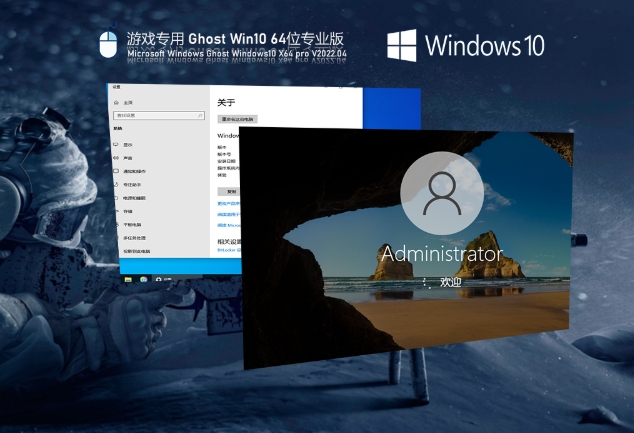
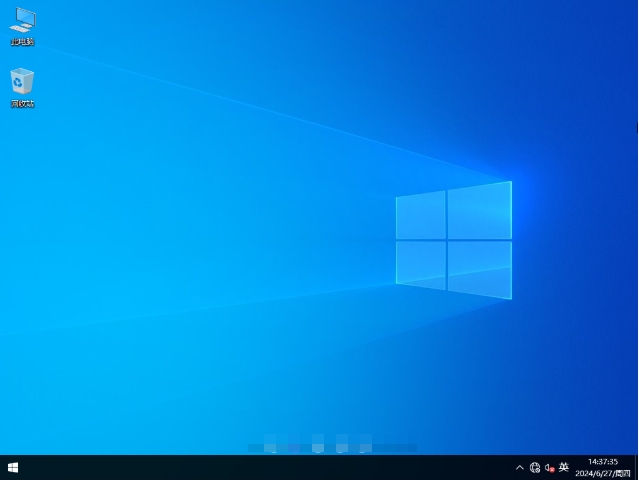
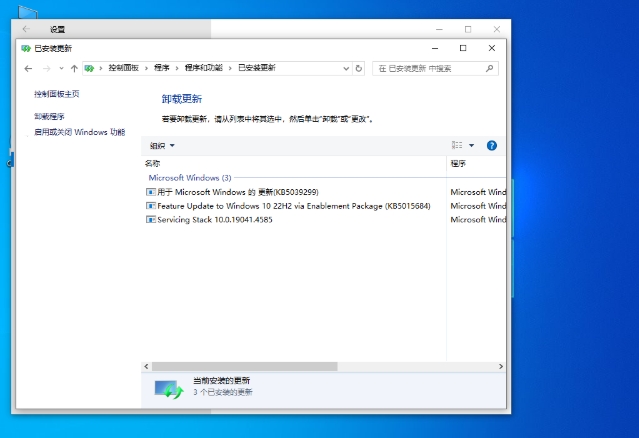
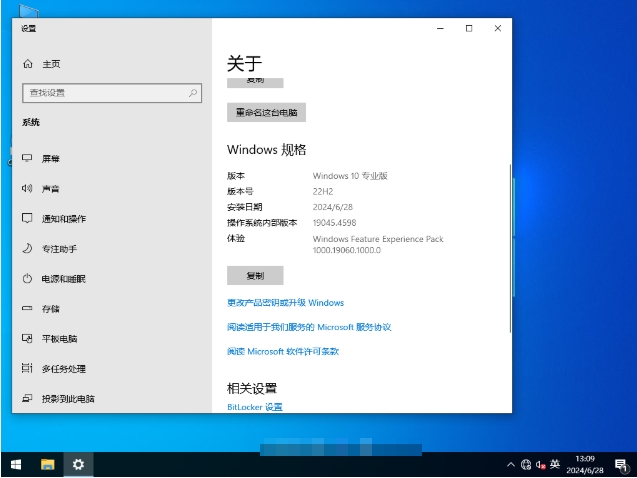
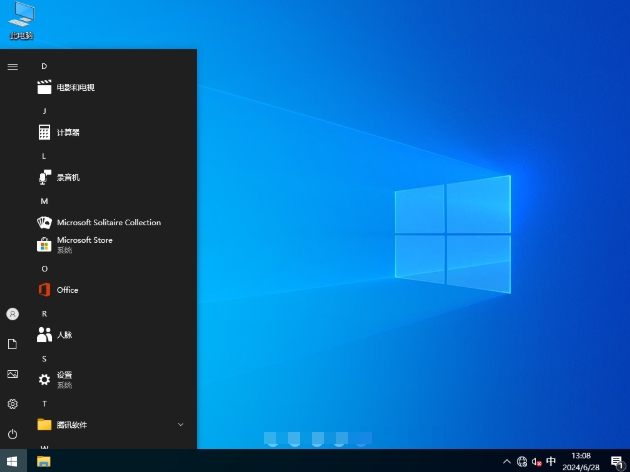
The gaming-specific Win10 64-bit Pure Professional Edition is a customized operating system optimized for gamers and performance seekers. Based on Microsoft's official original image, it is deeply streamlined and completely removes redundant system components, background services and pre-installed software to ensure zero advertising, zero bundling and zero pop-ups. Specially optimized for game scenarios, it retains core components such as DirectX 12, .NET Framework, and game mode, and closes unnecessary processes and updates, significantly improving frame rate stability and loading speed. It integrates the latest driver support (such as NVMe/USB3.1), enables high-performance power solutions by default, and is compatible with mainstream platforms such as Steam/Epic. It is an ideal choice for e-sports players and hardware enthusiasts. Friends who like the pure professional version of Win10 64-bit for games, please come to Huajun Software Park to download and experience it!
Highlights of the game-specific Win10 64-bit Pure Professional Edition
Pure and ad-free: All unnecessary pre-installed software and advertising plug-ins are removed to provide a pure user experience. Users do not need to worry about being disturbed by irrelevant software and can focus on games and other tasks.
Performance Optimization: The game has been specially optimized to ensure that the game runs smoothly and responds quickly. Through lightweight simplification, unnecessary components and services are removed, freeing up more system resources and significantly improving operating speed and responsiveness.
Compatibility: Supports the latest hardware and software, including the latest graphics card drivers and other peripherals. Whether it is new equipment or old hardware, it can run smoothly and meet the hardware configuration needs of different players.
Security Protection: Integrate the latest security updates and patches to ensure system security while also providing users with the latest functional improvements.
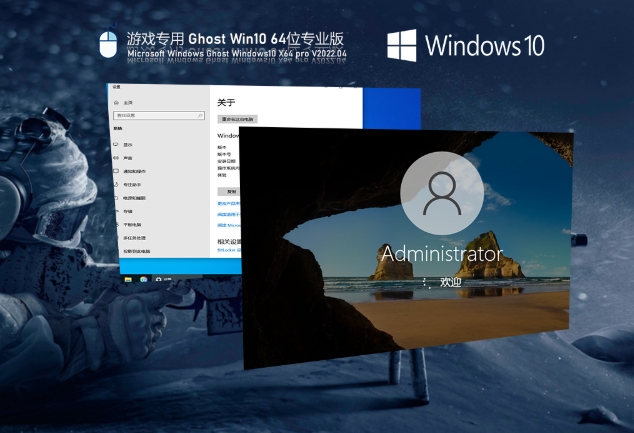
Game-specific Win10 64-bit pure professional version features
Pure, ad-free, zero-interference experience
Completely remove pre-installed software, advertising plug-ins and pop-ups, reduce system resource usage to less than 1GB, avoid background processes from occupying memory, and ensure smooth game operation.
Streamlined components such as Cortana and Edge browser reduce system redundancy and improve response speed.
Deep performance optimization, stable frame rate improvement
It retains DirectX 12 ultimate support, game modes and high-precision timers, which can increase frame rate stability by 10%-20% according to actual measurements, making it especially suitable for e-sports scenarios.
The high-performance power supply scheme is enabled by default, optimizing CPU/GPU scheduling to ensure stable frame numbers at high image quality.
Compatibility and driver integration
Supports the latest hardware (such as NVMe SSD, USB3.1) and graphics card drivers, and integrates universal motherboard drivers and network card versions to reduce the risk of blue screens.
It is compatible with mainstream platforms such as Steam/Epic/Xbox, and can run smoothly on old hardware.
Safety protection and stable operation
Integrate the latest security patches to prevent cyber attacks and ransomware viruses.
After rigorous testing, lags and crashes are reduced, and the hard drive is automatically scanned after system updates to ensure there are no Trojan viruses.
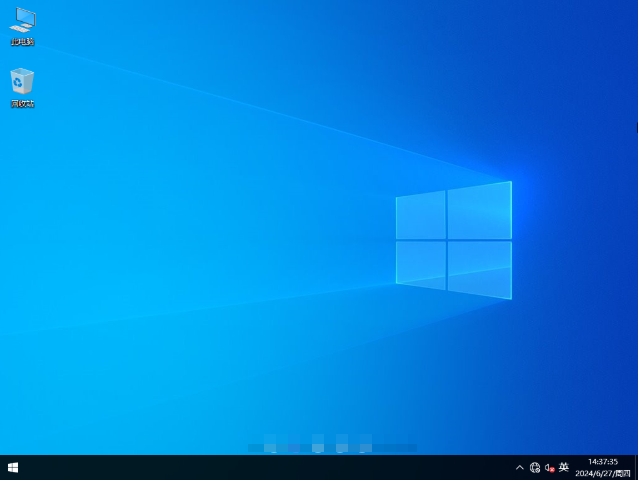
Game-specific Win10 64-bit pure professional version features
One-click installation, fully automatic deployment
Supports unattended installation, saving time and suitable for batch installation or novice users.
Personalized settings to create an exclusive interface
Freely adjust the desktop background and screen saver, and support multi-language packages (including Simplified Chinese).
Customize taskbar icons and start menu layout to improve operational efficiency.
Drive intelligent identification to reduce the risk of misinstallation
Integrated driver intelligent identification technology automatically matches hardware models and reduces the probability of blue screens caused by driver incompatibility.
Power and network optimization
High-performance power solution: Extend battery life and avoid frame drops due to insufficient power during gaming.
Turn off the firewall by default: Reduce network latency, but users need to strengthen their own security protection (such as installing third-party anti-virus software).
Fast startup and cache optimization
Eliminate redundant startup items and shorten startup time to less than 10 seconds.
Optimize system cache to speed up game loading and scene switching.
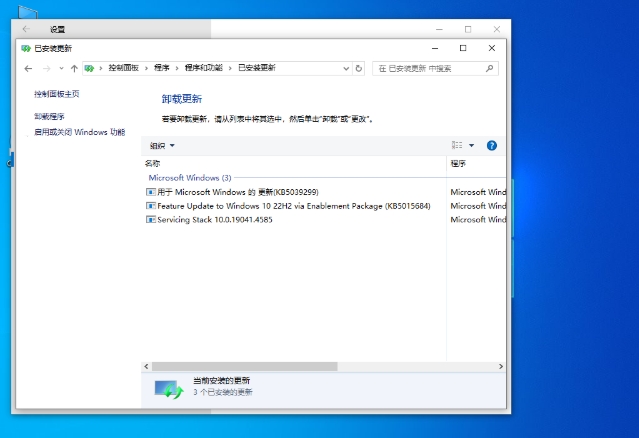
Game-specific Win10 64-bit Pure Professional Edition FAQs
What should I do if it says the hard drive cannot be found during installation?
Cause analysis: This is usually because the system installer lacks the driver for the hard disk controller. Modern hard drives may use newer interface technologies (such as NVMe), and the original Win10 installation image may not have the relevant drivers built-in.
Solution:
Make an installation USB flash drive with integrated driver: Use a tool (such as NTLite) to integrate the hard disk controller driver into the Win10 installation image, and then make an installation USB flash drive.
Load the external driver: In the installation interface, press Shift + F10 to open the command prompt, use the diskpart command to view the hard disk information and confirm whether the hard disk is recognized. If it is not recognized, put the hard disk drive file on the USB flash drive, select "Load Driver" on the installation interface, browse to the driver file in the USB flash drive and load it.
After the installation is completed, the system cannot start normally and a blue screen error code (such as 0x0000007B) appears.
Possible reasons:
Hard drive mode setting error: The hard drive mode setting in the motherboard BIOS is incompatible with the system. For example, the system requires AHCI mode, but is set to IDE mode in the BIOS.
System file damage: System files may be damaged due to unexpected power outages, USB flash drive quality issues, etc. during the installation process.
Solution:
Adjust the hard disk mode: Restart the computer, enter the BIOS settings (different motherboards have different keys to enter the BIOS, such as Del, F2, etc.), find the hard disk mode setting option, change it from IDE mode to AHCI mode (or vice versa), save the settings and restart.
Reinstall the system: Reinstall the system using a new installation USB drive to ensure there are no unexpected interruptions during the installation process.
Game-specific Win10 64-bit Pure Professional Edition update log:
1: Brand new interface, refreshing, simple and efficient
2: Performance is getting better and better
Huajun editor recommends:
The Win10 64-bit pure professional version for games is one of the best software in the industry. I believe many friends will have used it. You will be OUT if you don’t use it anymore. This site also prepares .NET, Batch Butler, and Cloud Machine Manager for you
Version: Official version | Update time: 2025-10-15
Similar recommendations

![[Daily work and study] Windows10 22H2 64-bit](http://softwaredownload4.com/sbdm/img/download/202506/095313-68521c09ccff4.jpg)

Latest updates
Master the knowledge of IP addresses from scratch
OBS Quick Start Basic Usage Tutorial
WeChat File Transfer Assistant web version entrance and how to use it
Recommendation and in-depth evaluation of the top ten project management software in 2025
3 minutes will give you a true understanding of what artificial intelligence AI is!
Watch Xinwen Lianbo online - Xinwen Lianbo web version entrance
Watch Bilibili online-Bilibili web version login
Car buying online consultation-Car buying online consultation web version entrance
Watch nba live online for free-nba live web version login entrance
Review of Win10 64-bit Pure Professional Edition for Games
Recommended products
-
Windows 10 22H2 19045.5965 X64 Professional Edition
-
Game-specific Ghost Win10 64-bit speed optimized official version
-

Windows 10 64-bit Home Chinese Edition
-

Windows 10 64-bit activation-free professional version
-
Windows10 64-bit 2025 latest enterprise version system
-
Lenovo Win10 X64 Universal Professional Edition
-

Ghost Windows 10 64-bit pure version
-

Windows 10 Enterprise LTSC 64-bit
-
Dell official genuine system Win10 64-bit
-
Green Apple Ghost Win10 64-bit
- Diablo game tool collection
- Group purchasing software collection area
- p2p seed search artifact download-P2P seed search artifact special topic
- adobe software encyclopedia - adobe full range of software downloads - adobe software downloads
- Safe Internet Encyclopedia
- Browser PC version download-browser download collection
- Diablo 3 game collection
- Anxin Quote Software
- Which Key Wizard software is better? Key Wizard software collection




