
-
ACDSee Photo Studio for Mac 9
- Size: 220M
- Language: Simplified Chinese
- Category: Image management
- Systems: macOS Big Sur (11), macOS Monterey (12), and macOS Ventura (13)






ACDSee Photo Studio for Mac 9, a professional MAC platform image management software! Do you need some help organizing your digital assets? ACDSee Photo Studio for Mac 9 is the right app for you. With an unparalleled digital asset management (DAM) system and powerful non-destructive photo editing capabilities, you will no longer have to worry about organizing and editing your photos. Learn about Mac 9 new features, or learn more details about ACDSee for Mac mode below. Huajun Software Park provides you with the download of ACDSee Photo Studio for Mac 9, come and experience it!
ACDSee Photo Studio for Mac 9 software features
Management model
Excellent digital asset management
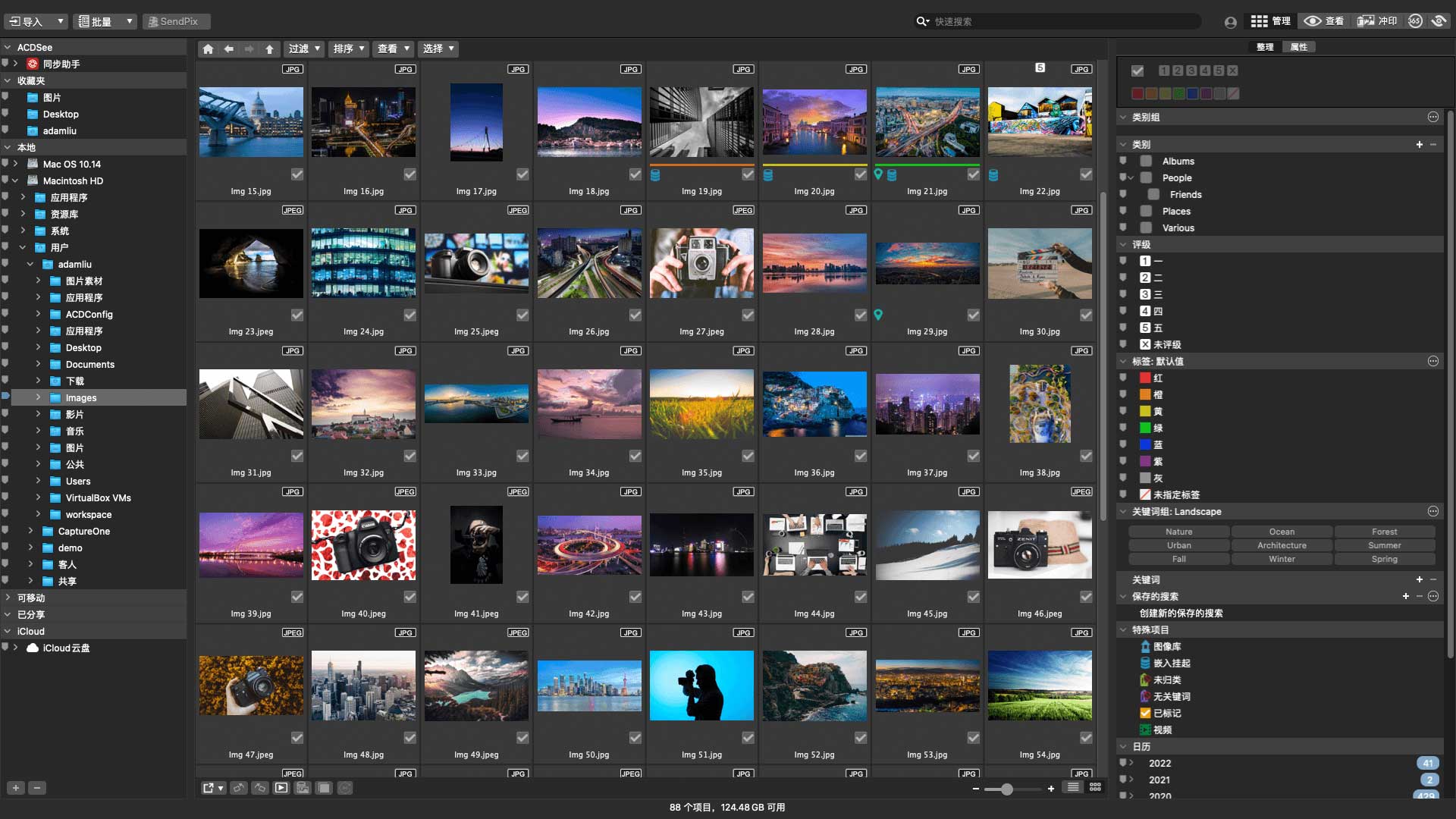
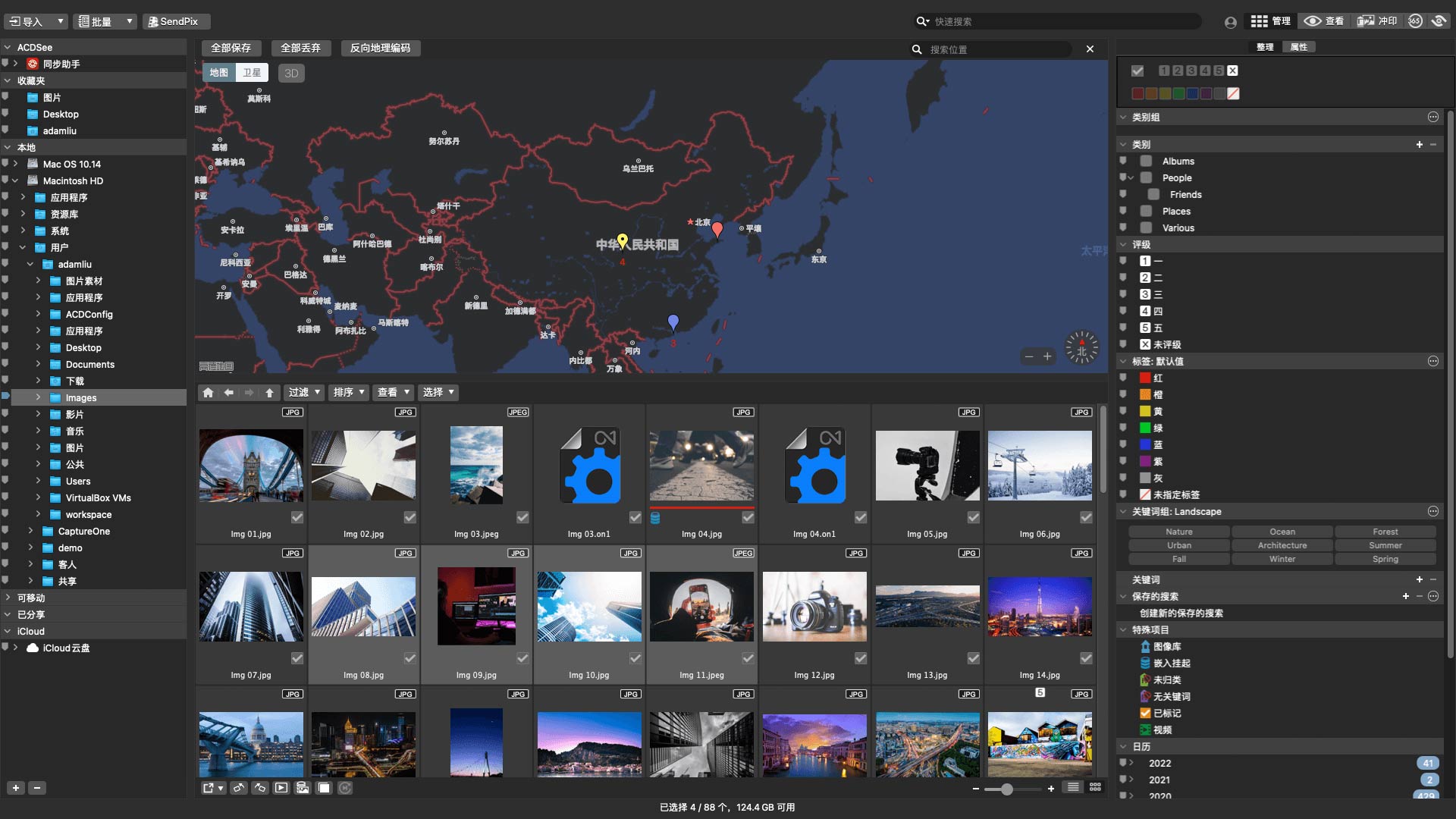
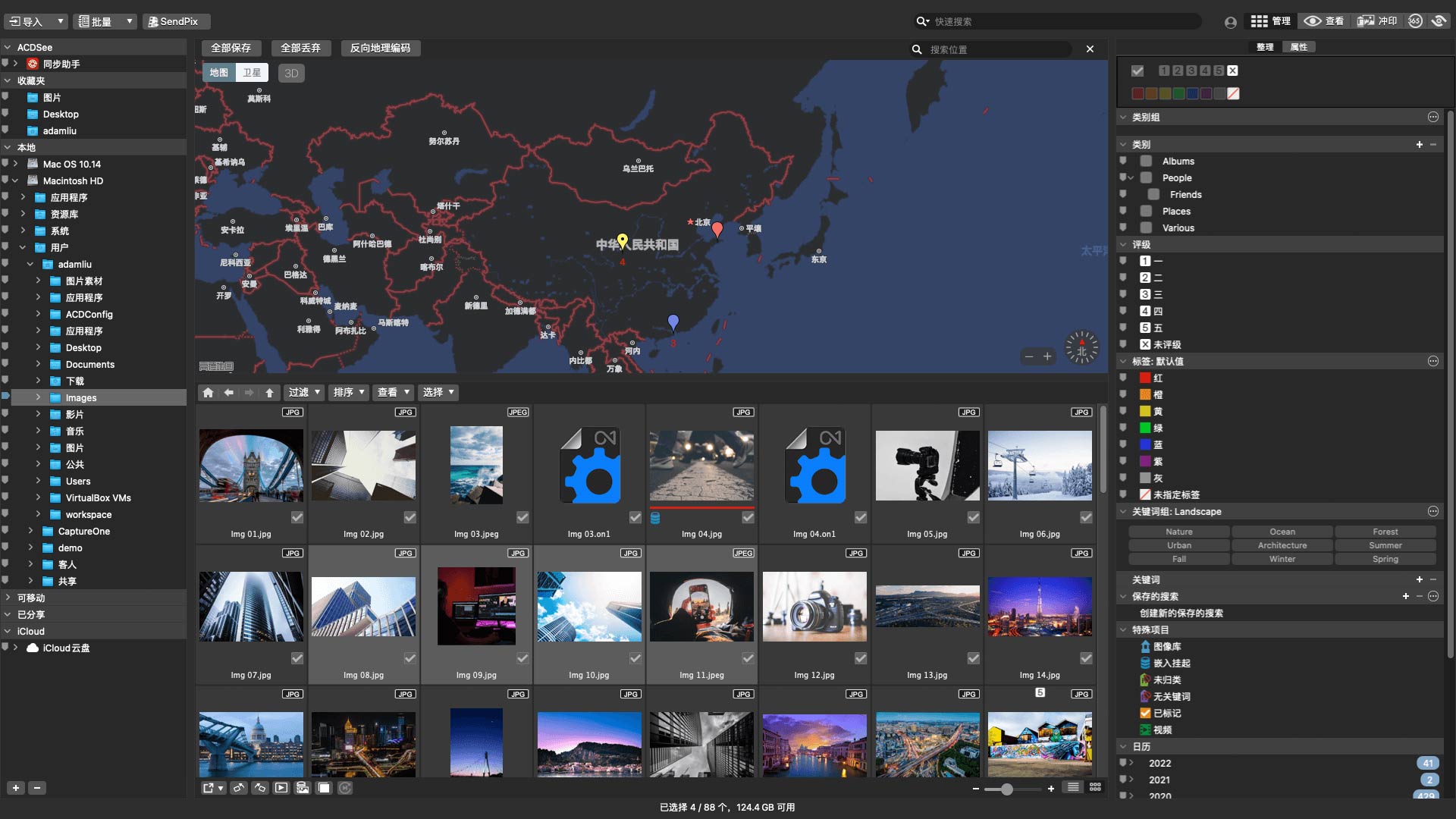
In ACDSee Photo Studio for Searching for files on Mac is a breeze. Find, sort, move, organize and share—everything you need for your photography workflow is at your fingertips. No need to upload or import images. Add ratings, hierarchical keywords, tags, categories, location data, and customizable color labels to your files for easy sorting. Manage the people in your photos, search by people, and easily recall wonderful moments. Keep an eye on your data with the newly added Information Palette and Histogram pane, or easily remove metadata from files directly in Manage mode.
View mode
A photographic view
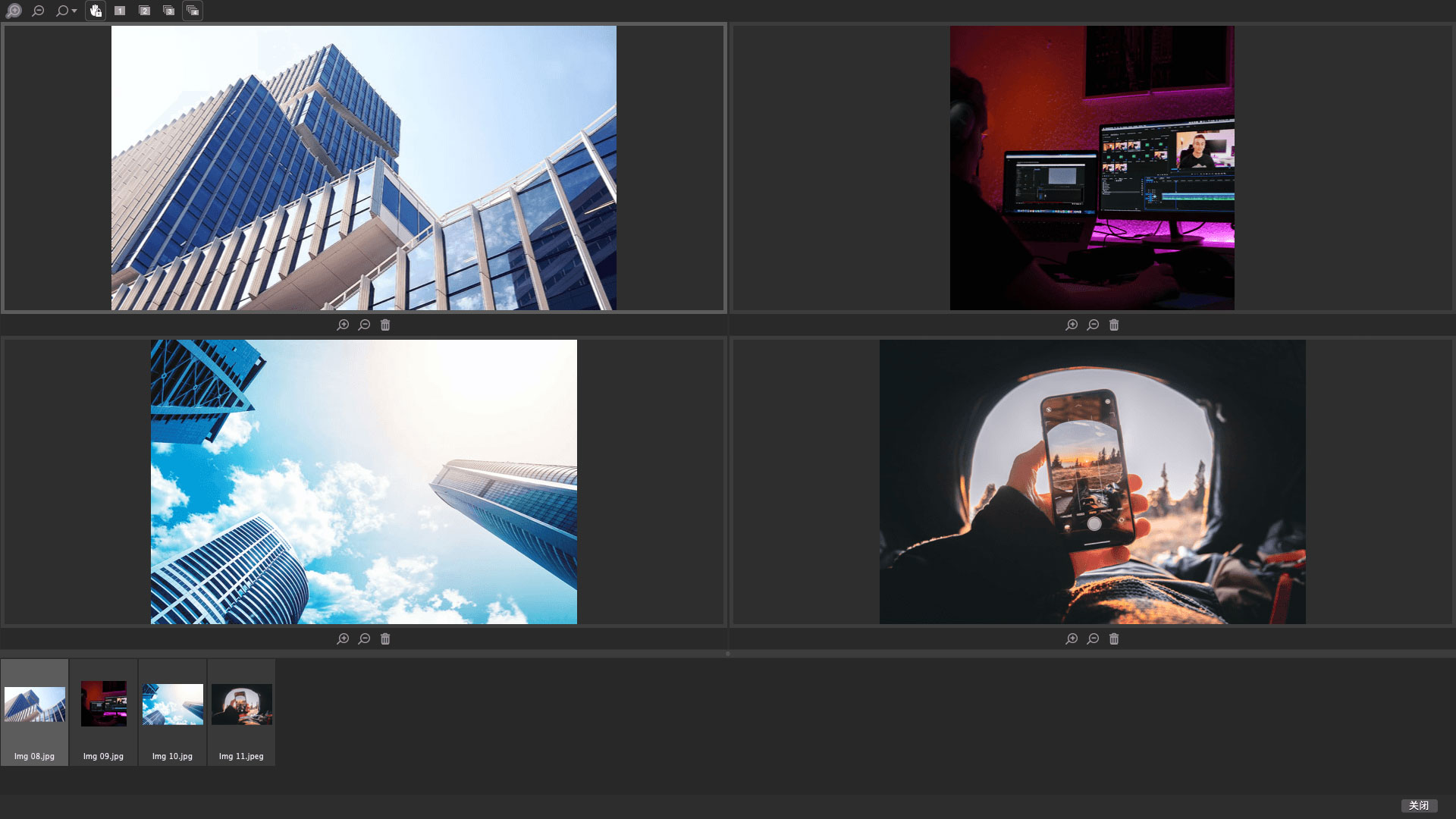
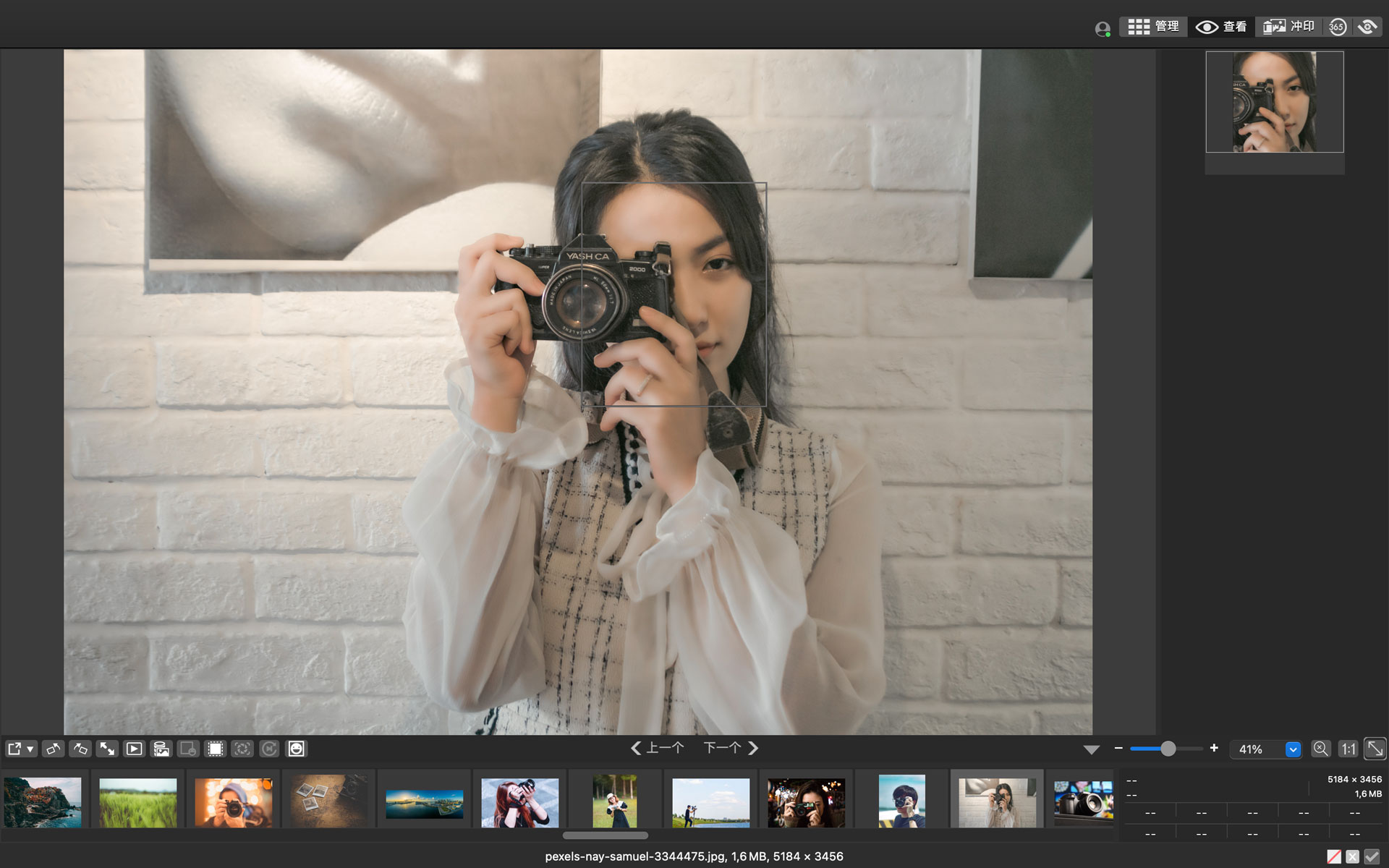
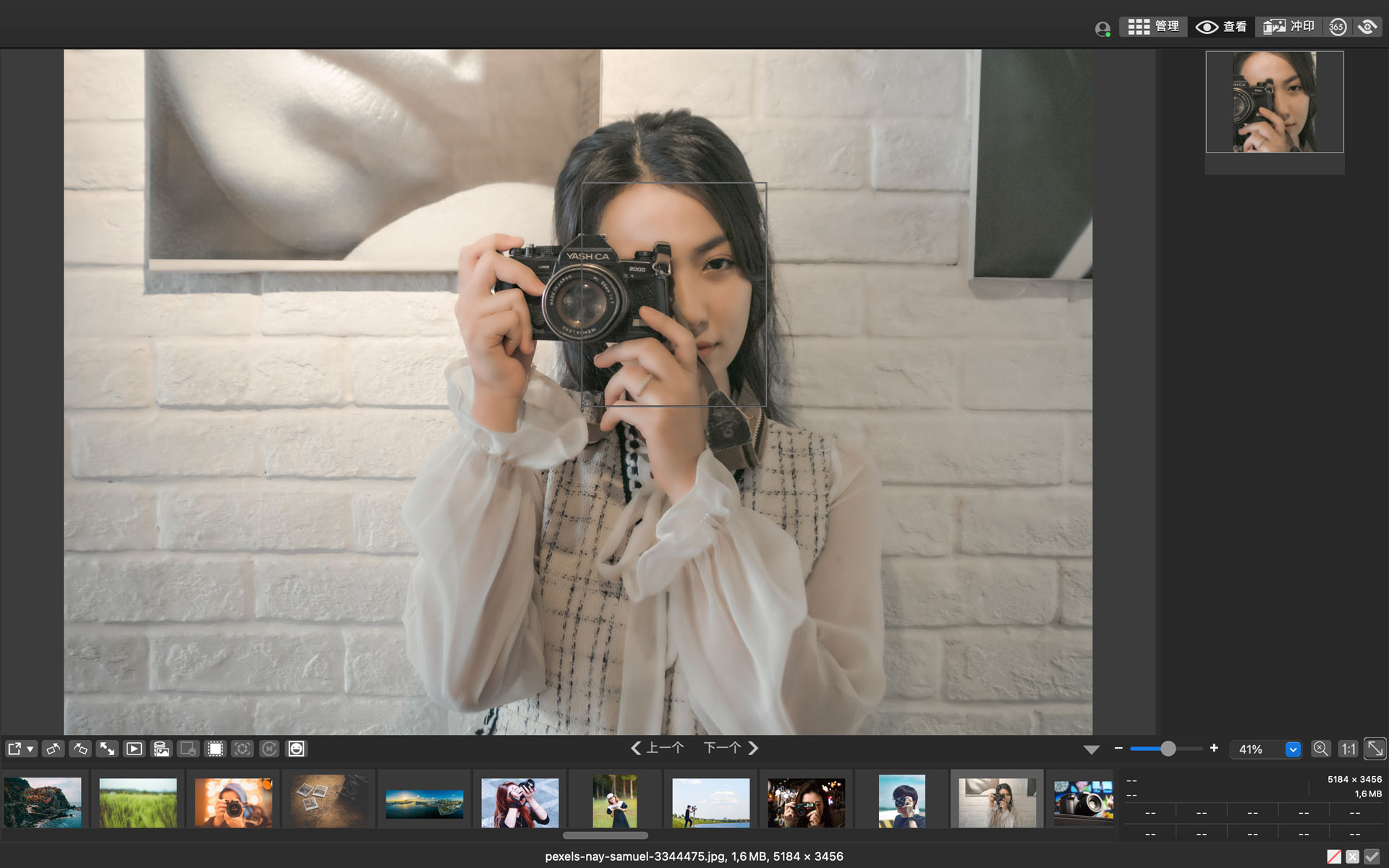
View mode allows you to see image details with pinpoint accuracy, now you can see even more! Learn about the latest enhancements that build on the power of the original View mode: AI-driven face detection, an information palette built into the film, a Show Original button that instantly displays the original image before making any adjustments, and the freedom to preview a Develop mode snapshot on your image.

Developing mode
Lossless RAW photo editing
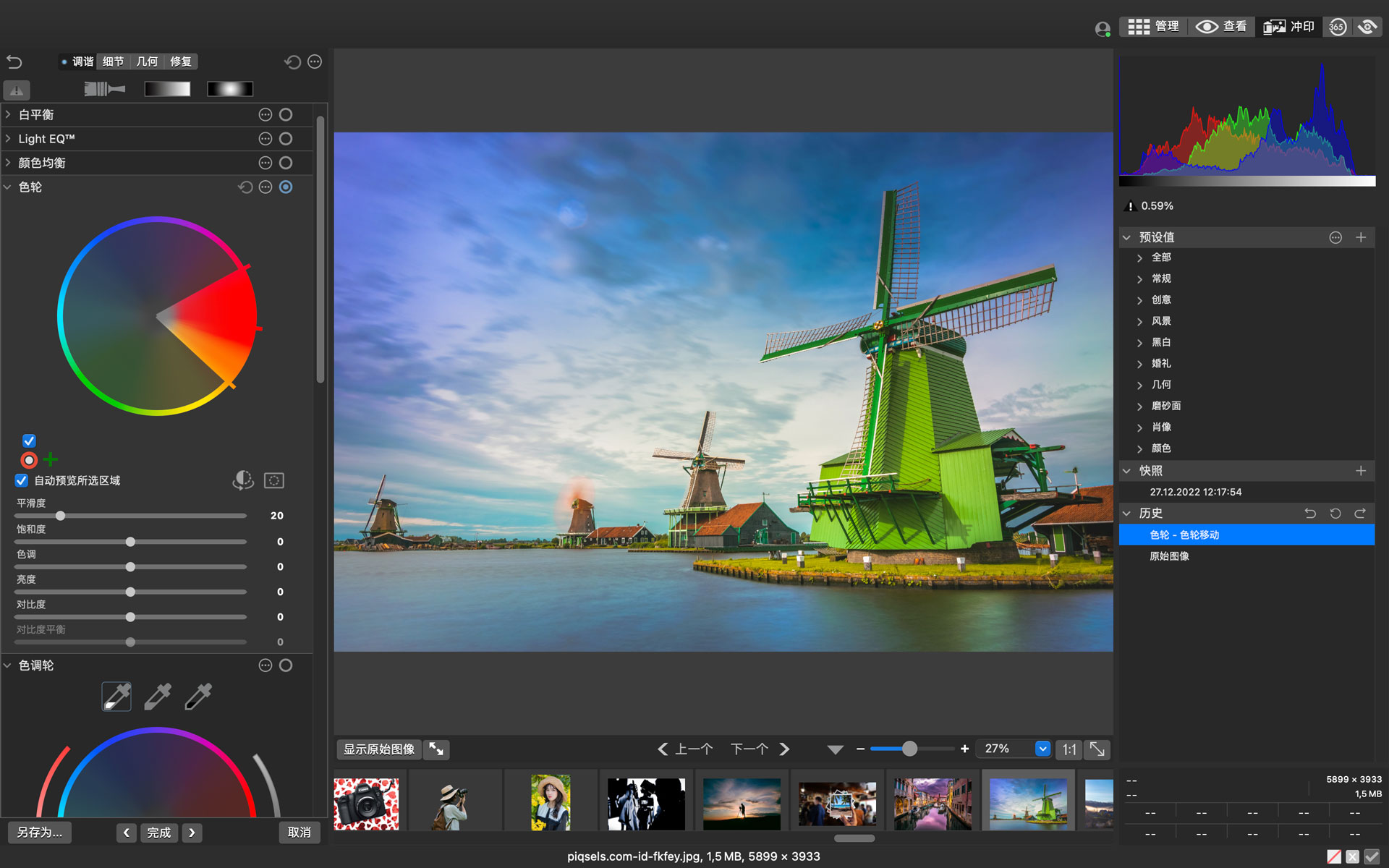
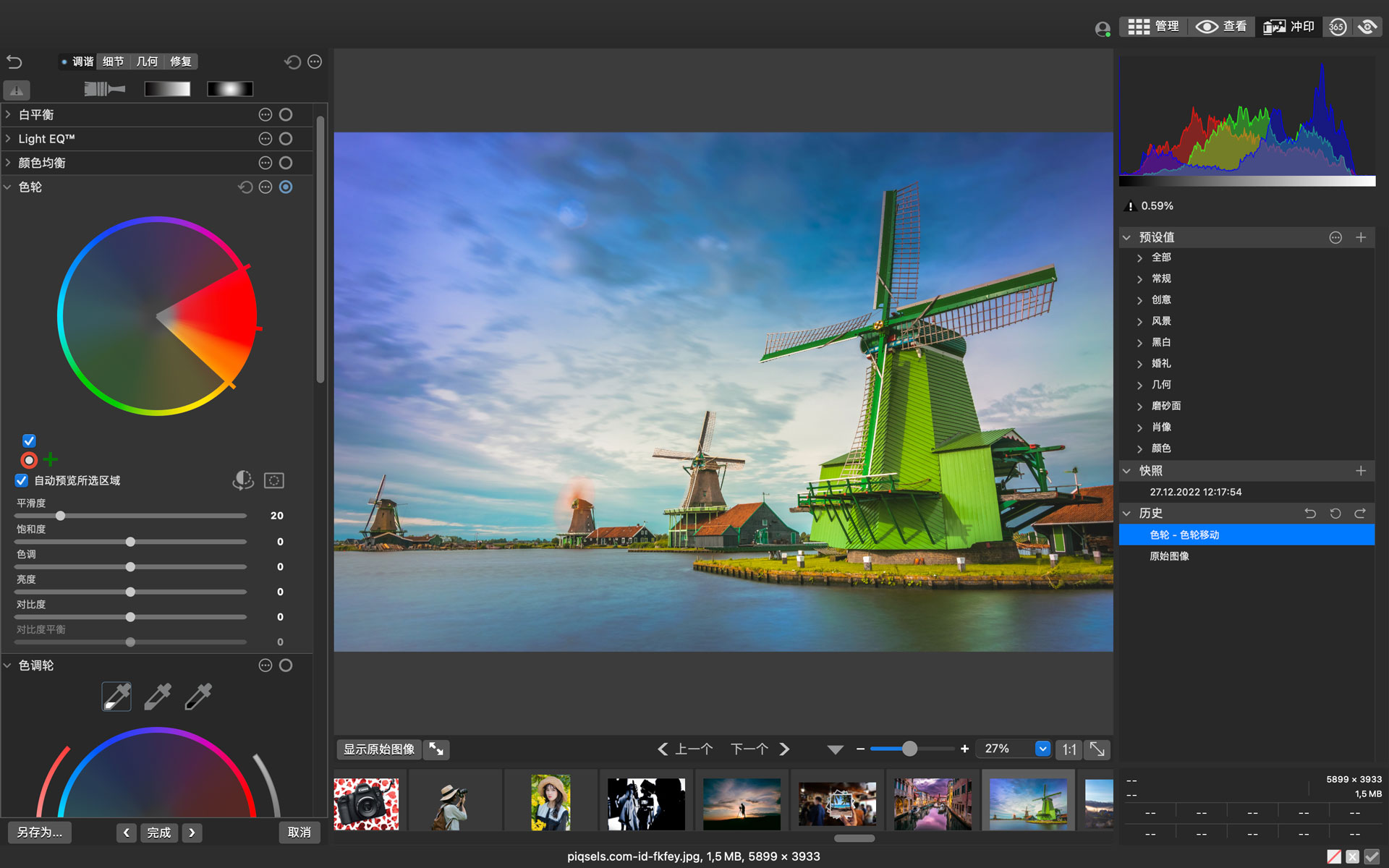
“Develop” mode serves one purpose, allowing you to manipulate, adjust, and play with images in a lossless environment without worrying about irreparable damage to the original photo. Manipulate color in your images using a range of intuitive tools like the Color and Tone Wheel or Color Balance, quickly repair old or damaged photos using the Repair & Clone tool or Skin Tone Tuning, and benefit from ACDSee’s patented Light Balance Choose from a collection of powerful lighting and contrast tools like EQ™) or Dehaze to highlight what you want in your photos. Develop mode has a new look, and this version adds a new right-hand Presets/History/Snapshot pane.
Camera RAW file support
RAW parameterization function
Use ACDSee Photo Studio’s powerful non-destructive editor to transform your RAW images from rough sensor data into compelling digital art. provided by macOS RAW support, so you have the freedom to use parameters to correct exposure, clarity, sharpness, light, color, noise, detail, and more with ACDSee.
ACDSee Synchronization Assistant
Quickly and easily upload to ACDSee Photo Studio from your phone
No need to press the pause button. Send photos and videos directly from your mobile device to ACDSee Photo on your Mac using the ACDSee Sync Assistant app Studio. The free app is available from the Apple App Store for iOS and Android version has been put on various Android app stores. When you get home, simply select and send to transfer your finished edited images.
ACDSee Photo Studio for Mac 9 update log
1. Face detection and face recognition: Automatically recognize faces in photos; after matching the same name to a face one or more times, the name will be automatically assigned or suggested to the matching face
2. Import Lightroom or Picasa face data
3. Find print presets, edit history, and image snapshots in the new convenient right pane in Develop mode
4. Filter keyword and category lists; expand/collapse all keywords and categories in Manage mode
5. Complete “View” mode: “Show original image” button for quick viewing of pre-processed images, preview image snapshots, and information palette added to the film pane
6. Save the file in HEIC file format and include all metadata (EXIF, IPTC, ACDSee) directly in the HEIC file when saving
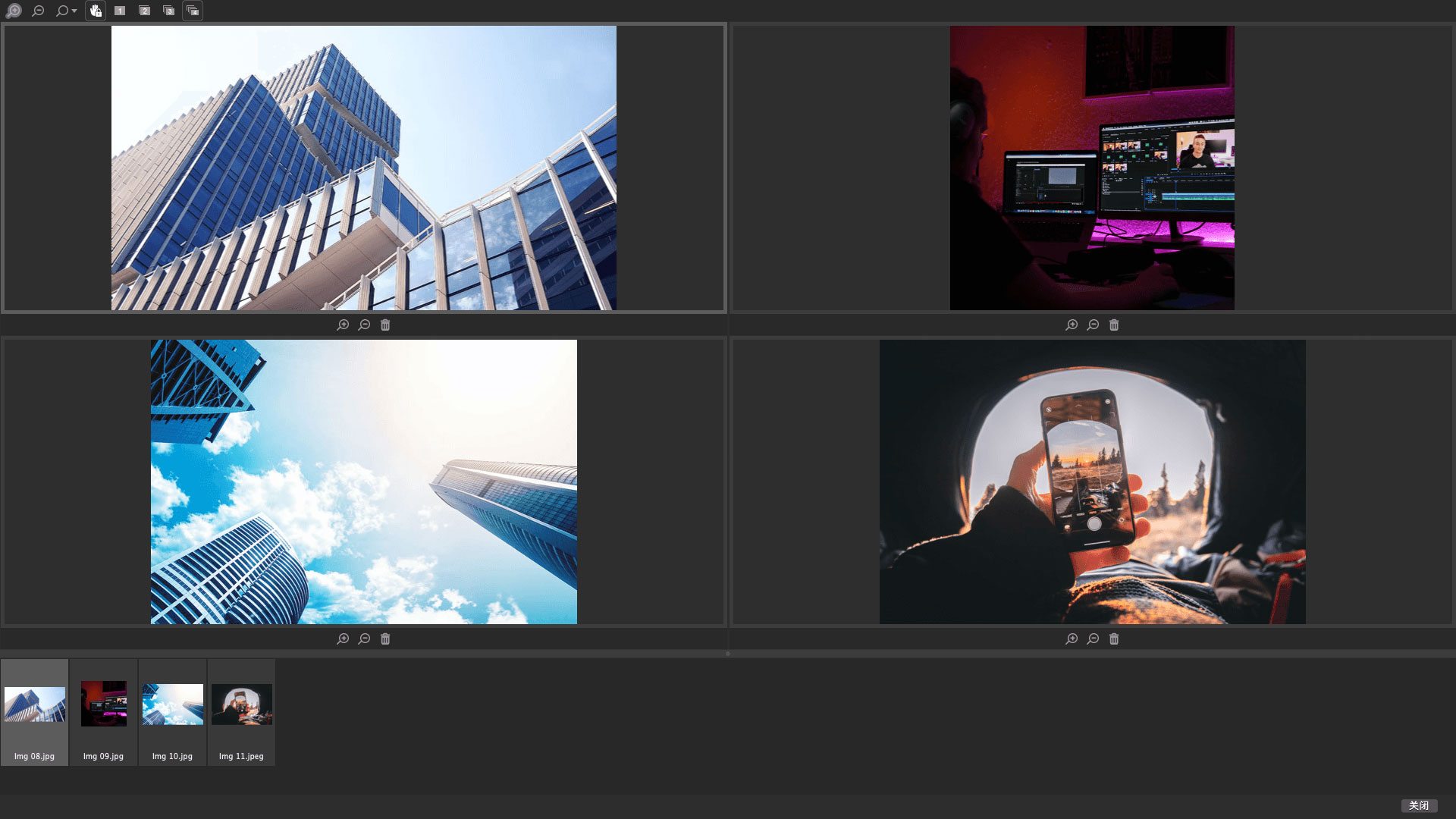
7. Use 4-frame preview thumbnails to better appreciate your videos
A necessary toolbox for network editing, proudly produced by Network Editor Home
Article formatting and editing
Conversion between traditional and simplified Chinese
Text error detection function (1000 typos thesaurus)
You can customize whether there is a space before the paragraph
Just a mouse click
Completely fool-proof operation
Examples of text errors: 白白无码 (无码), 黄梁美梦 (黄素梦), 美伦美奕 (美伦美奕)
Huajun editor recommends:
It is highly recommended to download ACDSee Photo Studio for Mac 9. Whoever uses it knows, but I have already used it. In addition, Kingsoft Painting 2006 Free, Photo BlowUp, and .NET are also good software. Welcome to click to download and experience it!
Version: 9.0.2797 | Update time: 2024-12-30
Similar recommendations






Latest updates


ACDSee Photo Studio for Mac 9 Review
-
1st floor Huajun netizen 2022-02-23 09:39:46The overall feeling of ACDSee Photo Studio for Mac 8 is good, I am quite satisfied, the installation and operation are very smooth! It went very smoothly following the installation step-by-step guide!
-
2nd floor Huajun netizen 2022-02-11 02:03:24ACDSee Photo Studio for Mac 8 hopes to do better and better, come on!
-
3rd floor Huajun netizen 2022-03-20 05:18:03ACDSee Photo Studio for Mac 8 is comprehensive and easy to use.
Recommended products
-

Contenta CR2 Converter
-

Alike duplicate picture finding software
-

Taobao baby picture batch downloader
-

Super Gallery Management Software
-

Yida video surveillance recording system software
-

Super Gallery Management Software
-

Bear Clan Toolpath Viewer
-

Universal picture format converter
-

Luban calculation
-

Gallery Assistant
- Diablo game tool collection
- Group purchasing software collection area
- p2p seed search artifact download-P2P seed search artifact special topic
- adobe software encyclopedia - adobe full range of software downloads - adobe software downloads
- Safe Internet Encyclopedia
- Browser PC version download-browser download collection
- Diablo 3 game collection
- Anxin Quote Software
- Which Key Wizard software is better? Key Wizard software collection




