
-
audio music clipper
- Size: 38.31M
- Language: Simplified Chinese
- Category: Mobile audio and video
- System: Android
- Manufacturer:Wuhan Qihe Technology Co., Ltd.


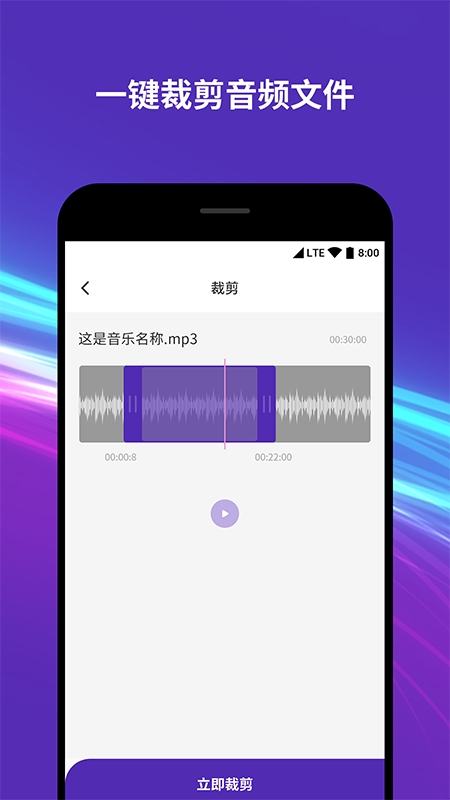
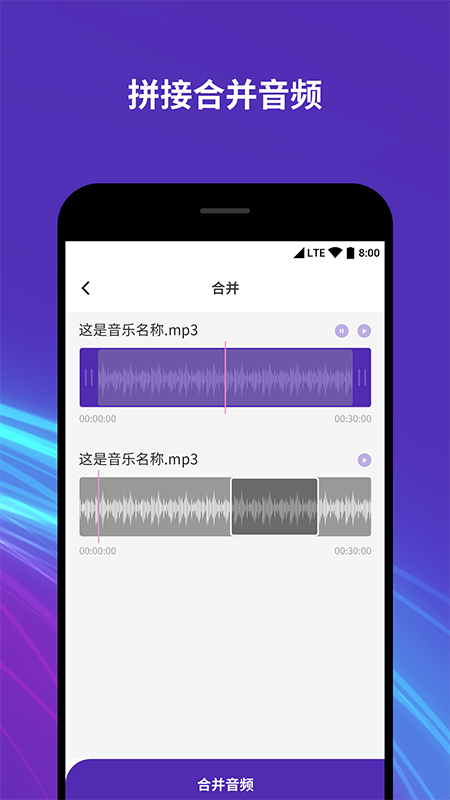
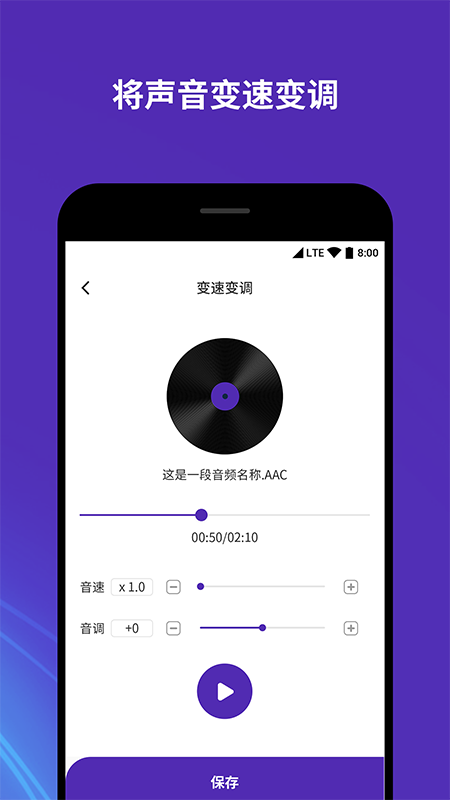
The audio music editor app is a full-featured audio production software. The audio music editor app can edit the classic parts of the music, add and synthesize it into the music you make, mix it with the music, and make it according to your own needs. After completion, you can set your own unique ringtone.
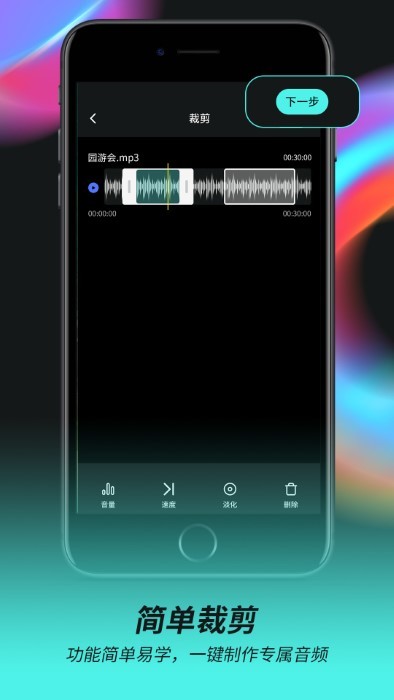
Audio music editor software introduction
Audio music editor is a multi-functional music editing software. It has many functions such as audio editing, audio merging, audio speed changing, audio adding stereo, audio mixing, video audio extraction, etc. It has a variety of audio production functions, edits your exclusive mobile music, and takes you to experience interesting music production.
Audio music editor software advantages
The mixer has endless mixing fun
Converter format conversion, you can change it if you want
Easily manage music on your phone
Audio Music Cutter Software Highlights
- Professional fade-in and fade-out effects
- One-click synthesis, simple, excellent, and practical!
- Connect to your computer and easily set your favorite segment as a ringtone
-Import audio from the local music library and customize the audio cropping range
-Supports cutting out multiple audio segments from the same music and multiple audio editing modes
- One-click sharing, share your works with friends on WeChat, Weibo and other social platforms!
FAQ
Save and export issues
Problem description: After completing audio editing, users may encounter situations where the file cannot be saved or the export fails.
Solution:
Check the network connection: Make sure the user is connected to an available network in case network issues interrupt data transfer.
Confirm the save path: Check whether the file save path is correct and ensure that the specified path exists and is writable.
Try a different name: Save the file under a different name and make sure the file name does not contain special characters or spaces.
Restart the software: If the problem persists, you can try closing the music clipper and reopening it, sometimes this can solve the saving problem.
Audio Music Cutter update log
Sweep the bug out and carry it out to the end
Optimize user feedback issues and improve detailed experience
Huajun editor recommends:
The audio music editor software takes up little memory, has stable performance, is free of any bundles, is green and safe, and is truly a conscientious software! This site also has Dumpling Cloud Game, Batch Butler, and Cloud Machine Butler for you to download!
Version: 2.0.5 | Update time: 2025-04-11
Similar recommendations







Latest updates





How to give feedback on Movie Paradise? -How to give feedback to Movie Paradise
How to check the user agreement of Movie Paradise? -How to view the user agreement in Movie Paradise
How to clear cache of Kuai Technology? -Quatech’s method of clearing cache
How to check the list style in Kuai Technology? -Quick Technology’s method of viewing list styles
How to cancel the account in Kuai Technology? -How to cancel your account in Kuai Technology
How to submit feedback on Kuai Technology? -How to submit feedback on Kuai Technology
Audio Music Cutter Review
Recommended products










- Diablo game tool collection
- Group purchasing software collection area
- p2p seed search artifact download-P2P seed search artifact special topic
- adobe software encyclopedia - adobe full range of software downloads - adobe software downloads
- Safe Internet Encyclopedia
- Browser PC version download-browser download collection
- Diablo 3 game collection
- Anxin Quote Software
- Which Key Wizard software is better? Key Wizard software collection




