
-
Play cool electronic music
- Size: 54.7M
- Language: Simplified Chinese
- Category: Mobile audio and video
- System: Android
- Manufacturer:Haining Microvision Software Co., Ltd.
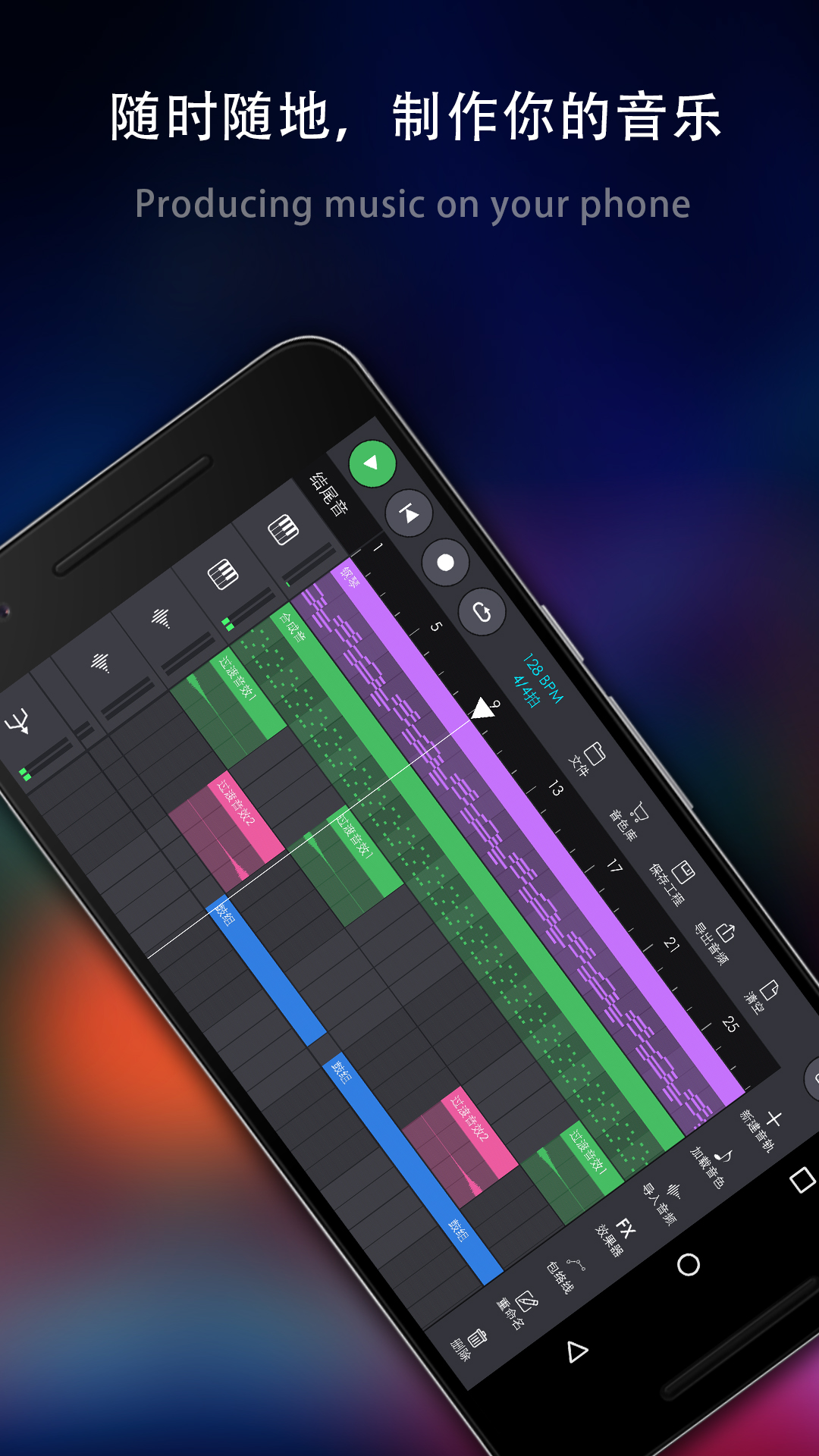
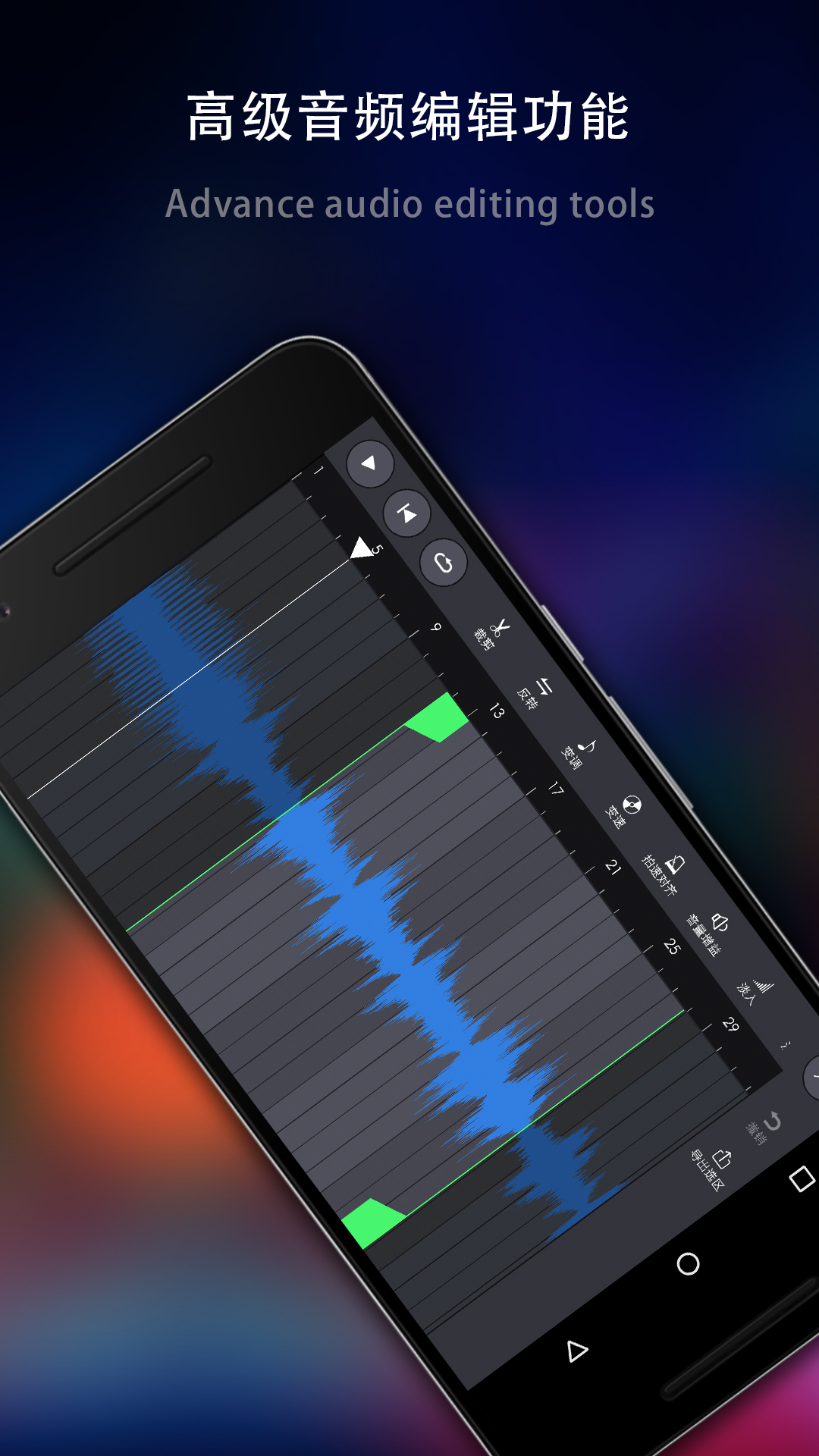
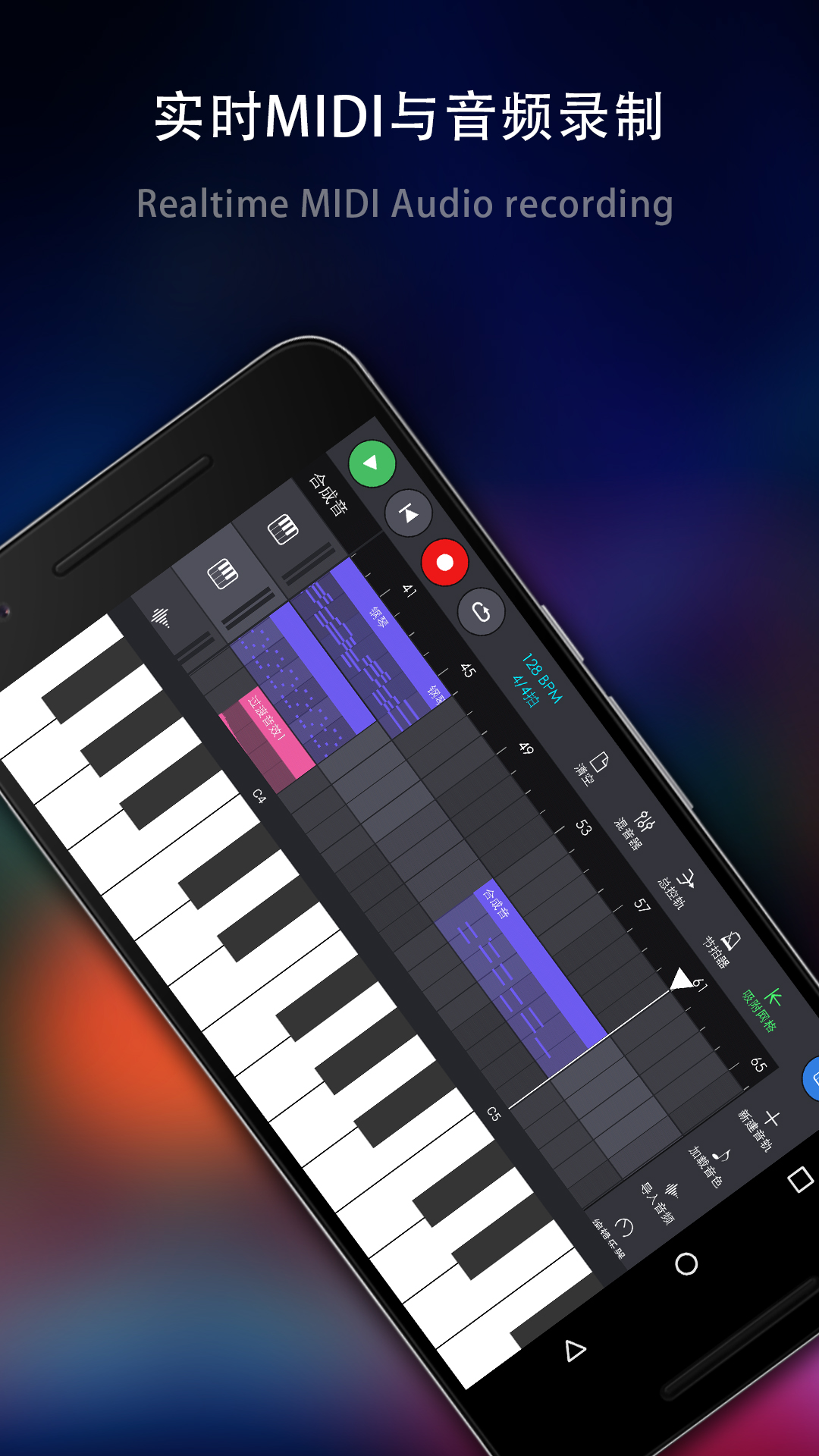
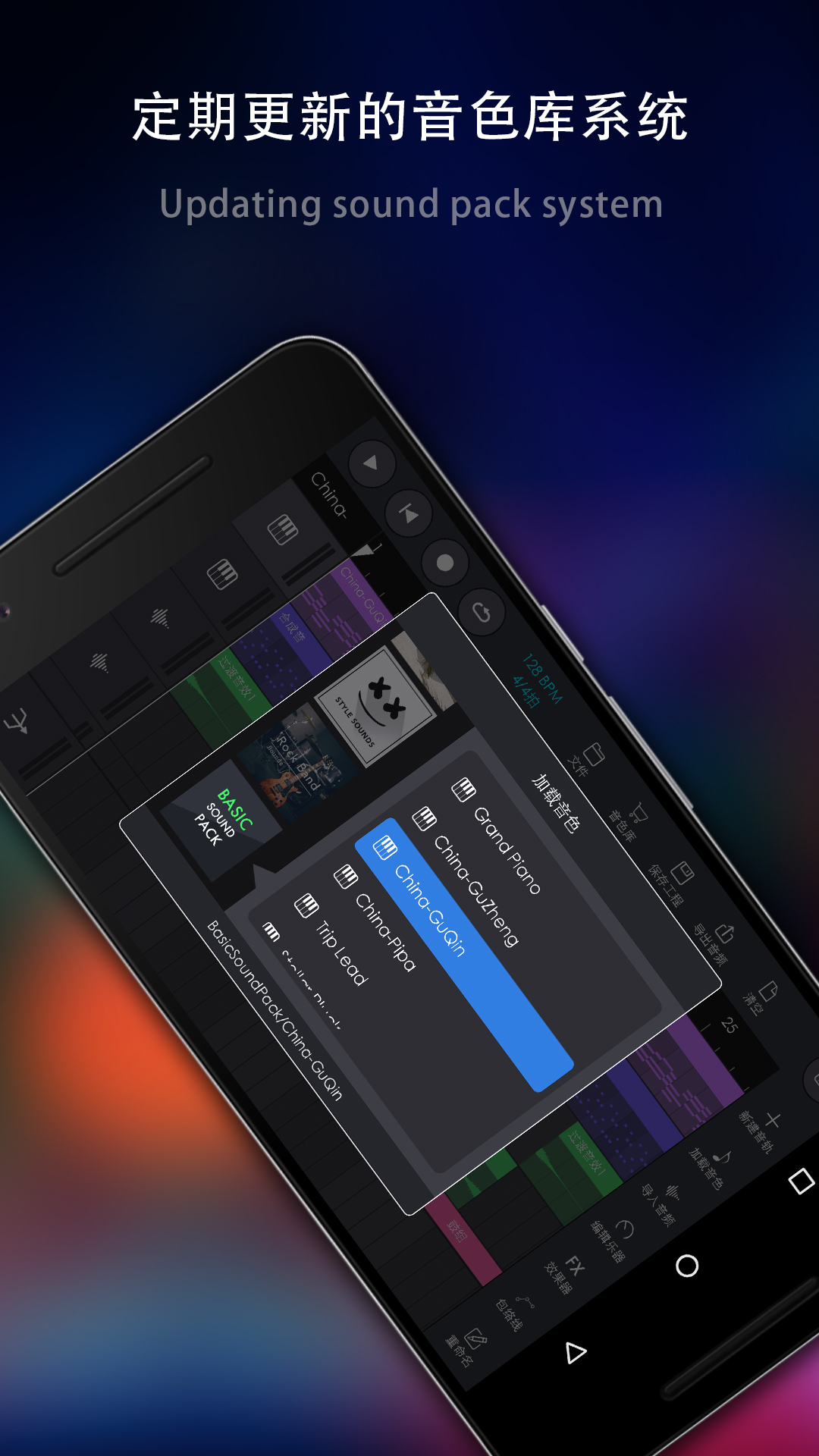
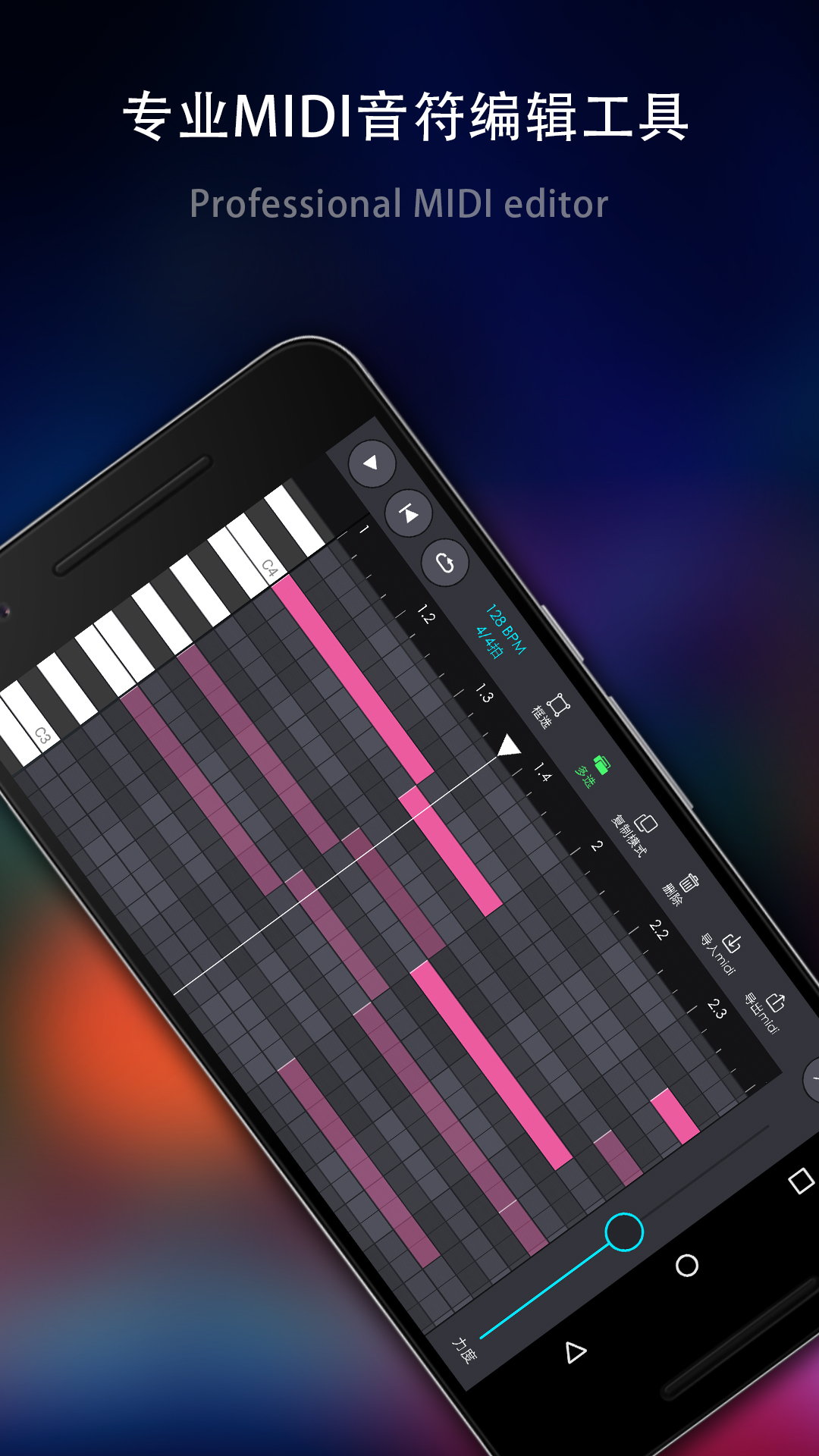
The official Android version of Wanku Electronic Music is a music and electronic music production software. The official version of the Wanku Electronic Music app allows you to make some electronic music yourself. Here you are a composer, with a variety of tuning functions at your disposal, just to create perfect sound effects for everyone.
Introduction to the official version of Waku Electronic Music software
It is a software that can listen to 3D surround music and electronic music online. It cannot download music, which should be good news for friends who like to listen to 3D surround music. Warm reminder, it is better to wear headphones when eating!
Wanku Electronic Music is a music and electronic music producer. Users can use this software to directly produce music and electronic music. It has many powerful functions and a clear interface.
Features of the official version of Wanku Electronic Music
Multiple scene creation support
Unlimited canvas and audio tracks: Breaking through the limitations of traditional mobile phone software, it supports the creation of unlimited length audio tracks and canvases to meet complex arrangement needs.
Cross-device collaboration: Project files can be backed up in the cloud and synchronized across mobile phones/tablets, supporting team online collaborative editing (requires premium membership).
Rich sound library and templates
There are 12 built-in demo tracks: covering jazz, electronic dance music, hip-hop and other styles, which users can directly adapt or use as a starting point for creation.
Dynamic Sound Updates: New instrument sounds (such as African drums, xylophones) and effects (such as Costello reverb) are regularly added to keep your creations fresh.
Professional-grade audio processing
High-precision editing tools: supports piano roll to edit MIDI notes, audio cut panel to process samples, and LFO tool to achieve dynamic modulation of timbre.
Lossless format export: It can export WAV, FLAC and other lossless formats to meet professional needs such as music distribution and short video BGM.
Wanku electronic music official version software functions
Basic functions
Multi-track editing
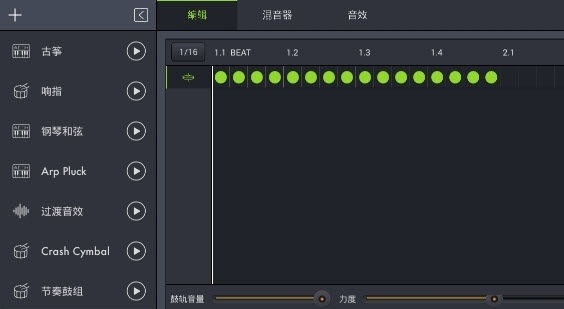
Four major track types: instrument track (supports piano roll to write melody), drum machine track (built-in prefabricated rhythm pattern), sampler track (import custom audio), audio track (microphone real-time recording).
Modular management of segments: Mark different segments by color, support copying, pasting, and dragging for reorganization, achieving "building block-style" arrangement.
Real-time recording and monitoring
MIDI and audio dual mode: You can connect an external MIDI keyboard for performance recording, or directly use the mobile phone microphone to record vocals/environmental sounds. It supports 0.5X-2.0X speed listening.
Headphone monitoring optimization: 3D surround sound field technology enhances immersion, delicately restores cymbal overtones and bass vibrations, and details that cannot be presented through external amplifiers are clearly discernible through headphones.
Intelligent auxiliary tools
Quantization function: Automatically absorb notes to the time grid to solve the problem of inaccurate playing rhythm.
Fool-style tuning: The system automatically optimizes dissonant scales to avoid harsh noises caused by arbitrary parameters. Even novices can quickly produce audible works.
Advanced features
Effects and parameter modulation
Six major effect modules: reverb (simulates the sense of space in a concert hall), echo (creates a spacious echo), filter (low pass/high pass/bandpass), distortion (essential for electronic sound), phase (periodic pitch changes), flanger (sci-fi sound effect).
LFO tool: Added low-frequency oscillator, which can customize the periodic fluctuations of timbre amplitude and pitch to achieve "wave-like" sound effect changes.
Sampling and sound editing
In-depth editing of the sampler: supports importing local audio from mobile phones (MP3/WAV), setting the root pitch, pitch range and envelope (attack/decay/sustain/release) to create personalized instrument timbres.
SoundFont track: Compatible with external SoundFont sound libraries, expanding the simulation accuracy of traditional musical instruments such as pianos and strings.
Teaching and resource ecology
Novice guidance system: Built-in step-by-step tutorials, from creating the first audio track to multi-track mixing, you can complete the entry-level work in half an hour.
Community and sharing: Support exporting works as MP3/MIDI files, or share them directly to SoundCloud, Facebook and other platforms to participate in online electronic music community discussions.
Frequently Asked Questions about Wanku Electronic Music Official Version Software
The exported audio format is wrong or the sound quality is damaged
Problem description: The exported MP3 file cannot be played, or the FLAC format file is unusually large.
Solution:
Confirm the export settings: Select the correct format in the "Share/Export" interface (for example, MP3 requires a 44.1kHz sampling rate).
If lossless sound quality is required, the WAV format is preferred; if used for network sharing, MP3 (bit rate ≥128kbps) is recommended.
Avoid running other memory-consuming applications during export to ensure sufficient system resources.
Wanku Electronic Music official version update log
1. Optimized some functions
2. Solved many intolerable bugs
Huajun editor recommends:
The official version of Wanku Electronic Music takes up little memory, has stable performance, is free of any bundles, is green and safe, and is truly a conscientious software! This site also has Y2002 music, American drama Birds, and TFun games for you to download!
Version: 3.0.10 | Update time: 2025-10-27
Similar recommendations







Latest updates





How to give feedback on Movie Paradise? -How to give feedback to Movie Paradise
How to check the user agreement of Movie Paradise? -How to view the user agreement in Movie Paradise
How to clear cache of Kuai Technology? -Quatech’s method of clearing cache
How to check the list style in Kuai Technology? -Quick Technology’s method of viewing list styles
How to cancel the account in Kuai Technology? -How to cancel your account in Kuai Technology
How to submit feedback on Kuai Technology? -How to submit feedback on Kuai Technology
Wanku electronic music review
Recommended products










- Diablo game tool collection
- Group purchasing software collection area
- p2p seed search artifact download-P2P seed search artifact special topic
- adobe software encyclopedia - adobe full range of software downloads - adobe software downloads
- Safe Internet Encyclopedia
- Browser PC version download-browser download collection
- Diablo 3 game collection
- Anxin Quote Software
- Which Key Wizard software is better? Key Wizard software collection




