Hongguo Free Short Drama Software is a software that allows you to watch various video short plays for free. So how do you download personal information from Hongguo Free Short Drama? How to download personal information from Hongguo’s free short drama? Let the editor give you the answer below!
How to download personal information in Hongguo’s free short drama?
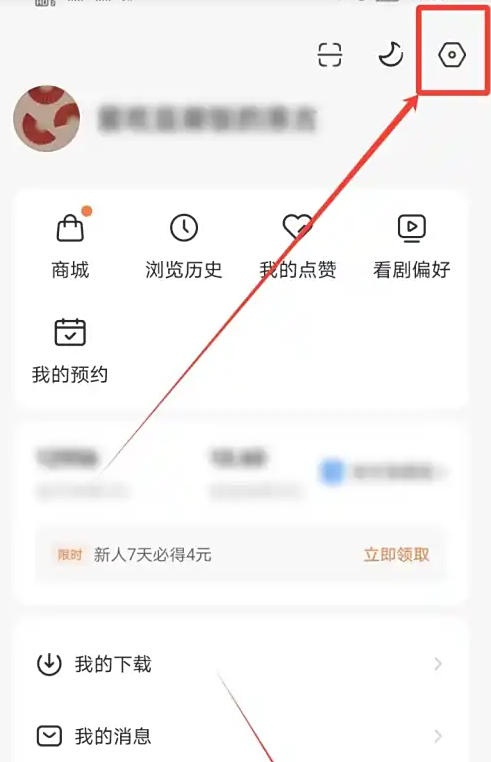
1. Open Hongguo’s free short drama and enter the “My” page.
2. Click the settings icon in the upper right corner to enter the settings page.
3. In the settings page, click "About Hongguo".
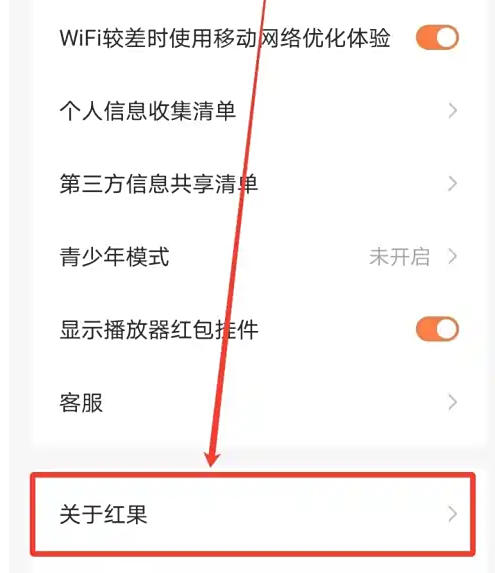
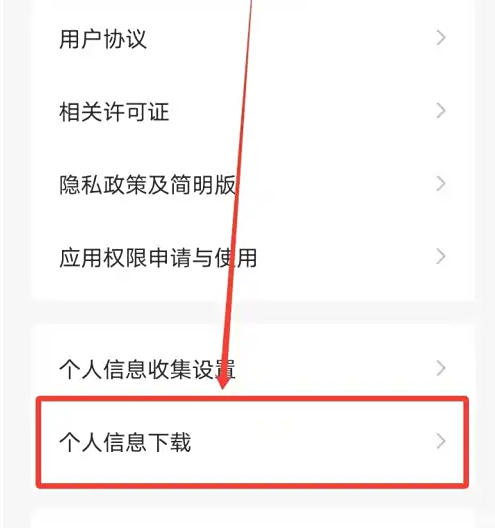
4. In the About Hongguo interface, find the “Personal Information Download” option and click it.
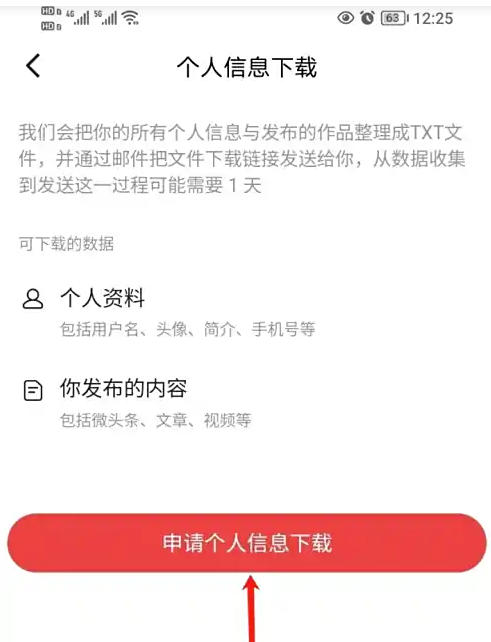
5. On the personal information download page, click "Apply for personal information download".
The above is the free short drama of Hongguo compiled for you by the editor of Huajun. How to download personal information? Here’s how to download personal information from Hongguo’s free short drama, I hope it can help you.