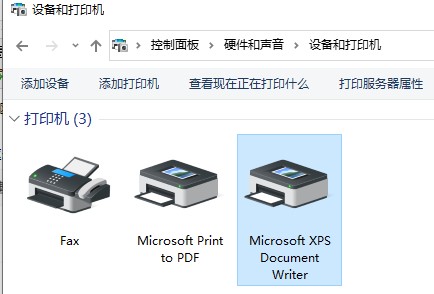
Friends, do you know how to install the printer driver in Drive Life? Today I will explain the tutorial on installing the printer driver in Drive Life. If you are interested, come and take a look with me. I hope it can help you.
1. Users need to find Driver Life, double-click to enter, find Driver Management, and click to enter.

2. Enter driver management and click Scan Now.
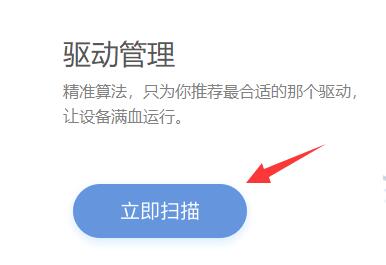
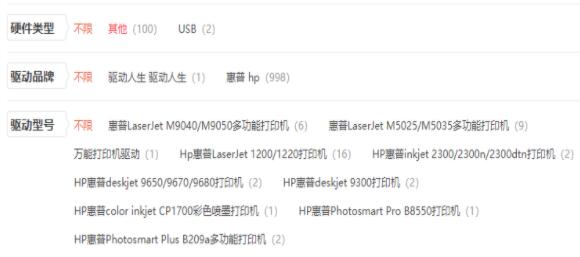
3. The result as shown below will appear under scanning. Click to download and install the required printer driver.
4. After completing Android, open the control panel, click "Devices and Printers", click "Print Server Properties" to check whether there is a driver for the corresponding printer.
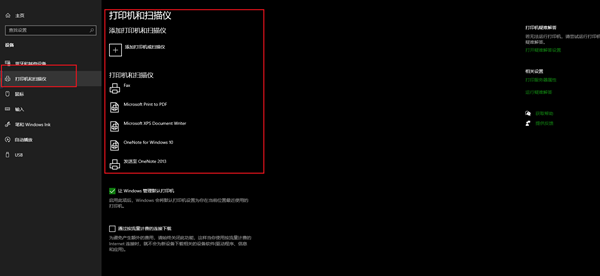
5. To test whether it can be printed, you need to have paper in the printer. If the test is successful, it can be used.