Friends, do you know how to hide all the buttons on the NetEase MuMu simulator? Today I will explain how to hide all the buttons on the NetEase MuMu simulator. If you are interested, come and take a look with the editor. I hope it can help you.
The first step: Open the NetEase MuMu emulator.
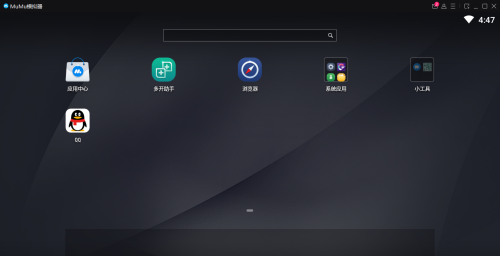
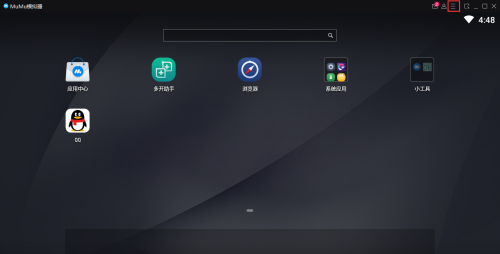
Step 2: After opening the software, click on the menu bar.
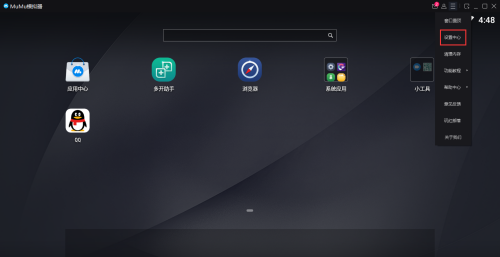
Step 3: After opening the menu bar, click Settings Center.
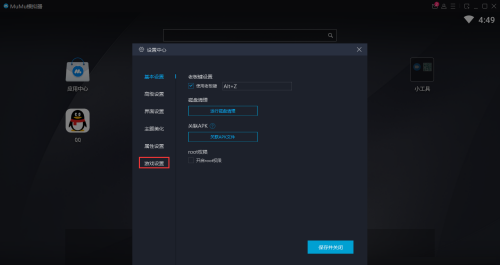
Step 4: After opening the game settings, click Game Settings.
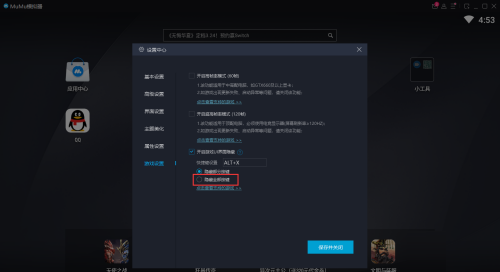
Step 5: Click to turn on Hide all settings.
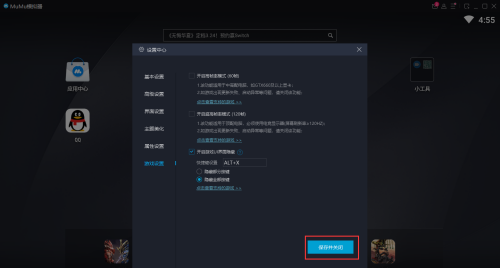
Step 6: Finally click Save and Close.
The above is the entire content of how to hide all buttons in the NetEase MuMu emulator brought to you by the editor. I hope it can help you.