Friends, do you know how to add goods codes to the tax UKey version of the VAT invoice invoicing software? Today I will explain how to add goods codes to the tax UKey version of the VAT invoice invoicing software. If you are interested, come and take a look with the editor. I hope it can help you.
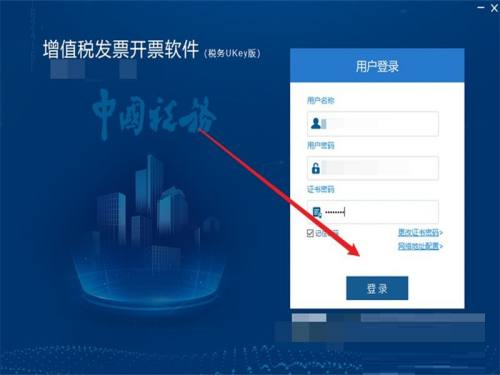
Step 1: Open and log in to the tax UKey version of the VAT invoice issuance software.
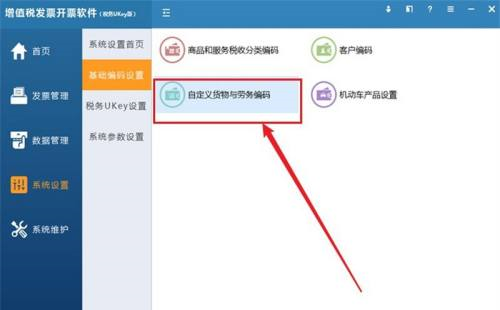
Step 2: Enter the system settings module, select basic coding settings, and click Customize Goods and Services Coding.
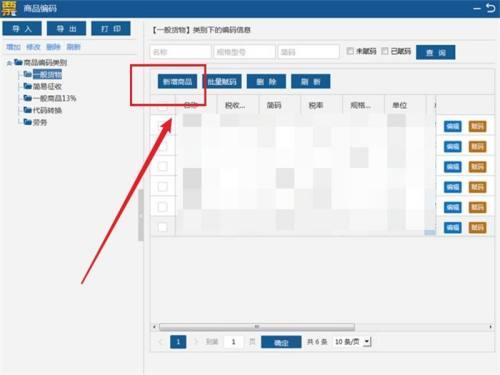
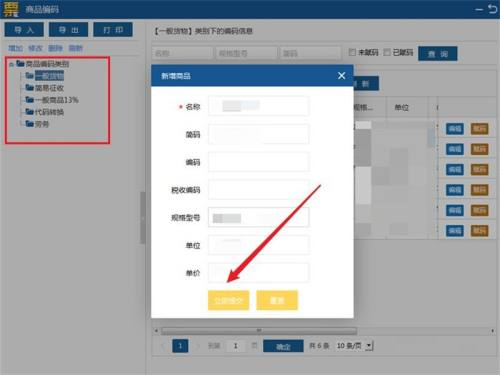
Step 3: Click to add a new product, enter the product content in the pop-up window, and click Submit Now.
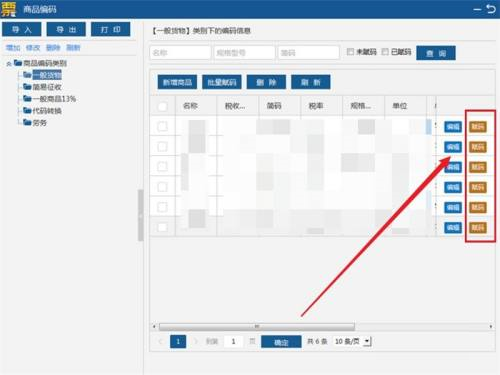
Step 4: Check the newly added product, click Assign Code on the right, select the tax classification code corresponding to the product in the pop-up window, and click OK.

The above is the entire content of how to add goods codes in the tax UKey version of the VAT invoice issuance software brought to you by the editor. I hope it can help you.


