How to set the sliding template in Xiumi Editor-How to set the sliding template in Xiumi Editor
Time: 2024-05-11Source: Huajun Software TutorialAuthor: Rocket
Many people don’t know how to set the sliding template in Xiumi Editor? The article brought to you today is how to set the sliding template in Xiumi Editor. If you still don’t know, let’s learn it with the editor.
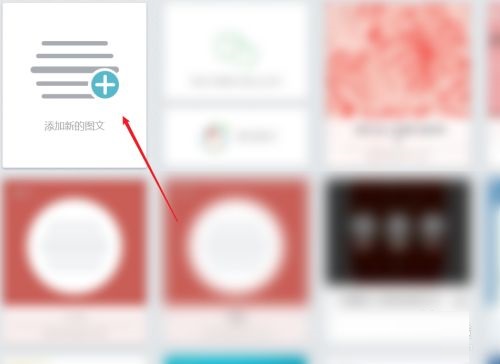
Step 1: Open the Xiumi editor and click [Add new image and text] (as shown in the picture).
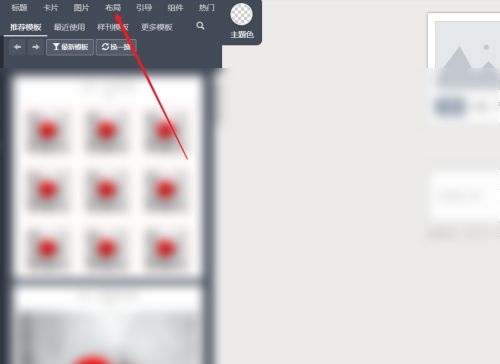
Step 2: Enter and click [Layout] (as shown in the picture).
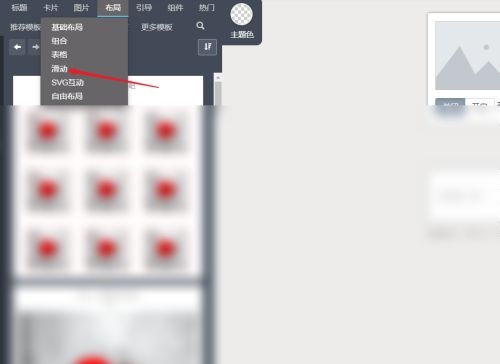
Step 3: Enter and select [Slide] (as shown in the picture).
Step 4: Enter and select [Template] (as shown in the picture).
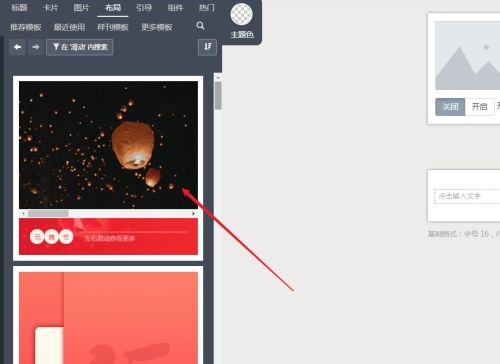
Step 5: Enter to edit the [Sliding Template] and change pictures (as shown in the picture).
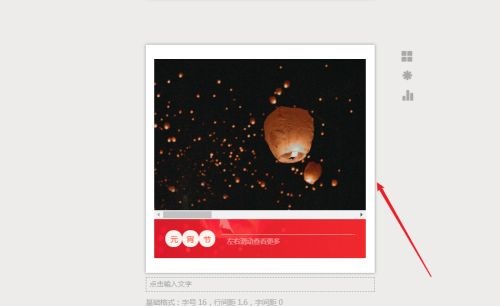
The above is the entire content of how to set the sliding template in the Xiumi editor brought to you by the editor. I hope it can help you.
Popular recommendations
-
xshell
Version: 7.0.0063Size: 35.88MB
The latest version of xshell is a powerful and diverse terminal emulator. xshell securely connects to remote hosts through the Internet and its innovative design...
-
Fatkun picture batch download
Version: v10.4.2 latest versionSize: 1.56 MB
Fatkun Image Batch is a browser extension tool that focuses on efficient downloading of web page images. It can extract all pictures on the current page with one click, and select them by size,...
-
Fatkun picture batch download
Version: v10.4.2 latest versionSize: 1.56 MB
Fatkun image batch download is an image batch download plug-in specially provided for all chrome browsers. Fatkun picture batch download plug-in has powerful functions...
-
Xiumi Editor
Version: 1.1.5Size: 10.09 MB
Xiumi Editor is an article editor tool that can be used online. Although it is just a web online tool, the functions of Xiumi Editor are no better than...
-
Sogou Promotion Assistant
Version: v5.6 latest versionSize: 6656
Sogou Promotion Assistant is a very good Sogou browser auxiliary tool. This tool mainly provides users with online account management functions. For companies and enterprises...