
-
Adobe Reader
- Size: 362.8M
- Language: Simplified Chinese
- Category: reading software
- System: iOS
Adobe Reader for iOSIt is an app officially launched by AdobePDF processing software. PassAdobe Reader App users can quickly view, sign, annotate, andedit pdffile, find relevant data, highlight it, and adjust the document background. Adobe Reader The official version of the app also supports converting jpg filesConvertFor pdf format, create and sign fillable pdf forms, etc., which greatly improves office efficiency. Friends who like it, come to Huajun Software Park to download and experience it!
Introduction to Adobe Reader software
Need to work with documents on the go? Get the Adobe Acrobat Reader mobile app, the world's most trusted PDF Viewer, the number of installers has exceeded 635 million. Store files online and read pdf files anywhere with this best-in-class free pdf reader and file manager. Additionally, view and share pdfs documents, and add comments and electronic signatures to documents.
Adobe Reader software features
View and print PDF
• Open and view PDFs with the free Adobe PDF Viewer app.
• Choose single page or continuous scrolling mode.
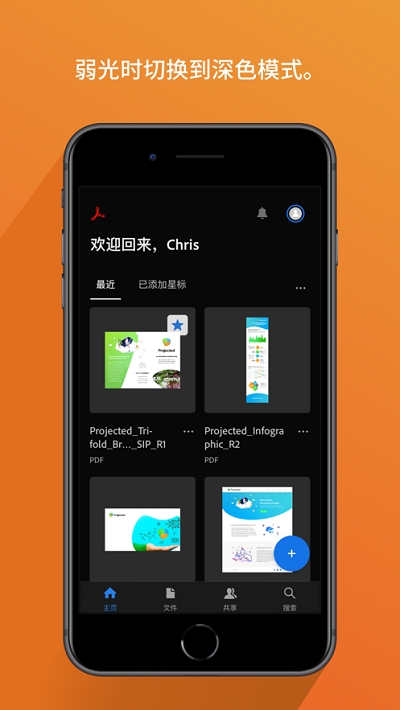
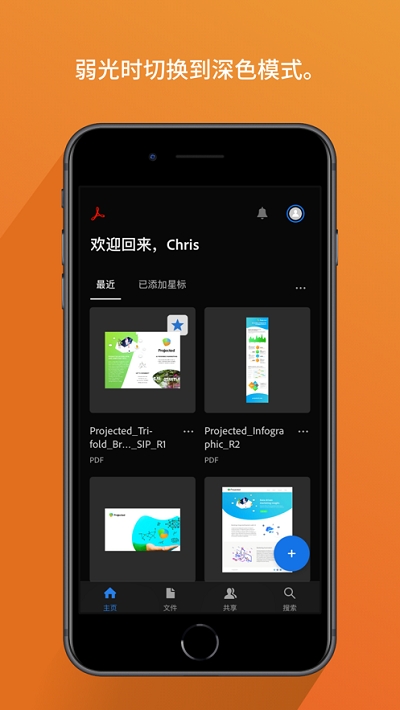
• Help save battery with Dark Mode.
• Print documents directly from your device.
Read PDFs more easily
• Use Liquid Mode for the best PDF reading experience.
• Content in PDF documents can be reflowed to fit the screen.
• Use Liquid Mode outlines for quick navigation.
• Quickly search within PDF documents to find text.
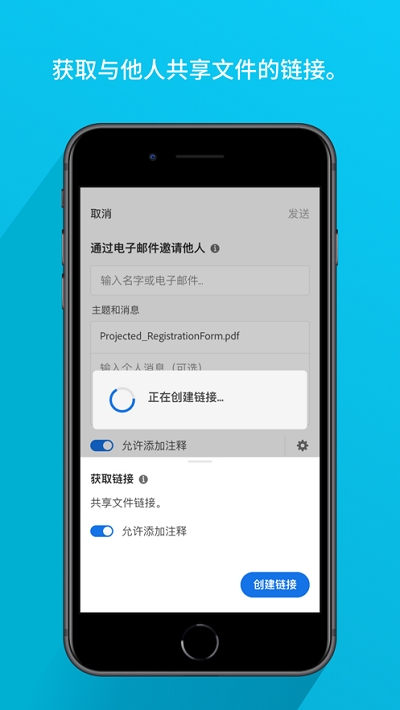
Share PDFs and collaborate
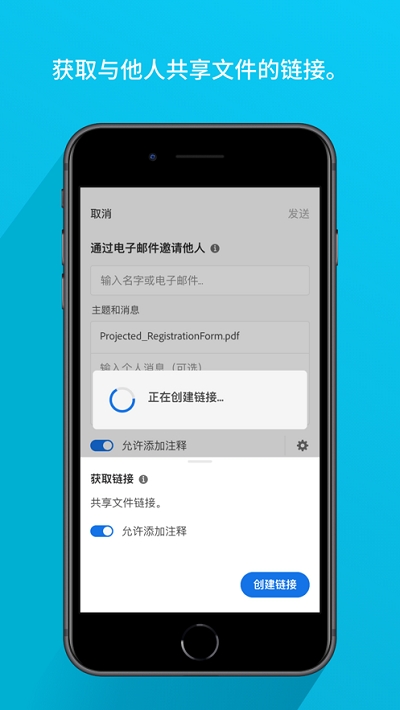
• Share files to annotate or view.
• Collect comments added by multiple people on the same file online.
• Reviewers can reply to each other’s comments, speeding up document review.
• Receive activity notifications for files you’ve shared.
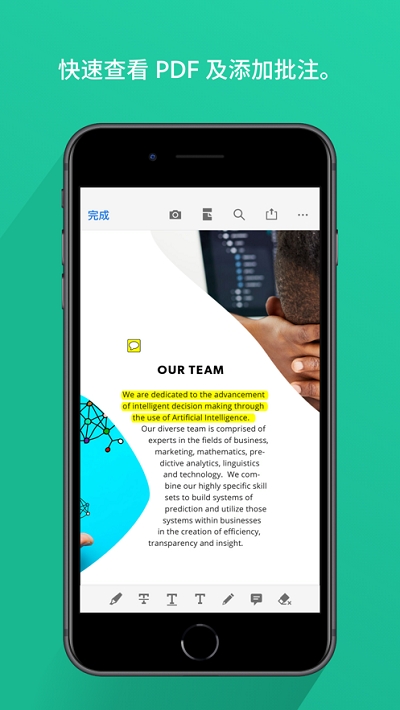
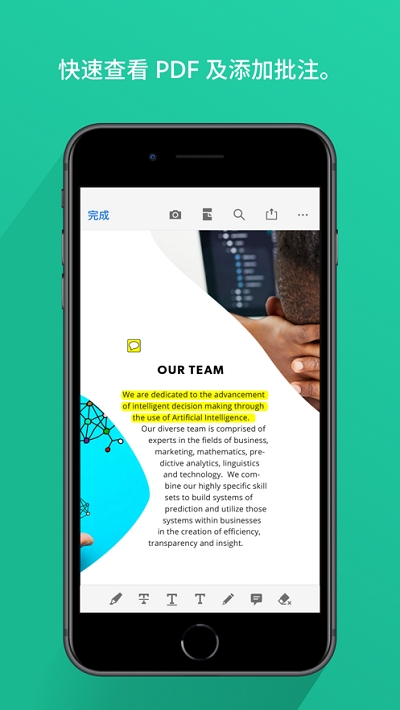
Add annotations to PDF
• Add notes and annotations to PDFs, including notes and highlights.
• Write in PDF documents by adding text or drawing by hand.
• Share files with others to collect all your notes in one place.
Edit PDF
• After subscribing, you can edit text and images directly in PDF.
• Correct spelling errors or add paragraphs with the paid PDF editor feature.
• Add, delete or rotate images using the upgraded Acrobat PDF application.
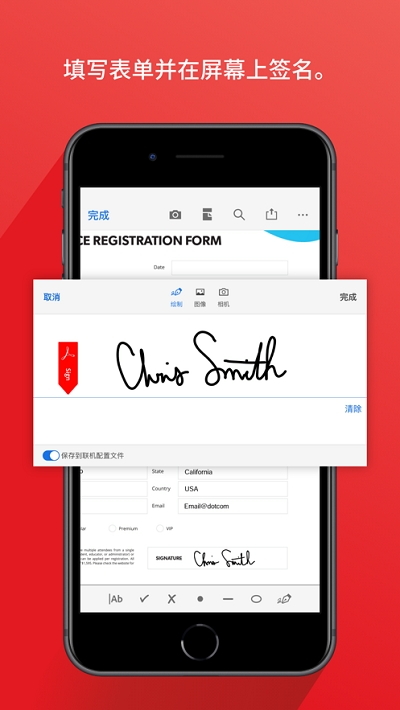
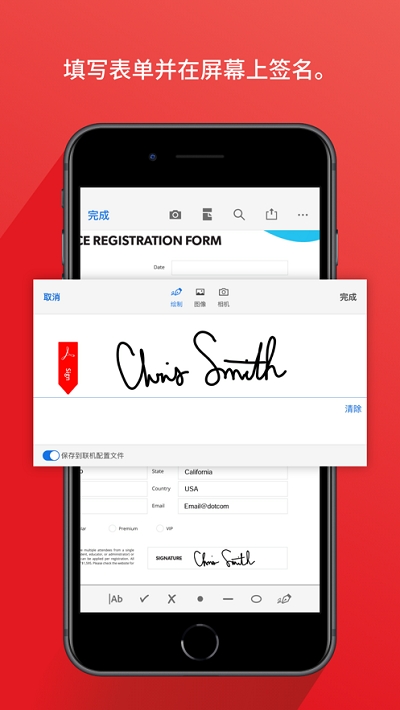
Fill out and sign forms
• Fill out PDF forms easily using the form filling feature.
• Use your finger or stylus to electronically sign documents.
Store and manage files
• Sign in to your free account to store and access files across devices.
• Connect online storage accounts like Microsoft OneDrive, Dropbox, Google Drive and more to access all your files.
• Star files to quickly open your most important or favorite documents.
Connect to Google Drive
• Connect your Google Drive account for easy access to PDFs and other files.
• View, share, and star Google Drive files directly in Acrobat Reader.
• Subscription to create, edit, merge, compress, and export Google Drive files.
Process scanned documents
• Access scanned PDFs captured using the free Adobe Scan app.
• Open scanned documents in Adobe Acrobat Reader to fill in, sign, annotate, and share.
Adobe Reader software advantages
1. Fill in the form using pdf file
2.Change the way pdf files are displayed
3. Open and view pdf files
4. Highlight or annotate directly on text
5. Search documents
6. Sign documents with your fingers
FAQ
1. “Adobe Reader has stopped working” or crashes
Problem description:
Adobe Reader suddenly stops working or crashes while running, resulting in the inability to continue viewing or operating PDF files.
Possible reasons:
Software Conflict: Incompatible with other software installed on the system.
Corrupted installation: The installer may be corrupted, causing critical files to be missing or corrupted.
Plug-in issues: The installed plug-in may conflict with Adobe Reader.
Viruses or malware: Viruses or malware on your computer interfere with the proper functioning of Adobe Reader.
Solution:
Restart Adobe Reader or your computer.
Check for and uninstall recently installed software that may conflict with Adobe Reader.
Try repairing your installation of Adobe Reader, which can be found through "Programs and Features" in Control Panel, select "Change" and then "Repair".
Disable or remove plugins that may cause conflicts.
Update Adobe Reader to the latest version to ensure you have the latest fixes and improvements.
Run security software for a full system scan to detect and remove viruses or malware.
2. Unable to open or view PDF files
Problem description:
When a user tries to open a PDF file, Adobe Reader cannot load or display the file contents.
Possible reasons:
File corruption: The PDF file itself may be corrupted.
Unsupported format: The file may use a specific format or encoding that is not supported by Adobe Reader.
Insufficient resources: The computer is low on memory or disk space.
Solution:
Try opening the file with another PDF reader to verify whether the file is corrupted.
Check if the file is in the list of supported file formats.
Clean temporary files and unnecessary programs on your computer to free up memory and disk space.
Adobe Reader update log
1: Brand new interface, refreshing, simple and efficient
2: Performance is getting better and better
Huajun editor recommends:
Adobe Reader is very simple to install, powerful, and has no installation garbage. It is specially recommended to everyone. Everyone is welcome to download it! This site also has Golden Finance, Jianwei Data, and Cloud Machine Manager for you to download!
Version: 24.04.50 | Update time: 2024-12-31
Similar recommendations





Latest updates



How to open any source on mac system
How to change the password of Taobao app-How to change the password of Taobao app
How to scan QR code on Taobao app-How to scan QR code on Taobao app
How to set Taobao nickname on Taobao app - How to set Taobao nickname on Taobao app
How to pay with WeChat on Taobao - How to pay with WeChat on Taobao
How to view transaction snapshots on Taobao app - How to view transaction snapshots on Taobao app
How to lock the account in Taobao app-How to lock the account in Taobao app
How to increase the font size on Taobao app - How to increase the font size on Taobao app
How to collect news in Tencent News - How to collect news in Tencent News
Adobe Reader Review
-
1st floor Huajun netizen 2022-04-18 14:08:01The downloading process of Adobe Reader is very smooth, good, and you can use it on your Android tablet as usual after downloading!
-
2nd floor Huajun netizen 2022-04-09 16:17:01After downloading Adobe Reader, you can also use it on Android tablets, which is very good!
-
3rd floor Huajun netizen 2022-05-04 04:31:52It’s so good that I saved it directly. Adobe Reader is highly recommended.
Recommended products









- Diablo game tool collection
- Group purchasing software collection area
- p2p seed search artifact download-P2P seed search artifact special topic
- adobe software encyclopedia - adobe full range of software downloads - adobe software downloads
- Safe Internet Encyclopedia
- Browser PC version download-browser download collection
- Diablo 3 game collection
- Anxin Quote Software
- Which Key Wizard software is better? Key Wizard software collection