MT Manager is a comprehensive file manager, so how to set the default opening method in MT Manager? How to set the default opening mode of mt manager? Let the editor give you the answer below!

How to set the default opening method of mt manager?
1. Find the target file: In MT Manager, navigate to the directory containing the target file.
2. Long press the file: In the file list, long press the file you want to set the default opening method until the operation menu pops up.
3. Select the opening method: In the pop-up menu, click the "Open with" option.
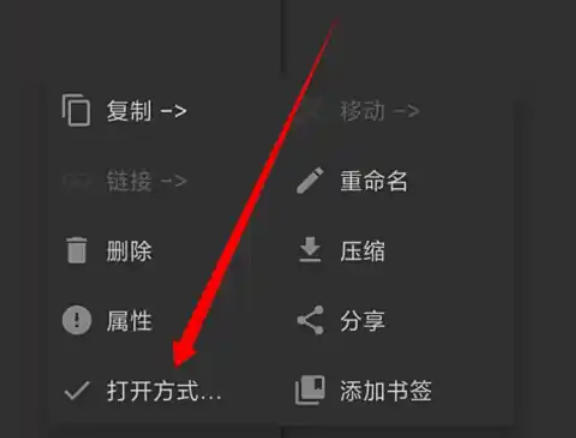
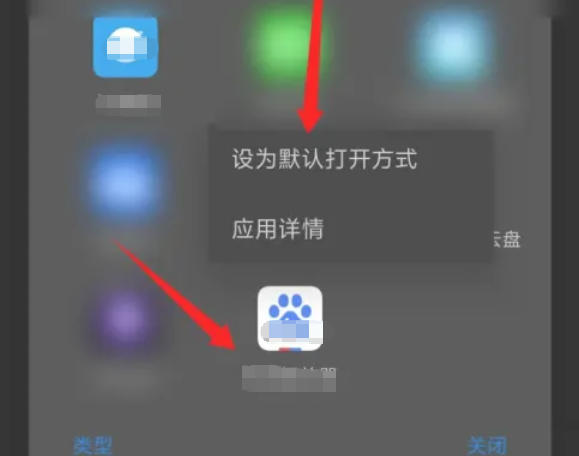
4. Select the default application: In the Open with list, select the application you want to set as the default.
5. Set as default: Long press the selected application icon, and in the pop-up menu, click the "Set as default opening method" option.
The above is what Huajun editor compiled for you. How to set the default opening method of mt manager? Here is how to set the default opening method in mt manager. I hope it can help you.