Many people don’t know how to turn on the underage mode in Keep Fitness? The article brought to you today is about how to turn on the underage mode in Keep Fitness. If you still don’t know, let’s learn it with the editor.
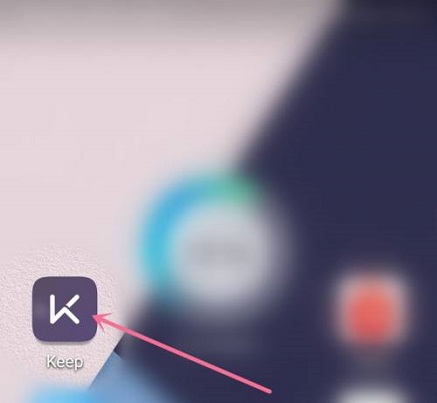
Step 1: Turn on Keep (as shown in the picture).
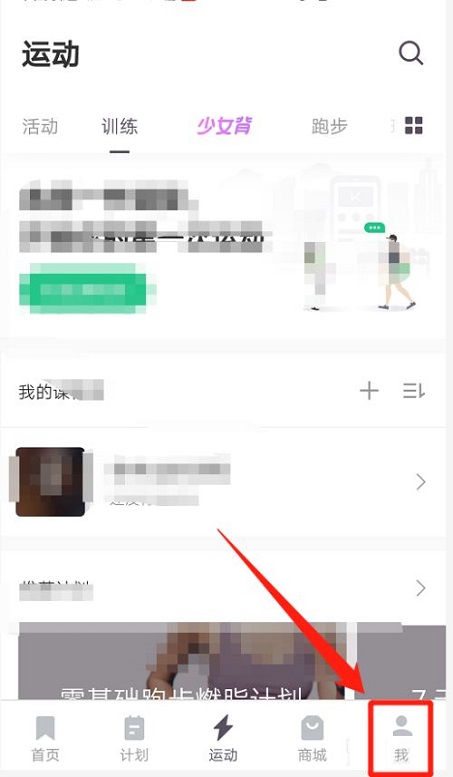
Step 2: Click on My (as shown in the picture).
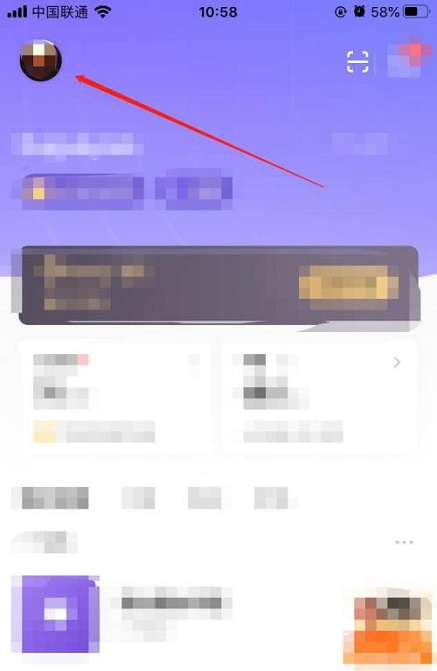
Step 3: Click on the avatar (as shown in the picture).
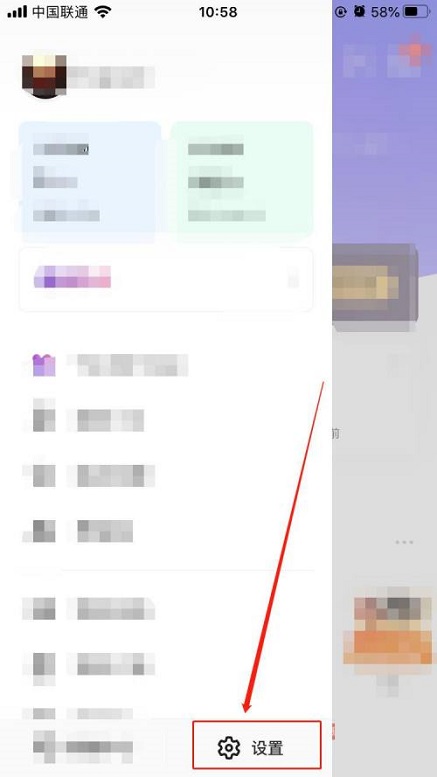
Step 4: Click Settings (as shown in the picture).
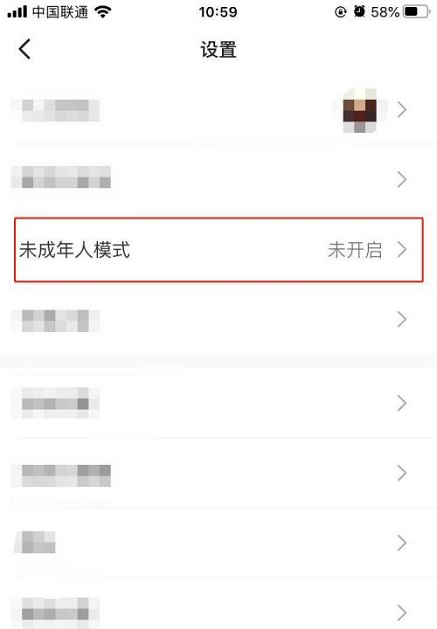
Step 5: Click on minor mode (as shown in the picture).
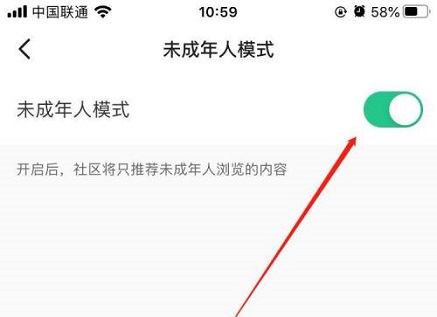
Step 6: Turn on the switch and set the password, thus turning on the minor mode (as shown in the picture).
The above is the entire content of how to turn on the underage mode in Keep Fitness brought to you by the editor. I hope it can help you.