…
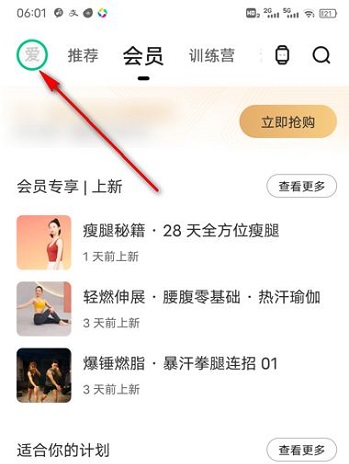
Step 1: Open keep and click the circle icon in the upper left corner (as shown in the picture).
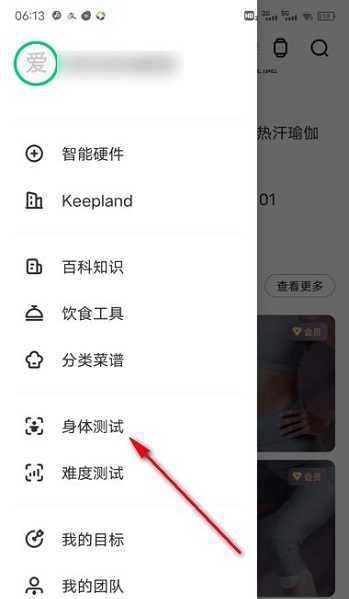
Step 2: Click on the physical test (as shown in the picture).
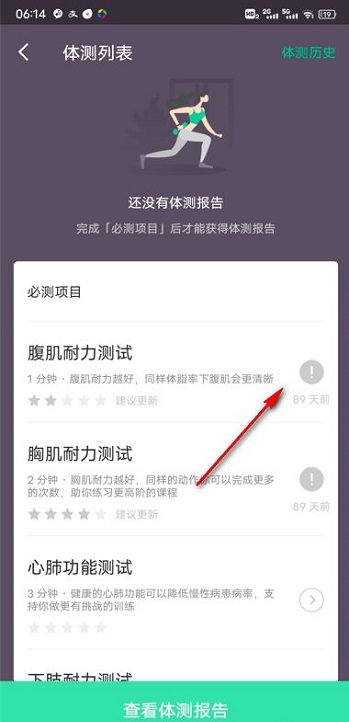
Step 3: Click one of the required test items (as shown in the picture).
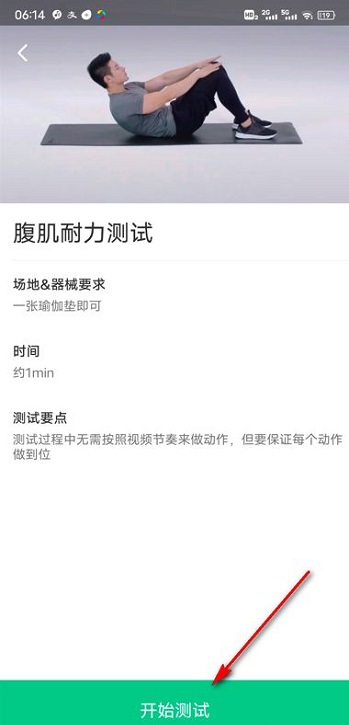
Step 4: View the specific tutorials and corresponding requirements, and click on the bottom to start testing (as shown in the picture).
The above is the entire content of how to conduct physical tests in Keep fitness brought to you by the editor. I hope it can help you.