How to set discounted products on the Meituan Takeout Merchant Edition? Many users are asking this question? Let’s take a look at how to set up discounted items on the Meituan Takeout Merchant Edition. Friends who need it can refer to it.
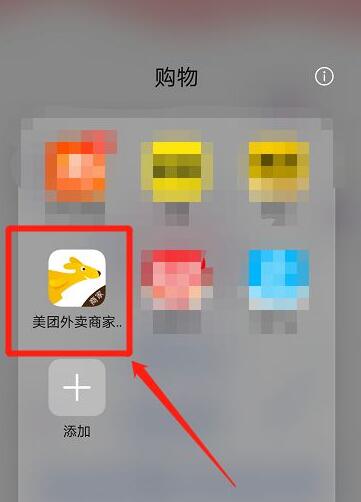
Open and log in to your own Meituan Takeout merchant version, as shown in the picture
Click marketing, as shown in the picture

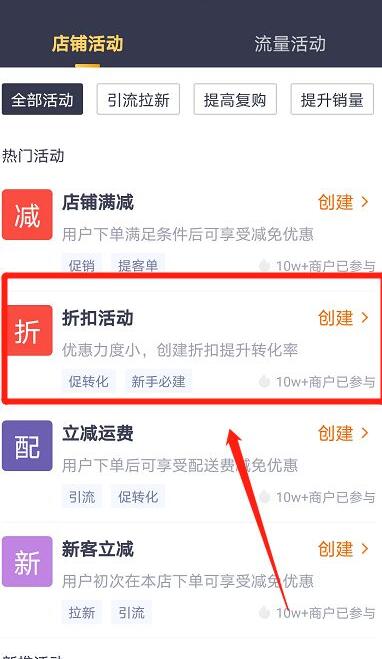
Click on the discount event, as shown in the picture
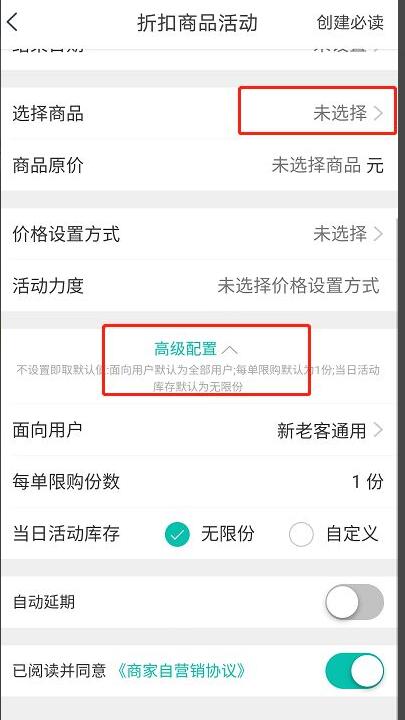
Select the product and fill in the information according to your needs, as shown in the picture
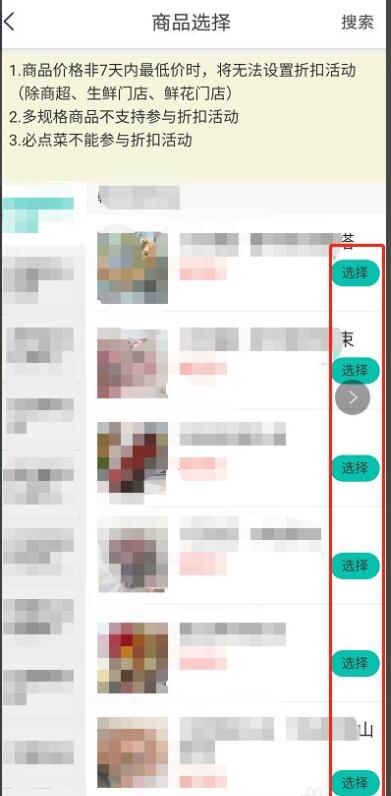
Click to confirm the creation.

以上这里为各位分享了美团外卖商家版设置打折商品的方法。 Friends in need, please come and read this article!


