How to reply to customer reviews on the Meituan Takeout Merchant Edition? Many users are asking this question? Let me take a look at the method of replying to customer reviews on the Meituan Takeout Merchant Edition. Friends who need it can refer to it.
Install and open the Meituan Takeaway Merchant Version app on your mobile phone
Log in to merchant account

Select "Store Operations" below
Find "Customer Management" as shown in the picture

You can view relevant ratings here
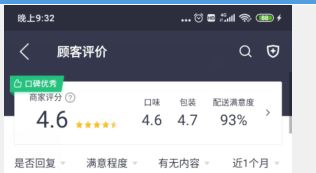
Find the review as shown in the picture and click to reply
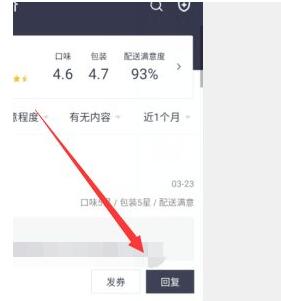
A pop-up window will pop up, fill in the relevant content

? Friends in need, please come and read this article!


