Speaking of iQiyi Universal Player software, it is estimated that many people are familiar with it. So during use, if you want to download Baidu Netdisk files, how should you do it? Please see the graphic steps below for downloading Baidu Netdisk files on iQiyi Universal Player.
First download iQiyi Universal Player and remember to update to the latest version. Open the function menu in the upper right corner of the software and select Check for updates.
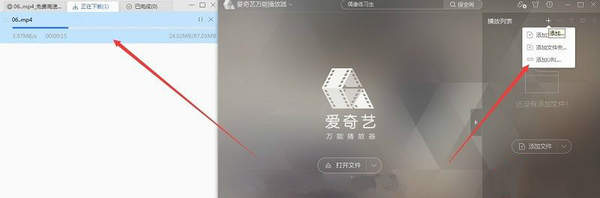
After updating to the latest version, just add the URL and enter the Baidu Cloud sharing link. There is no limit to the resource type, including MP4/RAR/ZIP, etc. As long as it is a shared file, it can be downloaded directly.
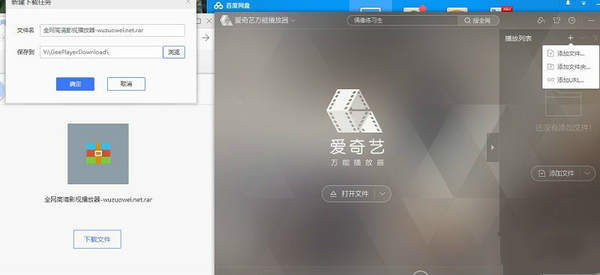
If the Baidu Cloud Disk function button does not appear in the upper right corner of the interface, please restart the player.
Friends who still don’t know the steps for downloading Baidu network disk files with iQiyi Universal Player, don’t miss this article brought by the editor.