If you are looking for software to use, go to Huajun Software Park! software release AI product list

Hello, if there is a need for software inclusion, please package the software and attach the software name, software introduction, software-related screenshots, software icon, soft copy, business license (if you do not have a business license, please provide the front and back of the corresponding developer ID card and a photo of yourself holding the ID card), and send it to email http://softwaredownload4.com/sbdm/user/login

Close >>

Send to email:news@onlinedown.net

Close >>

Location: Home pagePC softwareSystem softwaretranslation software PPT to PDF converter
PPT to PDF converter

PPT to PDF converter 6.5 official version

QR code
  • Software licensing: free software
  • Software size: 0.51MB
  • Software rating:
  • Software type: Domestic software
  • Update time: 2024-12-30
  • Application platform: winall
  • Software language: Simplified Chinese
  • Edition: 6.5 official version

Download the service agreement at the bottom of the page

Software introduction Related topics FAQ Download address

Recommended for you:- PPT tool

Basic introduction
PPT to PDF converter paragraph first LOGO
PPT to PDF converter supports converting PowerPoint to PDF formats in batches. It is the best solution for converting PowerPoint (PPT, PPTX, RTF, TXT, JPG) documents into PDF.

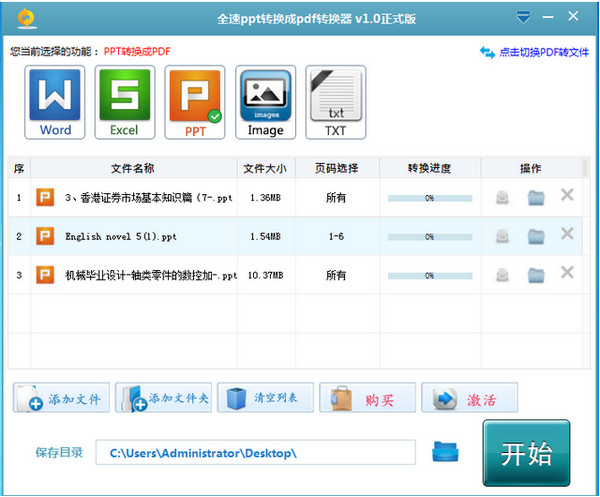
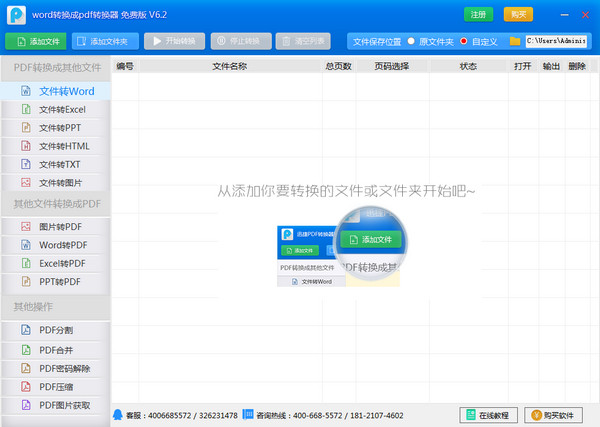
Screenshot of PPT to PDF converter

Function introduction

PPT to PDF converter allows you to convert various PowerPoint formats to PDF. It supports PowerPoint formats (PPT to PDF, PPTX to PDF), and it also includes file formats such as web page files HTML, RTF, text files and image formats PDF.

How to use

1. Open Universal PDF Converter and click to enter the software.

2. Select the mode you want to use. If you need to convert the file into a word document, click the "pdf to word" mode in the upper left corner.

Screenshot of PPT to PDF converter

3. Click "Add File" in the lower left corner to add the files that need to be converted. Multiple files can be added at one time. Also select the location where the converted files need to be saved.
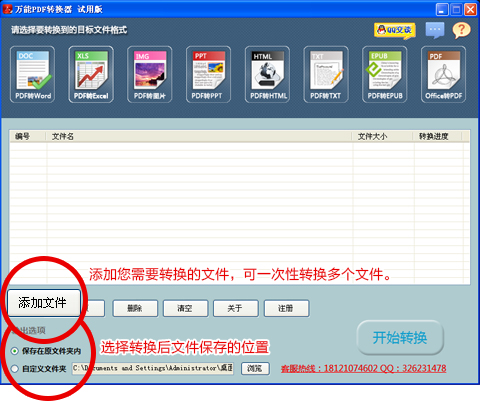
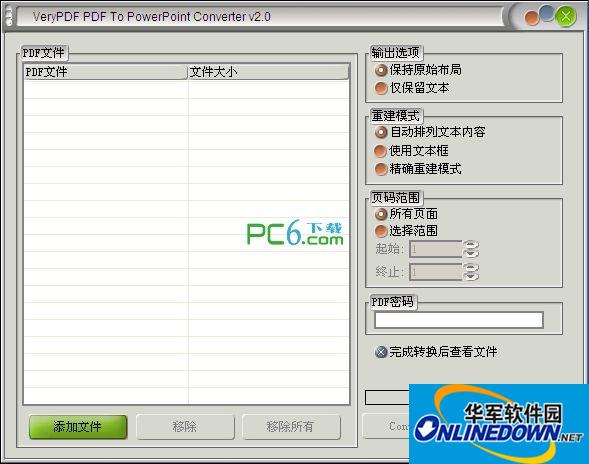
Screenshot of PPT to PDF converter

4. Click the "Start Conversion" button on the right and wait for a moment.
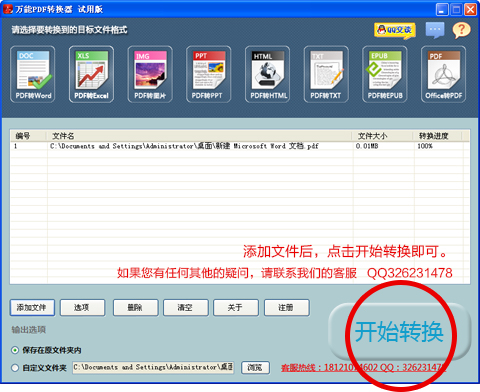
Screenshot of PPT to PDF converter

Change log

v6.5 update content:
1. Add e-book format conversion function;
2. Support software online upgrade;
3. Improve the file conversion effect.

FAQ

PPT to PDF converter

PPT to PDF converter 6.5 official version

Close