



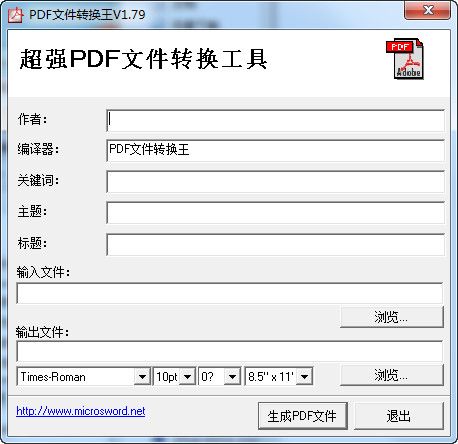
How to use
1. Open the document with Word2007, click the "Office Button", and select "PDF" in "Save As" to publish a copy of the document as a PDF file.
2. Click the "Publish" button in the pop-up "Publish to PDF" window to complete the conversion.
3. Documents in ".DOCX" format have been converted into PDF format and can be opened and read with a PDF reader.








Useful
Useful
Useful