






Smart South Vocational and Technical College software functions
-You can find stores here, and students can shop without leaving home;
--Be able to recommend suitable internship positions for you, and you can view the details of the positions online;
- You can read the school’s notice here and know the school’s arrangements in a timely manner;
-You can choose a suitable template to write your resume online, and you can modify the content of your resume at any time;
--Here you can apply for work-study positions on campus and provide part-time services to students;
--Any student can initiate a dormitory repair report at any time here, and can check the acceptance status of the repair report at any time;
Features of Smart Nanzhi Software
—Mine
Study report·Subscribe for real-time viewing
--Smart Nanzhi
快捷便利·足不出户·一网打尽
—Address book
Classmates, teachers, office phone numbers
Smart Nan Vocational Software Advantages
—Smart classroom, all-in-one card, exam inquiry, handheld welcome
-School calendar, book borrowing, score inquiry, school appearance display
—Shuttle bus inquiry, course inquiry, classroom inquiry
Smart Nanzhi installation steps
1. Search for Smart South Job in the Apple App Store, then find the software and click to get it.
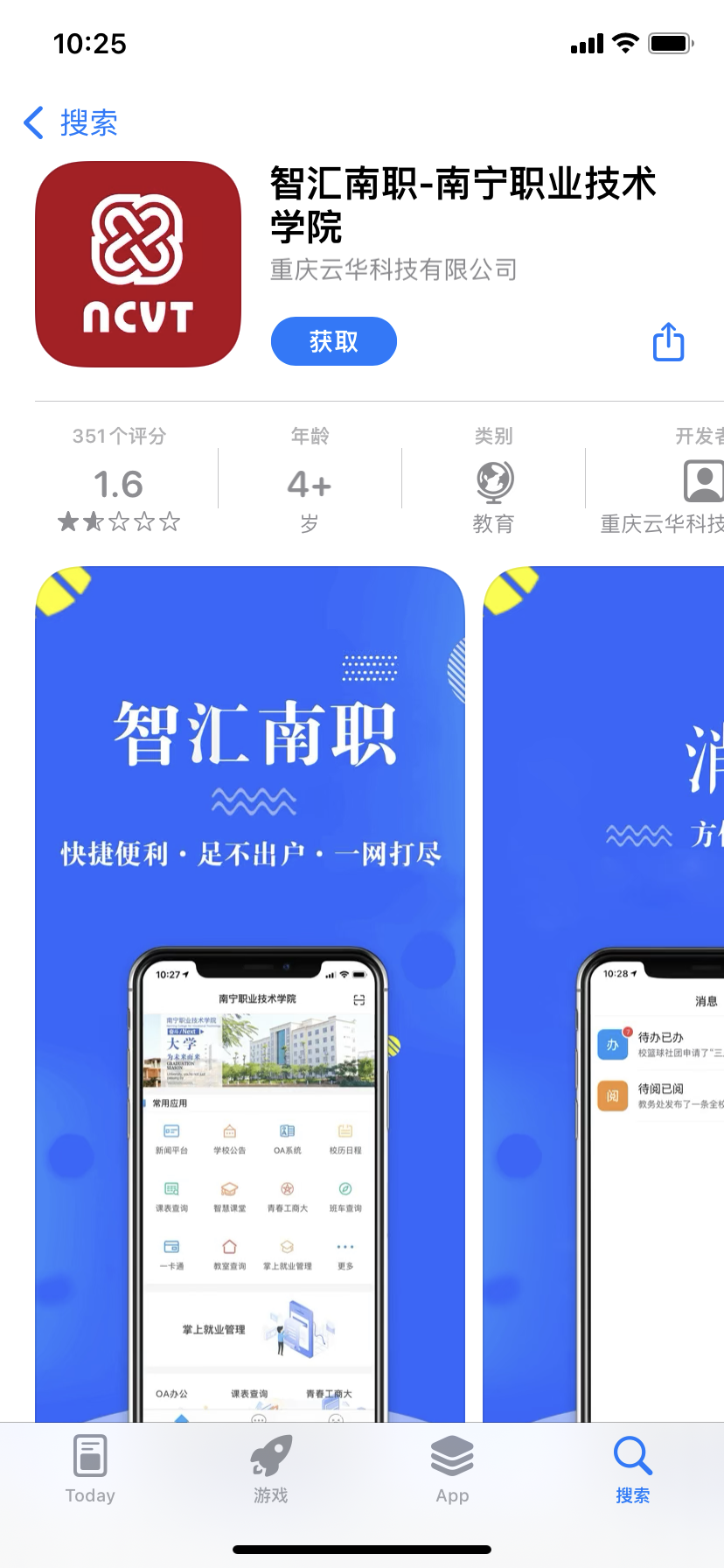
2. The Smart Nanzhi APP is being downloaded.
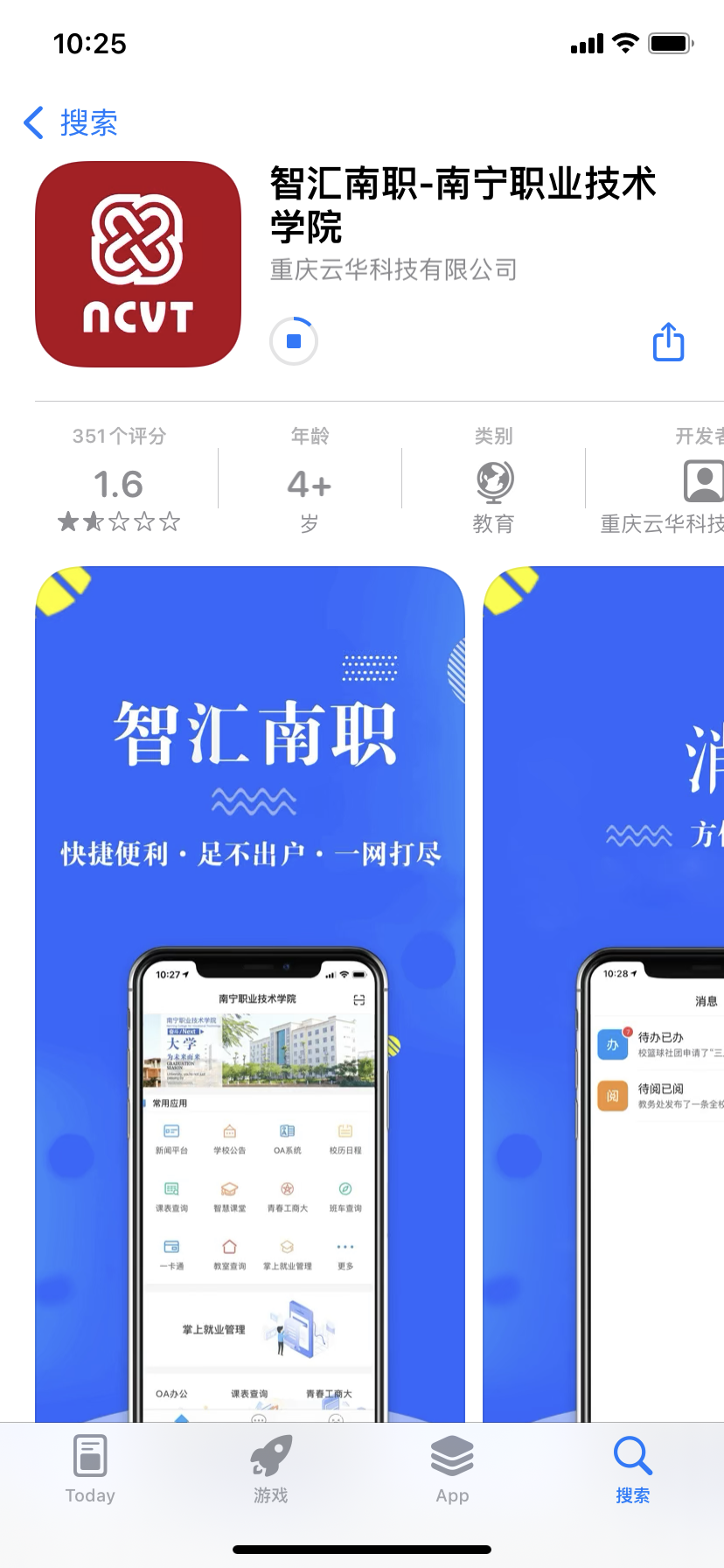
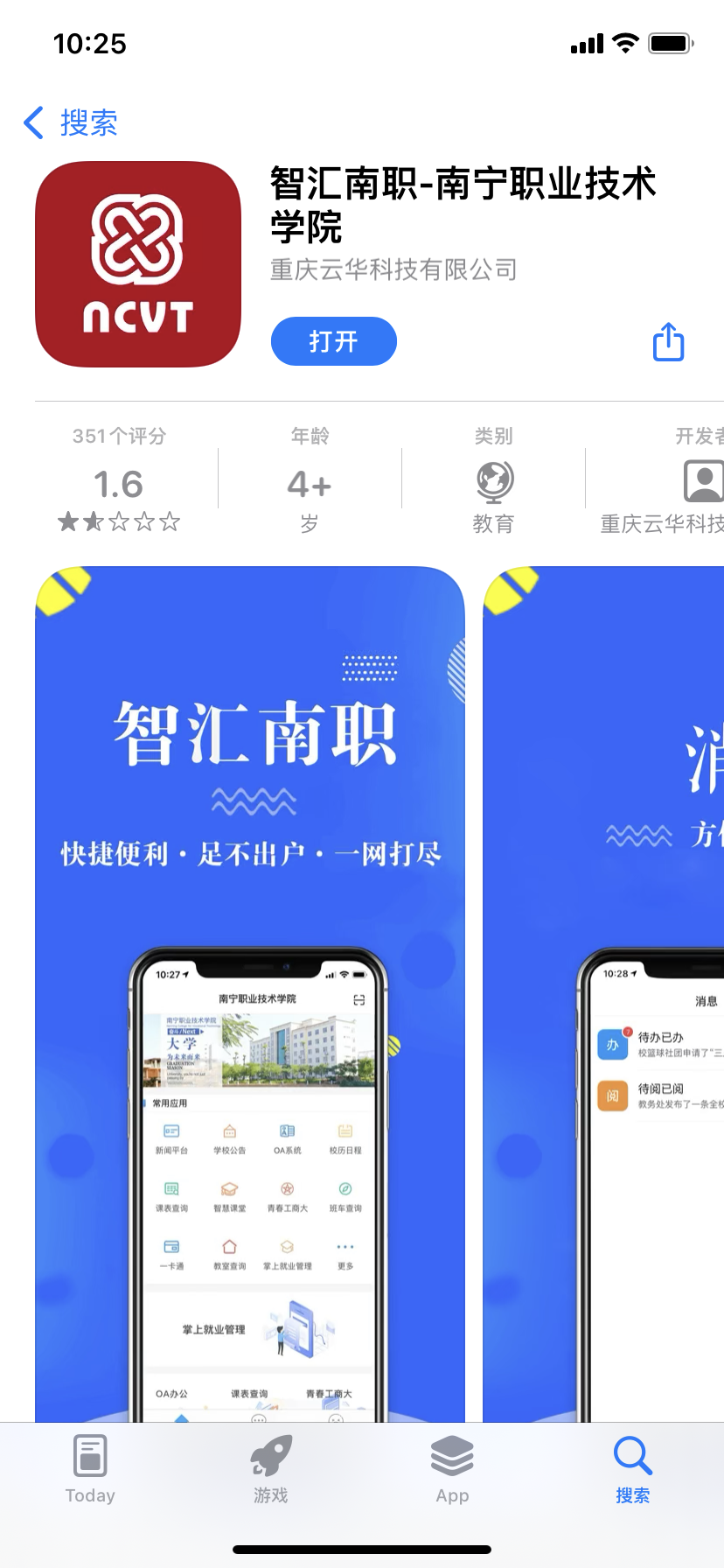
3. At this time, the installation of Smart Nanzhi APP is completed, click to open it and you can use it.
Instructions for use of Smart Nanzhi
How to publish events on Smart South Vocational App?
Only the accounts of squad leaders and heads of organizations have the functions of activity management and activity publishing.
Societies can only publish college-level and school-level club activities as specified in the standards. Participants in the activities are: members of the club, no restrictions. ps: The leader is only allowed to publish: (Practical literacy 1. Club work ability 1) Activities and points corresponding to the levels in the club activities at the school and college levels: 10 points/time at the college level; 20 points/time at the school level.
The squad leader can only publish the 5-point/time activities for the class in the standard, and the participants in the activities are: members of this class. ps: The monitor is only allowed to publish the standard, and the corresponding points include: 5 points per activity for the class.
The student union can only publish school-level and college-level student union activities such as the "Four Self-Management" set by the standard. The number of participants in the activities is: unlimited. ps: The student union only allows publishing (Practical Literacy 1 Social Practice Ability 1 Four self-management, physical and mental health 1 Physical fitness 1 "Three Walks" activities) activities and points corresponding to levels: 10 points/time at the college level; 20 points/time at the school level
Smart Nan Vocational FAQ
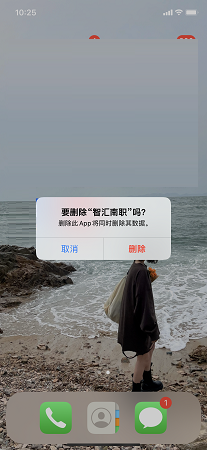
Question: How to uninstall Smart South Job?
Answer: 1. We need to long press the Smart South Vocational College logo on the phone screen to pop up the options and click Remove APP.
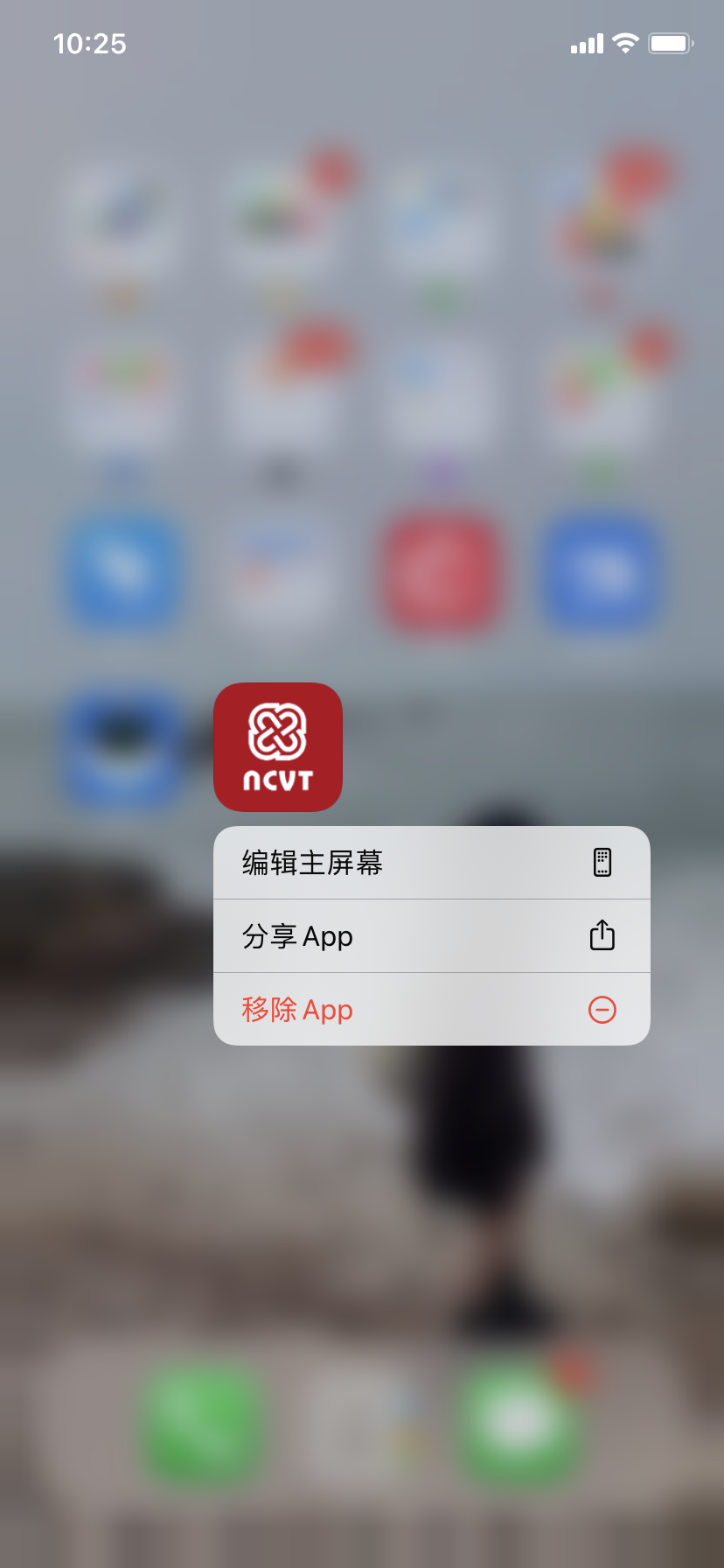
2. Then we need to click Delete APP to delete it!
Comparison of similar software
smart campusThe PC version is a home-school communication software specially created for parents of students. The smart campus software has powerful functions and provides convenient services for users' study and life. The smart campus software platform has a large number of learning resources for users to browse and consult at will without any charge. It also provides services such as campus water and electricity bill payment, broadband processing, food delivery, etc.!
Palm CampusThe Android version is a home-school interactive platform specially created for parents of primary and secondary schools. With the Palm Campus app, parents can easily learn about school activity announcements and the latest status of their children, allowing your children to grow healthily from your perspective. Allow parents to always pay attention to their children's education issues and educate their children in the correct way.
Huajun editor recommends:
Smart NanzhiIt also supports electronic meal card consumption by scanning the QR code in the canteen, automatic water dispensing by scanning the hot water code, the school library, and smart access control. Scan the code to enter the campus. Smart South Vocational School can help you solve many problems. I believe that as long as you dare to use it, you will definitely love it.




Useful
Useful
Useful