



Instructions for use:
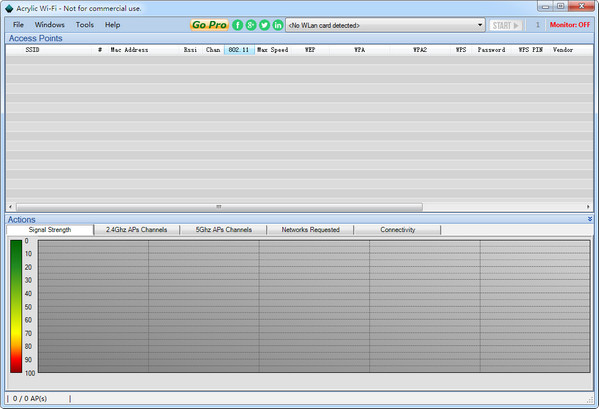
Just open the software and click "Start Monitoring". "Danger" means there is a host on the network, but you won't know if you are not the network owner. "Safe" means you are the only one on the network and can use it to watch movies, download and play casually. Uncheck "Silent Monitoring" before starting monitoring. If a host comes online, it will automatically sound an alarm. After starting monitoring, click minimize, and the software will run in the background. You can play with confidence, the host will sound the alarm when it comes. If the host goes online and restricts downloads, it will only support it for the time being.Thunder5. Check "Monitor Download" and start monitoring. If "Safe" is displayed, Thunder 5 will be turned on. Please set Thunder 5 to start and download will start automatically. If "Danger" is displayed, Thunder 5 will be closed.











Useful
Useful
Useful